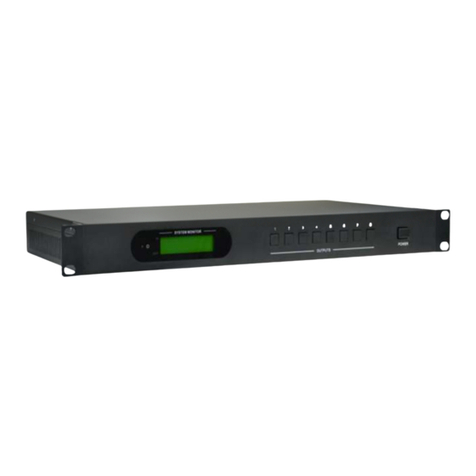
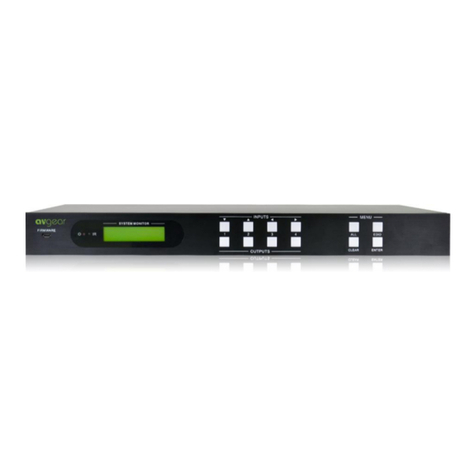
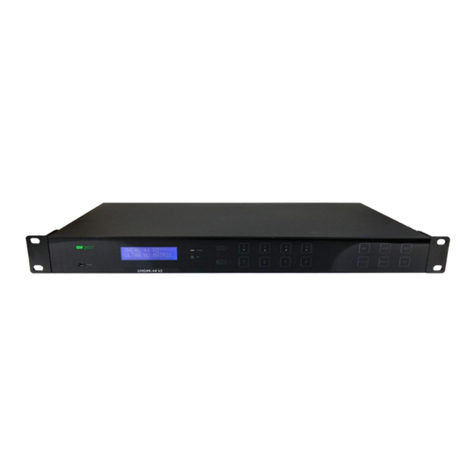
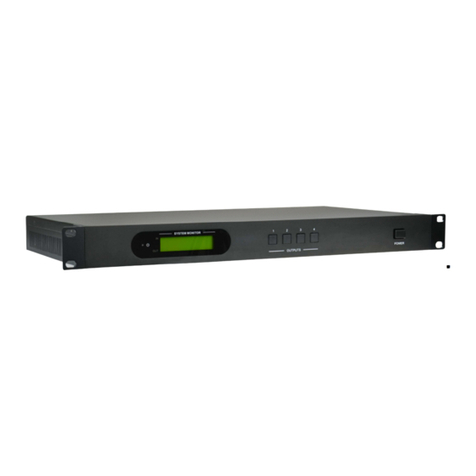
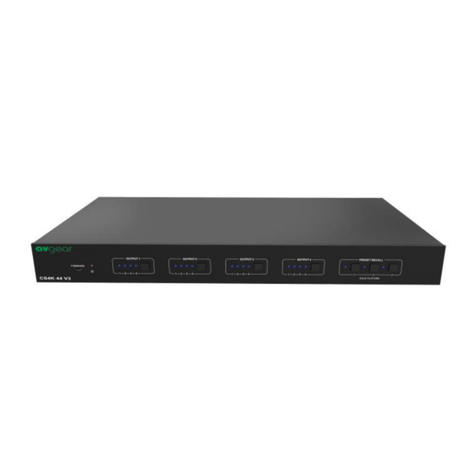
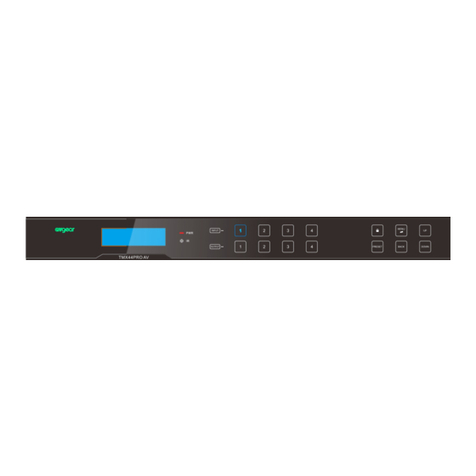
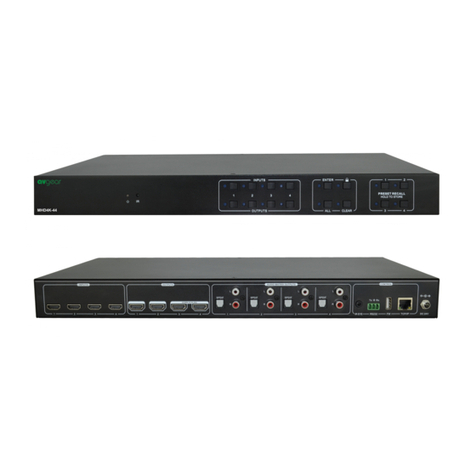
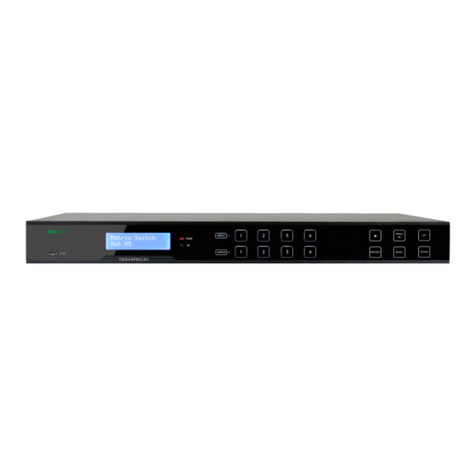
AVG-UHMS88
TABLE OF CONTENTS
Introduction………………………………………………..………………...….1
Introduction to the AVG-UHMS88…………………………...…....1.1
Features.....…………………………………………………………1.2
What’s in the Box ..…………………………………………………………… 2
Product Appearance of the AVG-UHMS88……………………………..…..3
Front Panel...............................................................................3.1
Rear Panel...............................................................................3.2
System Connection..................................................................................4
System Applications .................................................................4.1
Usage Precautions...................................................................4.2
Connection Diagram.................................................................4.3
Connection Procedure..............................................................4.4
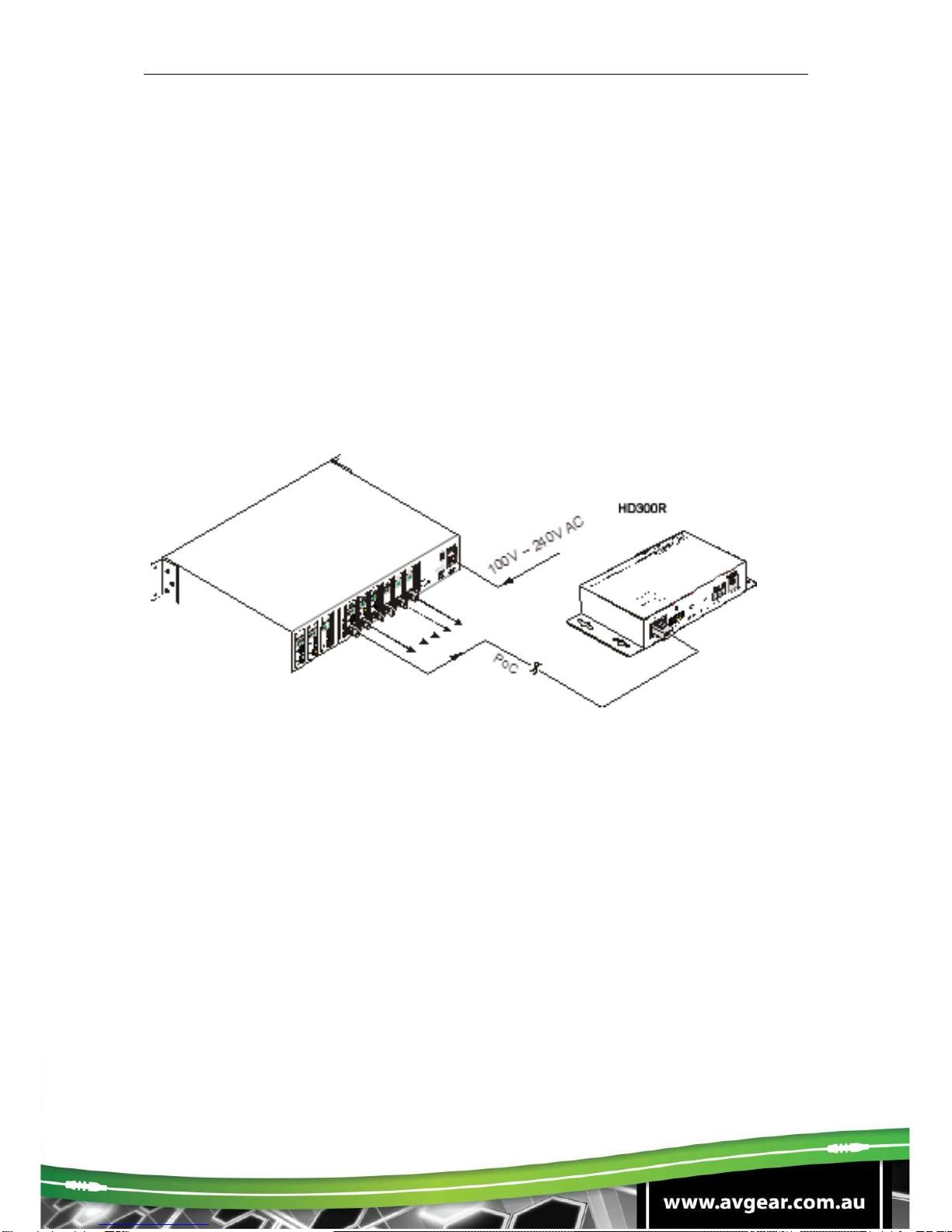
Connection with AVG-HD300R.................................................4.5
System Operations...................................................................................5
Front Panel Button Control........................................................5.1
Switching I/O connection..............................................5.1.1
EDID Management.......................................................5.1.2
Query...........................................................................5.1.3
Clear operation ............................................................5.1.4
IR Control……………………..………………...………………...….5.2
Usage of IR Remote......................................................5.2.1
IR Operations...............................................................5.2.2
RS232 Control...........................................................................5.3
Connection with RS232 Communication Port..............5.3.1
Installation of RS232 Control Software ........................5.3.2
Basic Settings..............................................................5.3.3
RS232 Communication Commands.............................5.3.4
RS232 Control Modes..................................................5.3.5
Control 3rd-Party Device from Local............................5.3.6
Bi-directional RS232 Control........................................5.3.7
TCP/IP Control………………………………………………...…….5.4
Control Modes..............................................................5.4.1
GUI for TCP/IP control..................................................5.4.2
GUI Update...................................................................5.4.3
Firmware Update via USB...............................................5.5
Specification.............................................................................................6
Panel Drawing ..........................................................................................7
Troubleshooting & Maintenance.............................................................8