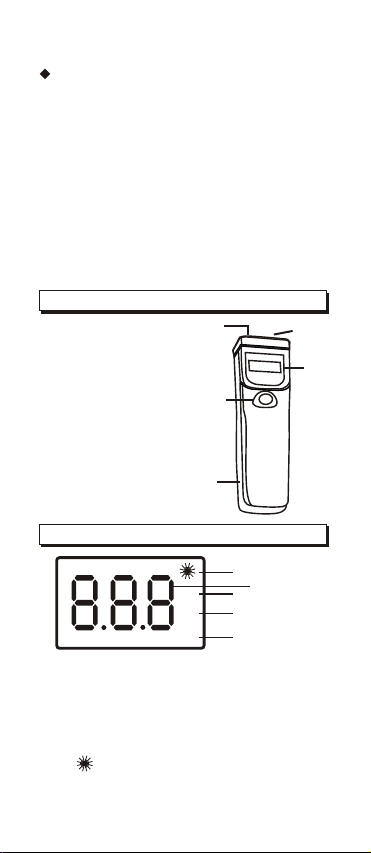
NON-CONTACT IR
MEASUREMENT OPERATION
A. POWER ON/OFF
The meter automatically powers when
the MEAS key is pressed. Press the
MEAS key to take a reading.Read
the measured temperature on theLCD.
The meter powers OFF automatically
approximately 4 seconds after the
MEAS key is released.
B. DATA HOLD
This meter automatically holds thelast
temperature reading on the LCDfor 4-5
seconds after theMEAS key is
released.
No extra key presses arenecessary to
freeze the displayed reading.
C. MEASUREMENT CONSIDERA-
TIONS
Holding the meter by itshandle, point
the IR Sensor toward theobject whose
temperature is to be measured.The
meter automatically compensates for
temperature deviations from ambient
temperature. Keep in mind thatit will
take up to 30 minutesto adjust to wide
ambient temperature changes.
When low temperatures are tobe
measured followed by high temperature
measurements, some time (several
minutes) is required after thelow (and
before the high) temperature
measurements are made.
This is a result ofthe cooling process
which must take place forthe IR sensor