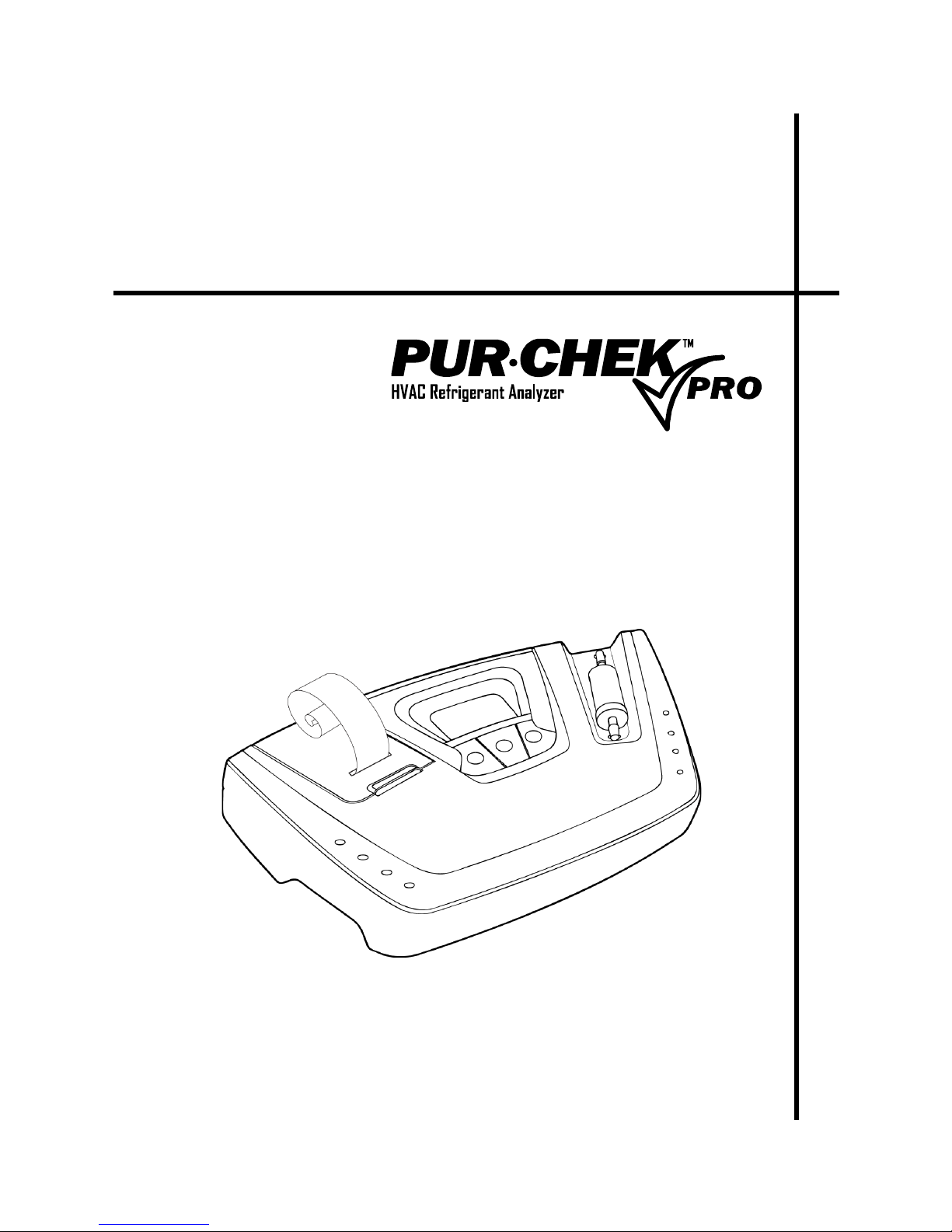
Operation and Maintenance Instruction Manual Pur•Chek™ Pro
P/N 2100-9001 Rev 2 iii
Table of Contents
1. Introduction......................................................................................................................................... 1
1.1. How To Use This Manual ....................................................................................................... 1
1.2. Conventions Used In This Manual ......................................................................................... 1
1.3. Analyzer-Specific Warnings ................................................................................................... 1
1.4. General Warnings And Cautions............................................................................................ 2
1.5. Features And Capabilities ...................................................................................................... 2
1.6. Kit Contents And Reorder Part Numbers ............................................................................... 3
1.7. Functional Overview............................................................................................................... 3
2. Specifications ..................................................................................................................................... 4
3. Components ....................................................................................................................................... 5
3.1. Base Unit ................................................................................................................................ 5
3.2. Low Side Vapor Sample Hose ............................................................................................... 5
3.3. High Side Liquid Sample Hose .............................................................................................. 5
3.4. Control Panel.......................................................................................................................... 6
3.5. AC Power Adapter.................................................................................................................. 6
3.6. Back Panel Connections ........................................................................................................ 7
3.7. Hard Shell Storage/Carrying Case......................................................................................... 7
4. Operation............................................................................................................................................ 8
4.1. Battery Installation.................................................................................................................. 8
4.2. Turning On The Unit............................................................................................................... 8
4.3. Calibration .............................................................................................................................. 9
4.4. Vapor Sampling.................................................................................................................... 10
4.5. Liquid Sampling.................................................................................................................... 10
4.6. Viewing The Test Results..................................................................................................... 10
4.7. Contaminated Blend Refrigerants ........................................................................................ 11
4.8. Pure Blend Refrigerants ....................................................................................................... 11
4.9. Blends With Incorrect Component Ratios ............................................................................ 11
4.10. Printing The Test Results ..................................................................................................... 12
5. Maintenance And Troubleshooting .................................................................................................. 13
5.1. Setting The Lcd Contrast...................................................................................................... 13
5.2. Changing The White Plastic Sample Filter........................................................................... 13
5.3. Replacing The Sample Hose................................................................................................ 13
5.4. Changing The Printer Paper ................................................................................................ 14
5.5. Software Updates................................................................................................................. 15
5.6. Error Messages .................................................................................................................... 15
6. Service Centers................................................................................................................................ 15