manuals.online logo
Brands
  1. Home
  2. •
  3. Brands
  4. •
  5. Badger Meter
  6. •
  7. Measuring Instrument
  8. •
  9. Badger Meter M-series Quick start guide

Badger Meter M-series Quick start guide

Other manuals for M-series

2

This manual suits for next models

1

Other Badger Meter Measuring Instrument manuals

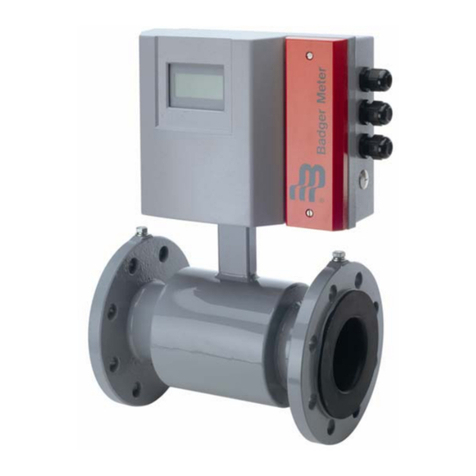
Badger Meter ModMAG M2000 User manual

Badger Meter

Badger Meter ModMAG M2000 User manual

Badger Meter ModMAG M Series User manual

Badger Meter

Badger Meter ModMAG M Series User manual

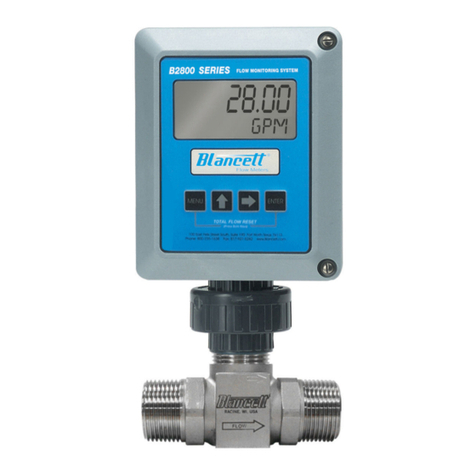
Badger Meter Blancett B2800 Standard Owner's manual

Badger Meter

Badger Meter Blancett B2800 Standard Owner's manual

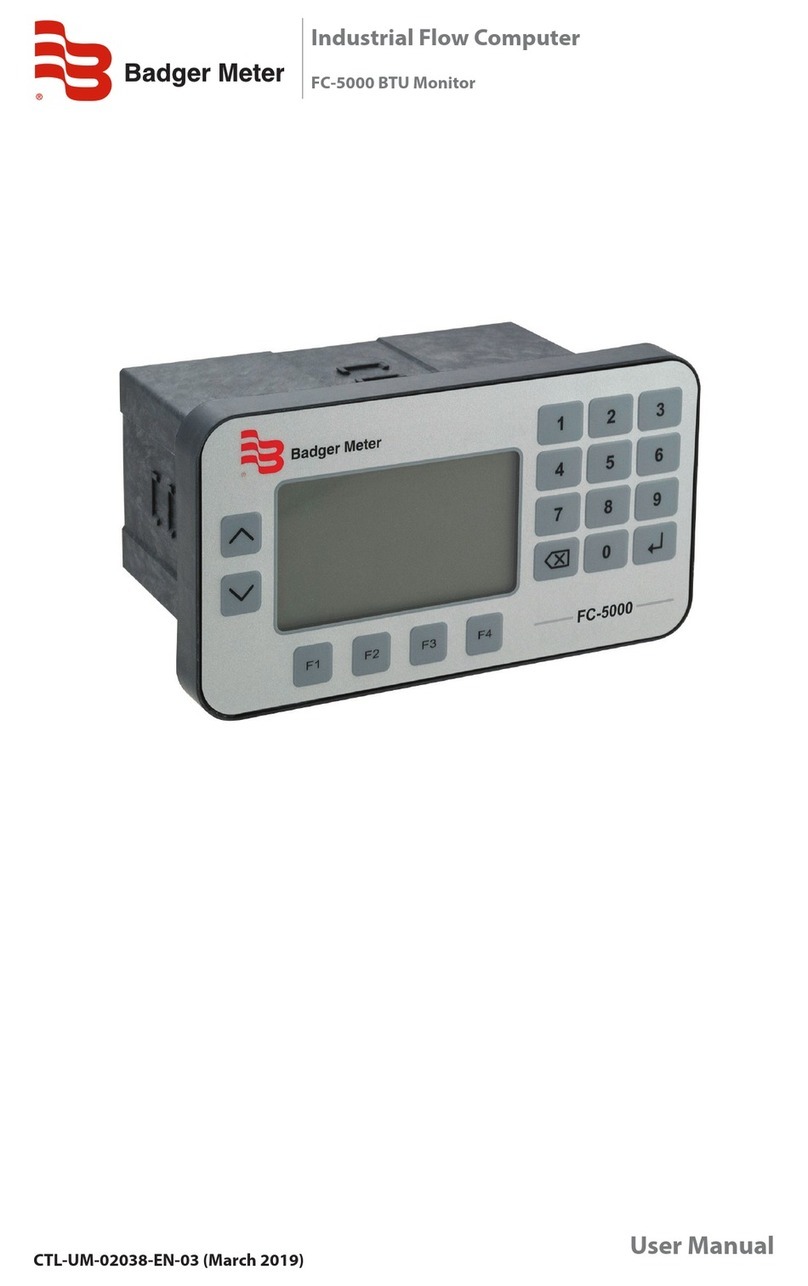
Badger Meter FC-5000 User manual

Badger Meter

Badger Meter FC-5000 User manual

Badger Meter QuikSert Standard User manual

Badger Meter

Badger Meter QuikSert Standard User manual

Badger Meter PRESO COIN User manual

Badger Meter

Badger Meter PRESO COIN User manual

Badger Meter ModMAG M1000 User manual

Badger Meter

Badger Meter ModMAG M1000 User manual

Badger Meter Impeller 228PV150U Series User manual

Badger Meter

Badger Meter Impeller 228PV150U Series User manual

Badger Meter Impeller Data Industrial 228PV Series User manual

Badger Meter

Badger Meter Impeller Data Industrial 228PV Series User manual

Badger Meter Blancett QuickSert B134C-400 User manual

Badger Meter

Badger Meter Blancett QuickSert B134C-400 User manual

Badger Meter epm-3 User manual

Badger Meter

Badger Meter epm-3 User manual

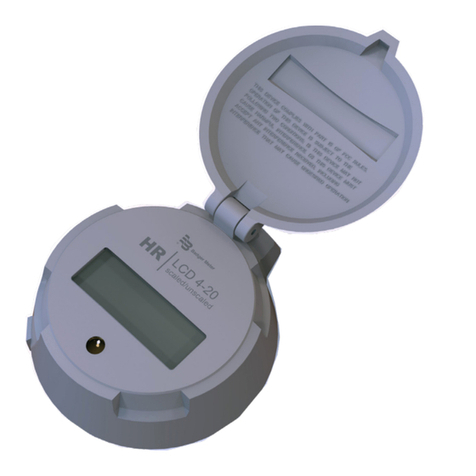
Badger Meter HR-LCD 4-20 User manual

Badger Meter

Badger Meter HR-LCD 4-20 User manual

Badger Meter ModMAG M2000 User manual

Badger Meter

Badger Meter ModMAG M2000 User manual

Badger Meter Oval Gear EPM2-STD User manual

Badger Meter

Badger Meter Oval Gear EPM2-STD User manual

Badger Meter ModMAG M Series User manual

Badger Meter

Badger Meter ModMAG M Series User manual

Badger Meter Impeller Data Industrial 228PV Series User manual

Badger Meter

Badger Meter Impeller Data Industrial 228PV Series User manual

Badger Meter Oval Gear LM OG Series User manual

Badger Meter

Badger Meter Oval Gear LM OG Series User manual

Badger Meter Blancett QuickSert B131C-038 User manual

Badger Meter

Badger Meter Blancett QuickSert B131C-038 User manual

Badger Meter Blancett B3100 Series User manual

Badger Meter

Badger Meter Blancett B3100 Series User manual

Badger Meter Data Industrial 3000 Series User manual

Badger Meter

Badger Meter Data Industrial 3000 Series User manual

Badger Meter FMS-3 User manual

Badger Meter

Badger Meter FMS-3 User manual

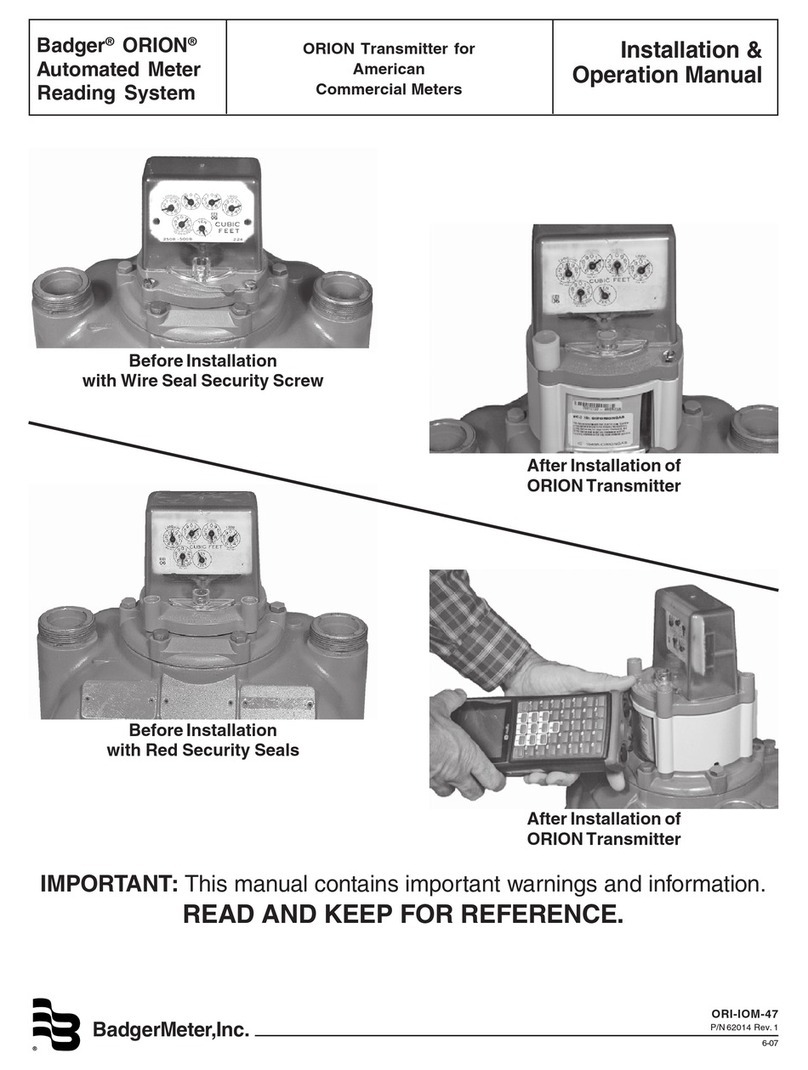
Badger Meter ORION User manual

Badger Meter

Badger Meter ORION User manual

Badger Meter Dynasonics Polymer RS-900w User manual

Badger Meter

Badger Meter Dynasonics Polymer RS-900w User manual

Badger Meter M5000 User manual

Badger Meter

Badger Meter M5000 User manual

Popular Measuring Instrument manuals by other brands

Powerfix Profi 278296 Operation and safety notes

Powerfix Profi

Powerfix Profi 278296 Operation and safety notes

Test Equipment Depot GVT-427B user manual

Test Equipment Depot

Test Equipment Depot GVT-427B user manual

Fieldpiece ACH Operator's manual

Fieldpiece

Fieldpiece ACH Operator's manual

FLYSURFER VIRON3 user manual

FLYSURFER

FLYSURFER VIRON3 user manual

GMW TG uni 1 operating manual

GMW

GMW TG uni 1 operating manual

Downeaster Wind & Weather Medallion Series instruction manual

Downeaster

Downeaster Wind & Weather Medallion Series instruction manual

Hanna Instruments HI96725C instruction manual

Hanna Instruments

Hanna Instruments HI96725C instruction manual

Nokeval KMR260 quick guide

Nokeval

Nokeval KMR260 quick guide

HOKUYO AUTOMATIC UBG-05LN instruction manual

HOKUYO AUTOMATIC

HOKUYO AUTOMATIC UBG-05LN instruction manual

Fluke 96000 Series Operator's manual

Fluke

Fluke 96000 Series Operator's manual

Test Products International SP565 user manual

Test Products International

Test Products International SP565 user manual

General Sleep Zmachine Insight+ DT-200 Service manual

General Sleep

General Sleep Zmachine Insight+ DT-200 Service manual

Sensa Core Lacto Spark user manual

Sensa Core

Sensa Core Lacto Spark user manual

VOLTCRAFT UTS-1980 operating instructions

VOLTCRAFT

VOLTCRAFT UTS-1980 operating instructions

EBCHQ 94915 Operation manual

EBCHQ

EBCHQ 94915 Operation manual

Balluff BIP LD2-T017-01-EP-S4 Series user guide

Balluff

Balluff BIP LD2-T017-01-EP-S4 Series user guide

Pulsar IMP Lite Series instruction manual

Pulsar

Pulsar IMP Lite Series instruction manual

ETCR 6800 user manual

ETCR

ETCR 6800 user manual

manuals.online logo
manuals.online logoBrands
  • About & Mission
  • Contact us
  • Privacy Policy
  • Terms and Conditions

Copyright 2025 Manuals.Online. All Rights Reserved.

M-Series® M2000
Connecting a Badger Meter Endpoint to the M2000
Application Brief
IAB-185-01-EN (August 2012)
OVERVIEW
This document describes the connection of a Badger Meter-
supplied endpoint (transmitter), such as an ORION® or GALAXY®
RTR®, or Itron® 100WP or 60WP to an M2000 Mag Meter.
QUICK SETUP FOR TOTALIZER AND FLOW UNIT
M2000 Front Panel Buttons
1. Navigate to Start Menu > Quick Setup > Flow Unit.
2. Select the desired unit of measurement.
3. Navigate to Start Menu > Quick Setup > Totalizer Unit.
4. Select the desired unit of measurement.
PROGRAMMING THE M2000 FOR THE ENDPOINT
Programming for Output #1
1. Navigate to Start Menu >Main Menu > Inputs/Outputs >
Digital Output 1 >Pulses/Unit.
2. Select the desired values.
NOTE: If the Pulse/Unit value is too high, error 110 will display
when you save. The Pulses/Unit and Full Scale Flow
parameters are dependent values that cannot exceed
10 kHz. To correct the error, decrease either or both of the
Pulse/Unit and the Full Scale Flow values.
3. Navigate to Select Function > AMR (50 ms pulse).
4. Press Efour times until the menu text is at Exit This Menu
to exit the programming.
Programming for Output #2
1. Navigate to Start Menu >Main Menu > Inputs/Outputs >
Digital Output 2 >Pulses/Unit.
2. Select the desired values.
3. Navigate to Start Menu >Main Menu > Inputs/Outputs >
Digital Output 1 >Pulses/Width.
4. Set the value to 0050 ms.
5. Press Efour times until the menu text is at Exit This Menu
to exit the programming.
ADDITIONAL NOTES
If the M2000 displays a reading, it will be necessary to either
program the endpoint to match the same reading on the M2000,
or reset the totalizer(s). The M2000 has a separate Unit Multiplier
setting in the Advanced menu that establishes the resolution of the
totalizer reading on the display. This multiplier displays a seven-digit
reading and is set to OFF from the factory. The endpoint must be
programmed to coincide with the value set in the Pulses/Unit and
the Unit Multiplier. For example, if the Unit Multiplier is set to 100
and the Pulse/Unit is set to 0000000.010, the reading on the display
would be 1234500 (the endpoint should be programmed to 12345).
To use the reading from the endpoint in the Reading Data
Management Software, the correct Test Circle Code will also need
to be added in the software. The Test Circle Code will depend on the
Pulses/Unit that was programmed into the M2000.
WIRING AN ORION OR GALAXY RTR ENDPOINT TO
THE M2000
Use either Output #1 or #2 when connecting an endpoint to the
M2000. Output #1 is the recommended option, as an AMR function
exists that will make for easier programming.
To connect the endpoint to Output #1, connect the endpoint wires
this way:
• Terminal 1: Red
• Terminal 2: Black and Green
• Remove jumper JP1 (output #1)
To connect the endpoint to Output #2, connect the endpoint wires
this way:
• Terminal 3: Red
• Terminal 4: Black and Green
• Remove jumper JP2 (output #2)
WIRING AN ITRON 100WP OR 60WP ENDPOINT TO
THE M2000
To connect the endpoint to Output #1, connect the endpoint wires
this way:
• Terminal 1: Red and White
• Terminal 2: Black
• Remove jumper JP1 (output #1)
To connect the endpoint to Output #2, connect the endpoint wires
this way:
• Terminal 3: Red and white
• Terminal 4: Black
• Remove jumper JP2 (output #2)
www.badgermeter.com
M-Series is a registered trademark of Badger Meter, Inc. Other trademarks appearing in this document are the property of their respective entities.
Due to continuous research, product improvements and enhancements, Badger Meter reserves the right to change product or system specications without notice, except to the extent an outstanding
contractual obligation exists. © 2012 Badger Meter, Inc. All rights reserved.
The Americas | Badger Meter | 4545 West Brown Deer Rd | PO Box 245036 | Milwaukee, WI 53224-9536 | 800-876-3837 | 414-355-0400
México | Badger Meter de las Americas, S.A. de C.V. | Pedro Luis Ogazón N°32 | Esq. Angelina N°24 | Colonia Guadalupe Inn | CP 01050 | México, DF | México | +52-55-5662-0882
Europe, Middle East and Africa | Badger Meter Europa GmbH | Nurtinger Str 76 | 72639 Neuffen | Germany | +49-7025-9208-0
Czech Republic | Badger Meter Czech Republic s.r.o. | Maříkova 2082/26 | 621 00 Brno, Czech Republic | +420-5-41420411
Slovakia | Badger Meter Slovakia s.r.o. | Racianska 109/B | 831 02 Bratislava, Slovakia | +421-2-44 63 83 01
Asia Pacific | Badger Meter | 80 Marine Parade Rd | 21-04 Parkway Parade | Singapore 449269 | +65-63464836
China | Badger Meter | Rm 501, N° 11 Longyue Apartment | N° 180 Longjin Rd, Jiuting Songjiang District | Shanghai, China | 201615 | +86-21-5763 5412