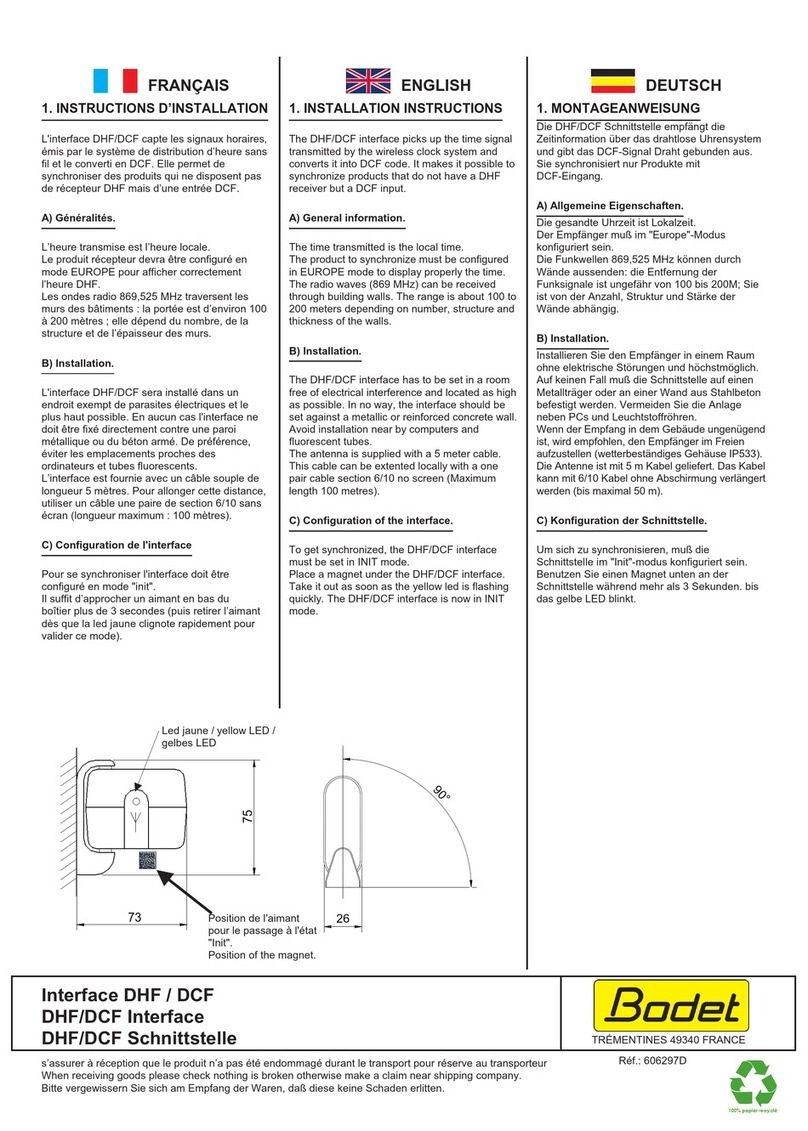
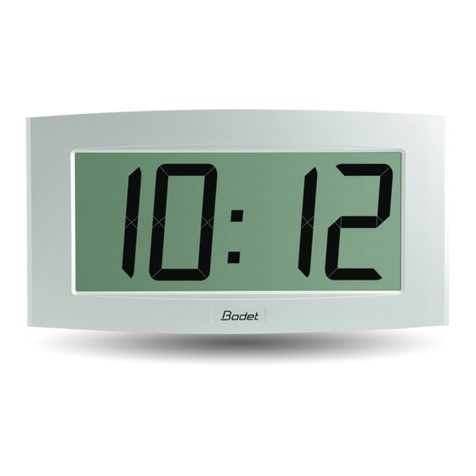
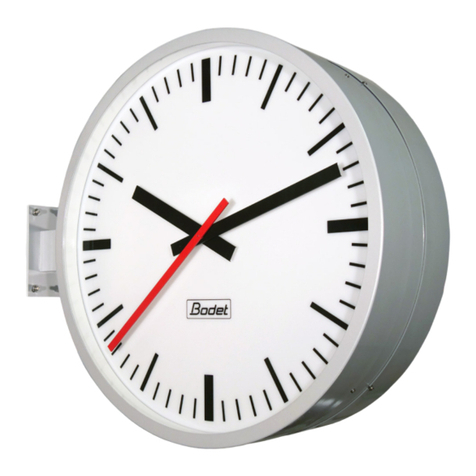
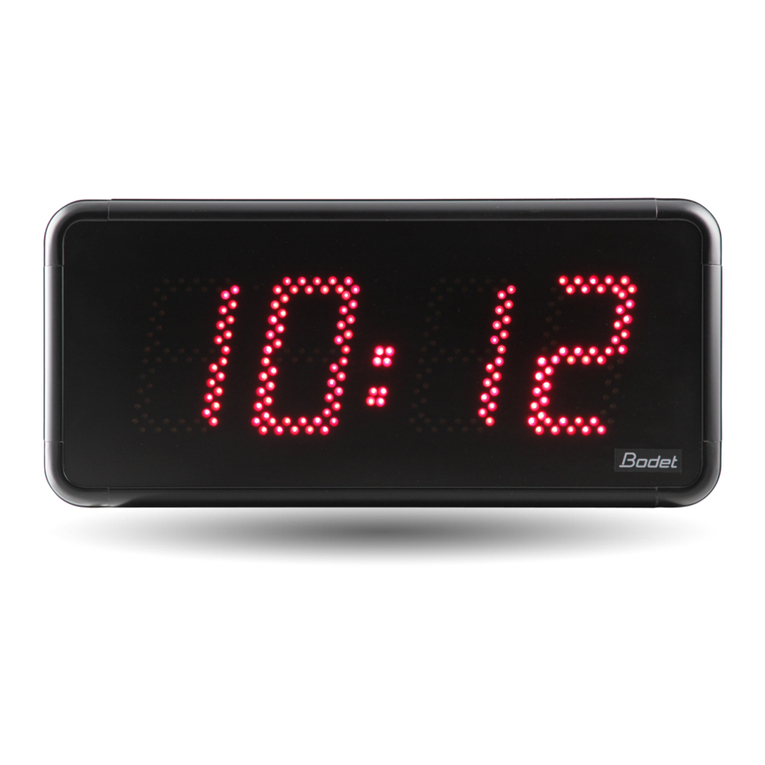
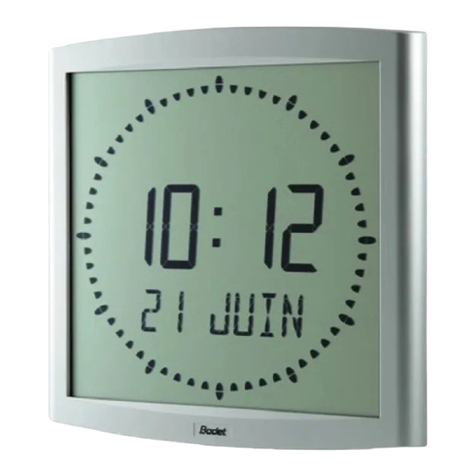
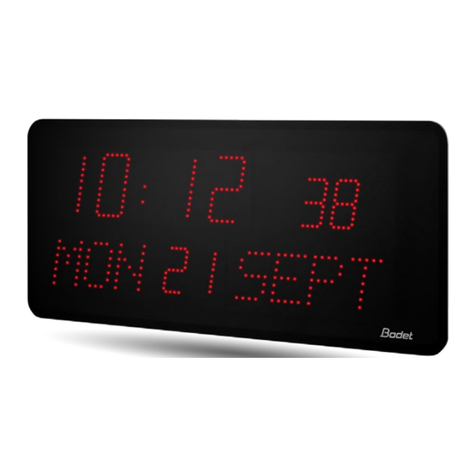
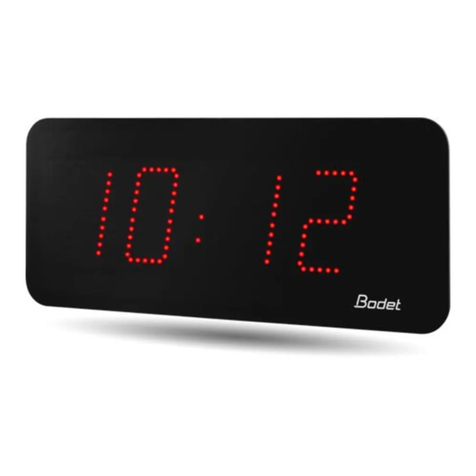
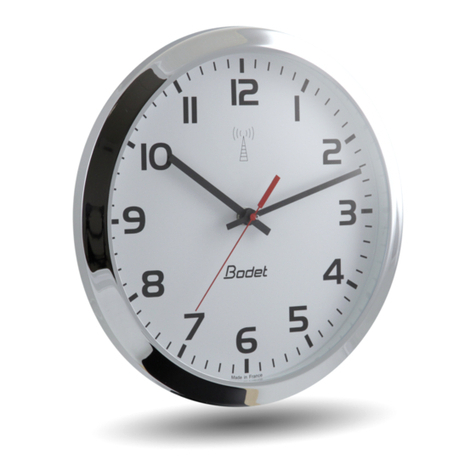
5.1 - Setting the time :
Independent clock :
nWhen switched on the clock is automatically set to the correct time. With a
radio antenna, the time is automatically synchronised.
nThe 2 keys “+” and “Select” on the lefthand side of the box are used to adjust
the time displayed (Correcting the time if there is any discrepancy).
Pressing “Select”: decreases the time readout by one minute with each
pressure, altering the hour readout accordingly as it goes back. Warning :
wait 3 seconds to display the readout.
Pressing on “+” : increases the time readout by one minute with each
pressure, altering the hour readout accordingly as it goes forwards.
Warning : wait 3 seconds to display the readout.
The second counter is reset to zero with each pressure on “+” or “Select”.
IRIG B/AFNOR receiver clock :
The readouts give the time in the corresponding city as soon as power is
switched on and on reception of the time code from the master clock or World
clock.
nWarning: in the event of loss of AFNOR signal, each display will operate
independently for 1 hour before the readout disappears. Only the separating
dots in the centre of the display remain lit, showing that the clock is still on.
nThe World clock is programmed in the factory in order to configure each
display according to the name of the city required (city name on sticker).
nIn the event of the time or time change not agreeing, refer to paragraph B
below for how to configure the displays.
5.2 - Configuration menu of displays
Each display is configured separately. Repeat programming below for the
different World clock displays according to the number of cities.
nAccess the configuration menu for each display : press the “Select” key and
while holding it down, then press the “+” key for 3 seconds. (keyboard
situated below the corresponding display).
The World clock calculates and displays the local time corresponding to the
city according to the GMT time received with the summer / winter changes
and the time difference programmed for each display.
8