manuals.online logo
Brands
  1. Home
  2. •
  3. Brands
  4. •
  5. Bodyguard
  6. •
  7. Treadmill
  8. •
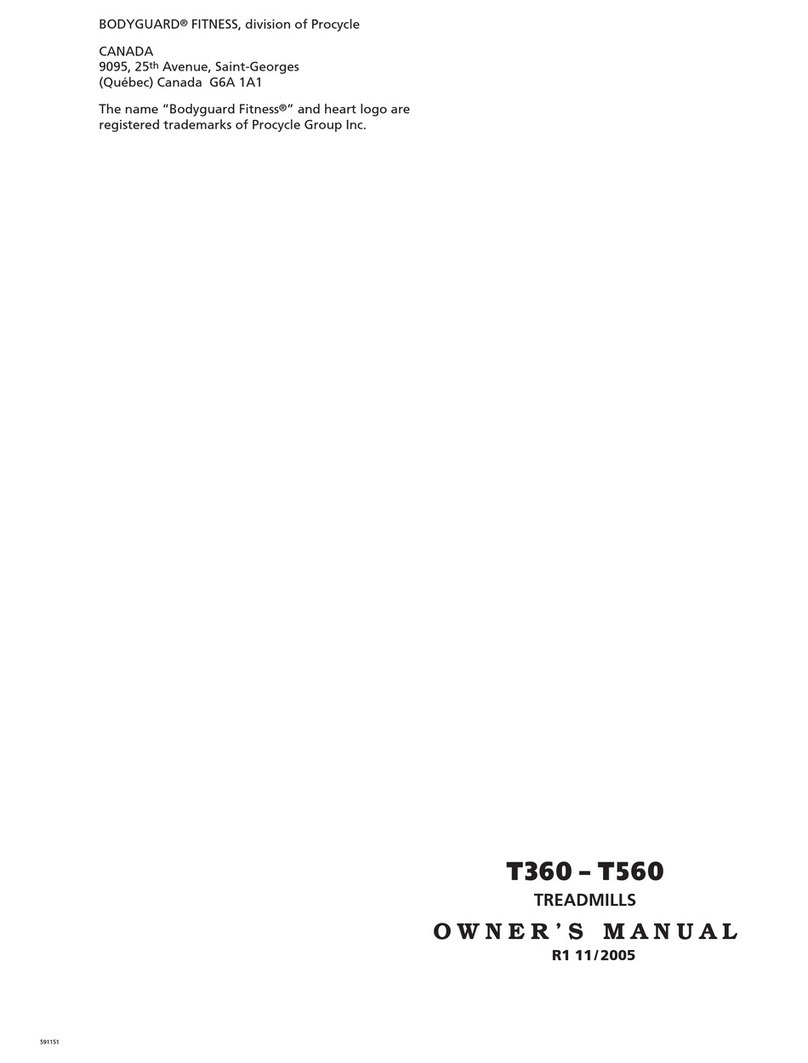
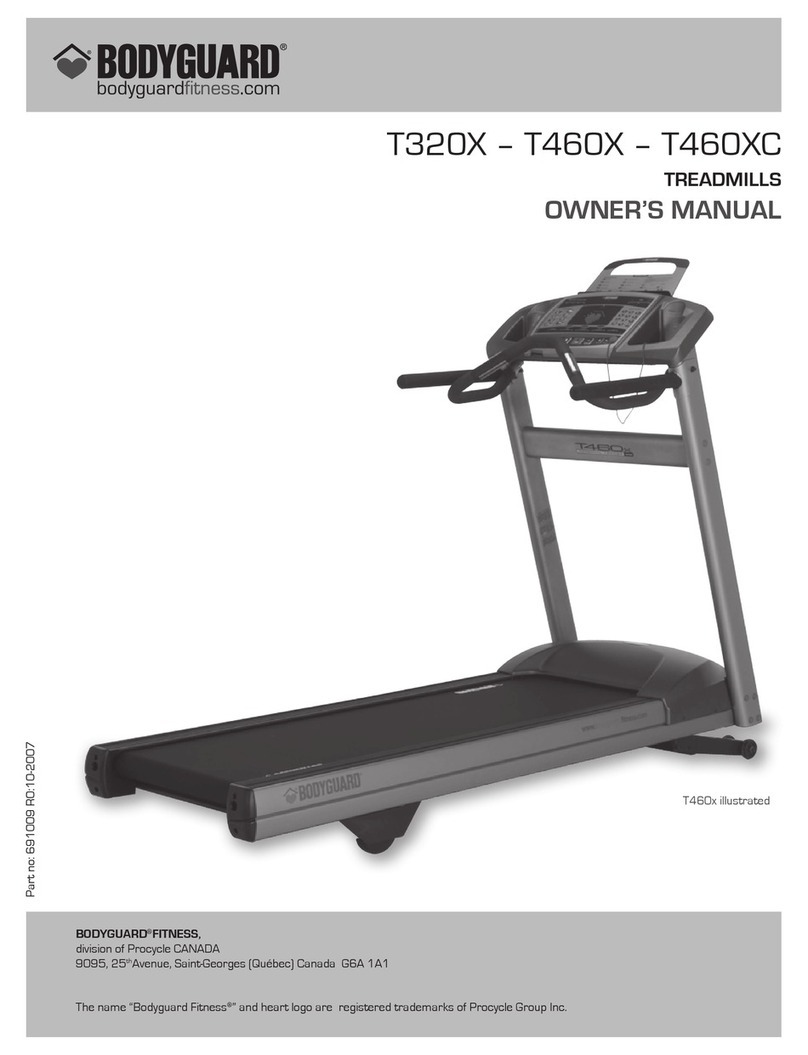
  9. Bodyguard T460XC User manual

Bodyguard T460XC User manual

This manual suits for next models

1

Other Bodyguard Treadmill manuals

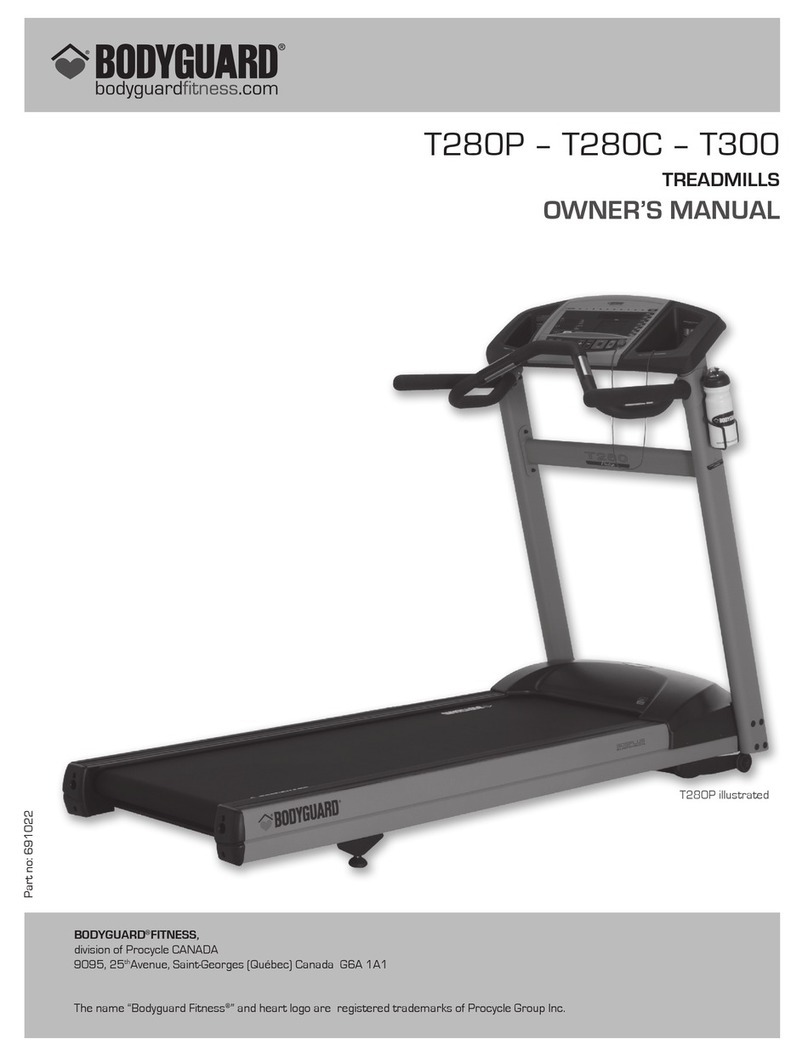
Bodyguard LT280P User manual

Bodyguard

Bodyguard LT280P User manual

Bodyguard T240S User manual

Bodyguard

Bodyguard T240S User manual

Bodyguard T240S Operator's manual

Bodyguard

Bodyguard T240S Operator's manual

Bodyguard Treadmills User manual

Bodyguard

Bodyguard Treadmills User manual

Bodyguard T320X User manual

Bodyguard

Bodyguard T320X User manual

Bodyguard T240 User manual

Bodyguard

Bodyguard T240 User manual

Bodyguard PDG0002 - T560 User manual

Bodyguard

Bodyguard PDG0002 - T560 User manual

Bodyguard T280P User manual

Bodyguard

Bodyguard T280P User manual

Bodyguard T700 User manual

Bodyguard

Bodyguard T700 User manual

Bodyguard T240 User manual

Bodyguard

Bodyguard T240 User manual

Bodyguard T-30 User manual

Bodyguard

Bodyguard T-30 User manual

Bodyguard T360 User manual

Bodyguard

Bodyguard T360 User manual

Popular Treadmill manuals by other brands

Weslo Lyne 3500 Treadmill null

Weslo

Weslo Lyne 3500 Treadmill null

Weslo Cadence M6 Elliptical null

Weslo

Weslo Cadence M6 Elliptical null

NordicTrack T20.0 Treadmill null

NordicTrack

NordicTrack T20.0 Treadmill null

Weslo Easy compact 2 treadmill null

Weslo

Weslo Easy compact 2 treadmill null

NordicTrack T20.0 Treadmill null

NordicTrack

NordicTrack T20.0 Treadmill null

Pro-Form 500 Cx Treadmill null

Pro-Form

Pro-Form 500 Cx Treadmill null

Pro-Form 660 Vx Treadmill null

Pro-Form

Pro-Form 660 Vx Treadmill null

Pro-Form 5.2 Treadmill null

Pro-Form

Pro-Form 5.2 Treadmill null

Pro-Form 3.9 Xm Treadmill null

Pro-Form

Pro-Form 3.9 Xm Treadmill null

Pro-Form 380 P Treadmill null

Pro-Form

Pro-Form 380 P Treadmill null

Pro-Form 6.5 X Treadmill null

Pro-Form

Pro-Form 6.5 X Treadmill null

Pro-Form 585 Perspective Treadmill null

Pro-Form

Pro-Form 585 Perspective Treadmill null

Pro-Form 780 Zlt Treadmill null

Pro-Form

Pro-Form 780 Zlt Treadmill null

Pro-Form 600 Zlt Treadmill null

Pro-Form

Pro-Form 600 Zlt Treadmill null

Pro-Form 370p Treadmill null

Pro-Form

Pro-Form 370p Treadmill null

Pro-Form 620 V Treadmill null

Pro-Form

Pro-Form 620 V Treadmill null

Pro-Form 710 Zlt Treadmill null

Pro-Form

Pro-Form 710 Zlt Treadmill null

Pro-Form 1250 zlt treadmill null

Pro-Form

Pro-Form 1250 zlt treadmill null

manuals.online logo
manuals.online logoBrands
  • About & Mission
  • Contact us
  • Privacy Policy
  • Terms and Conditions

Copyright 2025 Manuals.Online. All Rights Reserved.

! ! !
TREADMILL!MCB!CODE!SHEET!
Model!#!F9621***!!
! !
!
Revision!1.1!+!Dec.9.13!
Symbol
Description
Actions
Relay Position Abnormal
Usually accompanied by an Error 54
on the Display
Change Motor Control Board
Normal Operation – Relay is closed
Don’t do anything!
“Eight is Great” or “B is Beautiful”
Default Position when Relay
on MCB is open and waiting
for instruction.
Some errors cause the Relay to open, which then
causes ‘C’ to appear on the MCB. If the unit is not
operating and there is a ‘C’ on the MCB then there
should be an error on the display if it has power.
Speed Sensor Cable Error
(Error 53 appears on the Display)
Check that the speed sensor cable is
connected to the MCB on the connector
labeled “SPEED”. If not, attach it (Error C
appears on the LED) and reset the treadmill.
Check the speed sensor cable is not pinched.
* If the Speed Sensor light flashes when you
turn the motor but Error 53 still immediately
appears when the treadmill is turned on it could
be the R64 resistor on the MCB.
ROM/PC Self Check error
EPROM is correctly installed but it self-tested the
code and saw an error.
Most likely solution is a new EPROM.
Elevation Motor Error
Possibly Exceeding Range
Note: After changing an MCB or an
Elevation Motor an Elevation
Calibration must be completed.
Check the wire from the Elevation Motor is correctly
plugged in at the connector labeled “INCLINE”.
If it is not plugged in, the walking belt will run as
normal but when the user tries to increase or
decrease incline the value will change on the
screen but the elevation will not move.
If the wire is plugged in then Complete an Elevation
Calibration to see if the problem is solved.
If that doesn’t solve the problem, check the
resistance in OHMS (between the black and white
wires (not red) at the elevation connection) at the
maximum elevation (should be 450 Ohms) and
minimum elevation (850 Ohms)

!
!!
! ! !
TREADMILL!MCB!CODE!SHEET!
Model!#!F9621***!!
! !
!
Revision!1.1!+!Dec.9.13!
Symbol
Description
Actions
Elevation Motor has a problem moving
Check Elevation Motor power wires are connected
correctly on the MCB.
If OK, then change the Elevation Motor.
Motor Power Circuit problem
Usually accompanied by an Error 52
on the Display
Change Motor Control Board
Data Cable or
Safety Key issue
If the Display has no power check if the Data Cable
is connected correctly or damaged.
If the Display has power, check if the Safety Key is
installed and then try to start the treadmill. If
“Please Put Safety Key” appears on the Display
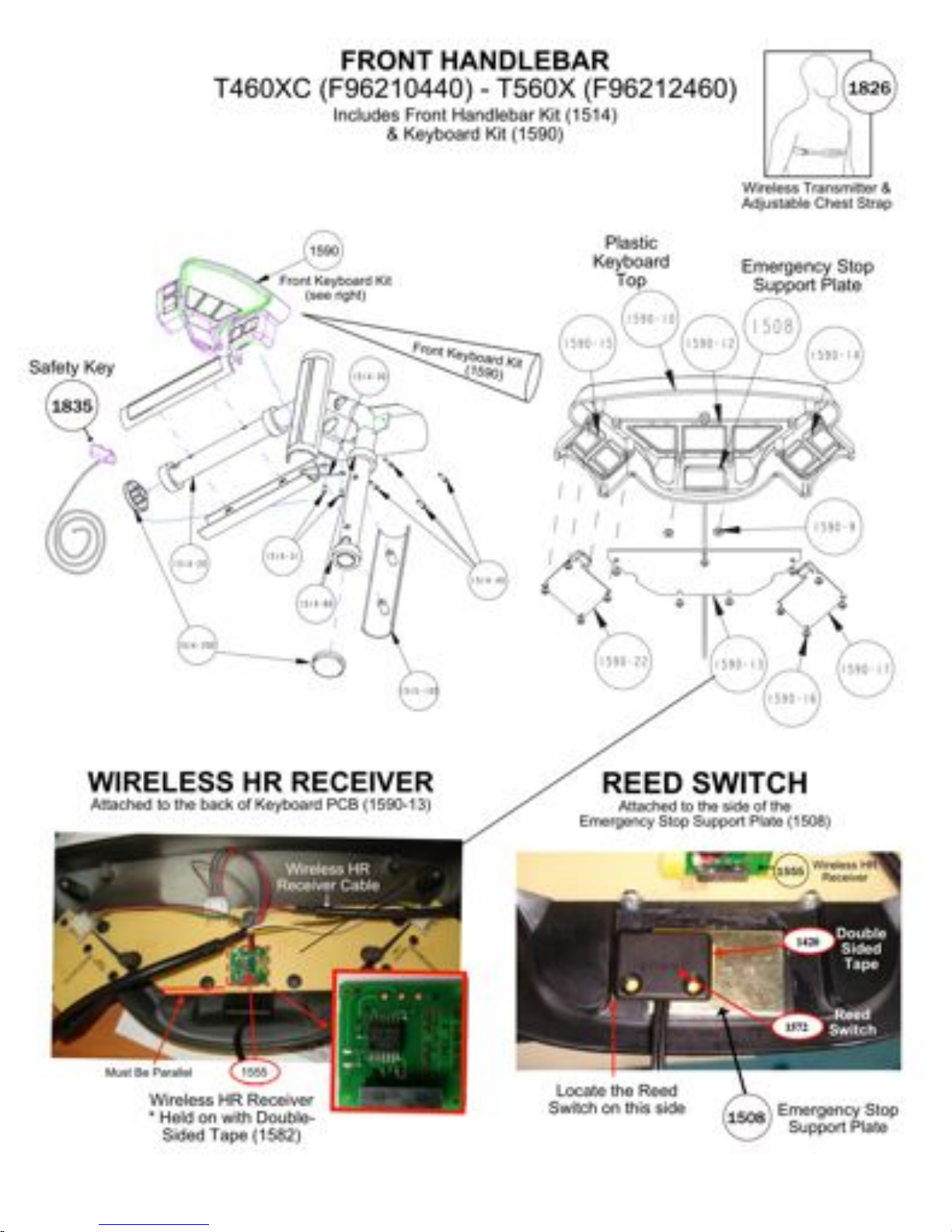
then check the Reed Switch wiring is connected
correctly to the Display.
If the wiring is connected correctly then check the
Reed Switch is in the correct position inside the
console within range of the safety key magnet.
Check the reed switch is functioning correctly by
testing continuity on the reed switch.
The DC Voltage BUS is over its limit.
110V North American units should be
170 V DC so anything over 190 V DC
causes an Error “U”.
220V International units should be
350 V DC so anything over 380 V DC
causes an Error “U”
First, Check the AC power into the machine, it
should not exceed 125 V AC (N/A) or 240V AC

(International)
If the Power into the machine is OK then likely
solution is to change the Motor Control Board.
!