manuals.online logo
Brands
  1. Home
  2. •
  3. Brands
  4. •
  5. Bogen
  6. •
  7. Accessories
  8. •
  9. Bogen RIO1S User manual

Bogen RIO1S User manual

Other manuals for RIO1S

2

Other Bogen Accessories manuals

Bogen NEAR ASTB4 User manual

Bogen

Bogen NEAR ASTB4 User manual

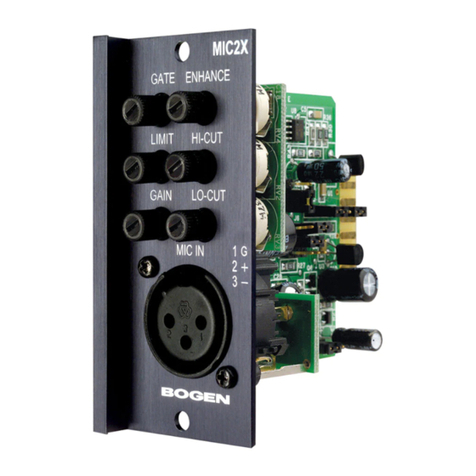
Bogen MIC2X User manual

Bogen

Bogen MIC2X User manual

Bogen IKS9 User manual

Bogen

Bogen IKS9 User manual

Bogen CG8A User manual

Bogen

Bogen CG8A User manual

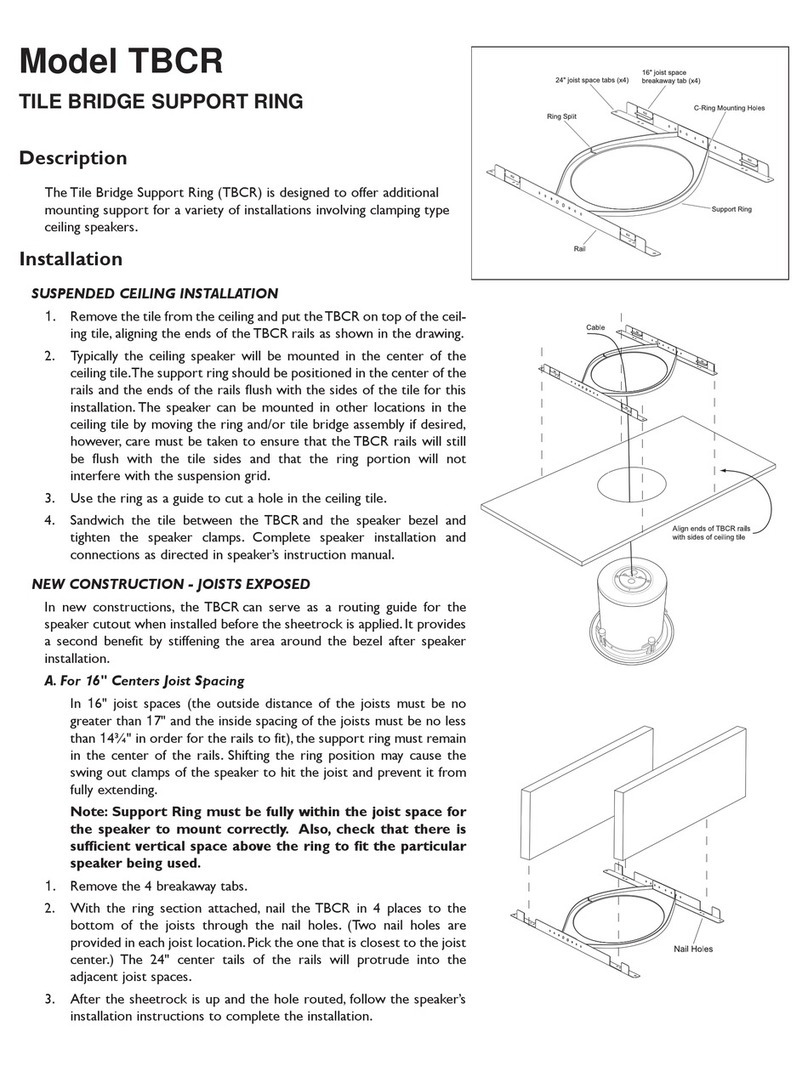
Bogen TBCR User manual

Bogen

Bogen TBCR User manual

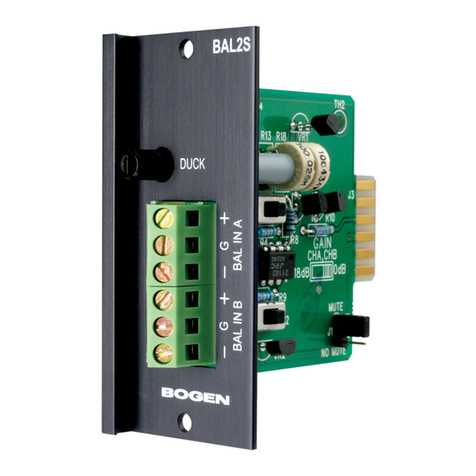
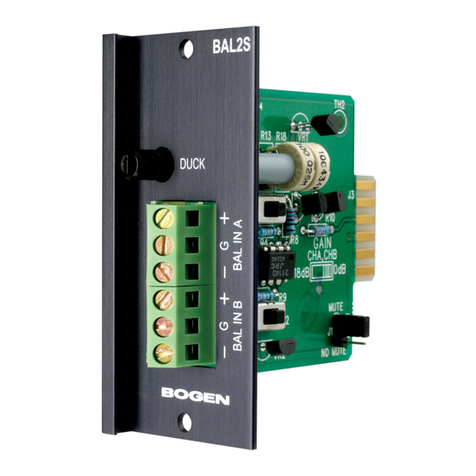
Bogen BAL2S User manual

Bogen

Bogen BAL2S User manual

Bogen BAL2S User manual

Bogen

Bogen BAL2S User manual

Bogen SAX1R User manual

Bogen

Bogen SAX1R User manual

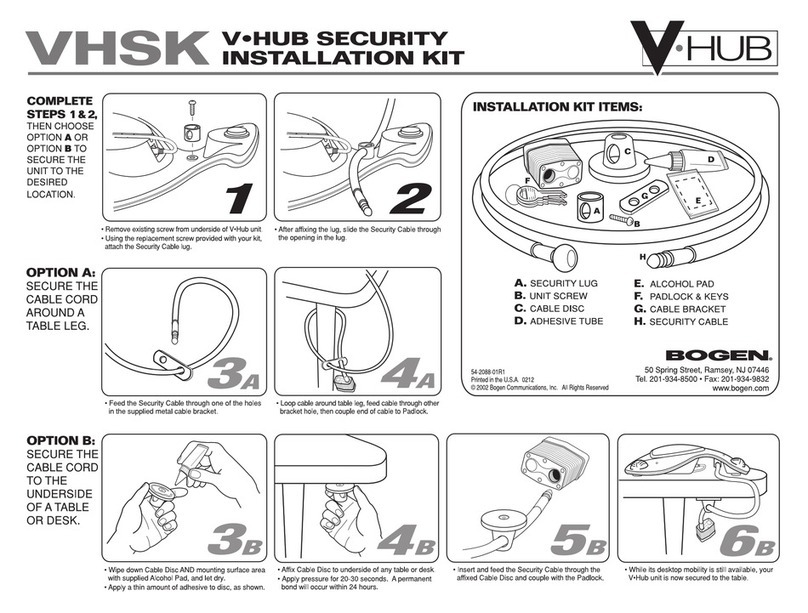
Bogen VHSK User manual

Bogen

Bogen VHSK User manual

Bogen Speaker Matching Transformers T725 User manual

Bogen

Bogen Speaker Matching Transformers T725 User manual

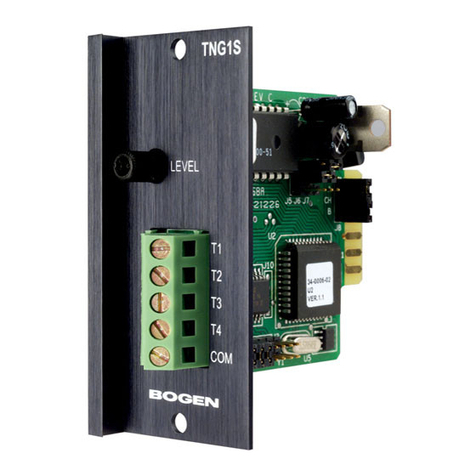
Bogen TNG1S User manual

Bogen

Bogen TNG1S User manual

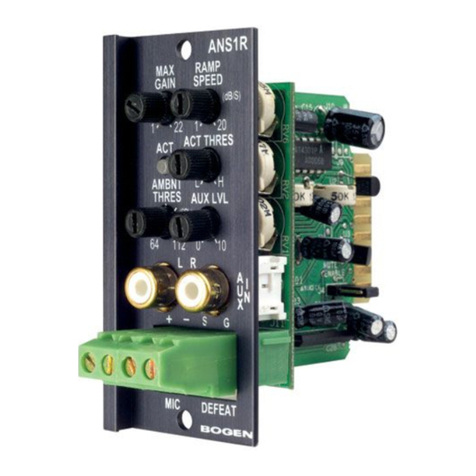
Bogen ANS1R User manual

Bogen

Bogen ANS1R User manual

Bogen ANS501 Guide

Bogen

Bogen ANS501 Guide

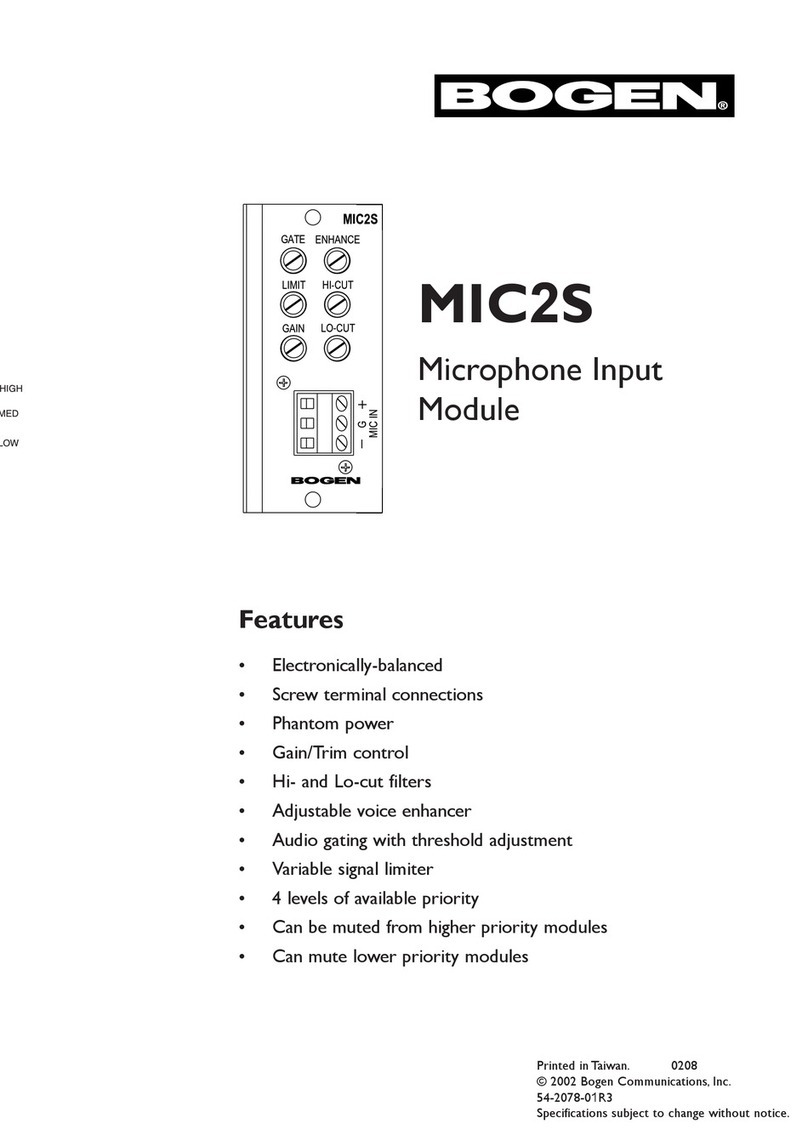
Bogen MIC2S User manual

Bogen

Bogen MIC2S User manual

Bogen MIC1X User manual

Bogen

Bogen MIC1X User manual

Bogen LMR1S User manual

Bogen

Bogen LMR1S User manual

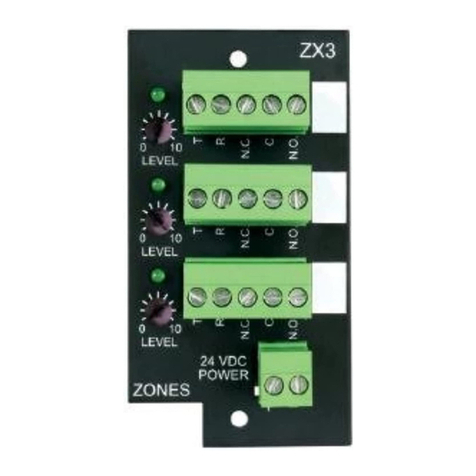
Bogen ZX3 User manual

Bogen

Bogen ZX3 User manual

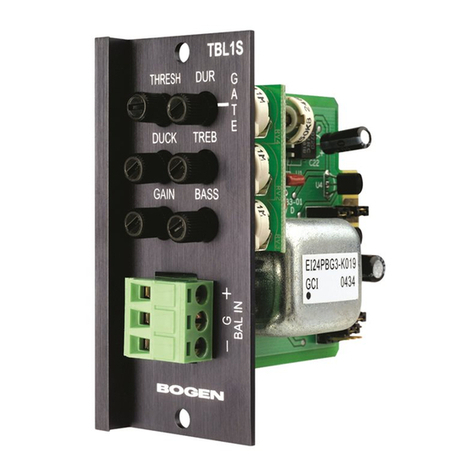
Bogen TBL1S User manual

Bogen

Bogen TBL1S User manual

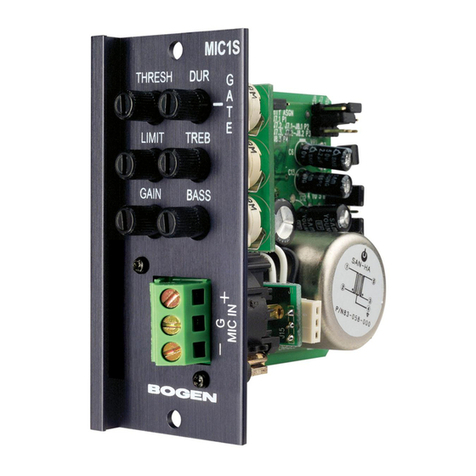
Bogen MIC1S User manual

Bogen

Bogen MIC1S User manual

Bogen PVSC User manual

Bogen

Bogen PVSC User manual

Bogen LMM1S User manual

Bogen

Bogen LMM1S User manual

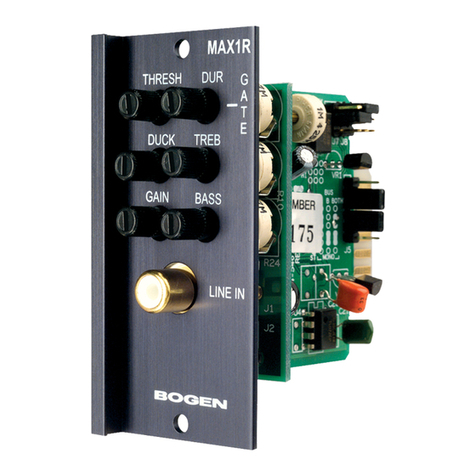
Bogen MAX1R User manual

Bogen

Bogen MAX1R User manual

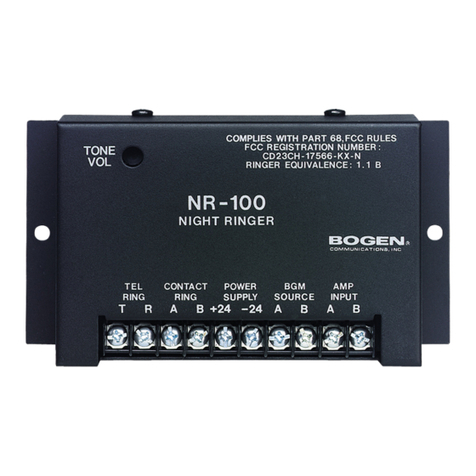
Bogen NR-100 User manual

Bogen

Bogen NR-100 User manual

Bogen PEQ1R User manual

Bogen

Bogen PEQ1R User manual

Popular Accessories manuals by other brands

Quincy lab 140AE-1 operating manual

Quincy lab

Quincy lab 140AE-1 operating manual

HomePro ZIR000 user manual

HomePro

HomePro ZIR000 user manual

DOL 20SCR Technical user guide

DOL

DOL 20SCR Technical user guide

RAB Smart Task installation manual

RAB

RAB Smart Task installation manual

Kemppi KMS 300 quick guide

Kemppi

Kemppi KMS 300 quick guide

Stearns 57,500 Series Installation and service instructions

Stearns

Stearns 57,500 Series Installation and service instructions

iGuzzini TWILIGHT COPENAGHEN manual

iGuzzini

iGuzzini TWILIGHT COPENAGHEN manual

Adelaide Annexe & Canvas Avan Deluxe installation guide

Adelaide Annexe & Canvas

Adelaide Annexe & Canvas Avan Deluxe installation guide

OHAUS 5000 instruction manual

OHAUS

OHAUS 5000 instruction manual

HOME8 WLS1300 quick start guide

HOME8

HOME8 WLS1300 quick start guide

MAXBOTIX MaxSonar quick start guide

MAXBOTIX

MAXBOTIX MaxSonar quick start guide

ioSmart iSmart56 Installation and user guide

ioSmart

ioSmart iSmart56 Installation and user guide

Focusrite Scarlett 18i8 user guide

Focusrite

Focusrite Scarlett 18i8 user guide

Velleman ED38105 user manual

Velleman

Velleman ED38105 user manual

JumpSport SkyBounce user manual

JumpSport

JumpSport SkyBounce user manual

Prima-Temp PRIYA Instructions for use

Prima-Temp

Prima-Temp PRIYA Instructions for use

Tefcold BC85I-BC85I W user manual

Tefcold

Tefcold BC85I-BC85I W user manual

Vaisala WMS302 user guide

Vaisala

Vaisala WMS302 user guide

manuals.online logo
manuals.online logoBrands
  • About & Mission
  • Contact us
  • Privacy Policy
  • Terms and Conditions

Copyright 2025 Manuals.Online. All Rights Reserved.

RIO1S
Relay / Input / Output
Transformer-Balanced Module
Features
• Transformer-isolated, balanced line-level input
• 600-ohm or 10k-ohm jumper-selectable input impedance
• Transformer-isolated, balanced line-level output
• 8-ohm, 750mW output
• Input and output level controls
• Relay responds to selectable priority level
• External control of priority muting
• N.O. or N.C. relay contacts
• Input can be muted from higher priority modules, with signal fade back
• Output can activate with relay priority level
• Screw terminal strips
•RJ11 connection with line output and dedicated N.O. relay contact
© 2007 Bogen Communications, Inc.
54-2097-01F 0706
Specifications subject to change without notice.
2
Module Installation
1. Turn off all power to the unit.
2. Make all necessary jumper selections.
3. Position module in front of any desired module bay opening, making sure that
the module is right-side up.
4. Slide module onto card guide rails. Make sure that both the top and bottom guides
are engaged.
5. Push the module into the bay until the faceplate contacts the unit’s chassis.
6. Use the two screws included to secure the module to the unit.
WARNING:
Turn off power to unit and make all jumper
selections before installing module in unit.
Note:
This module may include a break-away tab as pictured below. If present, remove this
tab to install module in input module bays.
3
Gain (Input)
Provides control over the level of
input signal.
Level (Output)
Provides control over the level of
output signal.
RJ11 Connection
This connector contains the out-
put signal and a set of normally
open relay contacts. It acts similar
to telephone systems’ page ports
and facilitates interfacing to paging
systems with override capabilities
(PCM2000, ZPM3).
Signal Output
Transformer-balanced, low-imped-
ance (8-ohm) line-level output.
Input Signal
Transformer-balanced, line-level
input.
Mute + / Mute -
Provides access to the mute bus
priority system. Allows external
equipment to directly control the
internal mute buses. Prioritized Relay Output
Provides access to the priority
controlled relay contacts. Can be
jumper configured as normally
open (N.O.) or normally closed
(N.C.).
Controls and Connectors
4
Jumper Selections
Impedance Selector
This module can be set for two different input impedances.When connecting to a 600-ohm source,
it is desirable to have a 600-ohm matching input impedance. For typical source equipment, use 10k-
ohm setting.
Input Muting
This module’s input can remain continuously active or be muted by other modules.When muting
is enabled, the input is permanently set to the lowest priority level. When disabled, the input will
not respond to any priority signal and will remain active continuously.
Input Bus Assignment
This module can be set to operate so that the input signal can be sent to the main unit’s A bus, B
bus, or both buses. Bus selection pertains to M-Class use only. Power Vector has only one bus. Set
jumpers to Both for Power Vector use.
External Mute Priority Level
Determines what priority level the system will see when looking at the external control. Selecting
Level 1will result in the external device becoming the highest priority mute and silencing all lower
priority modules. Likewise for all other lower settings except for priority Level 4, which is not appli-
cable since modules with this level can only respond to mute signals. Priority Level 4 modules can-
not send mute signals.
5
Jumper Selections, cont.
Relay Priority Level
The relay setting determines what priority level and above will cause the relay to energize. Since
this module’s relay must receive a mute signal from a higher priority module to change states, it is
only possible to use the three lower priority levels (2, 3, 4). Priority Level 1(highest) is not
applicable.
Output Gating
The output signal can be available continuously or available only when the relay priority level set-
ting has been met or exceeded.When set to ACTIVE, it provides continuous signal output.When
set to GATE, it provides output based on priority level.
Relay Contacts
This module’s screw terminal relay contacts can be set for normally open (N.O.) or normally
closed (N.C.) operation.
Output Bus Assignment
The output signal can be taken from the module’s A bus, B bus, or the unit’s MIX bus. On some
Bogen amplifier products, the A and B buses may be tied together.
6
Input Wiring
Balanced Connection
Use this wiring when the external equipment supplies a balanced, 3-wire signal.
Connect the shield wire of the external signal to the ground terminal of the external equipment
and to the ground terminal of the RIO1S. If the "+" signal lead can be identified, connect it to the
plus "+" terminal of the RIO1S. If the external equipment polarity cannot be identified, connect
either of the hot leads to the plus "+" terminal. Connect the remaining lead to the minus "-" ter-
minal of the RIO1S.
Note: If polarity of the output signal versus the input signal is important, it may be necessary to
reverse input lead connections.
Unbalanced Connection
When the external device provides only an unbalanced connection (signal and ground), the RIO1S
module should be wired with the "-" terminal shorted to ground. The unbalanced signal's shield
wire is connected to the input module’s ground and the signal hot wire is connected to the "+"
terminal. Since unbalanced connections do not provide the same amount of noise immunity that a
balanced connection does, the connection distances should be made as short as possible.
7
Output Wiring
Balanced Connection
Use this wiring when the external equipment requires a balanced, 3-wire signal.
Connect the shield wire to the ground terminal of the external equipment and to the ground ter-
minal of the RIO1S. If the "+" signal lead from the external equipment can be identified, connect it
to the plus "+" terminal of the RIO1S. If the external equipment polarity cannot be identified, con-
nect either of the hot leads to the plus "+" terminal. Connect the remaining lead to the minus "-"
terminal of the RIO1S.
Note: If polarity of the output signal versus the input signal is important, it may be necessary to
reverse input lead connections.
Unbalanced Connection
When the external device provides only an unbalanced connection (signal and ground), the RIO1S
module should be wired with the "-" terminal shorted to ground. The unbalanced signal's shield
wire is connected to the input module’s ground and the signal hot wire is connected to the "+"
terminal. Since unbalanced connections do not provide the same amount of noise immunity that a
balanced connection does, the connection distances should be made as short as possible.
Speaker Output Wiring
8ΩOutput
The RIO1S output is capable of driving an 8Ωspeaker load.Available power is up to 750mW. When
connecting a speaker, be sure to connect the module’s "+" and "-" to the speakers "+" and "-",
respectively.

50 Spring Street, Ramsey, NJ 07446, U.S.A.
201-934-8500; Fax: 201-934-9832
www.bogen.com
1
2
3
4
5
6
Enabled
Disabled
Gate
Relay
Out (–)
Out (+)
Relay
Block Diagram