II Contents VSB 40.1
DOK-SUPPL*-VSB*40.1***-PR01-EN-P
5.2 Mounting the VSB 40.1, Variant LS.............................................................................................. 5-4
Mounting with Connector Panel in Forward Direction ............................................................. 5-4
5.3 Installation Notes .......................................................................................................................... 5-5
6 Display and Operating Components 6-1
6.1 Power Button ................................................................................................................................ 6-1
6.2 Display, Monitor and Keyboard .................................................................................................... 6-1
Display VDP............................................................................................................................. 6-1
VGA Monitor ............................................................................................................................ 6-1
Selection of the Graphic Driver................................................................................................ 6-1
7 PC Box 7-1
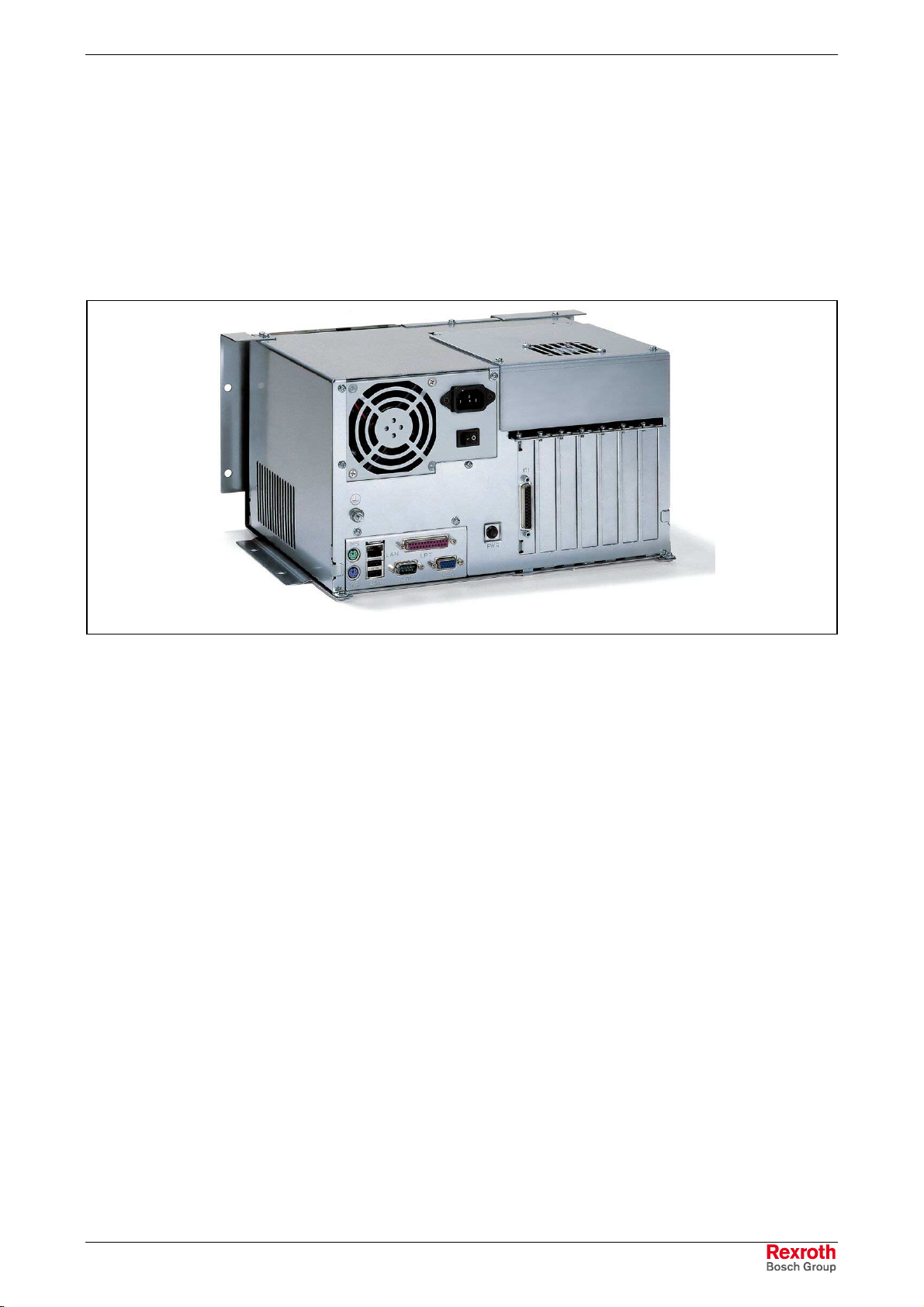
7.1 View on the Connector Panel ....................................................................................................... 7-1
7.2 Interfaces ...................................................................................................................................... 7-1
Overview.................................................................................................................................. 7-1
Serial Interface XCOM............................................................................................................. 7-2
Settings of the Serial Interface ................................................................................................7-2
Parallel Interface XLPT............................................................................................................ 7-3
XUSB Interfaces ...................................................................................................................... 7-4
Ethernet Interface XLAN.......................................................................................................... 7-5
XVGA Interface........................................................................................................................ 7-5
Keyboard Interface XKB ..........................................................................................................7-7
Mouse Interface XMouse......................................................................................................... 7-7
GIGASTAR interface X71........................................................................................................ 7-8
PC Power Supply..................................................................................................................... 7-9
8 Maintenance and Installation 8-1
8.1 General Information ...................................................................................................................... 8-1
8.2 CMOS Battery............................................................................................................................... 8-2
8.3 Connection of the Uninterruptibe Power Supply........................................................................... 8-2
Mounting the UPS.................................................................................................................... 8-2
8.4 Hard Disk ...................................................................................................................................... 8-3
8.5 Extension Cards ........................................................................................................................... 8-9
Insert an Extension Card ......................................................................................................... 8-9
BIOS Settings ........................................................................................................................ 8-11
9 UPS Software 9-1
10 Ordering Information 10-1
10.1 Type CodeVSB40.1................................................................................................................... 10-1
10.2 Accessories ................................................................................................................................ 10-2
Network Connection .............................................................................................................. 10-2
Connecting Cables to the VDP 16.1, VDP 40.1 and VDP 60.1 (GIGASTAR Interface) ....... 10-2
Uninterruptible Power Supply................................................................................................ 10-2
Storage Media ....................................................................................................................... 10-2