34
6
HDBT OUTPUT
port (1~8)
7
DC 24V
23
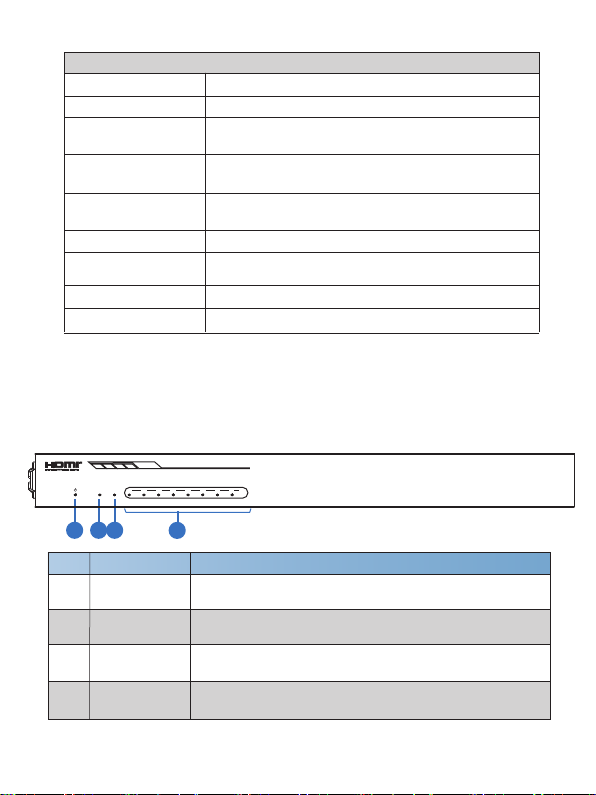
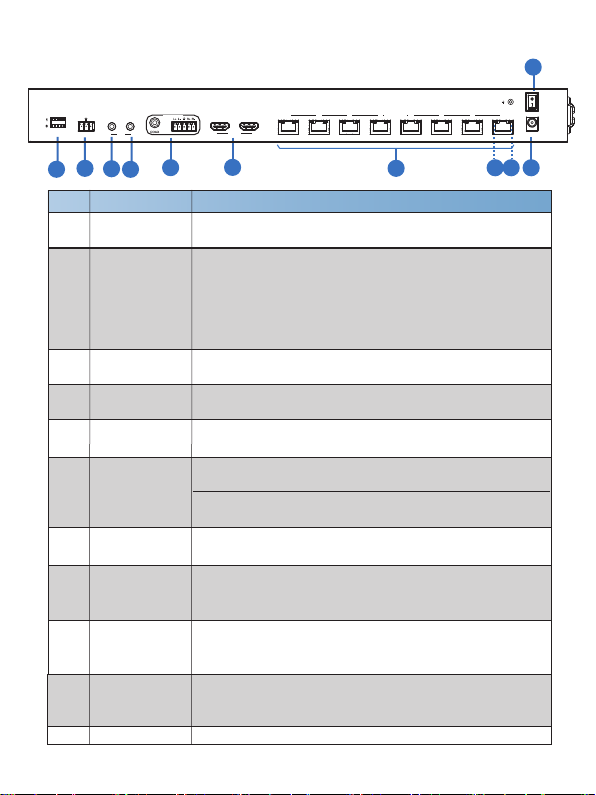
No. Name Function Description
1
2
3
4
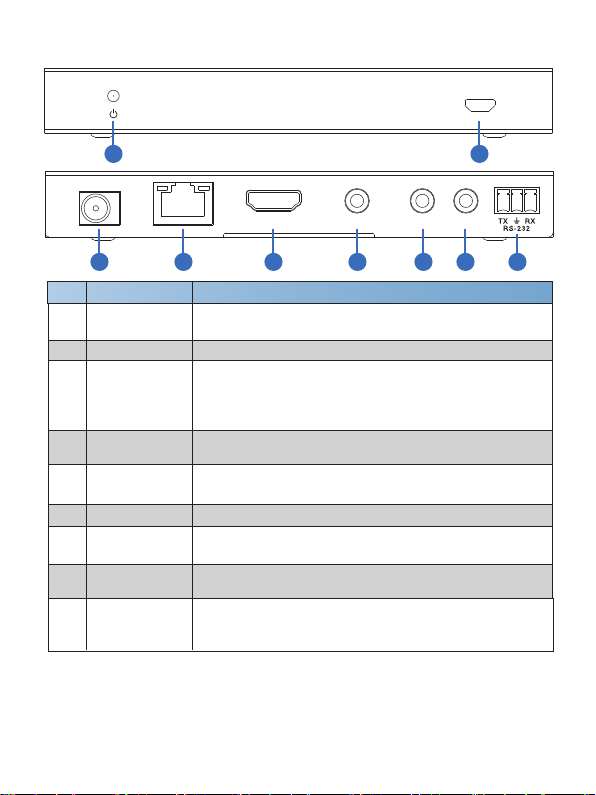
Plug the DC 24V power supply into the unit and connect
the adaptor to an AC outlet. (Note: The transmitter can
power the receiver via a CAT cable.)
Connect to the HDBT IN port of the HDBaseT receiver
with a CAT cable.
HDMI port
IN: HDMI input port, connect to HDMI source device such
as DVD or set-top box with an HDMI cable.
Rear Panel
56710
POWER switch Press this switch to power on/off the device.
-4-
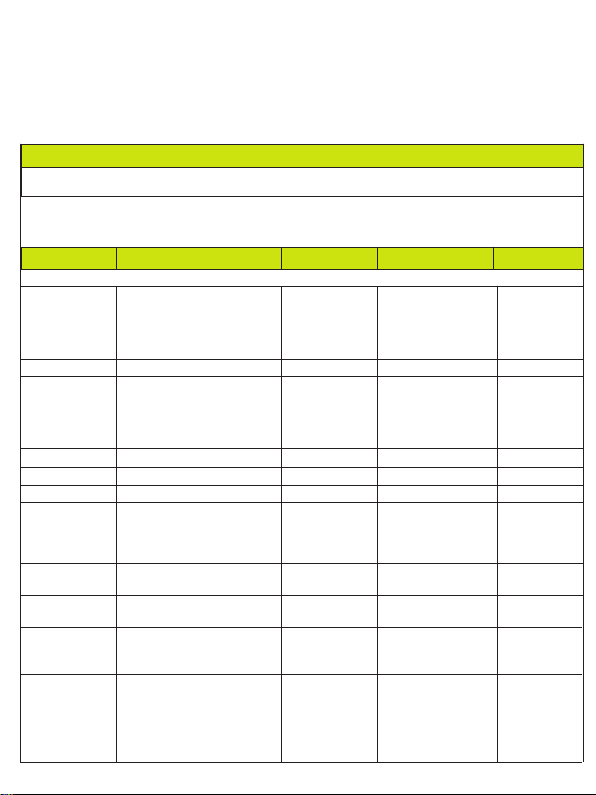
EDID DIP
switch
Used to set EDID mode. Please refer to Section “6. EDID
Mode” for details.
AUDIO OUT
(COAX, L/R)
Coaxial/balanced audio output port, connect to amplifer or
speaker.
LOOP OUT: HDMI loop output port, connect to the HDMI
display device such as TV or Monitor with an HDMI cable.
8 9
Link Signal
Indicator lamp
(Green)
▪ Illuminate: Transmitter and receiver are connected.
▪ Dark: Transmitter and receiver are not connected.
Data Signal
Indicator lamp
(Orange)
▪ Illuminate: There is signal transmission between
the transmitter and the receiver.
▪ Dark: No signal transmission.
4
11
RS-232
IR IN Connect to IR receiver cable, the IR receive signal will
emit to “IR OUT” port of the HDBaseT Receiver.
IR OUT Connect to IR blaster cable, the IR emit signal is from “IR
IN” port of the HDBaseT Receiver.
5
8
9
10
11
TX RX
RS-232
IN
IR
OUT
EDID
AUDIO OUT
IN LOOP OUT
HDMI
HDBT OUTPUT
12 3 4 5 6 7 8
ON
OFF
DC 24V
1
Connect to a PC or control system via a 3-pin phoenix
connector cable for three functions:
1, Firmware update;
2, Control the Splitter via RS-232 commands;
3, RS-232 signal pass-through (from transmitter to
receiver or from receiver to transmitter).