manuals.online logo
Brands
  1. Home
  2. •
  3. Brands
  4. •
  5. Challenge
  6. •
  7. Safe
  8. •
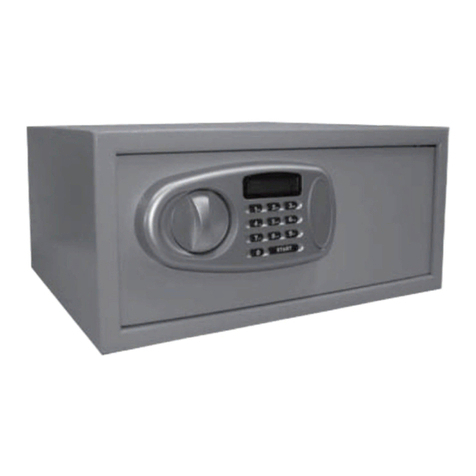
  9. Challenge 701/7113 User manual

Challenge 701/7113 User manual

Other manuals for 701/7113

1

Other Challenge Safe manuals

Challenge 701/7113 User manual

Challenge

Challenge 701/7113 User manual

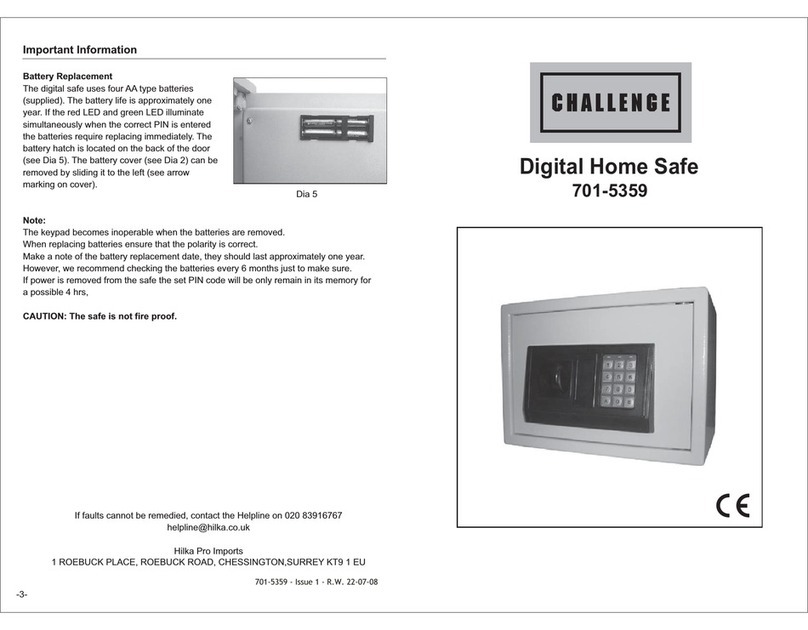
Challenge 701-5359 User manual

Challenge

Challenge 701-5359 User manual

Challenge 701-7883 User manual

Challenge

Challenge 701-7883 User manual

Popular Safe manuals by other brands

Euromate 406210 Original instructions

Euromate

Euromate 406210 Original instructions

SPORTS AFIELD PRESERVE SA72-60WD instruction manual

SPORTS AFIELD

SPORTS AFIELD PRESERVE SA72-60WD instruction manual

Squire Stronghold Keysafe Fitting instructions

Squire

Squire Stronghold Keysafe Fitting instructions

Phoenix FS0352C Instructions & Guarantee Registration

Phoenix

Phoenix FS0352C Instructions & Guarantee Registration

Hornady SnapSafe Trunk Safe II owner's manual

Hornady

Hornady SnapSafe Trunk Safe II owner's manual

Phoenix KS0030E Series operating instructions

Phoenix

Phoenix KS0030E Series operating instructions

Vaultek 10 Series Quick setup

Vaultek

Vaultek 10 Series Quick setup

Arregui CLASS operating instructions

Arregui

Arregui CLASS operating instructions

Technomax Trony Series Instruction handbook

Technomax

Technomax Trony Series Instruction handbook

SPORTS AFIELD INSTINCT BIOMETRIC Series instruction manual

SPORTS AFIELD

SPORTS AFIELD INSTINCT BIOMETRIC Series instruction manual

SPORTS AFIELD SA-HD5-BIO instruction manual

SPORTS AFIELD

SPORTS AFIELD SA-HD5-BIO instruction manual

Olymp GOsafe 110 operating instructions

Olymp

Olymp GOsafe 110 operating instructions

Phoenix SS0100E Operating Instructions & Guarantee Registration

Phoenix

Phoenix SS0100E Operating Instructions & Guarantee Registration

Ankaro ANK EZ I quick start guide

Ankaro

Ankaro ANK EZ I quick start guide

Honeywell 2077D - 1.21 Cubic Foot Anti-Theft Safe user guide

Honeywell

Honeywell 2077D - 1.21 Cubic Foot Anti-Theft Safe user guide

Beaumont SMART KEYBOX user guide

Beaumont

Beaumont SMART KEYBOX user guide

Phoenix FS1270E Series operating instructions

Phoenix

Phoenix FS1270E Series operating instructions

Shure T-Wall Series Assembly instructions

Shure

Shure T-Wall Series Assembly instructions

manuals.online logo
manuals.online logoBrands
  • About & Mission
  • Contact us
  • Privacy Policy
  • Terms and Conditions

Copyright 2025 Manuals.Online. All Rights Reserved.

1. The digital safe uses four AA type batteries (supplied).
If the voltage of batteries is deficient the LCD will show
"LO-BATT" and the batteries must be replaced (see Dia 9).
Please look at the environment standards for safe disposal
of batteries.
2. In case of dead batteries, either the override key or the
backup power supply can be used to open the safe.
To use the backup power supply, first fit four 1.5V AA
batteries in the box then plug in the battery backup in the
socket (see Dia 10).
You can use the manual override key to open the safe and reset your code. DO NOT
keep the override key in the safe.
1. To use the key, remove the lock cover on the control panel. Dia 5
2. Turn key anticlockwise, then the doorknob clockwise, and the door will open. Dia 6.
Please keep the keys in a secure place, as we do not supply replacement keys, for security
reasons.
Please make note of the safe number as this will be needed if a service call is required.
Digital Home Safe
with LCD Display
701/7113
OPENING SAFE WITH OVERRIDE KEY
SECURING YOUR SAFE
You may wish to secure your safe to a fixed part of the house.
This can be achieved by using the 4 bolts supplied. Insert
the bolts through the 4 pre-made holes on the back or
bottom of the safe (see Dia 7 & 8).
Note: When fitting the bolts ensure that the nuts are on the
inside of the safe.
BATTERY REPLACEMENT
12345
67890
-3-
Dia 7
Dia 9
Dia 10
12345
67890
Dia 8
12345
67890
12345
67890
Dia 5
12345
67890
Dia 6
123456
Safe number on
front panel close
to the lock
Lock Cover
701-7113 - Issue 1 - R.W. 03-12-08
If faults cannot be remedied, contact the Helpline on 020 8391 6767
[email protected]
GUARANTEE
This product is guaranteed for domestic use for a period of 12 months against faulty manufacture or materials.
This guarantee does not affect the statutory rights of the consumer. In the event of any problem occurring
please contact our Helpline at the number above for advice. This product is not guaranteed for HIRE purposes.
Manufactured On behalf of Home Retail Group
489 - 499 Avebury Boulevard,
Central Milton Keynes,
MK9 2NW
Read the instructions thoroughly before using your digital safe.
Keep codes in a safe place. Do not use personal information like birthdays,
telephone numbers etc.
Keep keys and backup power supply in a safe place but not in the safe itself!
If the safe is not to be used for a long time, take out the batteries.
SETTING YOUR OWN USER OR MASTER CODE
1. Press "#" then the correct user code or master code then press "#" again. The safe will
beep 3 times and display "OPEN".
2. Press "*" within 10 seconds and the LCD will display "------".
3. Enter the new user or master code and press"#",then the LCD will display "------" once again,
repeat your code and "#", the LCD will display "IN"
Note: The steps above will only change one code (the user or the master) based on the code
you entered in step 1. To change the other code simply repeat the the steps above using the
other code at step 1.
LCD DISPLAY
1. To hide the LCD display, enter "#" then enter "*" followed by the code. The code will not display
on the LCD readout.
2. If a mistake is made when inputting the code press "*", the last digit entered will be deleted.
RESET FUNCTION
The safe can be reset back to the factory default codes
by pressing the red button situated on the inside cover
of the safe door.(Dia 4).
To gain access to reset button you must first remove
the reset button cap.
After pressing the red reset button the display
will show “CLEAR” and all codes revert back to
the factory default codes.
Please refit reset button cap back for security reasons.
IMPORTANT
SPECIFICATION
SIZE : 350mm(W) X250mm(H) X250mm(D)
NET WEIGHT : 9.5Kgs
POWER SUPPLY : 4XAA/1.5V Batteries
CONTENTS
1 X Backup power supply
2 X Manual override keys
4 X Fixing bolts
1 X Internal mat
1 X Instruction book
Key Lock Cover
Lock knob
LCD display
Number
pad
Dia 2
Override keys Backup power supply
Dia 3
-1- -2-
Reset
button
Dia 4
Dia 1
OPERATING THE SAFE FOR THE FIRST TIME
1. Use the Manual override key to open the safe for the first time, remove the plastic key
lock cover (Dia 1). Insert the override key, turn to the left at the same time turn the safe
handle to the right and open the safe.
2. Install the 4 X AA type battery’s supplied, in the back of the safe door, as shown in Dia 9
3. While the door is open familiarise yourself with the door opening procedure, To open the
safe for the first time , press ”#” then enter the
code “1234” (which is the factory default code)
then press “#” again. The safe will beep 3 times
and display “OPEN”. Then turn the knob
clockwise within 10 seconds to open the safe.
Dia 3
4. If the code is entered incorrectly the “LCD” will
display “ERROR”
5. Refit the plastic key cover and place the
override keys in a safe place (NOT IN THE
SAFE) for emergency use.
Note: In addition to the user code, your safe also has a
master code “123456” set by the factory. User code can
be used as guest-code in the hotel-trade.