- 10 -
Error messages:
When I attempt to log into my account, I get the error The user is locked out.
(207), how do I unlock my account?
The account is locked out if you have entered your password incorrectly too many
times.
To resolve:
1. Tap Forgot Password
2. Enter the email address you used to create the MyQ account. You will receive
an email containing a new generic password. NOTE: If you didn’t receive an
email, check the Junk or Spam lter.
3. Log in to your MyQ account with your Account Email and the new generic
password.
NOTE: The new generic password remains valid until you change it.
4. Tap the Menu in top-left corner, select your name in bottom-left corner, and
changeyourpasswordtoaspecicandcondentialpassword.
I attempt to add my serial number to my account, I get the error That device is
on another user’s account. Unable to add (310), how do I resolve this issue?
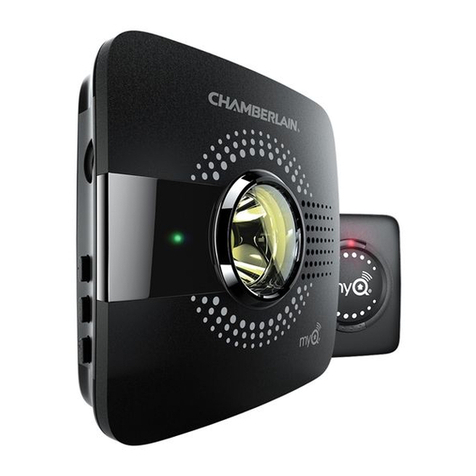
This error means that the MyQ Smart Garage Hub has been added to another
MyQ account. To resolve this issue, you need to perform a factory reset to
default settings on the MyQ Smart Garage Hub (see below).
Troubleshooting
Connectivity
When I attempt to connect the MyQ Smart Garage Hub to my Wi-Fi network,
why don’t I get a solid green LED light?
When attempting to connect to your Wi-Fi network the LED lights on your MyQ
SmartGarageHubwillgothroughasequenceofLEDlightashesbeforeitgoes
solid green. The LED illumination pattern indicates the type of issue. Check what
the LED lights are doing and follow the steps indicated.
Goes back to ashing blue (failed to connect to home network)
• Verify you are on a 2.4G network and your Wi-Fi password is correct before
attempting to reconnect.