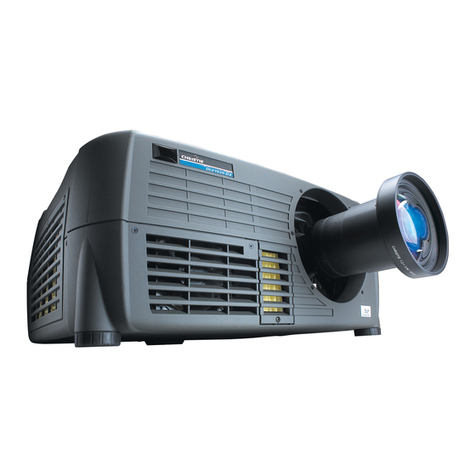
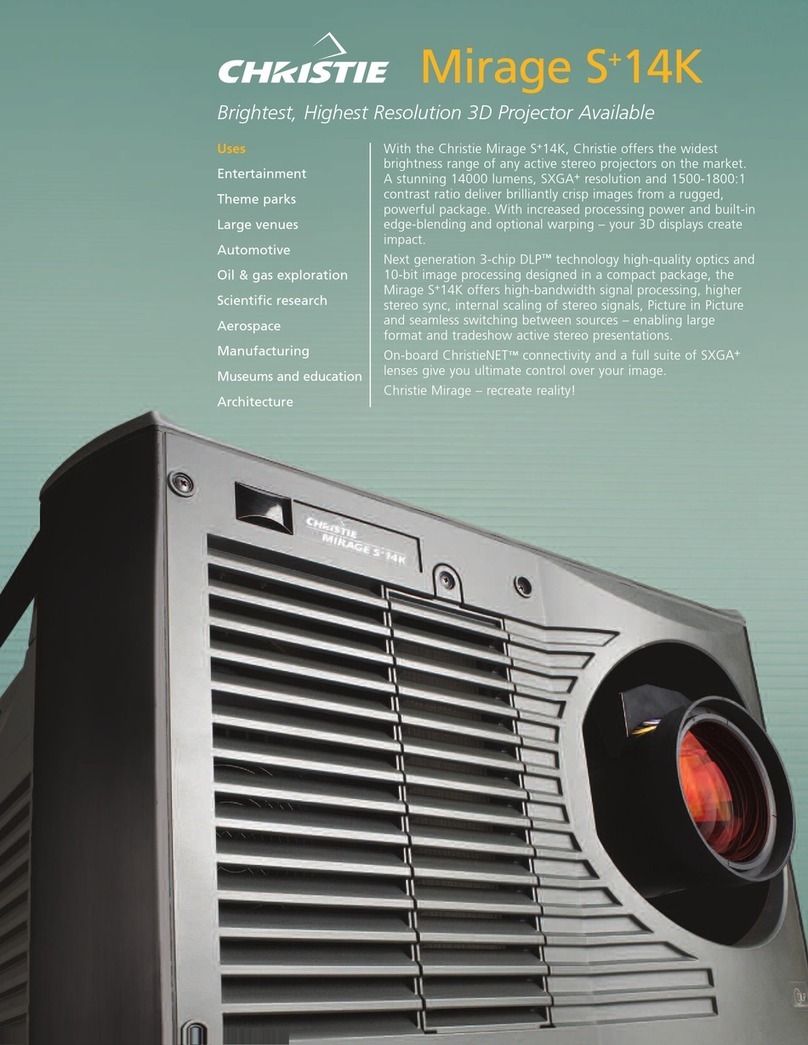
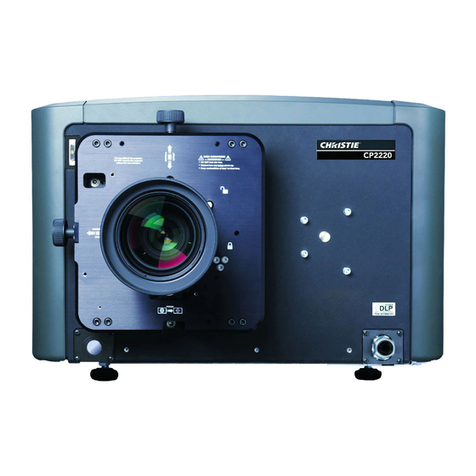
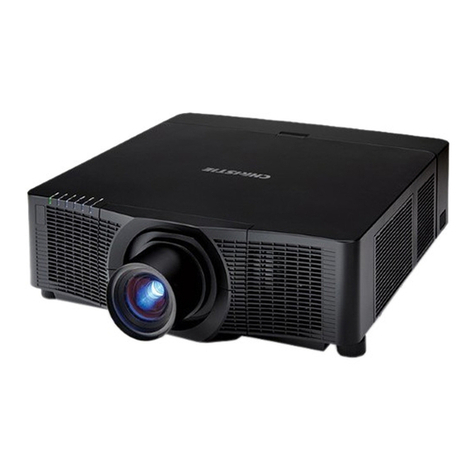
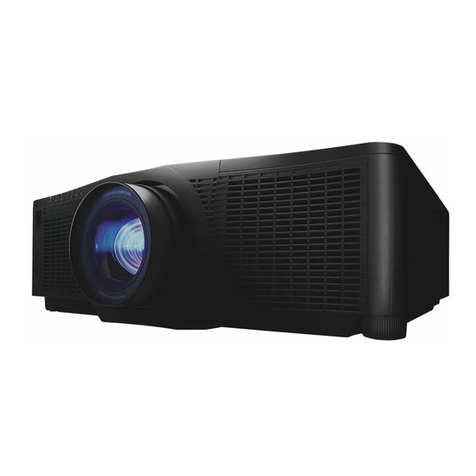
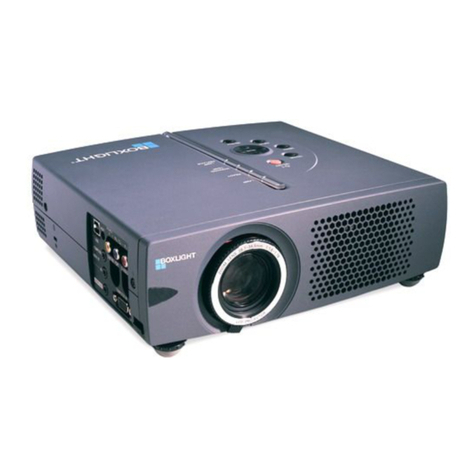
Roadster/Mirage S+User's Manual
Table of Contents
013-100190-03 (06/06) Software v1.2d Roadster/Mirage S+ User’s Manual i
Section Contents Page
1.1 The Projectors...................................................................................................1-1
1.2 Components......................................................................................................1-2
1.3 Purchase Record and Warranty Registration....................................................1-3
2.1 Quick Setup ......................................................................................................2-1
2.2 Installation Considerations ...............................................................................2-3
2.3 Projector Position and Mounting....................................................................2-15
2.4 Source Connections ........................................................................................2-18
2.5 Connecting Communications..........................................................................2-21
2.6 Connecting Multiple Projectors......................................................................2-24
2.7 Power Connection ..........................................................................................2-27
2.8 Operating Orientation .....................................................................................2-28
2.9 Leveling..........................................................................................................2-28
2.10 Zoom, Focus, and Lens Offset........................................................................2-29
2.11 Keypad Protocols and Conversion .................................................................2-29
3.1 Overview ..........................................................................................................3-1
3.2 Projector Basics ................................................................................................3-1
3.3 Using the Keypads............................................................................................3-4
3.4 Navigating the Menus.....................................................................................3-12
3.5 Using Inputs and Channels.............................................................................3-16
3.6 Adjusting the Image........................................................................................3-21
3.7 Adjusting System Parameters and Advanced Controls ..................................3-37
3.8 Working with PIP or Seamless Switching......................................................3-51
3.9 Working with the Lamp..................................................................................3-54
3.10 Status Menu ....................................................................................................3-58
3.11 Using Multiple Projectors...............................................................................3-58
3.12 Remote Control of the Projector.....................................................................3-70
3.13 Error Conditions .............................................................................................3-71
4.1 Warnings and Guidelines .................................................................................4-1
4.2 Cleaning............................................................................................................4-4
4.3 Replacing Keypad Batteries .............................................................................4-5
4.4 Replacing the Lamp and Filter .........................................................................4-5
4.5 Replacing the Lens .........................................................................................4-11
5.1 Displays ............................................................................................................5-1
5.2 Lamp.................................................................................................................5-3
5.3 Ethernet.............................................................................................................5-4
6.1 Specifications ...................................................................................................6-1
continued…
1Introduction
2
Installation &
Setup
3
Basic
Operation
4
Maintenance
5
Troubleshooting
6Specifications