manuals.online logo
Brands
  1. Home
  2. •
  3. Brands
  4. •
  5. Clarke
  6. •
  7. Edger
  8. •
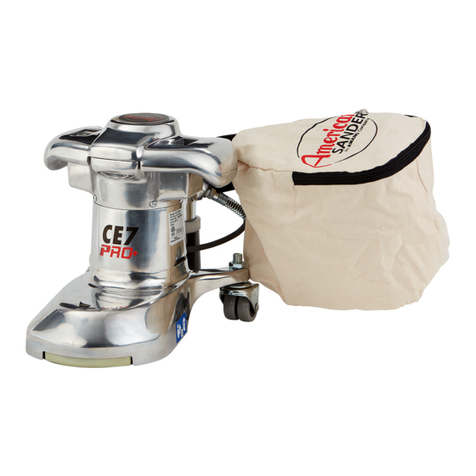
  9. Clarke Super 7R Installation and operating manual

Clarke Super 7R Installation and operating manual

Other manuals for Super 7R

4

Other Clarke Edger manuals

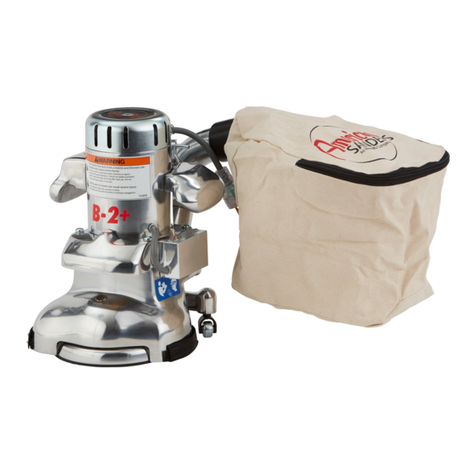
Clarke American B-2 User manual

Clarke

Clarke American B-2 User manual

Clarke 07097A User manual

Clarke

Clarke 07097A User manual

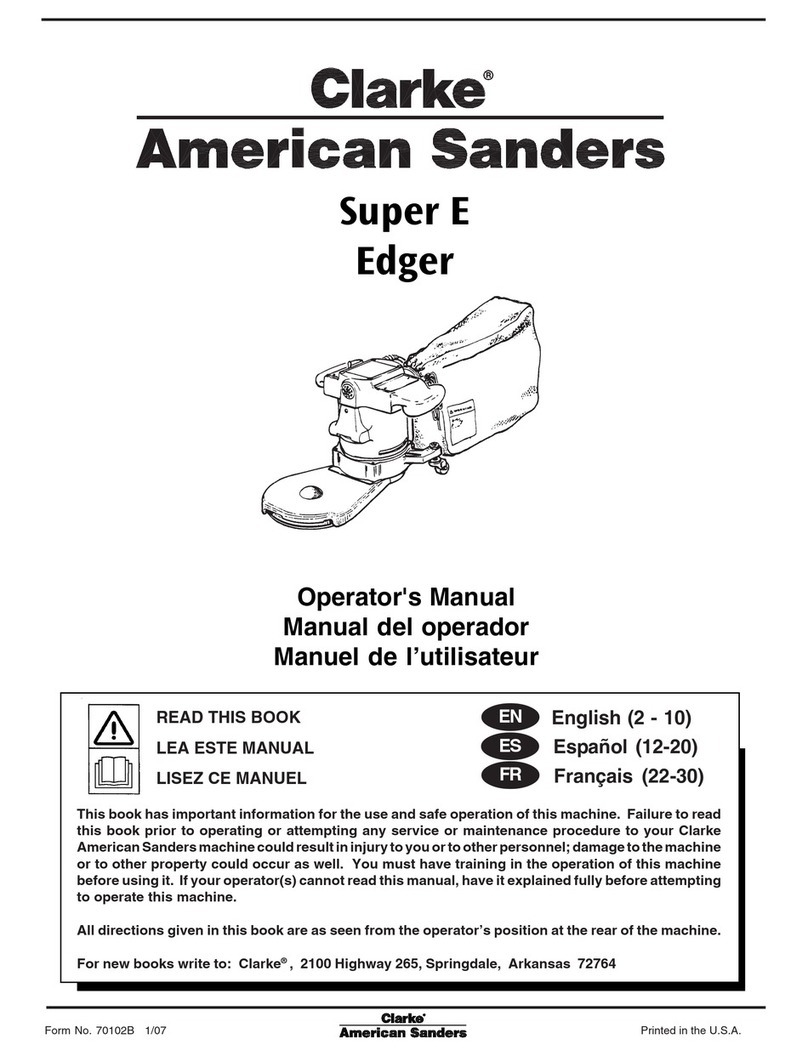
Clarke Super E User manual

Clarke

Clarke Super E User manual

Clarke B2 7" Spinner Edge 07072A User manual

Clarke

Clarke B2 7" Spinner Edge 07072A User manual

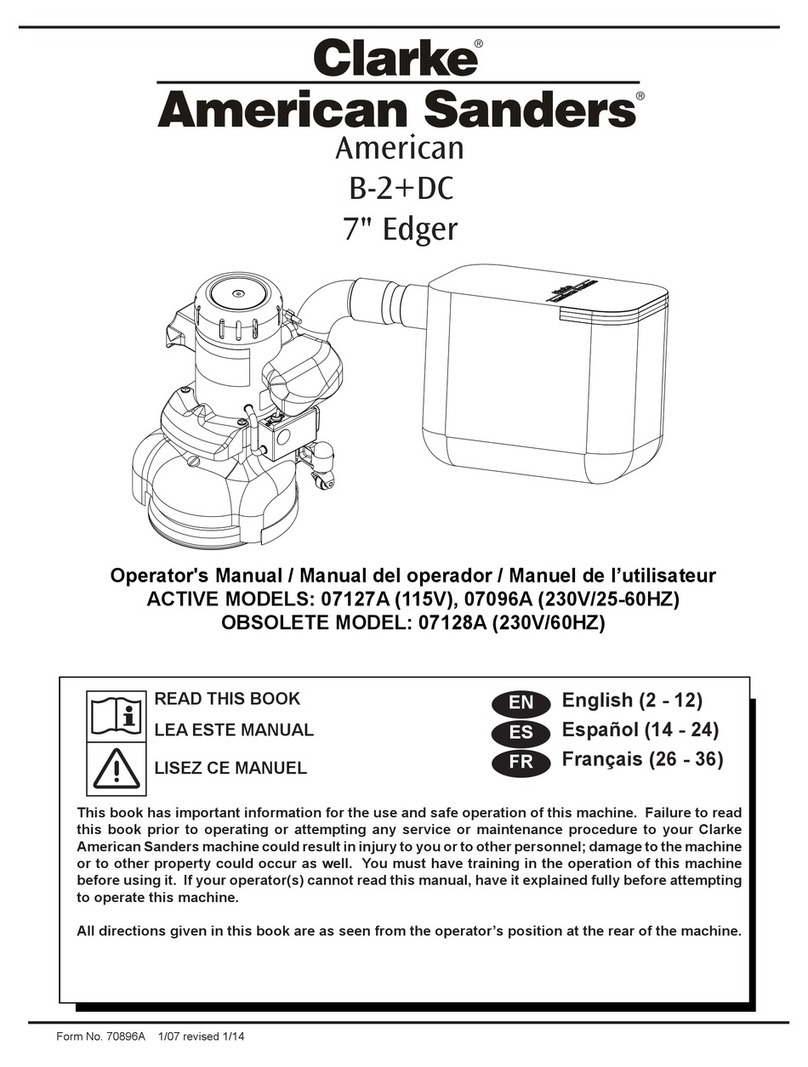
Clarke 07127A User manual

Clarke

Clarke 07127A User manual

Clarke 07127A User manual

Clarke

Clarke 07127A User manual

Clarke American B-2 User manual

Clarke

Clarke American B-2 User manual

Clarke Super 7R User manual

Clarke

Clarke Super 7R User manual

Clarke Super E User manual

Clarke

Clarke Super E User manual

Clarke 07170A User manual

Clarke

Clarke 07170A User manual

Clarke American Sanders 07011A User manual

Clarke

Clarke American Sanders 07011A User manual

Popular Edger manuals by other brands

Ryobi EXPAND-IT RYEDG12VNM Operator's manual

Ryobi

Ryobi EXPAND-IT RYEDG12VNM Operator's manual

VEVOR ASYTM02230 manual

VEVOR

VEVOR ASYTM02230 manual

CRL SM5C user manual

CRL

CRL SM5C user manual

Kunzle & Tasin SILVER BACK Instruction handbook

Kunzle & Tasin

Kunzle & Tasin SILVER BACK Instruction handbook

Husqvarna LE475 Operator's manual

Husqvarna

Husqvarna LE475 Operator's manual

Ryobi RED1220 Original instructions

Ryobi

Ryobi RED1220 Original instructions

Echo PE-230 Operator's manual

Echo

Echo PE-230 Operator's manual

Echo PAS-260 PRO - PARTS CATALOG SERIAL NUMBER... parts catalog

Echo

Echo PAS-260 PRO - PARTS CATALOG SERIAL NUMBER... parts catalog

Echo PE-225 Operator's manual

Echo

Echo PE-225 Operator's manual

Huvitz HPE-410 user manual

Huvitz

Huvitz HPE-410 user manual

Zenoah HEZ2610F Other

Zenoah

Zenoah HEZ2610F Other

Craftsman 316.773800 Operator's manual

Craftsman

Craftsman 316.773800 Operator's manual

MTD 244-595-000 owner's manual

MTD

MTD 244-595-000 owner's manual

National Optronics Horizon II instruction manual

National Optronics

National Optronics Horizon II instruction manual

Husqvarna 426EX Operator's manual

Husqvarna

Husqvarna 426EX Operator's manual

luxvision HE-1000 user manual

luxvision

luxvision HE-1000 user manual

Little Wonder Xtra Operator owner's manual

Little Wonder

Little Wonder Xtra Operator owner's manual

Makita EE2650H instruction manual

Makita

Makita EE2650H instruction manual

manuals.online logo
manuals.online logoBrands
  • About & Mission
  • Contact us
  • Privacy Policy
  • Terms and Conditions

Copyright 2025 Manuals.Online. All Rights Reserved.

Super 7R Edger
Operation and Safety
Safety Practices:
Sanding dust is flammable!
Empty and clean dust bag
when not in use.
Always wear safety
goggles, protective
clothing, and a dust mask
while sanding.
Keep the work area well
ventilated.
Sanding/finishing wood
floors can create an
explosive or combustible
environment. Do not
operate this machine
around solvents, thinners,
fuels, floor finishes, or any
other flammable materials.
Keep hands, feet, and
loose clothing away from
all moving parts on the
machine.
Disconnect the power cord
before replacing the pad or
the abrasive.
Never leave the machine
unattended while it is
connected to a power
source.
www.clarkeus.com/rental
Application: Sanding wood floors along edges where a drum sander
cannot reach.
Install the Sandpaper Disc
Step Action
1
Unplug the machine and turn it upside down.
2
Using the wrench accessory, remove the screw and
washer from the center of the sanding pad.
3
Remove the center from a sandpaper disc.
4
Install the screw and washer in the center of the disc.
Make sure the head of the screw is on the abrasive side
of the disc.
5
Install the sandpaper disc on the sanding pad.
6
Tighten the screw until it is secure. Do not over-torque.
Sanding a Wood Floor
Follow the steps in the table below to sand the edges of a wood floor.
Step Action
1
Move the machine to the work location and tilt the
machine back so that the sandpaper does not touch the
floor. Make sure the ON/OFF switch is in the OFF position.
2
Connect the electrical plug to a 3-prong outlet.
More on reverse . . .

Super 7R Edger
Sanding a Wood Floor (continued)
Step Action
3
Hold both handles and lift the edger.
4
Move the ON/OFF switch to the ON position.
5
Start moving the tool before you lower the disc to the
floor.
6
Once the disc makes contact, move the machine side to
side in front of you to sand the surface. Do not press
down.
7
Sand with the grain as much as possible.
8
Empty the dust bag frequently (whenever it is 1/3 full) to
prevent a fire hazard. Turn the machine off and unplug it.
9
When finished, turn the ON/OFF switch OFF, unplug the
machine, and empty the dust bag.
Questions or Problems?
Contact Clarke
Technical Service at
800-356-7274.
Need more
information?
The instructions on this
sheet are abbreviated
instructions only and are
provided solely as a
customer service. They
are not meant to replace
the tool’s operation
manual. If you are
unsure of the tool’s safe
and proper operation,
please request an
operator’s manual from
one of our sales
associates.