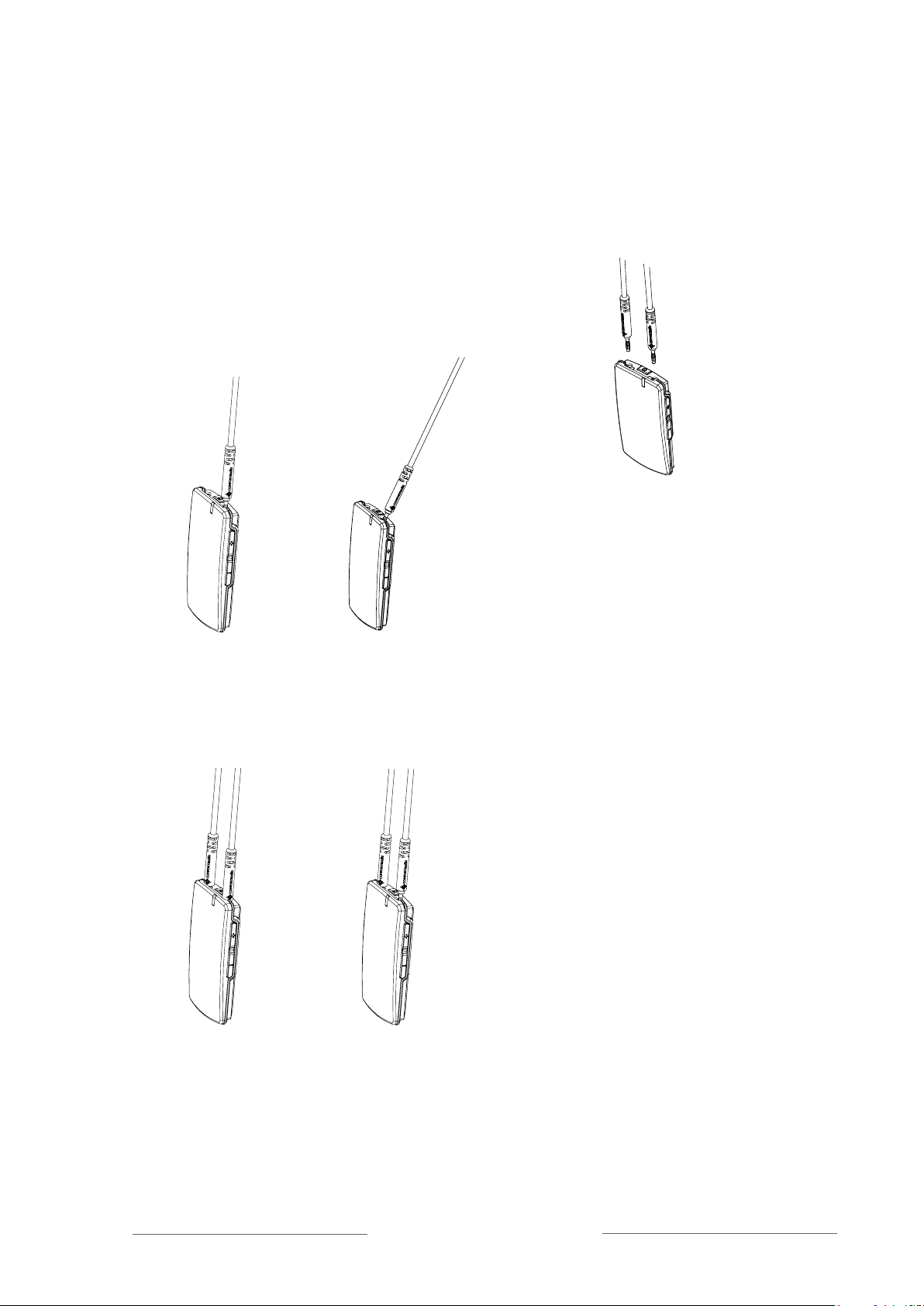
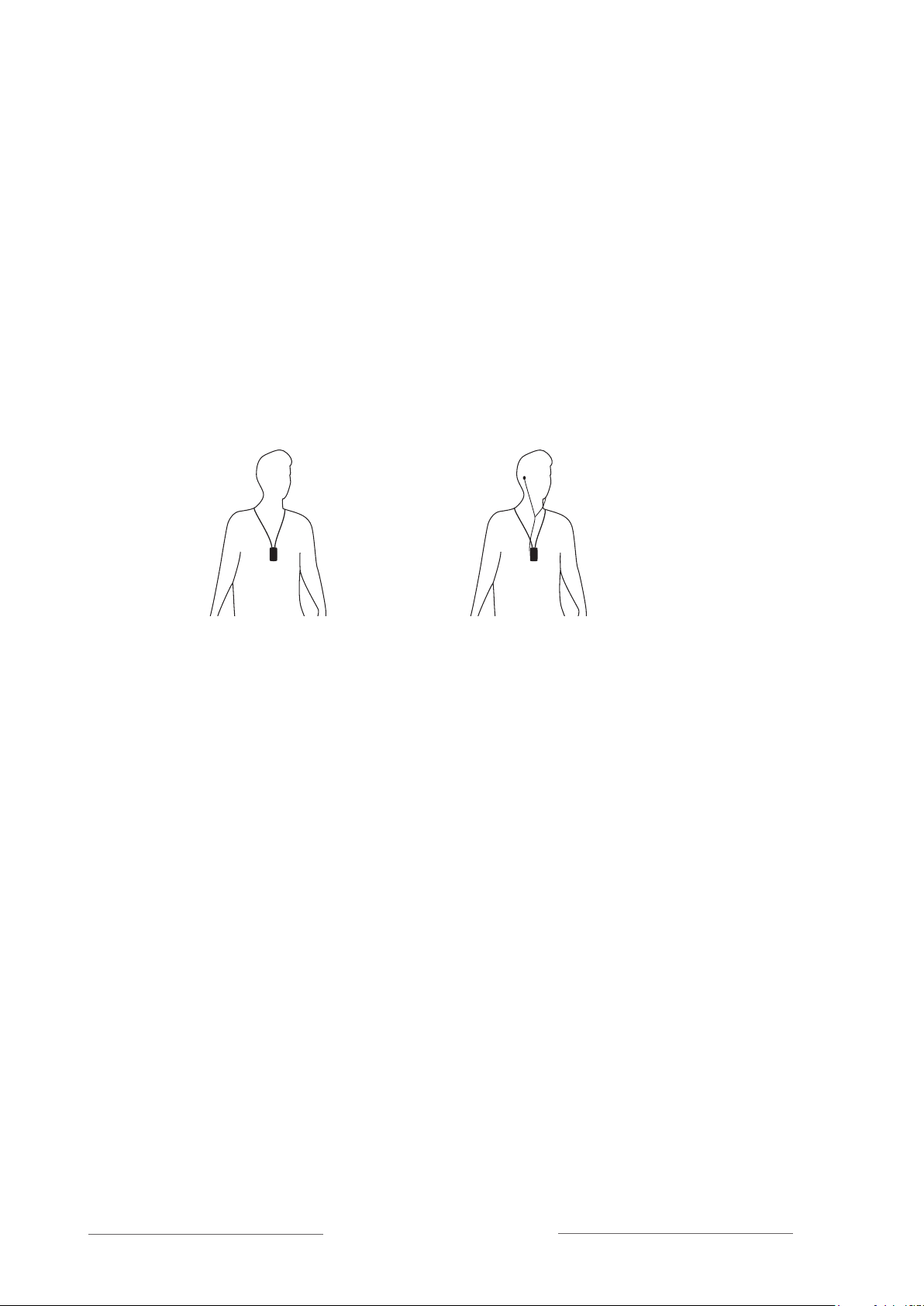
10 Receiver DH10
Pairing (via menu)
1. Choose Communication - Pair
2. Select Receive info on one unit. Ready to receive
pairing info is shown in the display.
3. Select New code on the other unit; select Yes.
4. Generate new code and send info? is shown in the
display. Select Yes (Now both the channel and the
coding information have been sent, and sound
transfer is eavesdrop-secure).
5. To pair another unit into your coded system, select
Send info instead on one of your paired units.
Pairing (via pairing button)
(The only way of pairing units without a display, with the pairing button)
You can activate the Pairing function via the pairing button.
1. One brief press of the button opens the
Pairing
menu.
2. Two brief presses activate the Send info function.
3. One long press activates the Receive info function.
Units with both transmitters and receivers built in
Comfort Digisystem units with both transmitters and receivers built-in can be
paired separately.
When opening the pairing menu, choose the concerning unit (transmitter/
receiver). In units with both transmitters and receivers, the pairing button
controls the transmitter.
The transmitter and receiver are paired separately in these units. The code
key is always the same for the transmitter and the receiver when these are
built-in in the same unit.
The easiest way to get the same code key in the whole Digisystem is to gener-
ate a new code key from the combined unit; in that way the built-in receiver
gets the same code as the rest of the system.
Sound
Balance
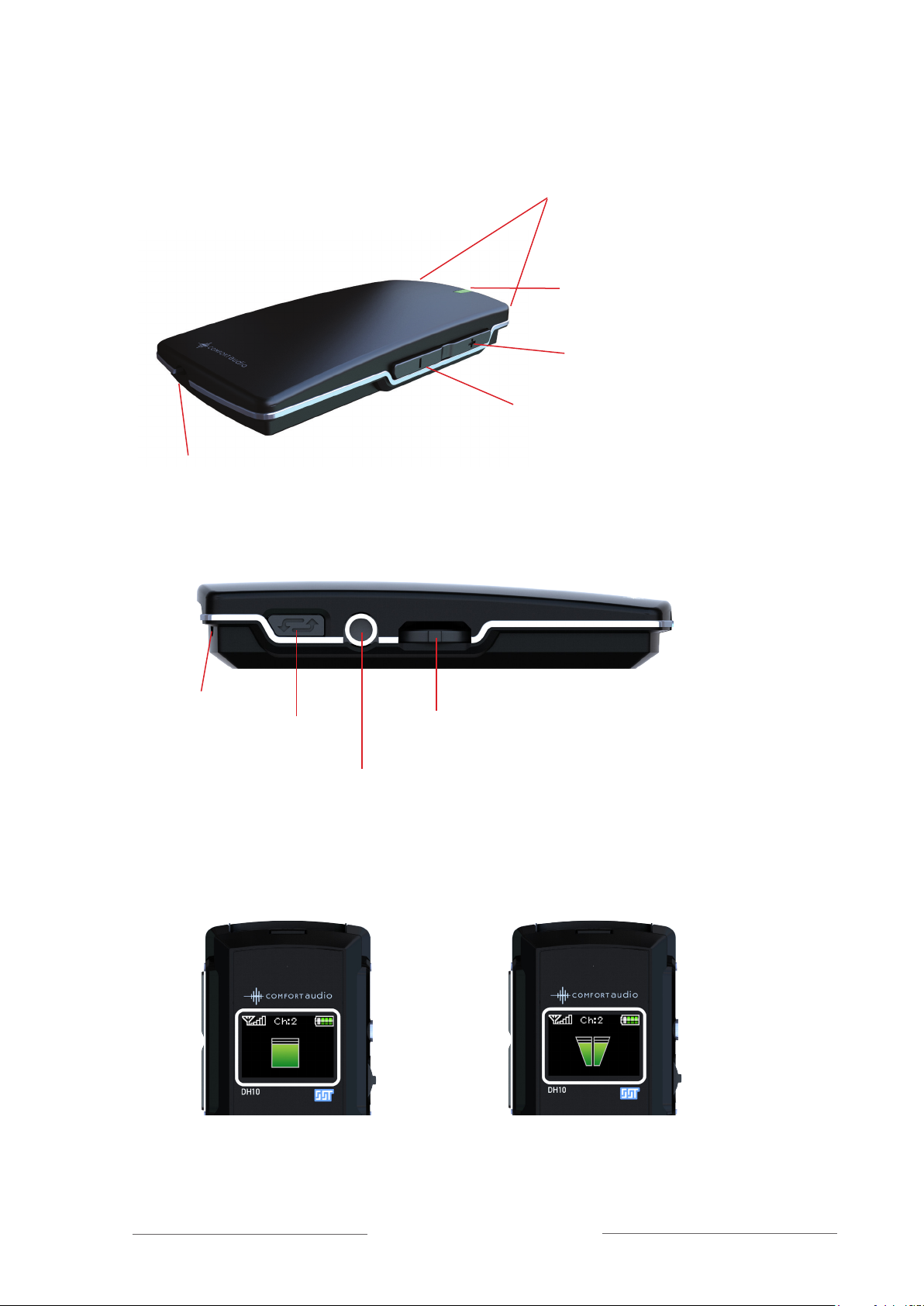
If you use the Receiver DH10 with head- or earphones, you can adjust the
balance for the right end left ear with the menu control (scroll up or down).
Press the menu control to return to the menu.