General: Operating Instructions for Users
1.9.4.2
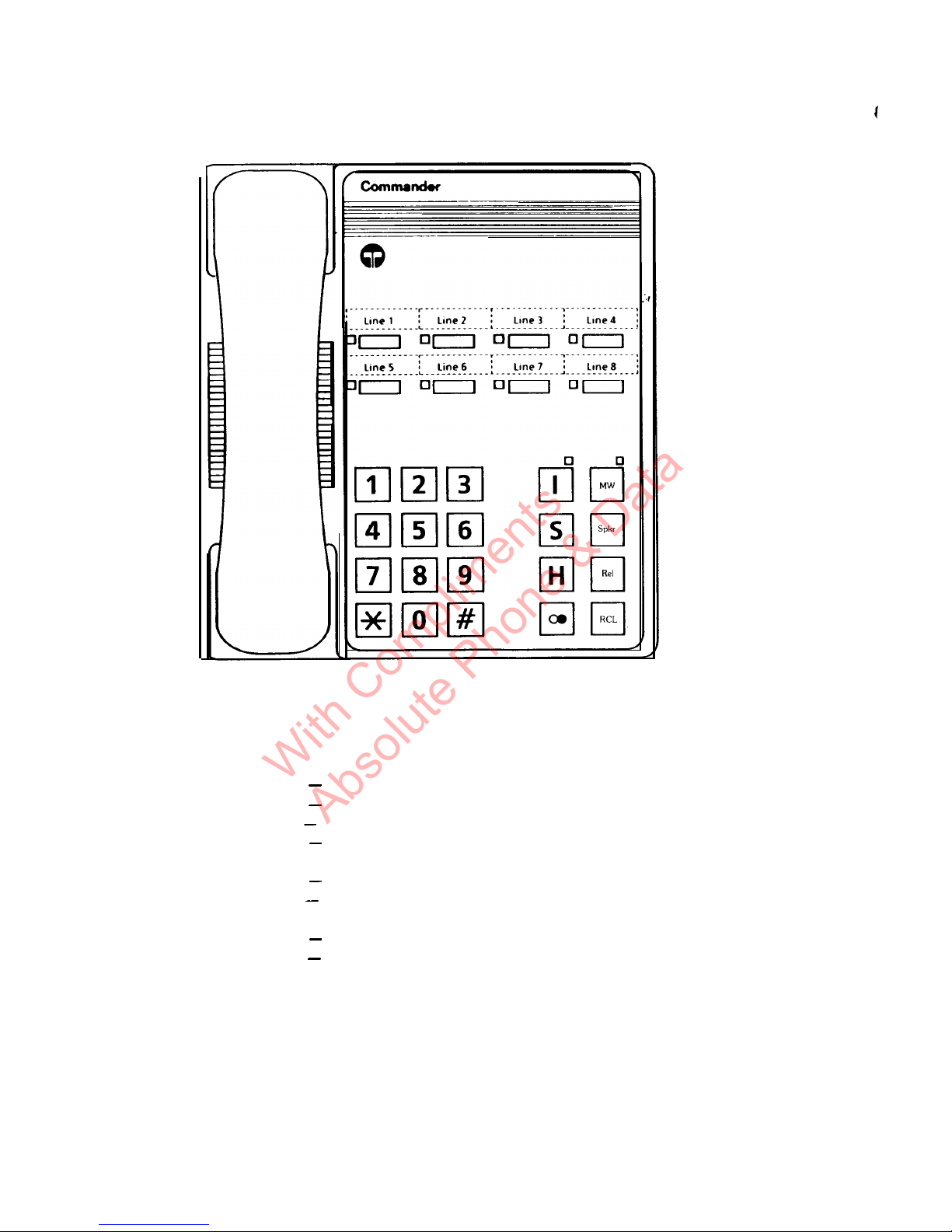
Comset Handsfree Station
NOIE: the station layout displayed is as set up for a S408 system.
For the S206, Line 3, Line 4, DSS 6 and DSS 7 push button positions have no function.
For the S824, the second row of push buttons (drawn here unlabelled) are the positions for
Line 5 to Line 8.
Lme
1 to Line 8 = Exchange
he
access buttons
LEEn
6
7
8
9
10
11
12
13
14
15
16
17
Elm
DSS 1
to
DSS 7 =
Direct
StatIon
Select buttons
+
52
H7
16
15 14 13 12
11
Fig. 1.2. COMSET HANDSFREE Face Layout
Volume control for handsfree loudspeaker
“DSS” push button field
Message Waiting LED
Message Waiting activation button
Facilities LED, indicating the activation of Do-Not-Disturb, Call Diversion,
Call
Follow-me, or
Night Switch State
Speaker/Microphone Mute LED
Speaker On/Off key
Microphone Key
-
Permitting/barring the Handsfree Answerback facility
Exchange Line release Key
-
acts as a quasi hook switch
PABX Recall Key
Inbuilt
microphone for handsfree communications
Number Redial Key
-
“Last Number” or “Saved Number” can be redialled
Hold Key
-
for holding exchange line calls
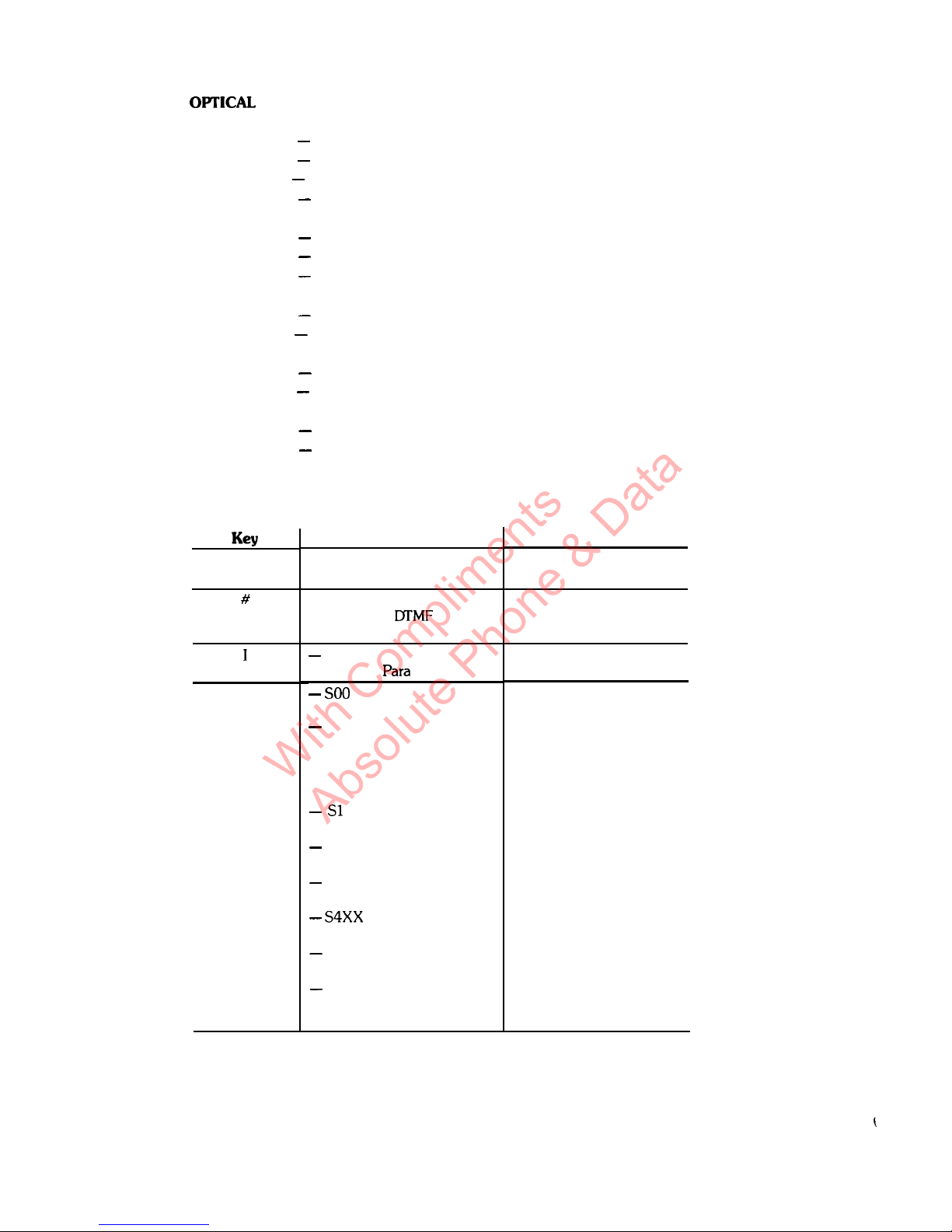
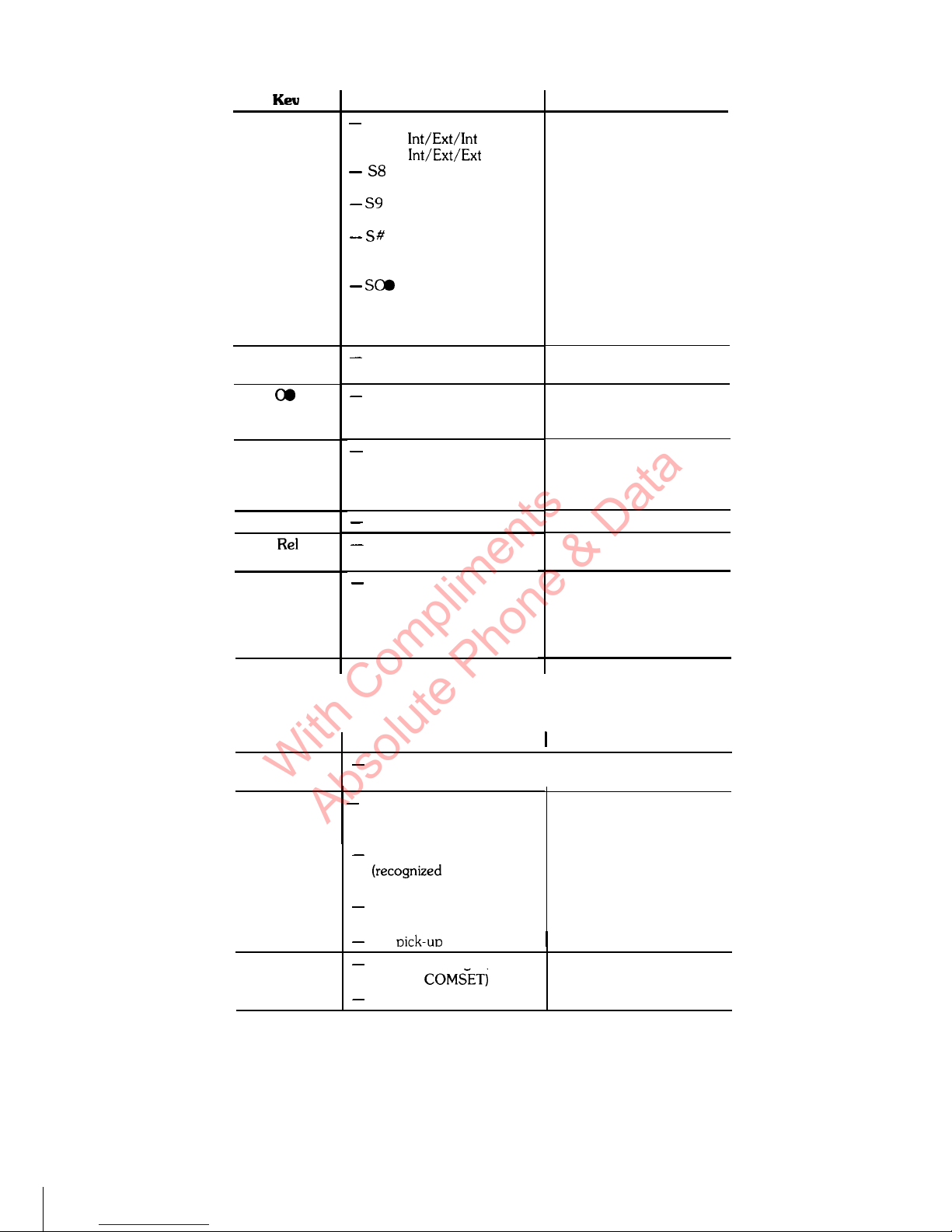
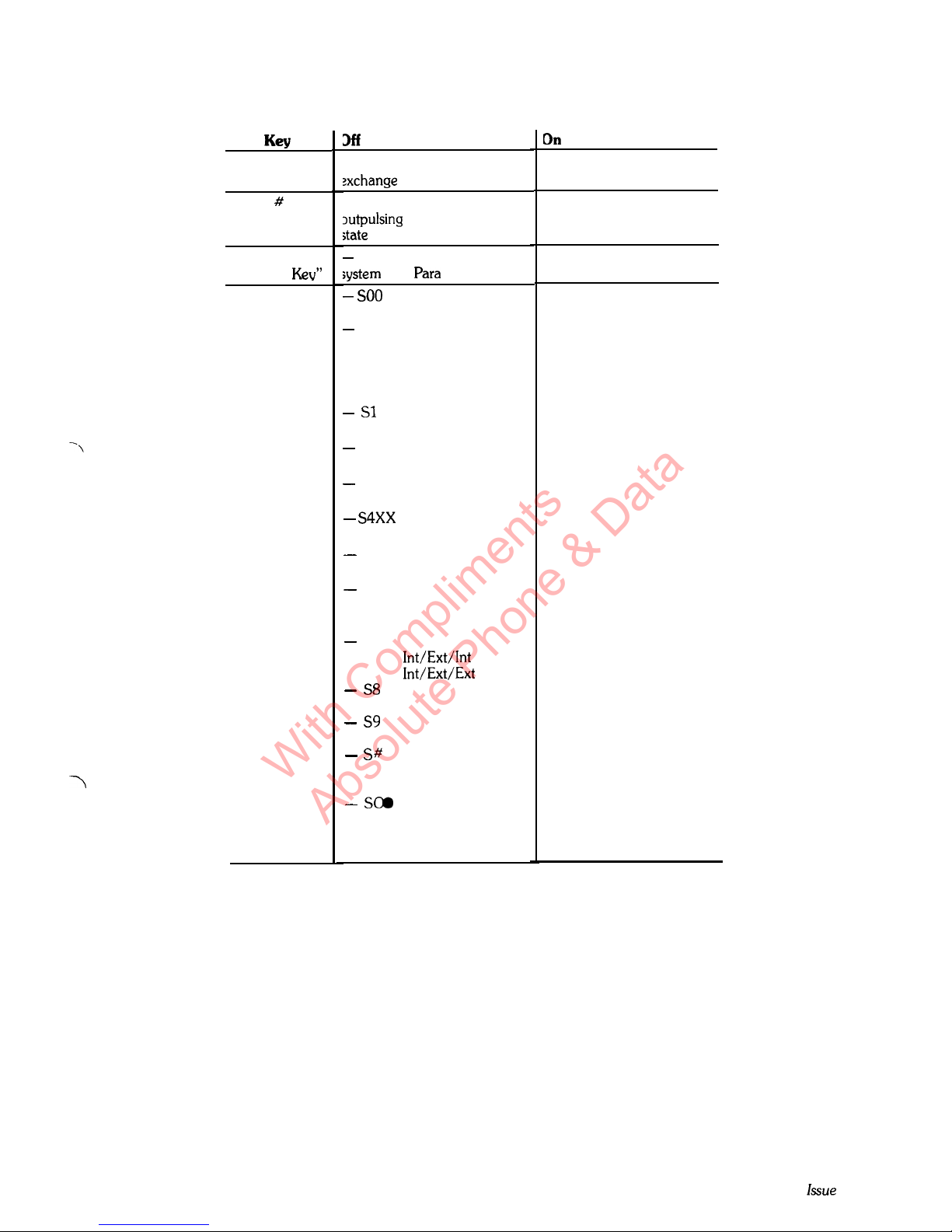
Special Procedures Key
-
for activation of call diversion, call follow me, abbreviated
numbers, etc.
Internal Key
-
for access to the paging link
Dialling Keypad
(Not shown) Ringer tone and volume combined control, accessible on base of Comset
1-13
Issue 2