manuals.online logo
Brands
  1. Home
  2. •
  3. Brands
  4. •
  5. CommScope
  6. •
  7. Industrial Equipment
  8. •
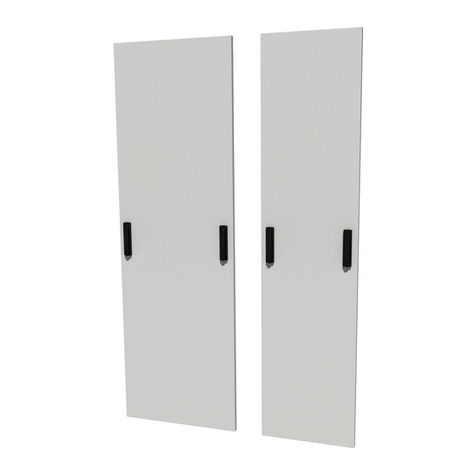
  9. CommScope 864 FDH RESKIN KIT User manual

CommScope 864 FDH RESKIN KIT User manual

This manual suits for next models

9

Other CommScope Industrial Equipment manuals
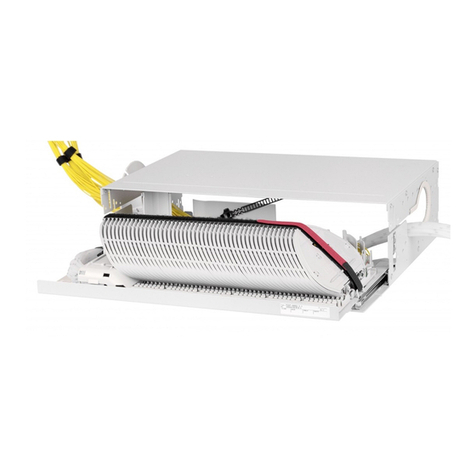
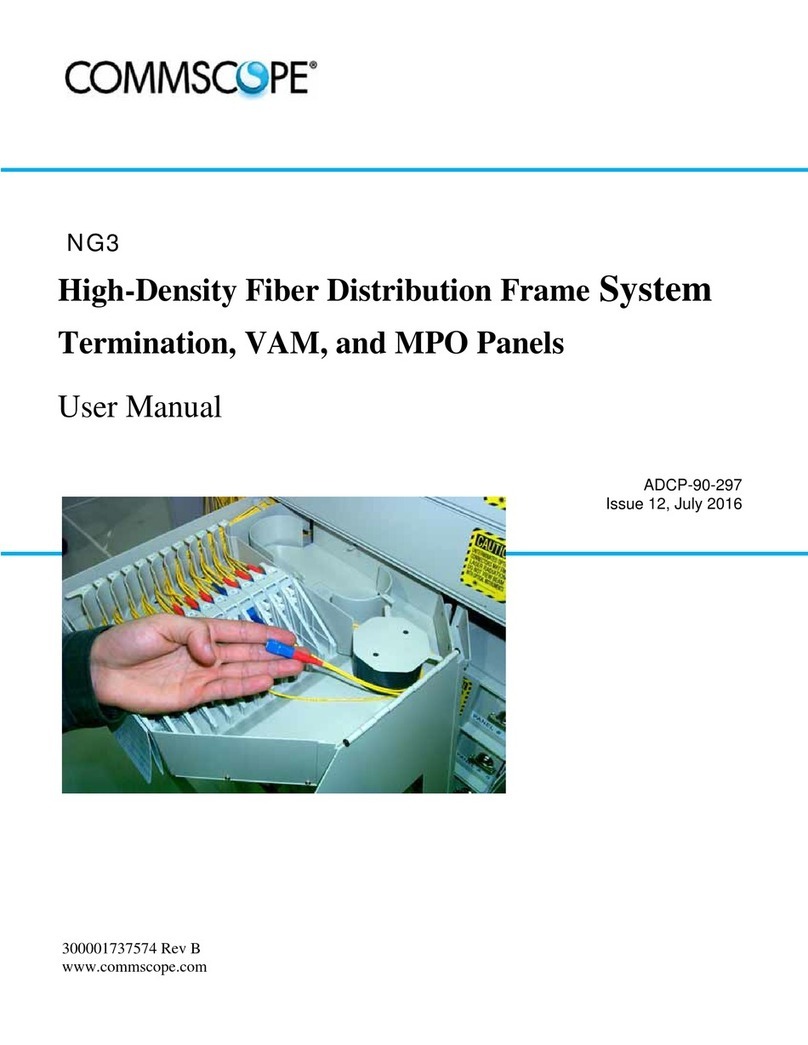
CommScope DryLine ODPMT200 Series User manual

CommScope

CommScope DryLine ODPMT200 Series User manual

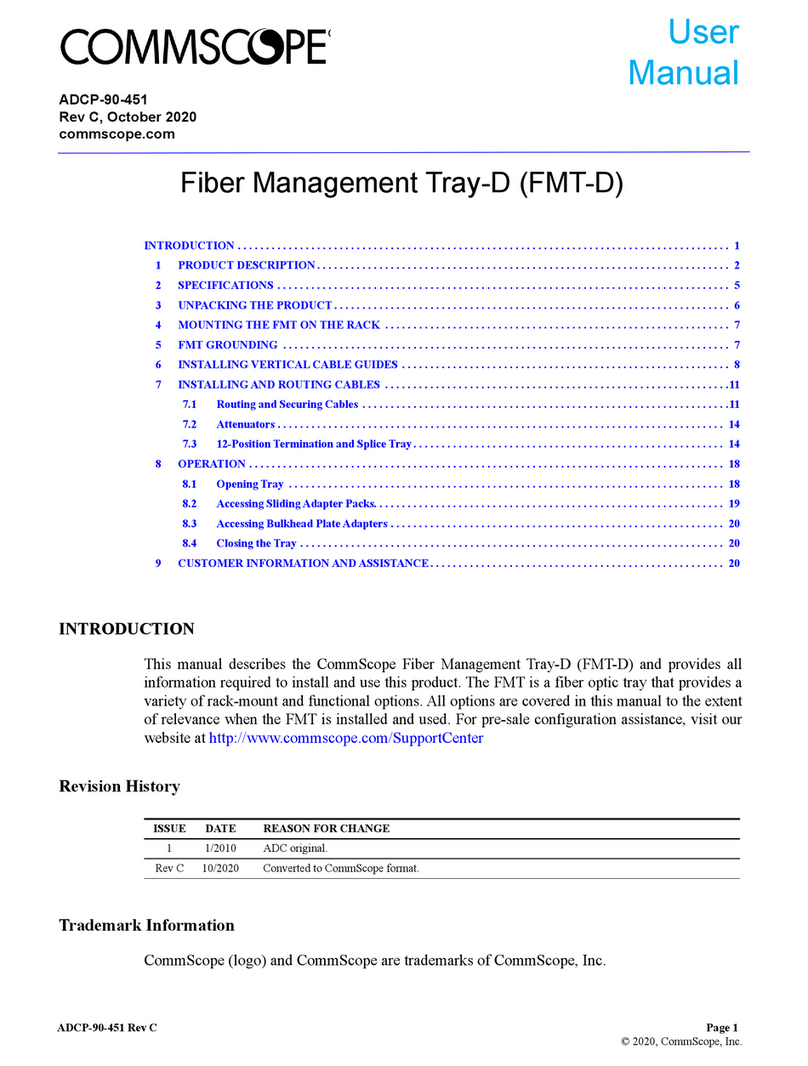
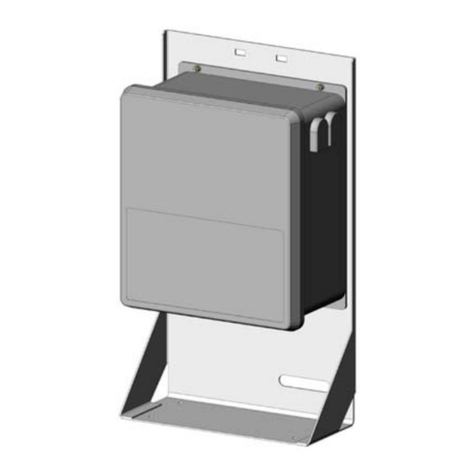
CommScope FMT-D User manual

CommScope

CommScope FMT-D User manual

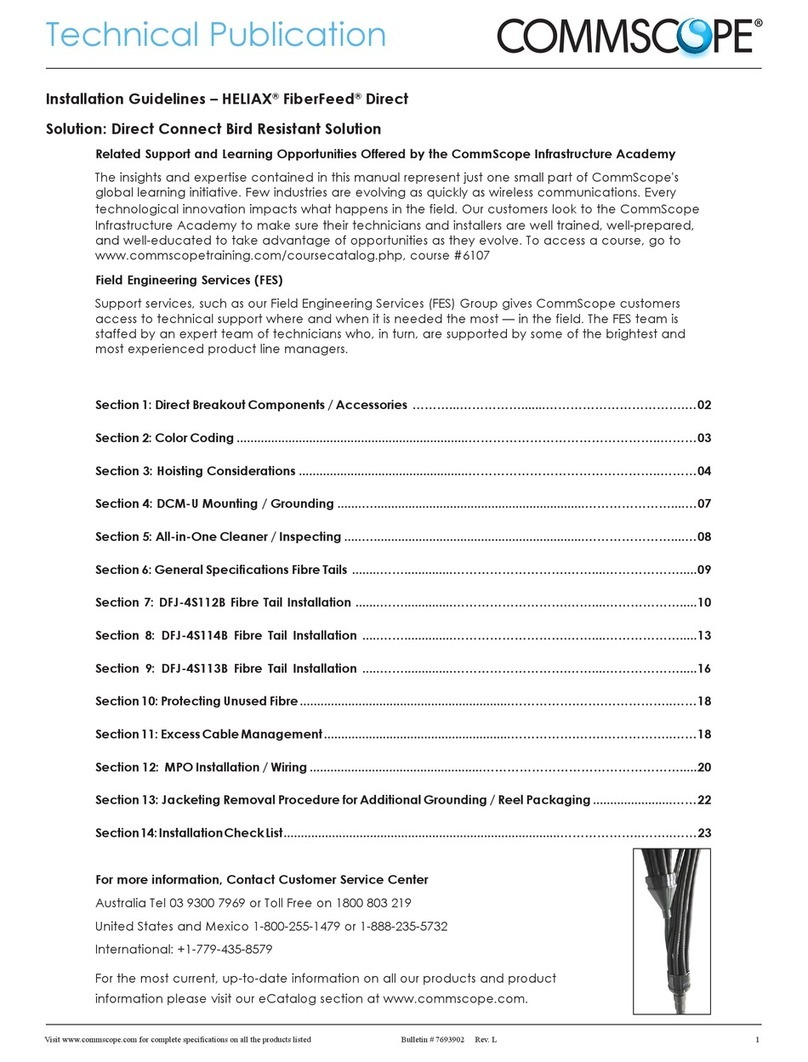
CommScope HELIAX FiderFeed DFJ-4S112B User manual

CommScope

CommScope HELIAX FiderFeed DFJ-4S112B User manual

CommScope DryLine PMT200B Series User manual

CommScope

CommScope DryLine PMT200B Series User manual

CommScope EPX G2 User manual

CommScope

CommScope EPX G2 User manual

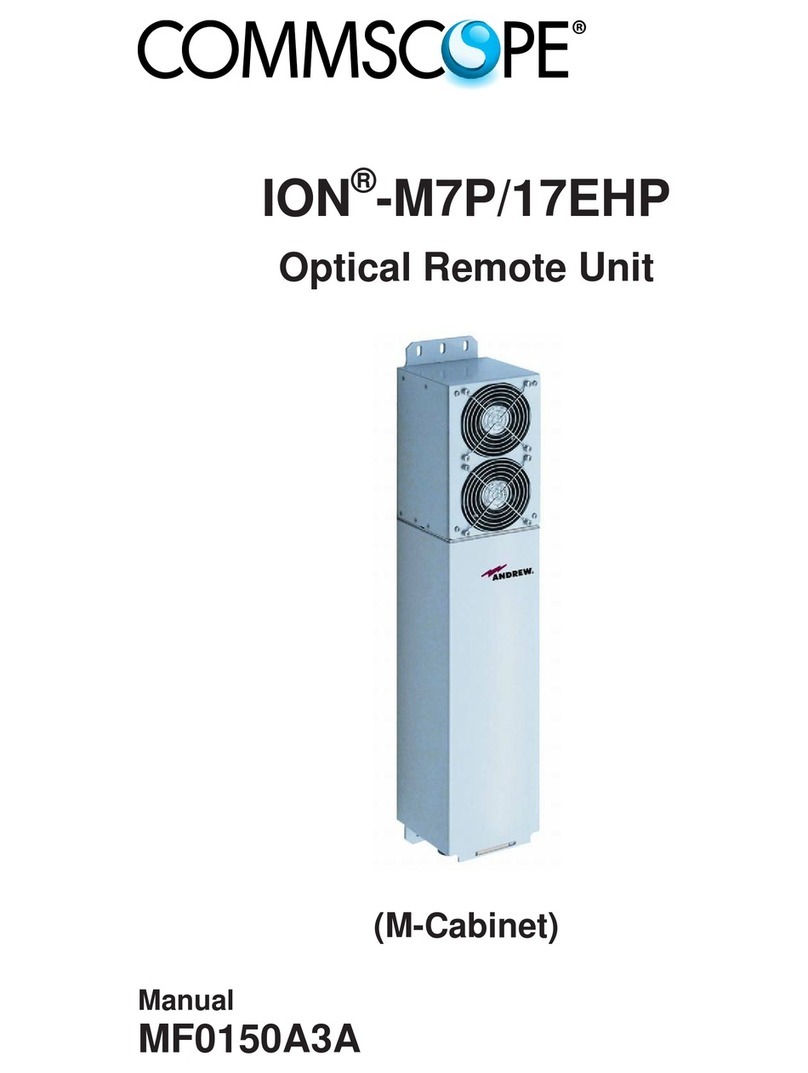
CommScope ION-M7P/17EHP User manual

CommScope

CommScope ION-M7P/17EHP User manual

CommScope OMX 600 Splice Bay User manual

CommScope

CommScope OMX 600 Splice Bay User manual

CommScope NG3 User manual

CommScope

CommScope NG3 User manual

CommScope FACT User manual

CommScope

CommScope FACT User manual

CommScope DryLine MT Series User manual

CommScope

CommScope DryLine MT Series User manual

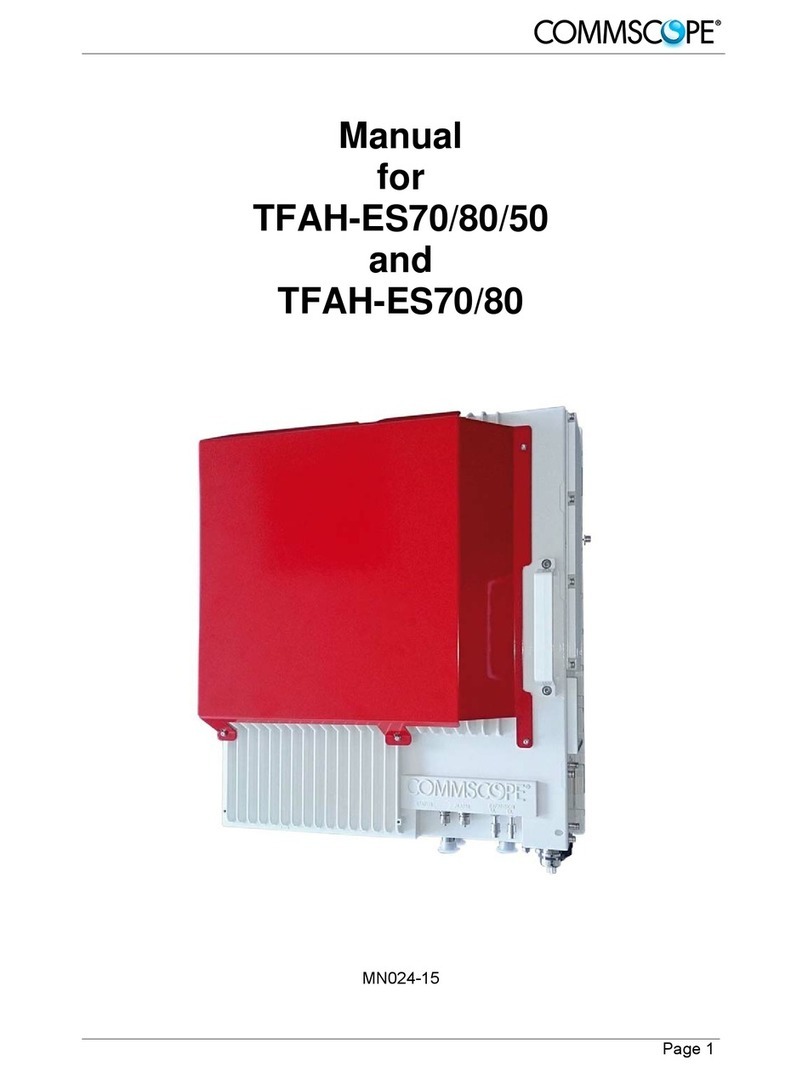
CommScope TFAH-ES70 User manual

CommScope

CommScope TFAH-ES70 User manual

CommScope OMX Bay System User guide

CommScope

CommScope OMX Bay System User guide
CommScope FOSC-400A4 User manual

CommScope

CommScope FOSC-400A4 User manual

CommScope FIST-GSS2 User manual

CommScope

CommScope FIST-GSS2 User manual

CommScope FIST-RSKG-16 User manual

CommScope

CommScope FIST-RSKG-16 User manual

CommScope NOVUX DSC 650 User manual

CommScope

CommScope NOVUX DSC 650 User manual

CommScope ADCP-90-326 User manual

CommScope

CommScope ADCP-90-326 User manual
Popular Industrial Equipment manuals by other brands

ABB Unifix AD Instruction handbook

ABB

ABB Unifix AD Instruction handbook

Mark 7 Evolution user manual

Mark 7

Mark 7 Evolution user manual

Husky HyPET Original instructions

Husky

Husky HyPET Original instructions

bora PM-1800 user manual

bora

bora PM-1800 user manual

Grizzly T32428 owner's manual

Grizzly

Grizzly T32428 owner's manual

Siemens 8MF1 Series operating instructions

Siemens

Siemens 8MF1 Series operating instructions

ABB HT610965 Operation manual

ABB

ABB HT610965 Operation manual

ABB SafeLink Installation and operating instructions

ABB

ABB SafeLink Installation and operating instructions

Phoenix PHX-150 user guide

Phoenix

Phoenix PHX-150 user guide

ABB A165-L32 Operation manual

ABB

ABB A165-L32 Operation manual

ABB HT842936 Operation manual

ABB

ABB HT842936 Operation manual

Hermetica 10 Series user manual

Hermetica

Hermetica 10 Series user manual

HORNER OEE Solution manual

HORNER

HORNER OEE Solution manual

Hammerhead HG375 parts manual

Hammerhead

Hammerhead HG375 parts manual

SCHUNK VERO-S NSE-A3 138 Assembly and operating manual

SCHUNK

SCHUNK VERO-S NSE-A3 138 Assembly and operating manual

ABB HT566657 Operation manual

ABB

ABB HT566657 Operation manual

Webasto GSE CAN installation guide

Webasto

Webasto GSE CAN installation guide

ABB HT614003 Operation manual

ABB

ABB HT614003 Operation manual

manuals.online logo
manuals.online logoBrands
  • About & Mission
  • Contact us
  • Privacy Policy
  • Terms and Conditions

Copyright 2025 Manuals.Online. All Rights Reserved.

Page 1 of 9
© 2021 CommScope, Inc. All Rights Reserved
Contents
Installation Instructions
TC-1504-IP
Rev. A
TC-1504-IP
Rev A, July 2021
www.commscope.com
864 FDH RESKIN KIT (DRAFT 6)
1 General product information
This installation instruction document describes the re-skin operation of the 864 cabinet. Images in this
manual are for reference only.
2 General safety precautions
2.1 Fiber optic cables may be damaged if bent or curved to a radius that is less than the recommended minimum
 bendradius.Alwaysobservetherecommendedbendradiuslimitwheninstallingberopticcablesandpatch
cords.
2.2 Exposure to laser radiation can seriously damage the retina of the eye. Do not look into the ends of any optical
 ber.Donotassumethelaserpoweristurnedoorthattheberisdisconnectedattheotherend.
3 Kit Content
- Cabinet shell including center post and locate panel
- Isolation Pad
- Designation labels
4 Product image
864 FDH 3000 Cabinet
1 General product information��������������������������������������������� 1
2 General safety precautions������������������������������������������������� 1
3 Kit content���������������������������������������������������������������������������� 1
4 Product image���������������������������������������������������������������������� 1
5 Remove damaged cabinet �������������������������������������������������� 2
6 Install new cabinet shell ����������������������������������������������������� 5
7 Trademarks and patents ���������������������������������������������������� 8
8 Contact information������������������������������������������������������������ 8
Page 2 of 9
© 2021 CommScope, Inc. All Rights Reserved
5 Remove damaged cabinet
5.1 Open FDH with can wrench.
Cabinet - Doors Closed Cabinet - Doors Open
5.2 Inspect the internal parts of the FDH. The swing frames need to be in good condition.
Check Condition of Swing Frames and Center Post Tool List
Note: If the riser is damaged a new riser kit will need to be ordered separately.
Tools required for installation:
- 5/32” Hex Head Bit
- 9/16” Socket Wrench
- 3/8” Socket Wrench
- Can Wrench
- Large Phillips Screwdriver
5.3 Remove front hex head screws. Note: Retain all mounting hardware and ground wires for later re-use.
Hardware Removal on Front Side
Page 3 of 9
© 2021 CommScope, Inc. All Rights Reserved
5.4 Remove the rear attachment plates. (6 Pictures)
Hardware Removal on Rear Side LHS Rear Plate Removal
LHS Rear Plate Removal LHS Rear Plate Removal
RHS Rear Plate Removal RHS Rear Plate Removal
5.5 Remove ground straps from cables and ground locate panel. (2 Pictures)
Cable Ground Strap Locate Panel Ground Strap
Page 4 of 9
© 2021 CommScope, Inc. All Rights Reserved
5.6 Remove swing frame stops from cabinet shell. (2 Pictures)
Upper Rear Swing Frame Stops Lower Swing Frame Door Stop
5.7 Remove bolts from base of cabinet shell. There are 4 bolts under the RHS swing frame and 4 bolts under the LHS
swing frame.
Cabinet Shell Bolt Removal
5.8 Remove the screws holding the central post to the FDH shell. (2 Pictures)
Top Center Post Hardware Removal Bottom Center Post Hardware Removal
Page 5 of 9
© 2021 CommScope, Inc. All Rights Reserved
5.9 Apply tape to the swing frame latches to keep them in the open position.
Tape on Swing Frame Latch
5.10 Remove the damaged cabinet shell by moving it toward the front and away from the swing frames. (2 Pictures).
Cabinet Shell Removal Cabinet Shell Moved Away from
Swing Frames and Center Post
5.11 Support the swing frames using wood blocks
Swing Frame Support
Page 6 of 9
© 2021 CommScope, Inc. All Rights Reserved
6 Install new cabinet shell
New Cabinet Shell
6.1 If applicable install the new riser.
Riser Kick Plate Removal
6.2 Remove swing frame stops from new cabinet shell at both the top and bottom. (2 Pictures)
Top Swing Frame Stop Removal Bottom Swing Frame Stop Removal
6.3 Remove the center post from the new cabinet shell. (2 Pictures)
Bottom of Center Post Center Post Removal
Page 7 of 9
© 2021 CommScope, Inc. All Rights Reserved
6.4 Slide the new shell from the front and back over the swing frames. (2 Pictures)
New Cabinet Shell in Position for Placement New Cabinet Shell Placed Over
Swing Frames and Center Post
6.5 Attach center post to new cabinet shell and then reassemble cabinet in reverse order. (10 Pictures)
Center Post Re-attachment Re-attach Cabinet Shell Bolts
Re-attach Front Screws Re-attach RHS Bottom Plate
Re-attach LHS Plate Remove Tape from Swing Frame Latches
Page 8 of 9
© 2021 CommScope, Inc. All Rights Reserved
Re-attach Swing Frame Stops Re-install Ground Wires
Re-attach Ground Wire at Cable Re-attach Ground Wire at Locate Panel
6.6 Transfer label information to new doors.
Apply New Labels
6.7 Close and lock the cabinet doors.
Close and Lock Cabinet Doors
Page 9 of 9
© 2021 CommScope, Inc. All Rights Reserved
7 Trademarks and patents
Alltrademarksidentiedby®or™areregisteredtrademarksortrademarks,respectively,ofCommScope,Inc.This
documentisforplanningpurposesonlyandisnotintendedtomodifyorsupplementanyspecicationsorwarranties
relating to CommScope products or services. CommScope is committed to the highest standards of business integrity
andenvironmentalsustainability,withanumberofCommScope’sfacilitiesacrosstheglobecertiedinaccordancewith
international standards, including ISO 9001, TL 9000, and ISO 14001.
Further information regarding CommScope’s commitment can be found at
www.commscope.com/About-Us/Corporate-Responsibility-and-Sustainability.
This product may be covered by one or more U.S. patents or their foreign equivalents. For patents, see www.cs-pat.com.
8 Contact information
Visit our website or contact your local CommScope representative for more information.
For technical assistance, customer service, or to report any missing/damaged parts, visit us at:
http://www.commscope.com/SupportCenter