
manuals.online logo
Brands
  1. Home
  2. •
  3. Brands
  4. •
  5. Contemporary Controls
  6. •
  7. Switch
  8. •
  9. Contemporary Controls EISW5-100T User manual

Contemporary Controls EISW5-100T User manual

Other Contemporary Controls Switch manuals
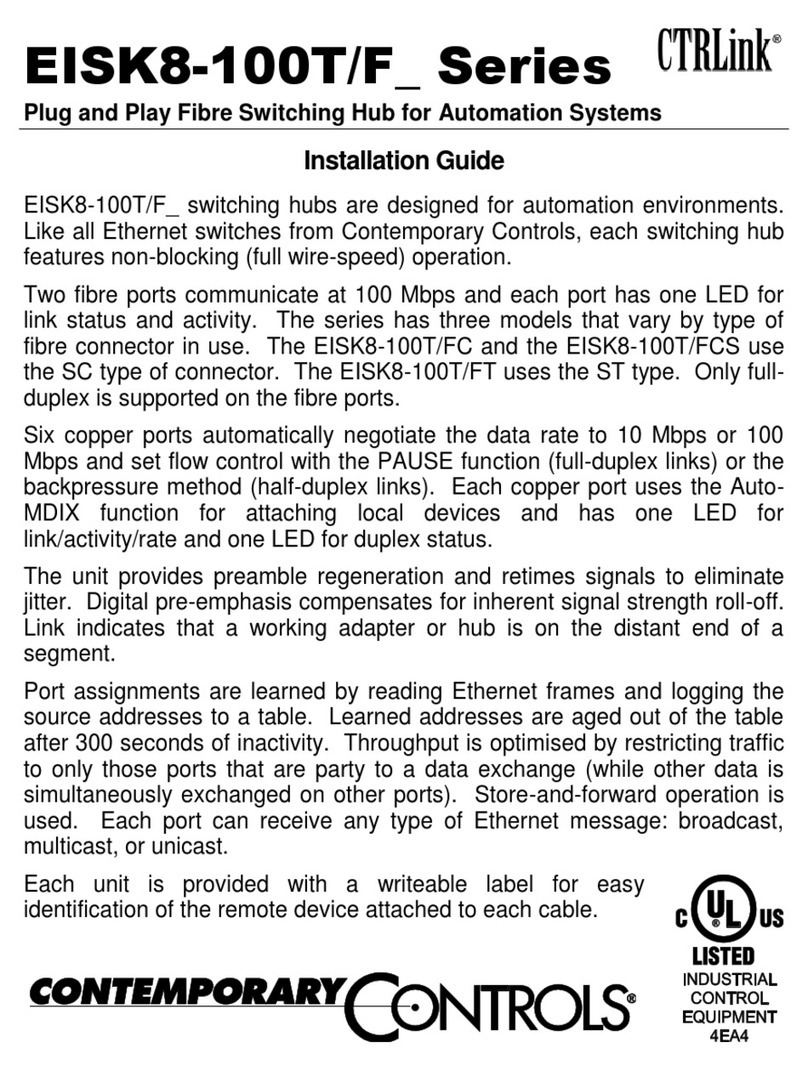
Contemporary Controls EISK8-100T/F Series User manual
Contemporary Controls

Contemporary Controls EISK8-100T/F Series User manual

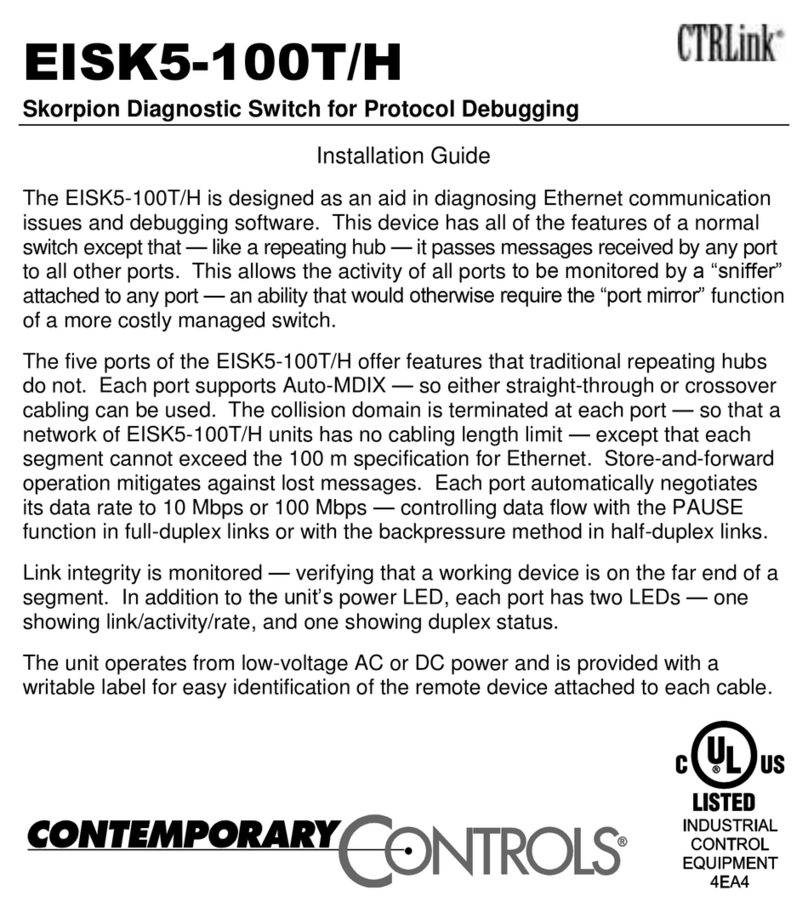
Contemporary Controls EISK5-100T/H User manual
Contemporary Controls

Contemporary Controls EISK5-100T/H User manual

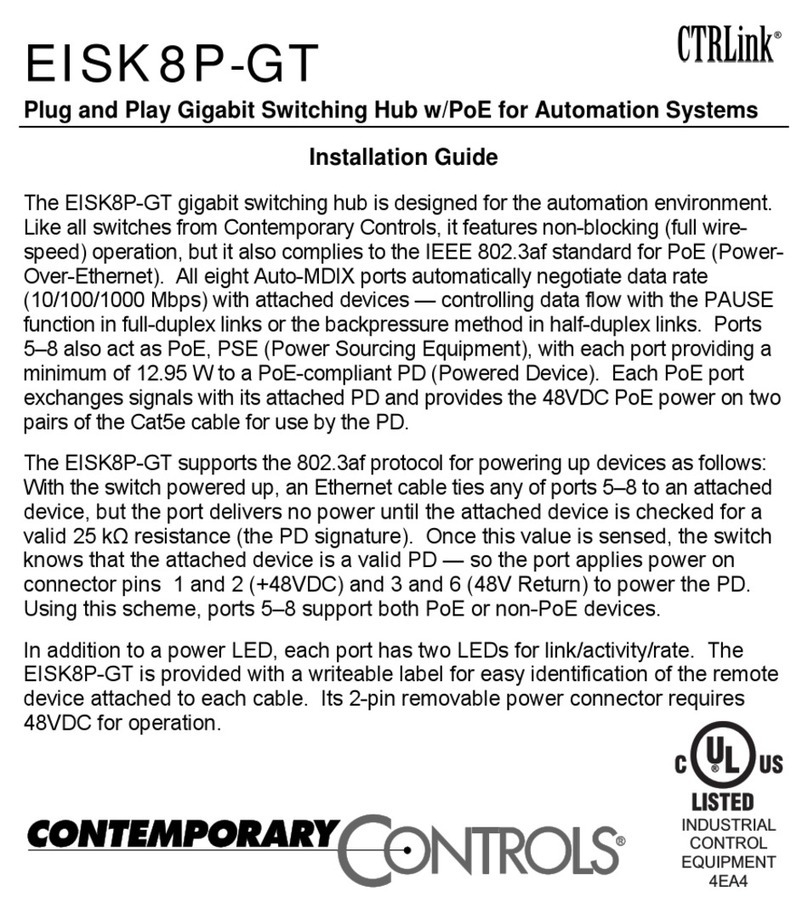
Contemporary Controls CTRLink EISK8P-GT User manual
Contemporary Controls

Contemporary Controls CTRLink EISK8P-GT User manual

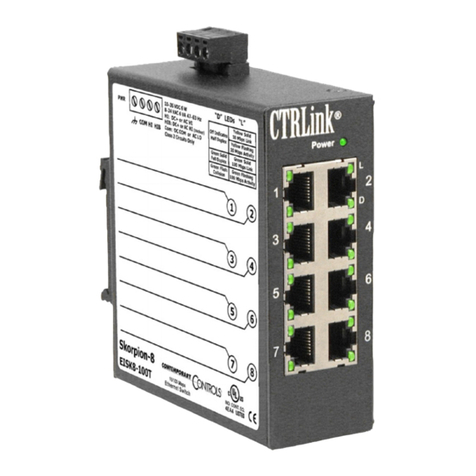
Contemporary Controls CTRLink EISK8-100T User manual
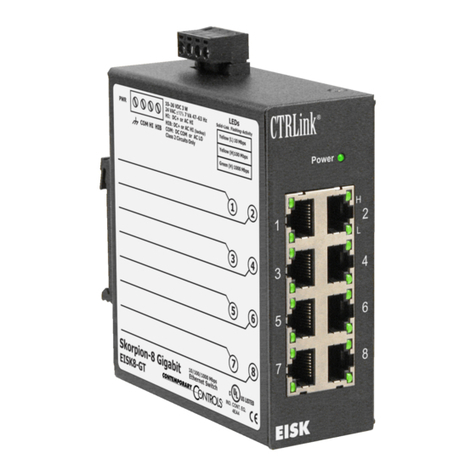
Contemporary Controls

Contemporary Controls CTRLink EISK8-100T User manual

Contemporary Controls CTRLink EISK8-GT/H User manual
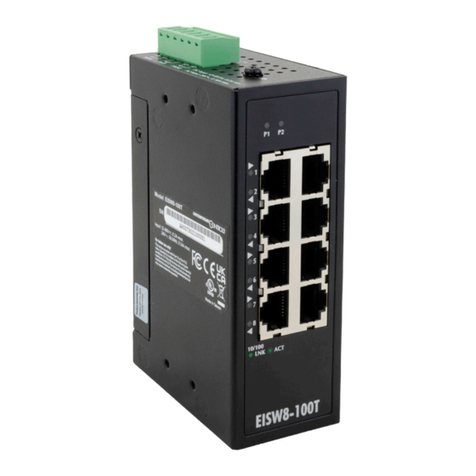
Contemporary Controls

Contemporary Controls CTRLink EISK8-GT/H User manual

Contemporary Controls EISW8-100T User manual
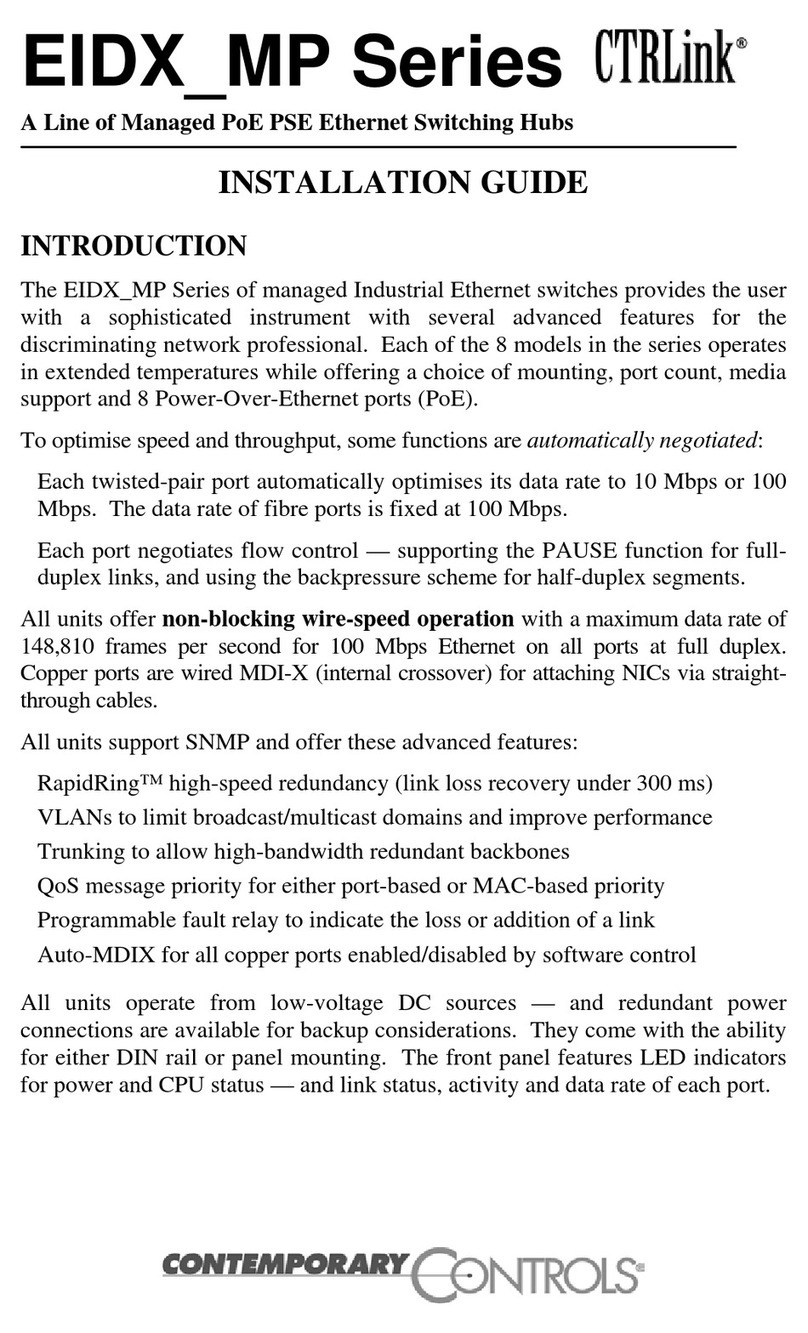
Contemporary Controls

Contemporary Controls EISW8-100T User manual

Contemporary Controls CTRLink EIDX MP Series User manual
Contemporary Controls

Contemporary Controls CTRLink EIDX MP Series User manual

Contemporary Controls EISX8M series User manual
Contemporary Controls

Contemporary Controls EISX8M series User manual

Contemporary Controls CTRLink EISK8M Series User manual
Contemporary Controls

Contemporary Controls CTRLink EISK8M Series User manual

Contemporary Controls EISW Series User manual
Contemporary Controls

Contemporary Controls EISW Series User manual

Contemporary Controls CTRLink EISX9-100T User manual
Contemporary Controls

Contemporary Controls CTRLink EISX9-100T User manual

Contemporary Controls CTRLink EISK5-100T User manual
Contemporary Controls

Contemporary Controls CTRLink EISK5-100T User manual

Contemporary Controls EISK16-100T User manual
Contemporary Controls

Contemporary Controls EISK16-100T User manual

Contemporary Controls EISK5-100T/F Series User manual
Contemporary Controls

Contemporary Controls EISK5-100T/F Series User manual

Contemporary Controls CTRLink EISK5-GT/H User manual
Contemporary Controls

Contemporary Controls CTRLink EISK5-GT/H User manual

Contemporary Controls CTRLink Skorpion Series User manual
Contemporary Controls

Contemporary Controls CTRLink Skorpion Series User manual

Contemporary Controls CTRLink EIBA5-100T User manual
Contemporary Controls

Contemporary Controls CTRLink EIBA5-100T User manual

Contemporary Controls CTRLink EISC-100T User manual

Contemporary Controls

Contemporary Controls CTRLink EISC-100T User manual

Popular Switch manuals by other brands

SMC Networks SMC6224M Technical specifications

SMC Networks

SMC Networks SMC6224M Technical specifications

Aeotec ZWA003-S operating manual

Aeotec

Aeotec ZWA003-S operating manual

TRENDnet TK-209i Quick installation guide

TRENDnet

TRENDnet TK-209i Quick installation guide

Planet FGSW-2022VHP user manual

Planet

Planet FGSW-2022VHP user manual

Avocent AutoView 2000  AV2000BC AV2000BC Installer/user guide

Avocent

Avocent AutoView 2000 AV2000BC AV2000BC Installer/user guide

Moxa Technologies PT-7728 Series user manual

Moxa Technologies

Moxa Technologies PT-7728 Series user manual

Intos Electronic inLine 35392I operating instructions

Intos Electronic

Intos Electronic inLine 35392I operating instructions

Cisco Catalyst 3560-X-24T Technical specifications

Cisco

Cisco Catalyst 3560-X-24T Technical specifications

Asante IntraCore IC3648 Specifications

Asante

Asante IntraCore IC3648 Specifications

Siemens SIRIUS 3SE7310-1AE Series Original operating instructions

Siemens

Siemens SIRIUS 3SE7310-1AE Series Original operating instructions

Edge-Core DCS520 quick start guide

Edge-Core

Edge-Core DCS520 quick start guide

RGBLE S00203 user manual

RGBLE

RGBLE S00203 user manual

Thrustmaster FLIGHT SIMULATOR X quick guide

Thrustmaster

Thrustmaster FLIGHT SIMULATOR X quick guide

Southwire SURGE GUARD 41390 RVC troubleshooting guide

Southwire

Southwire SURGE GUARD 41390 RVC troubleshooting guide

Buhler Nivotemp NT 61 Brief instructions

Buhler

Buhler Nivotemp NT 61 Brief instructions

Kramer VS-41HDCP user manual

Kramer

Kramer VS-41HDCP user manual

Techly IDATA AU-270 user manual

Techly

Techly IDATA AU-270 user manual

Belkin F1U109 user manual

Belkin

Belkin F1U109 user manual

manuals.online logo
manuals.online logoBrands
  • About & Mission
  • Contact us
  • Privacy Policy
  • Terms and Conditions

Copyright 2025 Manuals.Online. All Rights Reserved.

EISW5-100T
Plug and Play Switching Hub for Automation Systems
Installation Guide
The EISW5-100T 5-port switching hub is designed for networked automation applications.
Like all Ethernet switches from Contemporary Controls, it features non-blocking (full wire-
speed) operation. It divides an Ethernet network into ve collision domains—“bridging”
data links to create larger network diameters than possible with repeating hubs. Each
port automatically negotiates its data rate to either 10 Mbps or 100 Mbps—controlling
data ow with the PAUSE function in full-duplex links or with the backpressure method in
half-duplex links.
The switch provides preamble regeneration with symmetry and amplitude compensation,
retiming signals to eliminate jitter. Digital pre-emphasis compensates for inherent signal
strength roll-off. Link integrity is monitored, verifying that a working adapter or hub is on
the distant end of a segment.
Port assignments are learned by reading Ethernet frames and logging the source
addresses to a table. Throughput is improved by restricting trafc to those ports party to a
data exchange while other data is simultaneously exchanged on other ports. Store-and-
forward operation is implemented, and broadcast, multicast, or unicast transmissions are
received by all ports.
The EISW5-100T has ve Auto-MDIX ports for attaching local devices. Each port has one
LED that glows with an established link and ashes with activity.
The unit features dual power inputs with wide-ranging voltages (12-48V DC or 24V AC).
For power redundancy, two DC supplies can be used. A normally open (NO) fault relay
contact held closed, opens upon a P1 or P2 power failure. This contact is rated up to
24V DC at 1A. A wide operating temperature range of –40°C to +75°C make the EISW5
suitable for outdoor applications.
Specications
Electrical
INPUT DC AC
Voltage: 12-48 V 24 V
Power: 2.1 W 3.6 VA
Frequency: N/A 47–63 Hz
Class 2 Circuits Only
Environmental
Operating Temperature: – 40°C to +75°C
Storage Temperature: – 40°C to +85°C
Humidity, non-cond.: 5% to 95%
Protection: IP 30
Mounting TS-35 DIN-rail/
wall-mounted
Product Weight 255g
Regulatory Compliance
CE Mark; CFR 47 Part 15, Class A;
UL; UKCA
Functional
Compliance:
IEEE 802.3/3u/3x/1p/3az
Data Rates: 10 and 100 Mbps
Signalling: 10BASE-T and
100BASE-TX
Connectors: Shielded RJ-45
Segment length: 100 m (maximum)
LED Indicators
P1 green (PWR1)
P2 green (PWR2)
Per Ethernet Port:
Link/Activity green/ashing
RJ-45 Connector Pin Assignments
Pin Function
1 TD+
2 TD–
3 RD+
6 RD–
(All other pins are unused.)
Mechanical
Dimensions: 30 x 70 x 104 mm (W x D x H)
12345678
18.00
9.00
91.00
52.00 52.00
104.00
30.00
70.00
70.00
Front ViewSide View
Top View
Rear View
P1 P2
ACT
LNK
10/100
1
2
3
4
5DC Input: 12-48V—, 0.17A max.
AC Input: 24V~, 0.15A max.
V1+V1-
PWR1
V2+V2-
PWR2
Fault
30.00
1 2 3 4 5 6
Max. Fault Alarm Loading: 24V, 1A
Power Sourcing Options
Power Considerations
The EISW can be powered from either a single source of AC or DC. Dual source power-
ing is possible with two DC supplies isolated from one another. Recommended size for
solid power conductors is 16–22 AWG; for stranded conductors, use 16–18 AWG. Input
connections are reverse polarity protected. The earthing screw terminal on the switch
must be grounded if there is no other option for grounding the case.
Network Connections
The switch employs Auto-MDIX technology so that either straight-through or crossover
cables can be used to connect to network interface adapters or to another hub.
LED Indicators
The “P1” LED glows green to indicate Power Input 1 (PWR1) has power, and the “P2”
LED glows green to indicate Power Input 2 (PWR2) has power. Each Ethernet port has
a LNK/ACT LED that glows solid green to indicate an established 10 or 100 Mbps link,
and ashes green to indicate that network trafc is occurring over that port.
Single Source Powering
PWR1 with AC PWR1 with DC
12-48
VDC
+
12-48
VDC
+
12-48
VDC
+
*
V1+
1 2 3 4 5 6
V1-
PWR1
V2+ V2-
PWR2
Fault
V1+
1 2 3 4 5 6
V1-
PWR1
V2+ V2-
PWR2
Fault
V1+
1 2 3 4 5 6
V1-
PWR1
V2+ V2-
PWR2
Fault
24
VAC
Primary
* Possible grounded secondary.
Redundant Powering
PWR1 with DC
PWR2 with DC
Power supplies must be
isolated from each other.
Need more help installing this product?
For more information, visit www.ccontrols.com. If contacting our ofce, ask for Technical
Support.
Warranty
Contemporary Controls (CC) warrants this product to the original purchaser for ve
years from the shipping date. If it fails to operate in compliance with its specication
during this period, CC will, at its option, repair or replace the product at no charge. The
customer is responsible for shipping the product; CC assumes no responsibility for the
product until received. This limited warranty covers products only as delivered. If user
modication damages the product, repair or replacement are not covered. Damage from
abuse, accident, disaster, misuse, or incorrect installation are not covered. This warranty
in no way warrants suitability of the product for any specic application. More warranty
information can be found at www.ccontrols.com.
Warning: This is a Class A product. In a domestic environment this product may cause radio
interference in which case the user may be required to take adequate measures.
Returning Products for Repair
Return the product to the location where it was purchased by following the instructions
at the URL below:
www.ccontrols.com/rma.htm
Declaration of Conformity
Information about the regulatory compliance of this product can be found at the URL below:
www.ccontrols.com/compliance.htm
April 2022 TD220110-0IA

