manuals.online logo
Brands
  1. Home
  2. •
  3. Brands
  4. •
  5. Converters.TV
  6. •
  7. Receiver
  8. •
  9. Converters.TV 547 User manual

Converters.TV 547 User manual

Other Converters.TV Receiver manuals

Converters.TV 922 User manual

Converters.TV

Converters.TV 922 User manual

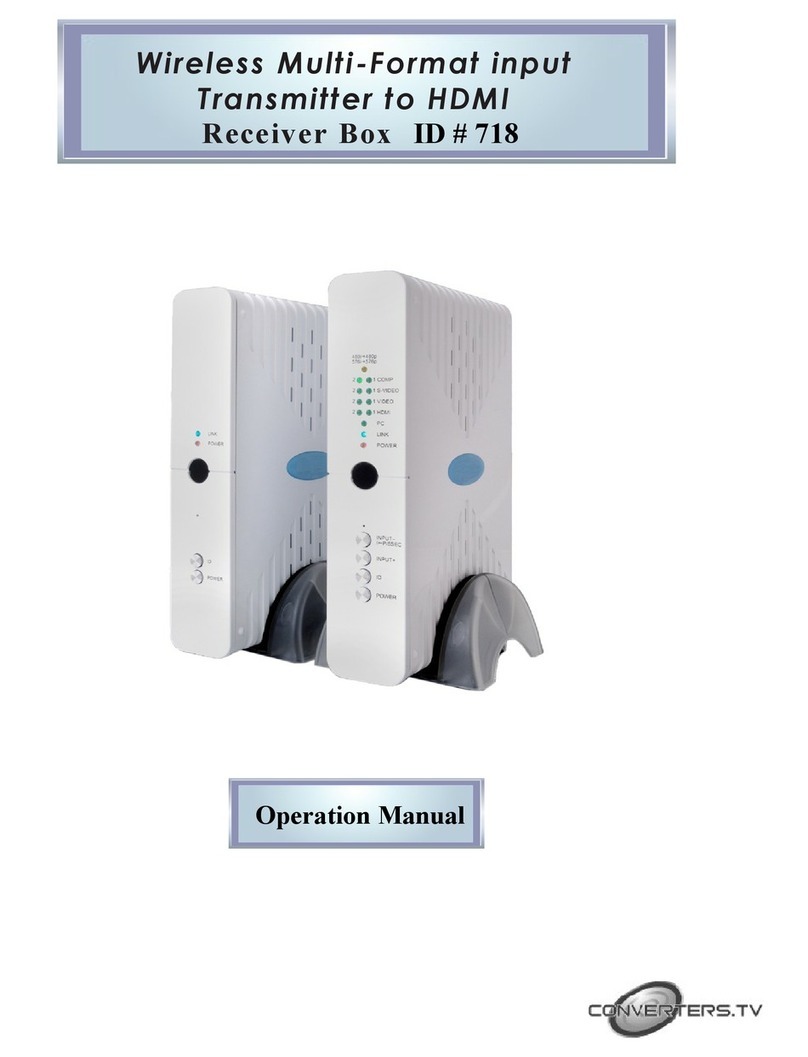
Converters.TV 718 User manual

Converters.TV

Converters.TV 718 User manual

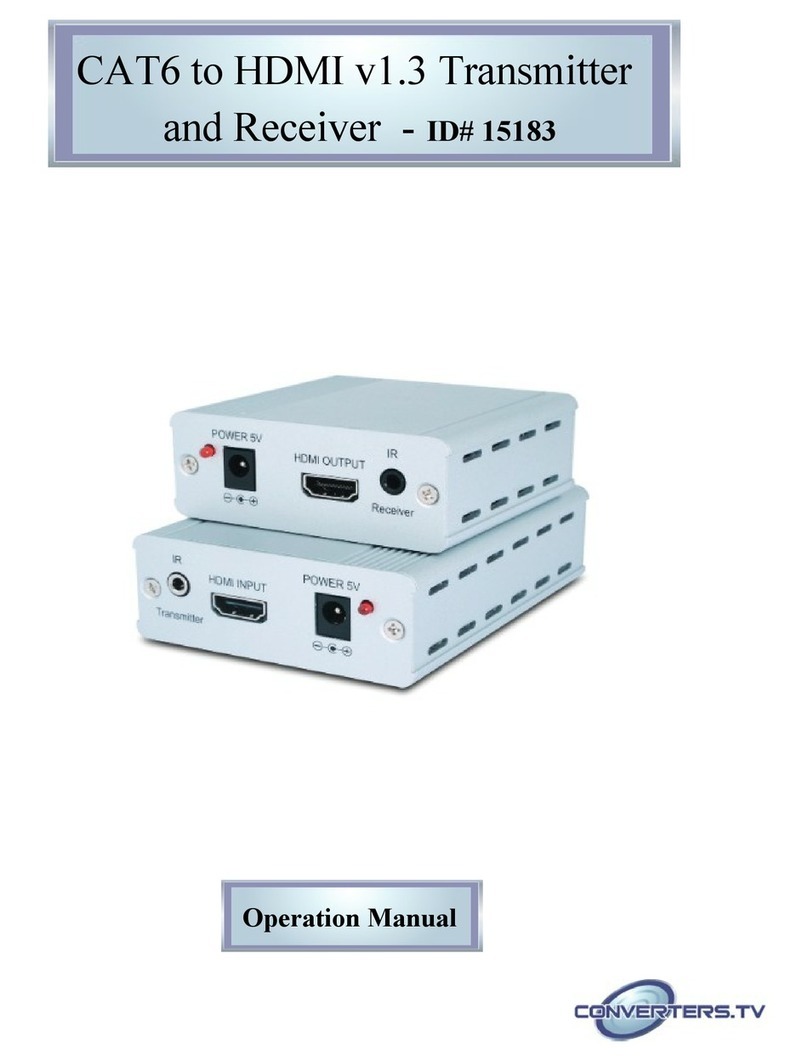
Converters.TV 15183 User manual

Converters.TV

Converters.TV 15183 User manual

Converters.TV 15493 User manual

Converters.TV

Converters.TV 15493 User manual

Converters.TV 15532 User manual

Converters.TV

Converters.TV 15532 User manual

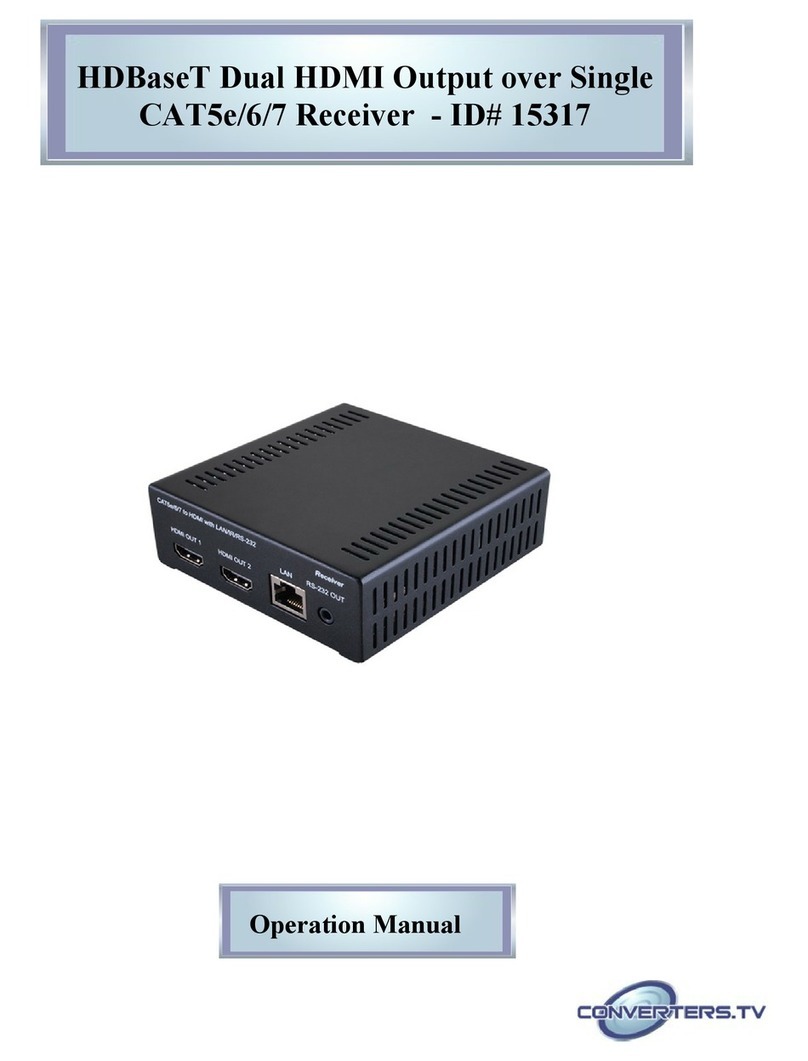
Converters.TV HDMI over CAT5e/6/7 Receiver User manual

Converters.TV

Converters.TV HDMI over CAT5e/6/7 Receiver User manual

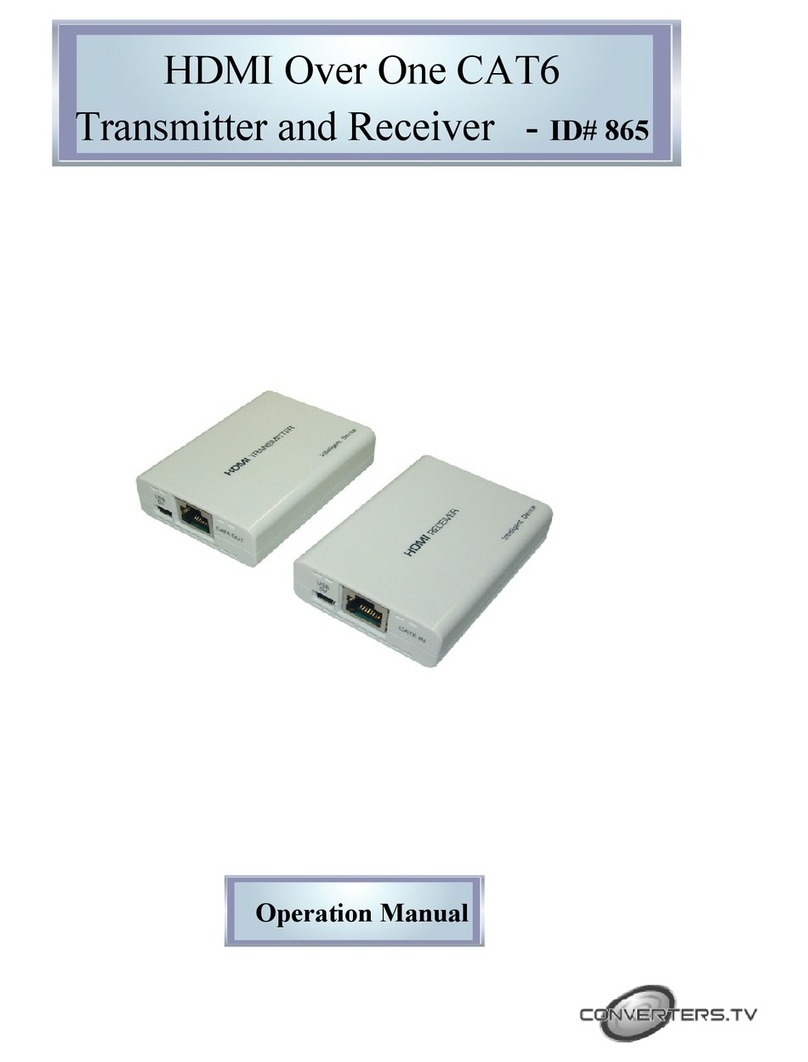
Converters.TV 865 User manual

Converters.TV

Converters.TV 865 User manual

Converters.TV 789 User manual

Converters.TV

Converters.TV 789 User manual

Converters.TV Cat5 Cable - 50m User manual

Converters.TV

Converters.TV Cat5 Cable - 50m User manual

Converters.TV 15225 User manual

Converters.TV

Converters.TV 15225 User manual

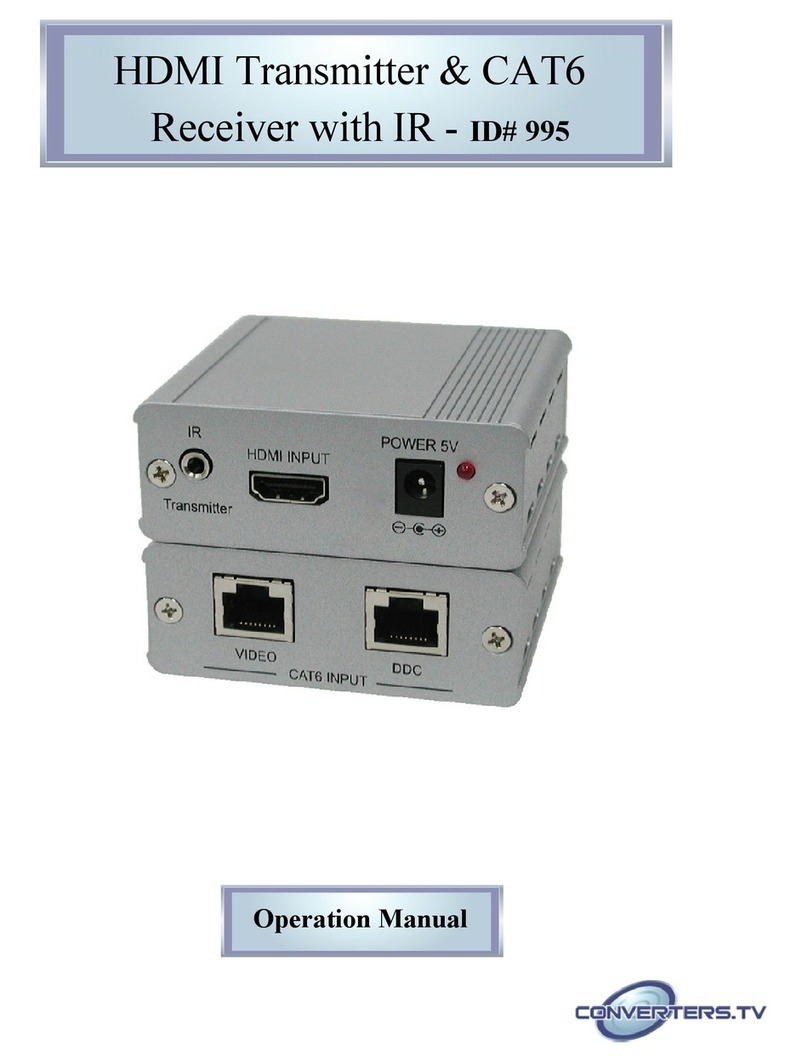
Converters.TV 995 User manual

Converters.TV

Converters.TV 995 User manual

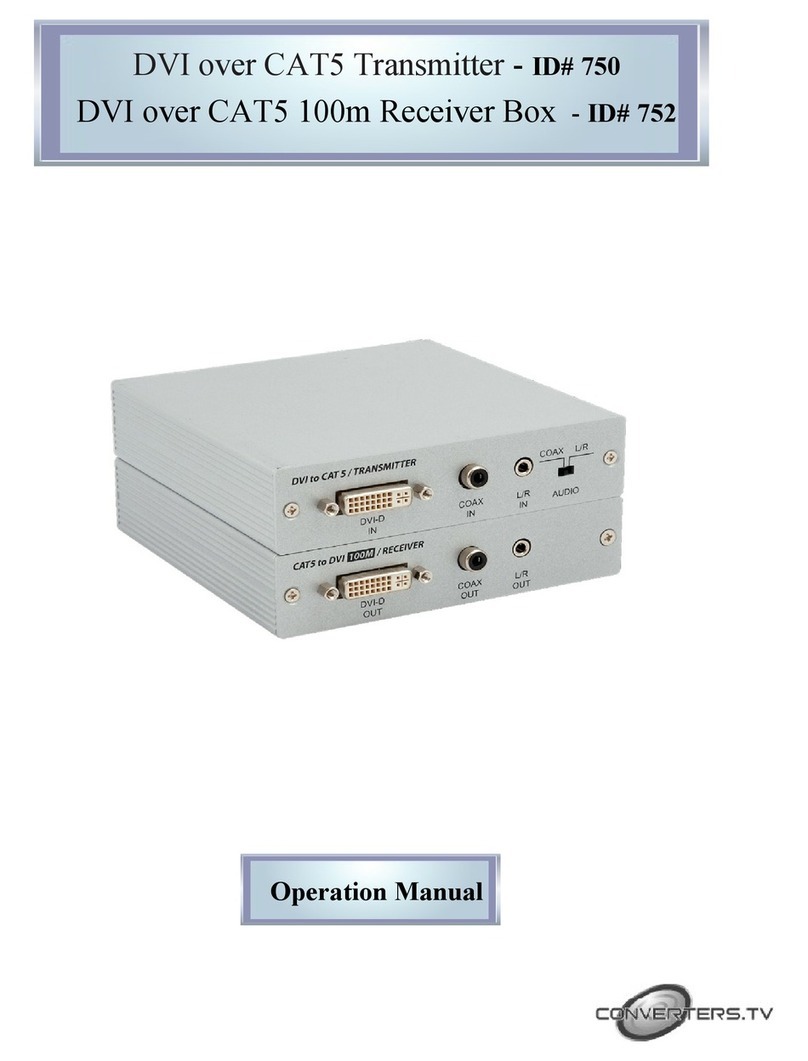
Converters.TV 750 User manual

Converters.TV

Converters.TV 750 User manual

Converters.TV 888 User manual

Converters.TV

Converters.TV 888 User manual

Popular Receiver manuals by other brands

Televes ZAS HD SAT user manual

Televes

Televes ZAS HD SAT user manual

Realistic DX-75 Operating and service instructions

Realistic

Realistic DX-75 Operating and service instructions

Saris 4620 Assembly instructions

Saris

Saris 4620 Assembly instructions

Mini DTR 206C PVR user manual

Mini

Mini DTR 206C PVR user manual

RF Elements TwistPort manual

RF Elements

RF Elements TwistPort manual

Denon DN-200WS user guide

Denon

Denon DN-200WS user guide

Yamaha RX-V467 owner's manual

Yamaha

Yamaha RX-V467 owner's manual

Russound SaphIR 858 instruction manual

Russound

Russound SaphIR 858 instruction manual

Quasonix RDMS Firmware update procedure

Quasonix

Quasonix RDMS Firmware update procedure

Pioneer XV-HTD1 Service manual

Pioneer

Pioneer XV-HTD1 Service manual

ATZ HDMI-V2-44HE150 manual

ATZ

ATZ HDMI-V2-44HE150 manual

Sony XNV-770BT MyTomTom Specifications

Sony

Sony XNV-770BT MyTomTom Specifications

Grundig STR 7122 TWIN Service manual

Grundig

Grundig STR 7122 TWIN Service manual

Creative Blaster Modem user guide

Creative

Creative Blaster Modem user guide

Panduit ATLONA AT-OME-RX11 installation guide

Panduit

Panduit ATLONA AT-OME-RX11 installation guide

VOLTCRAFT UTPS-40 operating instructions

VOLTCRAFT

VOLTCRAFT UTPS-40 operating instructions

JVC KW-ADV794 instructions

JVC

JVC KW-ADV794 instructions

Litelink VT-1001 operating instructions

Litelink

Litelink VT-1001 operating instructions

manuals.online logo
manuals.online logoBrands
  • About & Mission
  • Contact us
  • Privacy Policy
  • Terms and Conditions

Copyright 2025 Manuals.Online. All Rights Reserved.

PC to Component Video Receiver
over Cat5 Cable - 100m ID# 547
Operation Manual
Introduction
The PC to Component Video Receiver over Cat5 Cable - 100m
is the
receiver (Rx) unit of Component over CAT5 solution, works with PC to
Component Video Transmitter over Cat5 Ca le (the transmitter), can
extend Component signal through CAT-5 ca les for a distance up to
100 meters. The installation of Component over CAT5 is easy and quick,
simply place PC to Component Video Receiver over Cat5 Ca le -
100m next to your display, and get all necessary ca les connected to
complete and enjoy.
Features
 Supports PC/RGB and HD/YC Cr/YP Pr format output.
 Supports CAT-5 ca le.
 Supports high definition (HD) output source up to 1080P.
 Supports PC output source up to UXGA.
 The output signal will depend on the input source.
 Easy to install and simple to operate.
 Equaliser control for signal enhancement over distance.
 Gain control for adjusting brightness
Operating Functions
and Controls
Front Panel
1. EQUALIZER: Use this switcher to adjust signal enhancement over long
distance.
2. GAIN: Use this switcher to adjust brightness.
3. CATS-IN: Connected the video output to the video input of the CATS
receiver unit using CAT-5 cable.
4. DC 5V/ 1 A: Power input.

Rear Panel
1. Toslink output: Connected SPDIF output to the display audio input.
2. Audio output: Connected audio R/L output to the display audio input
. PC/HD output: Connected the PC/HDMI output port to the PC/HDMI
input display.
Specifications
Supported resolutions HD: up to 1080p; PC: up to UXGA
Output audio source ports Audio L/R or Toslink/SPDIF
input video source port CAT-5
Power Supply 5V/1A DC (US/EU standards, CE/FCC/UL
certified)
Dimensions (mm) 99.5(W) x 77(D) x 32.5(H)
Weig t(g) 200
C assis Material Metal
Silk Skin Color Black/Silver
Operating Temperature Operating from 0°C~70°C°C ~ C