manuals.online logo
Brands
  1. Home
  2. •
  3. Brands
  4. •
  5. Crestron
  6. •
  7. Network Hardware
  8. •
  9. Crestron 4 Channel Dimmer Module CLX-1DIM4 User manual

Crestron 4 Channel Dimmer Module CLX-1DIM4 User manual

This manual suits for next models

1

Other Crestron Network Hardware manuals

Crestron 2 Channel Inductor Module CLX-2IND User manual

Crestron

Crestron 2 Channel Inductor Module CLX-2IND User manual

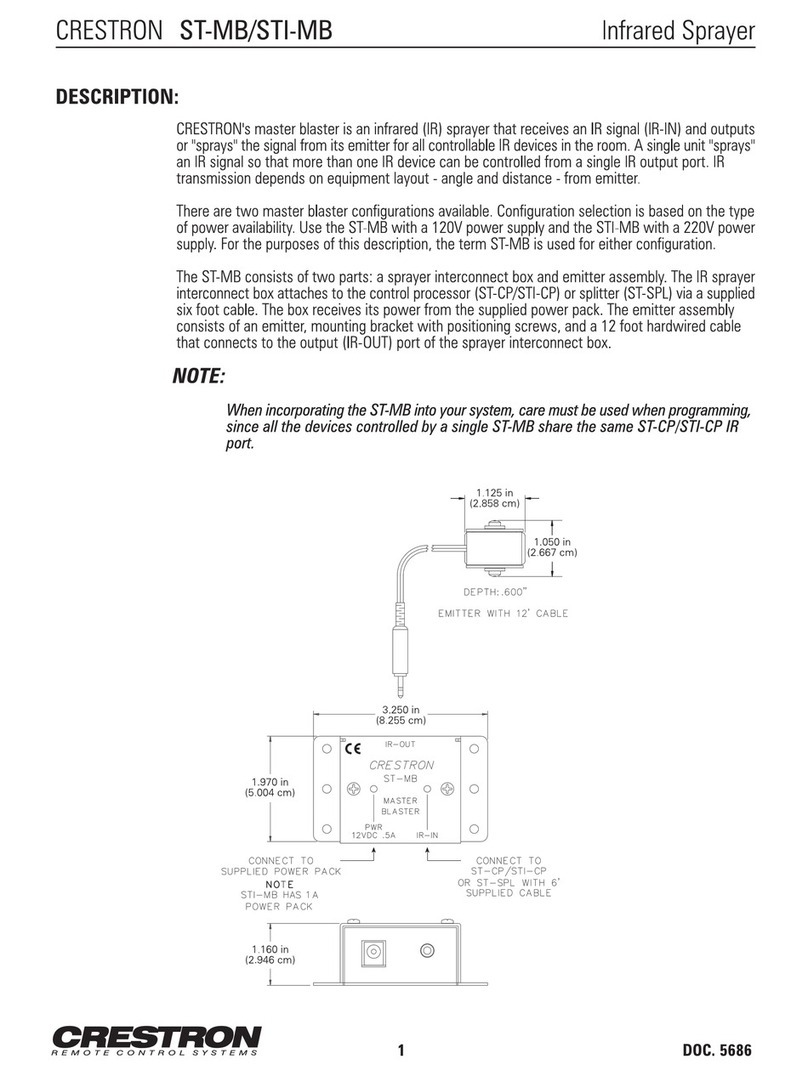
Crestron ST-MB User manual

Crestron

Crestron ST-MB User manual

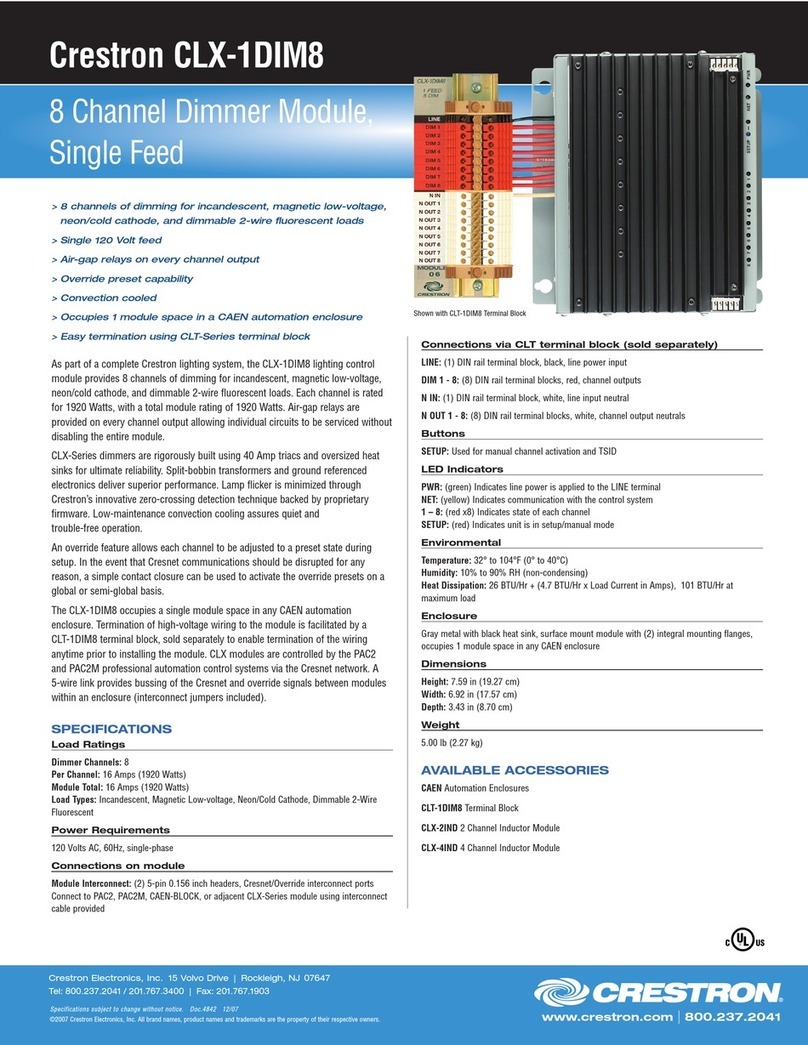
Crestron 8 Channel Dimmer Module CLX-1DIM8 User manual

Crestron

Crestron 8 Channel Dimmer Module CLX-1DIM8 User manual

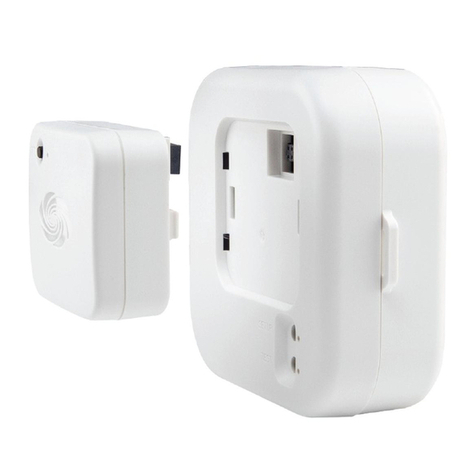
Crestron Zum ZUMMESH-NETBRIDGE User manual

Crestron

Crestron Zum ZUMMESH-NETBRIDGE User manual

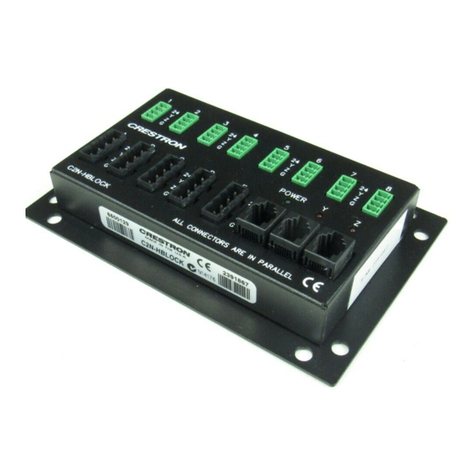
Crestron C2N-HBLOCK User manual

Crestron

Crestron C2N-HBLOCK User manual

Crestron QM-WMC Quick start guide

Crestron

Crestron QM-WMC Quick start guide

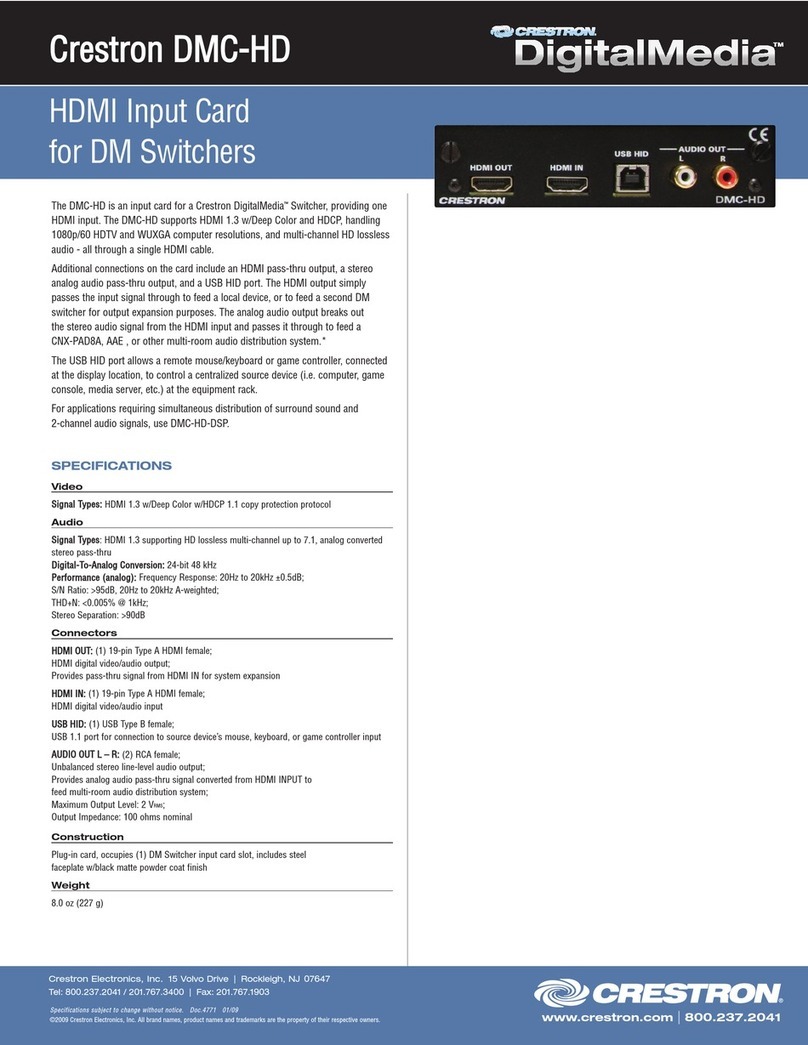
Crestron HDMI Input Card DMC-HD User manual

Crestron

Crestron HDMI Input Card DMC-HD User manual

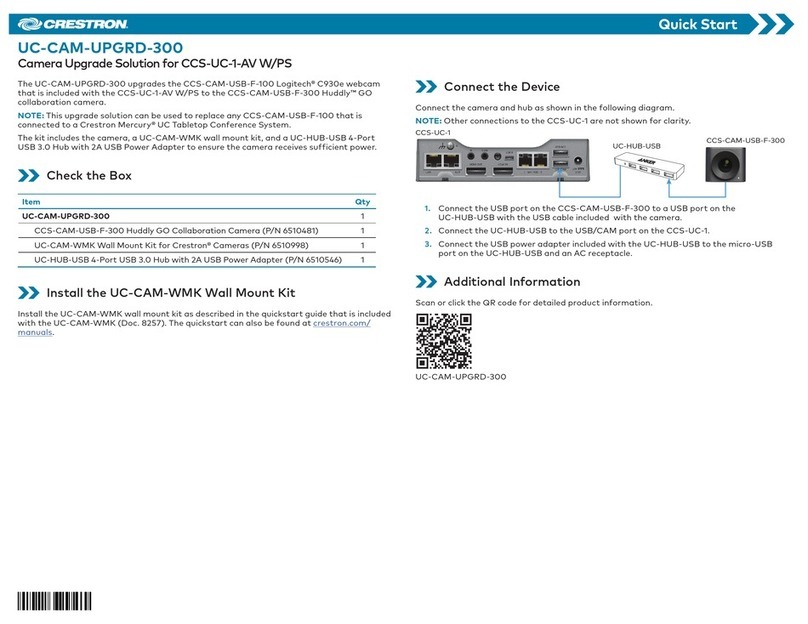
Crestron UC-CAM-UPGRD-300 User manual

Crestron

Crestron UC-CAM-UPGRD-300 User manual

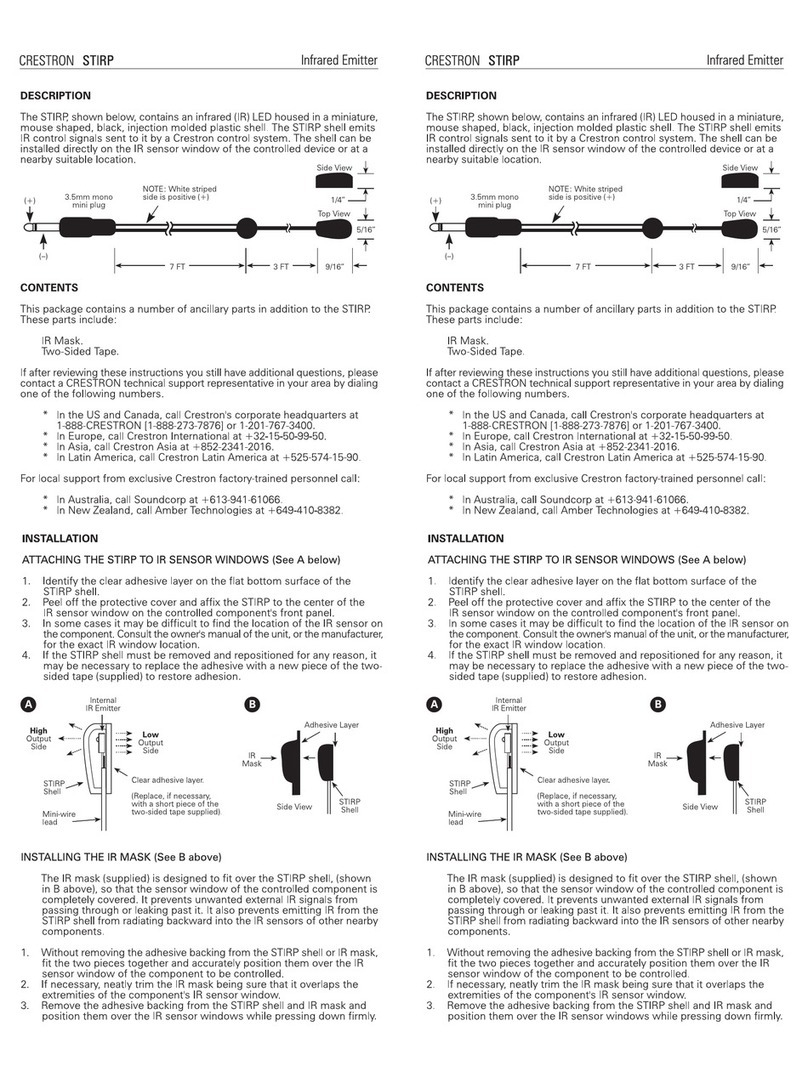
Crestron STIRP User manual

Crestron

Crestron STIRP User manual

Crestron CNXLIR User manual

Crestron

Crestron CNXLIR User manual

Crestron QM-FTDC Quick start guide

Crestron

Crestron QM-FTDC Quick start guide

Crestron C2N-NPA8 User manual

Crestron

Crestron C2N-NPA8 User manual

Crestron AV2 User manual

Crestron

Crestron AV2 User manual

Crestron CEN-IO User manual

Crestron

Crestron CEN-IO User manual

Crestron RACK2 User manual

Crestron

Crestron RACK2 User manual

Crestron C2N-NPA8 User manual

Crestron

Crestron C2N-NPA8 User manual

Crestron CEN-NSP-1 User manual

Crestron

Crestron CEN-NSP-1 User manual

Crestron STS User manual

Crestron

Crestron STS User manual

Crestron 4 Channel Fan Speed Control Module CLX-1FAN4 User manual

Crestron

Crestron 4 Channel Fan Speed Control Module CLX-1FAN4 User manual

Crestron NAT User manual

Crestron

Crestron NAT User manual

Crestron CNXIRP User manual

Crestron

Crestron CNXIRP User manual

Crestron QM-IEM User manual

Crestron

Crestron QM-IEM User manual

Crestron Zūm User manual

Crestron

Crestron Zūm User manual

Crestron SP-MB User manual

Crestron

Crestron SP-MB User manual

Popular Network Hardware manuals by other brands

socomec SNMP Card II quick start guide

socomec

socomec SNMP Card II quick start guide

NVR SYSTEMS 4-CH user manual

NVR SYSTEMS

NVR SYSTEMS 4-CH user manual

Draytek VigorSwitch G1240 quick start guide

Draytek

Draytek VigorSwitch G1240 quick start guide

Westermo TD-34 LV installation manual

Westermo

Westermo TD-34 LV installation manual

LaCie Network Space MAX Quick install guide

LaCie

LaCie Network Space MAX Quick install guide

ZoneVu ZSI-450-IP Installation guide & user manual

ZoneVu

ZoneVu ZSI-450-IP Installation guide & user manual

QNAP Turbo NAS Application notes

QNAP

QNAP Turbo NAS Application notes

OpenEye MV Series quick start guide

OpenEye

OpenEye MV Series quick start guide

Huawei SmartAX MT880a quick start guide

Huawei

Huawei SmartAX MT880a quick start guide

Proxim Tsunami QuickBridge 2454-R installation guide

Proxim

Proxim Tsunami QuickBridge 2454-R installation guide

Bay Networks CLAM quick start guide

Bay Networks

Bay Networks CLAM quick start guide

Innodisk SATADOM-SH 3SE Series manual

Innodisk

Innodisk SATADOM-SH 3SE Series manual

Cisco CGR 1000 Series Getting connected guide

Cisco

Cisco CGR 1000 Series Getting connected guide

Matrix Switch Corporation MSC-HD161DEL product manual

Matrix Switch Corporation

Matrix Switch Corporation MSC-HD161DEL product manual

National Instruments NI 653x user manual

National Instruments

National Instruments NI 653x user manual

B&B Electronics ZXT9-IO-222R2 product manual

B&B Electronics

B&B Electronics ZXT9-IO-222R2 product manual

Yudor YDS-16 user manual

Yudor

Yudor YDS-16 user manual

D-Link ShareCenter DNS-320L datasheet

D-Link

D-Link ShareCenter DNS-320L datasheet

manuals.online logo
manuals.online logoBrands
  • About & Mission
  • Contact us
  • Privacy Policy
  • Terms and Conditions

Copyright 2025 Manuals.Online. All Rights Reserved.

Connections via CLT terminal block (sold separately)
LINE: (1) DIN rail terminal block, black, line power input
DIM 1 - 4: (4) DIN rail terminal blocks, red, channel outputs
N IN: (1) DIN rail terminal block, white, line input neutral
N OUT 1 - 4: (4) DIN rail terminal blocks, white, channel output neutrals
Buttons
SETUP: Used for manual channel activation and TSID
LED Indicators
PWR: (green) Indicates line power is applied to the LINE terminal
NET: (yellow) Indicates communication with the control system
1 – 4: (red x4) Indicates state of each channel
SETUP: (red) Indicates unit is in setup/manual mode
Environmental
Temperature: 32° to 104°F (0° to 40°C)
Humidity: 10% to 90% RH (non-condensing)
Heat Dissipation: 23 BTU/Hr + (4.7 BTU/Hr x Load Current in Amps), 98 BTU/Hr at
maximum load
Enclosure
Gray metal with black heat sink, surface mount module with (2) integral mounting flanges,
occupies 1 module space in any CAEN enclosure
Dimensions
Height: 7.59 in (19.27 cm)
Width: 6.92 in (17.57 cm)
Depth: 3.43 in (8.70 cm)
Weight
3.00 lb (1.36 kg)
AVAILABLE ACCESSORIES
CAEN Automation Enclosures
CLT-1DIM4 Terminal Block
CLX-2IND 2 Channel Inductor Module
CLX-4IND 4 Channel Inductor Module
www.crestron.com
|
800.237.2041
> 4 channels of dimming for incandescent, magnetic low-voltage,
neon/cold cathode, and dimmable 2-wire fluorescent loads
> Single 120 Volt feed
> Air-gap relays on every channel output
> Override preset capability
> Convection cooled
> Occupies 1 module space in a CAEN automation enclosure
> Easy termination using CLT-Series terminal block

As part of a complete Crestron lighting system, the CLX-1DIM4 lighting control
module provides 4 channels of dimming for incandescent, magnetic low-voltage,
neon/cold cathode, and dimmable 2-wire fluorescent loads. Each channel is rated
for 1920 Watts, with a total module rating of 1920 Watts. Air-gap relays are
provided on every channel output allowing individual circuits to be serviced without
disabling the entire module.
CLX-Series dimmers are rigorously built using 40 Amp triacs and oversized heat
sinks for ultimate reliability. Split-bobbin transformers and ground referenced
electronics deliver superior performance. Lamp flicker is minimized through
Crestron’s innovative zero-crossing detection technique backed by proprietary
firmware. Low-maintenance convection cooling assures quiet and
trouble-free operation.
An override feature allows each channel to be adjusted to a preset state during
setup. In the event that Cresnet communications should be disrupted for any rea-
son, a simple contact closure can be used to activate the override presets on a
global or semi-global basis.
The CLX-1DIM4 occupies a single module space in any CAEN automation
enclosure. Termination of high-voltage wiring to the module is facilitated by a
CLT-1DIM4 terminal block, sold separately to enable termination of the wiring
anytime prior to installing the module. CLX modules are controlled by the PAC2
and PAC2M professional automation control systems via the Cresnet network. A
5-wire link provides bussing of the Cresnet and override signals between modules

within an enclosure (interconnect jumpers included).
SPECIFICATIONS
Load Ratings
Dimmer Channels: 4
Per Channel: 16 Amps (1920 Watts)
Module Total: 16 Amps (1920 Watts)
Load Types: Incandescent, Magnetic Low-voltage, Neon/Cold Cathode, Dimmable 2-Wire
Fluorescent
Power Requirements
120 Volts AC, 60Hz, single-phase
Connections on module
Module Interconnect: (2) 5-pin 0.156 inch headers, Cresnet/Override interconnect ports
Connect to PAC2, PAC2M, CAEN-BLOCK, or adjacent CLX-Series module using interconnect
cable provided
Specifications subject to change without notice. Doc.4841 12/07
©2007 Crestron Electronics, Inc. All brand names, product names and trademarks are the property of their respective owners.
Crestron Electronics, Inc.
15 Volvo Drive
l
Rockleigh, NJ 07647
Tel: 800.237.2041 / 201.767.3400
l
Fax: 201.767.1903
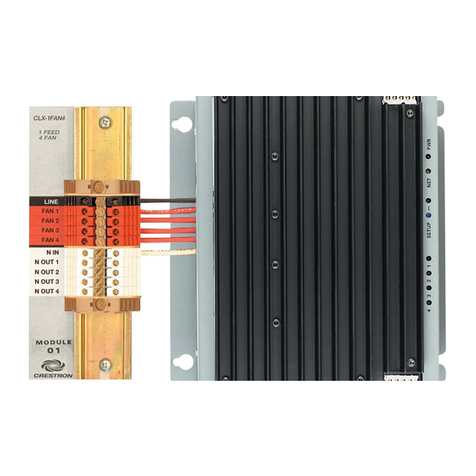
Crestron CLX-1DIM4
4 Channel Dimmer Module,
Single Feed
Shown with CLT-1DIM4 Terminal Block