manuals.online logo
Brands
  1. Home
  2. •
  3. Brands
  4. •
  5. CyberPower
  6. •
  7. Inverter
  8. •
  9. CyberPower CPS100PBU User manual

CyberPower CPS100PBU User manual

Other CyberPower Inverter manuals

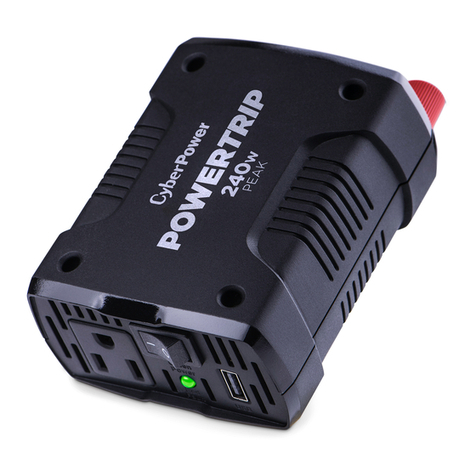
CyberPower PowerTrip 240 User manual

CyberPower

CyberPower PowerTrip 240 User manual

CyberPower CPS600E-DE User manual

CyberPower

CyberPower CPS600E-DE User manual

CyberPower CPSPV8000ETL-S User manual

CyberPower

CyberPower CPSPV8000ETL-S User manual

CyberPower CPS1000EI User manual

CyberPower

CyberPower CPS1000EI User manual

CyberPower CPSPV3600ETL User manual

CyberPower

CyberPower CPSPV3600ETL User manual

CyberPower CPS5000ECH48 User manual

CyberPower

CyberPower CPS5000ECH48 User manual

CyberPower CPS150SI User manual

CyberPower

CyberPower CPS150SI User manual

CyberPower CPS150BURC1 User manual

CyberPower

CyberPower CPS150BURC1 User manual

CyberPower CPS1000AI User manual

CyberPower

CyberPower CPS1000AI User manual

CyberPower CPS200SU User manual

CyberPower

CyberPower CPS200SU User manual

CyberPower CPSPV36000ETLA-WB User manual

CyberPower

CyberPower CPSPV36000ETLA-WB User manual

CyberPower Nitram ELITE PRO Series User manual

CyberPower

CyberPower Nitram ELITE PRO Series User manual

CyberPower CPSPV5000ETL User manual

CyberPower

CyberPower CPSPV5000ETL User manual

CyberPower CPS140CHI User manual

CyberPower

CyberPower CPS140CHI User manual

CyberPower CPS175SURC1 User manual

CyberPower

CyberPower CPS175SURC1 User manual

CyberPower CPS175SU User manual

CyberPower

CyberPower CPS175SU User manual

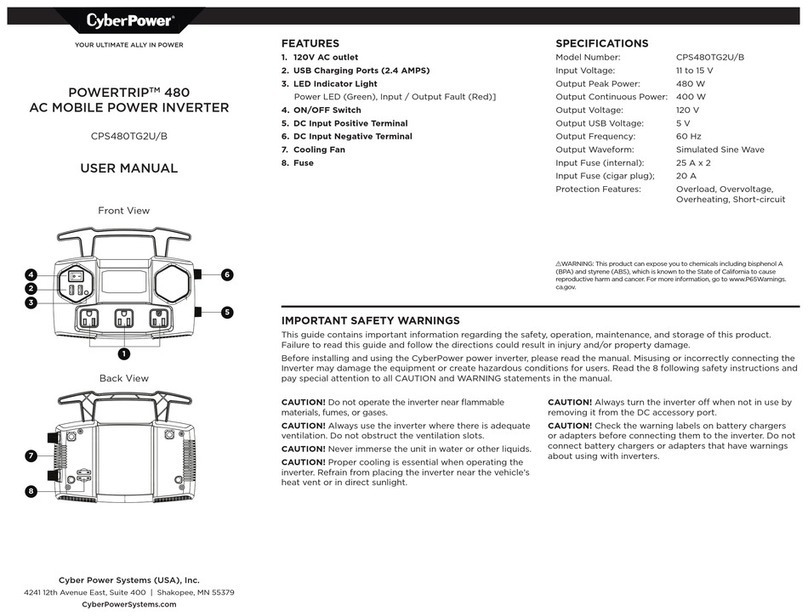
CyberPower POWERTRIP 480 User manual

CyberPower

CyberPower POWERTRIP 480 User manual

CyberPower CPSPV30000ETL-WB User manual

CyberPower

CyberPower CPSPV30000ETL-WB User manual

CyberPower Powertrip 480 User manual

CyberPower

CyberPower Powertrip 480 User manual

CyberPower POWERTRIP 240 User manual

CyberPower

CyberPower POWERTRIP 240 User manual

CyberPower CPS1000EI User manual

CyberPower

CyberPower CPS1000EI User manual

CyberPower CPS1200EILCD User manual

CyberPower

CyberPower CPS1200EILCD User manual

CyberPower CPS150BI User manual

CyberPower

CyberPower CPS150BI User manual

CyberPower CPSHB300ETR User manual

CyberPower

CyberPower CPSHB300ETR User manual

Popular Inverter manuals by other brands

Omnik New Energy Omniksol-1.5k-TL user manual

Omnik New Energy

Omnik New Energy Omniksol-1.5k-TL user manual

Agilent Technologies 33250A user guide

Agilent Technologies

Agilent Technologies 33250A user guide

4-noks ZR-SWITCH-RC instruction manual

4-noks

4-noks ZR-SWITCH-RC instruction manual

V&T V5 Series user manual

V&T

V&T V5 Series user manual

Hon Turing HT-T-S1000-12 introduction

Hon Turing

Hon Turing HT-T-S1000-12 introduction

Metabo E 140 SP Plus Original operating instructions

Metabo

Metabo E 140 SP Plus Original operating instructions

BARRON EXITRONIX Tucson Micro Series installation instructions

BARRON

BARRON EXITRONIX Tucson Micro Series installation instructions

Baumer HUBNER TDP 0,2 Series Mounting and operating instructions

Baumer

Baumer HUBNER TDP 0,2 Series Mounting and operating instructions

electroil ITTPD11W-RS-BC Operation and Maintenance Handbook

electroil

electroil ITTPD11W-RS-BC Operation and Maintenance Handbook

Silicon Solar TPS555-1230 instruction manual

Silicon Solar

Silicon Solar TPS555-1230 instruction manual

Mission Critical Xantrex Freedom SW-RVC owner's guide

Mission Critical

Mission Critical Xantrex Freedom SW-RVC owner's guide

HP 3312A Operating and service manual

HP

HP 3312A Operating and service manual

Hoymiles HM-500T user manual

Hoymiles

Hoymiles HM-500T user manual

Nitecore SPM10 user manual

Nitecore

Nitecore SPM10 user manual

AEG Protect PV installation manual

AEG

AEG Protect PV installation manual

On Board TruePower Plus 1200MS owner's manual

On Board

On Board TruePower Plus 1200MS owner's manual

Plugreen PGM-200P-230 Installation and operation manual

Plugreen

Plugreen PGM-200P-230 Installation and operation manual

Fourgroup Easy use and Programming Handbook

Fourgroup

Fourgroup Easy use and Programming Handbook

manuals.online logo
manuals.online logoBrands
  • About & Mission
  • Contact us
  • Privacy Policy
  • Terms and Conditions

Copyright 2025 Manuals.Online. All Rights Reserved.

Copyright © 2019 Cyber Power Systems (USA), Inc. All rights reserved.
IMPORTANT SAFETY
INFORMATION
Before installing and using the CyberPower
CPS100PBU Mobile Power Inverter, please read
and follow these safety instructions:
•
Do not operate the CPS100PBU near flammable
materials, fumes, or gases.
•
Always use the inverter where there is adequate
ventilation. Do not obstruct the ventilation slots.
•
Never immerse the unit in water.
•
Proper cooling is essential when operating the
inverter. Refrain from placing the inverter near the
vehicle's heat vent, or in direct sunlight.
•
When not in use, always remove the inverter
from the DC accessory outlet.
•
Check the warning labels on battery chargers or
adapters before connecting them to the inverter.
Do not connect battery chargers or adapters with
warnings about using with inverters.
PACKAGE CONTENTS
•
AC Mobile Power Inverter
•
User Guide
PRODUCT FEATURES
OPERATING AND STORAGE TIPS
Operating Tips
The inverter should only be operated under the
following conditions:
•
Dry - Do not allow water or other liquids to come into
contact with the inverter.
•
Moderate Temperature - Ambient air temperature
should be between: 32°F - 77°F (0°C - 25°C).
Keep the inverter out of direct sunlight.
•
Free Air Flow - Keep the inverter's ventilation slots
unobstructed to ensure air flow to the unit. Do not
place any items on or over the inverter during
operation. The unit will shut down if it overheats.
Storage Tips
•
Proper storage temperature range is:
32°F - 86°F (0°
C - 30
°
C)
•
Store and use the inverter in a cool and
dry environment.
•
Avoid exposing the inverter to heating elements,
direct sunlight, or high humidity.
SPECIFICATIONS
•
Input Voltage: 13.8 Volts
•
Output Peak Power: 100 Watts
•
Output Continuous Power: 75 Watts
•
Output Voltage: 120 Volts
•
Output Frequency: 60 Hz
•
Output Waveform: Modified Sine Wave
•
Protection Features: Low Voltage, Overheat,
Overload, Short Circuit
TROUBLESHOOTING
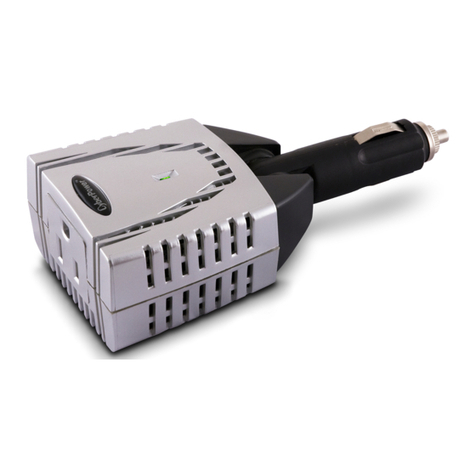
1. 12V DC power plug
2. 10A DC fuse
3. 120V AC outlet
Power Inverter
CPS100PBU
User Manual
Problem
Possible Causes
Suggested Solutions
No AC
output
power
Poor contact with
DC power outlet.
Ensure the inverter is
securely plugged into
vehicle's DC power
outlet. Replace the DC
power outlet if necessary.
Automotive
electrical system
requires ignition to
be on.
Turn the vehicle ignition to
the "Accessory" position.
Car's DC power
outlet fuse is blown.
Check the vehicle fuse
panel and replace the
damaged fuse.
Over-heating Allow inverter to cool.
Ensure that there is
adequate ventilation
around the unit and load
does not exceed the unit's
Continuous Power rating
(see specifications).
Vehicle's battery
voltage is below
10.5 volts.
Unplug the inverter and
start the vehicle to
charge the battery.
Vehicle's battery
input voltage is
higher than
15.5 volts.
Check your vehicle's user
guide for troubleshooting.
Inverter is
overloaded. Ensure load does not
exceed the unit's
Continuous Power rating
(see specifications).
1
2
3

:
K01-0000805-00
FUSE REPLACEMENT
1.
Unplug the inverter from the DC power outlet.
2.
Remove 10A DC fuse.
3.
Reassemble unit by reversing the instructions above.
FOR MORE INFORMATION
Visit CyberPowerSystems.com for more information regarding:
• Product information and certifications
• Product warranty
• Connected equipment guarantee
© 2022 Cyber Power Systems (USA), Inc. All rights reserved. All other trademarks are the property of their
respective owners.
LEGAL NOTICES (FCC PART 15)
This equipment has been tested and found to comply with the limits for a Class B Digital Device, pursuant to Part
15 of the FCC Rules. These limits are designed to provide reasonable protection against harmful interference in
residential installation. This equipment generates, uses, and can radiate radio frequency energy and, if not installed
and used in accordance with the instructions, may cause harmful interference to radio communications. However,
there is no guarantee that interference will not occur in a particular installation. If this equipment does cause
harmful interference to radio or television reception, which can be determined by turning the equipment off and
on, the user is encouraged to try to correct the interference by one or more of the following measures:
Any special accessories needed for compliance must be
specified in the instruction.
CAUTION: A shielded-type power cord is required in
order to meet FCC emission limits and also to prevent
interference to the nearby radio and television
reception. It is essential that only the supplied power
cord be used. Use only shielded cables to connect I/O
devices to this equipment.
WARNING: This product can expose you to chemicals including
Bisphenol-A, which is known to the State of California to cause birth
defects or other reproductive harm.
For more information go to www.P65Warnings.ca.gov
CyberPowerSystems.com
10A DC Fuse