Command Line Interface
The user can also connect a computer or terminal to the serial console port to access the Switch. The
command line interface provides complete access to all Switch mana ement features.
Connecting the Console Port
To use the console port, the followin equipment is needed:
• A terminal or a computer with both an RS-232 serial port and the ability to emulate a terminal (it is
possible to use Hyperterminal, Putty, Minicom etc);
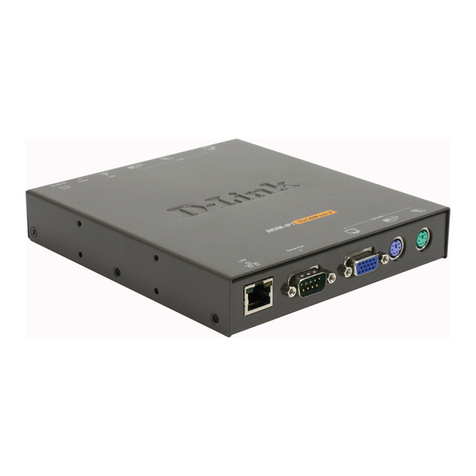
• A console cable with a male DB-9 connector on one end and an RJ-45 connection on the other. This
cable should be included with the Switch.
To connect a terminal to the console port:
1. Connect the male DB-9 connector on the console cable to the RS-232 serial port on the computer.
2. Insert the RJ-45 connector into the RJ-45 console port on the front of the Switch. Set the terminal
emulation software as follows:
• Serial port: COM port 1 or COM port 2
• Baud rate: 115200
• Data bits: 8
• Parity: none
• Stop bits: 1
• Flow control: none
• Under Properties, select VT100 for Emulation mode.
• Select Terminal keys for Function, Arrow and Ctrl keys. Make sure to use Terminal keys (not Windows
keys) are selected.
3. After you have correctly set up the terminal, plu the power cord into the power receptacle on the back
of the Switch. The boot sequence appears in the terminal. After the boot sequence completes, the
console lo in screen will be displayed.
First Time Connecting to the Switch
Upon initial connection to the Switch, the lo in screen appears (see example below).
There is no initial username or password. Press Enter in both the Username and Password fields. Then
access will be iven to enter commands after the command prompt DGS-3000-28SC: admin#.
Logging onto the Web Manager
To be in mana in the Switch, simply run the browser installed on your computer and point it to the IP
address you have defined for the device. The URL in the address bar should read somethin like:
http://123.123.123.123, where the numbers 123 represent the IP address of the Switch.
NOTE: The factory default IP address is 10.90.90.90/8.
10