manuals.online logo
Brands
  1. Home
  2. •
  3. Brands
  4. •
  5. Dakota Digital
  6. •
  7. Clock
  8. •
  9. Dakota Digital VLK-49F User manual

Dakota Digital VLK-49F User manual

This manual suits for next models

1

Other Dakota Digital Clock manuals

Dakota Digital ODYR-17-1 User manual

Dakota Digital

Dakota Digital ODYR-17-1 User manual

Dakota Digital CLK-55C User manual

Dakota Digital

Dakota Digital CLK-55C User manual

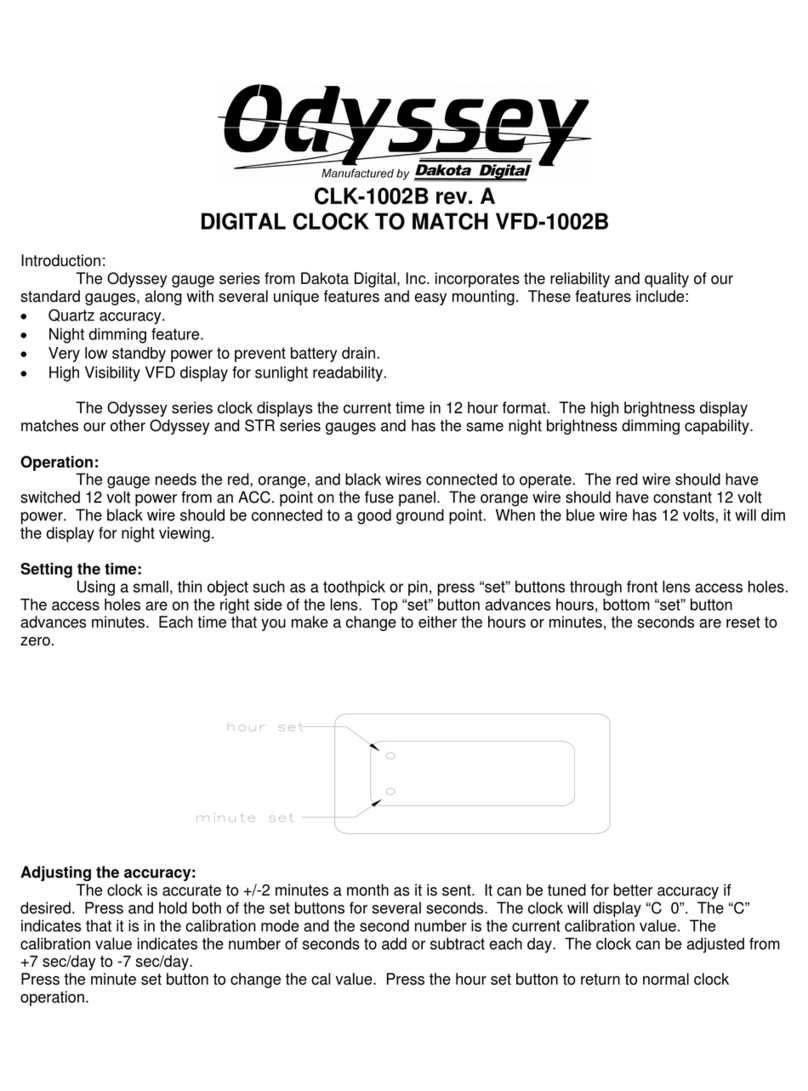
Dakota Digital CLK-1002B User manual

Dakota Digital

Dakota Digital CLK-1002B User manual

Dakota Digital VLC Series User manual

Dakota Digital

Dakota Digital VLC Series User manual

Dakota Digital VLC-55C User manual

Dakota Digital

Dakota Digital VLC-55C User manual

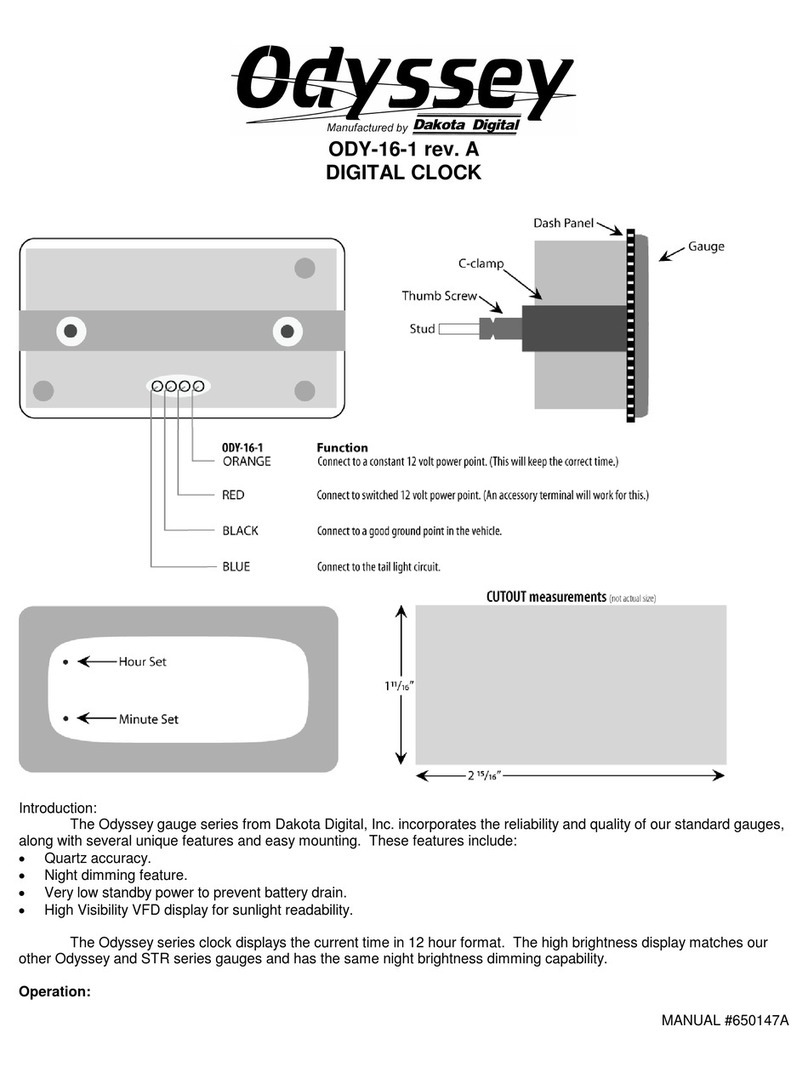
Dakota Digital Odyssey ODY-16-1 User manual

Dakota Digital

Dakota Digital Odyssey ODY-16-1 User manual

Dakota Digital HLC-2162 User manual

Dakota Digital

Dakota Digital HLC-2162 User manual

Dakota Digital HLY-3171 User manual

Dakota Digital

Dakota Digital HLY-3171 User manual

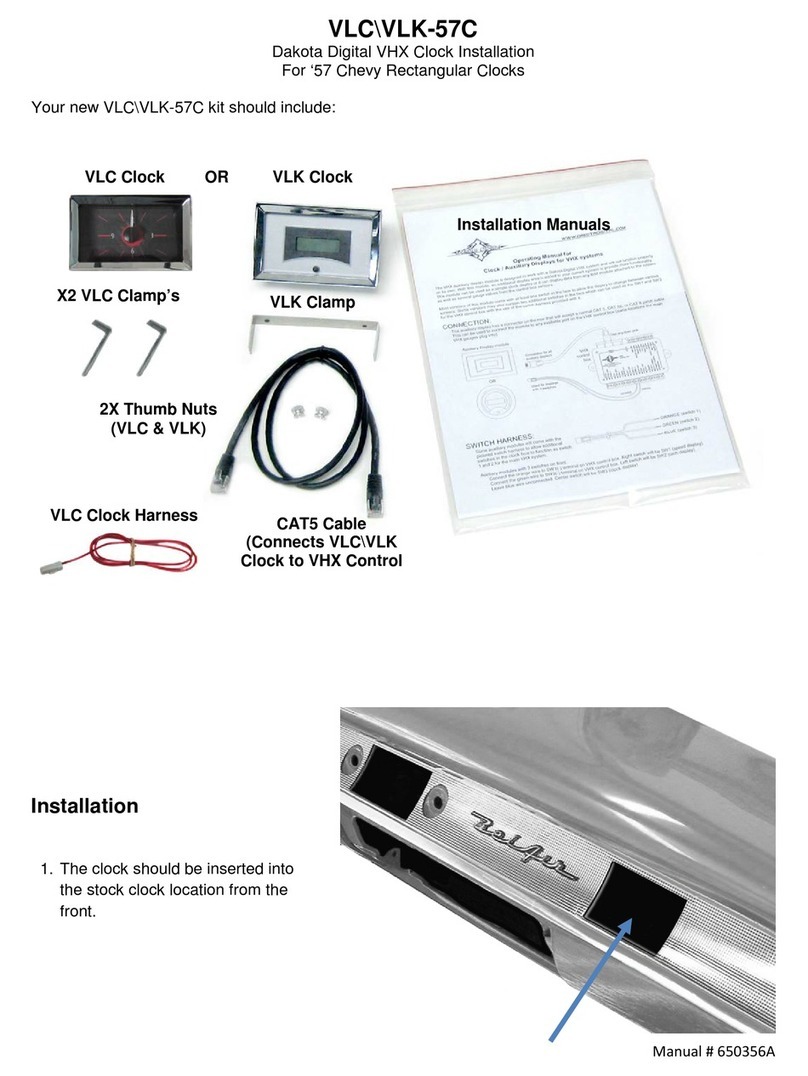
Dakota Digital VLK-57C User manual

Dakota Digital

Dakota Digital VLK-57C User manual
Dakota Digital HLC-69F-MUS User manual

Dakota Digital

Dakota Digital HLC-69F-MUS User manual

Dakota Digital Odyssey CLK-57C User manual
Dakota Digital

Dakota Digital Odyssey CLK-57C User manual

Dakota Digital ION-16 User manual

Dakota Digital

Dakota Digital ION-16 User manual

Dakota Digital HLC-69F-MUS User manual
Dakota Digital

Dakota Digital HLC-69F-MUS User manual
Popular Clock manuals by other brands

Sapling NTP 7000 Series installation manual

Sapling

Sapling NTP 7000 Series installation manual

Amano MTX-30F Installation & operation guide

Amano

Amano MTX-30F Installation & operation guide

La Crosse Technology BBB86118v3 Setup guide

La Crosse Technology

La Crosse Technology BBB86118v3 Setup guide

BEARWARE 304474 manual

BEARWARE

BEARWARE 304474 manual

LS & S RTC103U instruction manual

LS & S

LS & S RTC103U instruction manual

BitGen Technologies LED Walk/Don't Walk Clock user manual

BitGen Technologies

BitGen Technologies LED Walk/Don't Walk Clock user manual

Heathkit GC-1005 Assembly manual

Heathkit

Heathkit GC-1005 Assembly manual

Oregon Scientific PRYSMA RMR221P manual

Oregon Scientific

Oregon Scientific PRYSMA RMR221P manual

Andrew O'Malley DOTKLOK Assembly instructions

Andrew O'Malley

Andrew O'Malley DOTKLOK Assembly instructions

Nixie Clock Divergence Meter user manual

Nixie Clock

Nixie Clock Divergence Meter user manual

La Crosse Technology WS-8256-AL user manual

La Crosse Technology

La Crosse Technology WS-8256-AL user manual

Mini Gadgets MCPro user manual

Mini Gadgets

Mini Gadgets MCPro user manual

Casio TMR-200 user guide

Casio

Casio TMR-200 user guide

Progetti KALIMERO Directions

Progetti

Progetti KALIMERO Directions

Progetti ILTEMPOSTRINGE Directions

Progetti

Progetti ILTEMPOSTRINGE Directions

La Crosse Technology WT-3141b Quick setup instructions

La Crosse Technology

La Crosse Technology WT-3141b Quick setup instructions

IKEA ROTBLÖTA manual

IKEA

IKEA ROTBLÖTA manual

U-Line Н-2811 instructions

U-Line

U-Line Н-2811 instructions

manuals.online logo
manuals.online logoBrands
  • About & Mission
  • Contact us
  • Privacy Policy
  • Terms and Conditions

Copyright 2025 Manuals.Online. All Rights Reserved.

Manual # 650420A
VLC\VLK-49F
Dakota Digital Clock Installation
For 1949-‘50 Ford cars
Your new VLC\VLK-49F kit includes:
Installation
2X 8-18 x 3/4” Screws
(VLC & VLK)
CAT5 Cable
(VLC & VLK)
VLK Clock
Installation Manuals
1. Remove the original clock by
disconnecting the wiring and removing
two screws behind the dash.
VLK Switch Harness
VLC Clock
Or
VLC Power Harness
Manual # 650420A
4510 W. 61st St. N., Sioux Falls SD 57107
Phone: (605) 332-6513 Fax: (605) 339-4106
www.dakotadigital.com
[email protected]
2. Orientate the VLK clock (as shown) with
the CAT5 cable jack towards the top, or
the VLC clock with the hands at 12:00
facing upward. Secure the clock to the
dash using the two supplied screws.
3. Connect the CAT5 cable and switch harness or power harness to the clock and carefully
route these back to the VHX control box and refer to the Operating Manual to complete the
clock setup.