Switching Off The Scanner
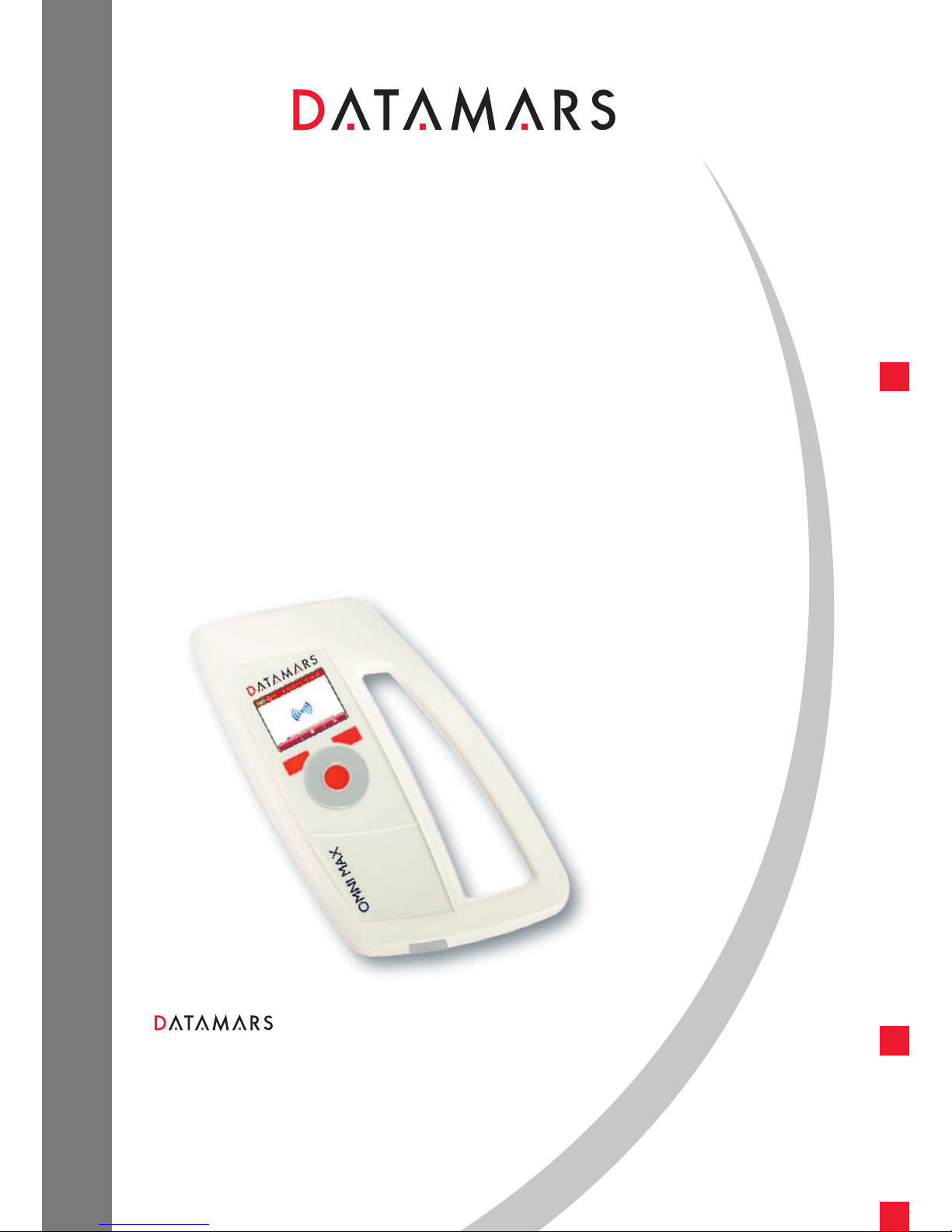
■OMNI MAX has an “Auto-off” function that automatically turns off the reader after 2 minutes (default value)
of inactivity. To turn off the scanner manually, proceed as follow:
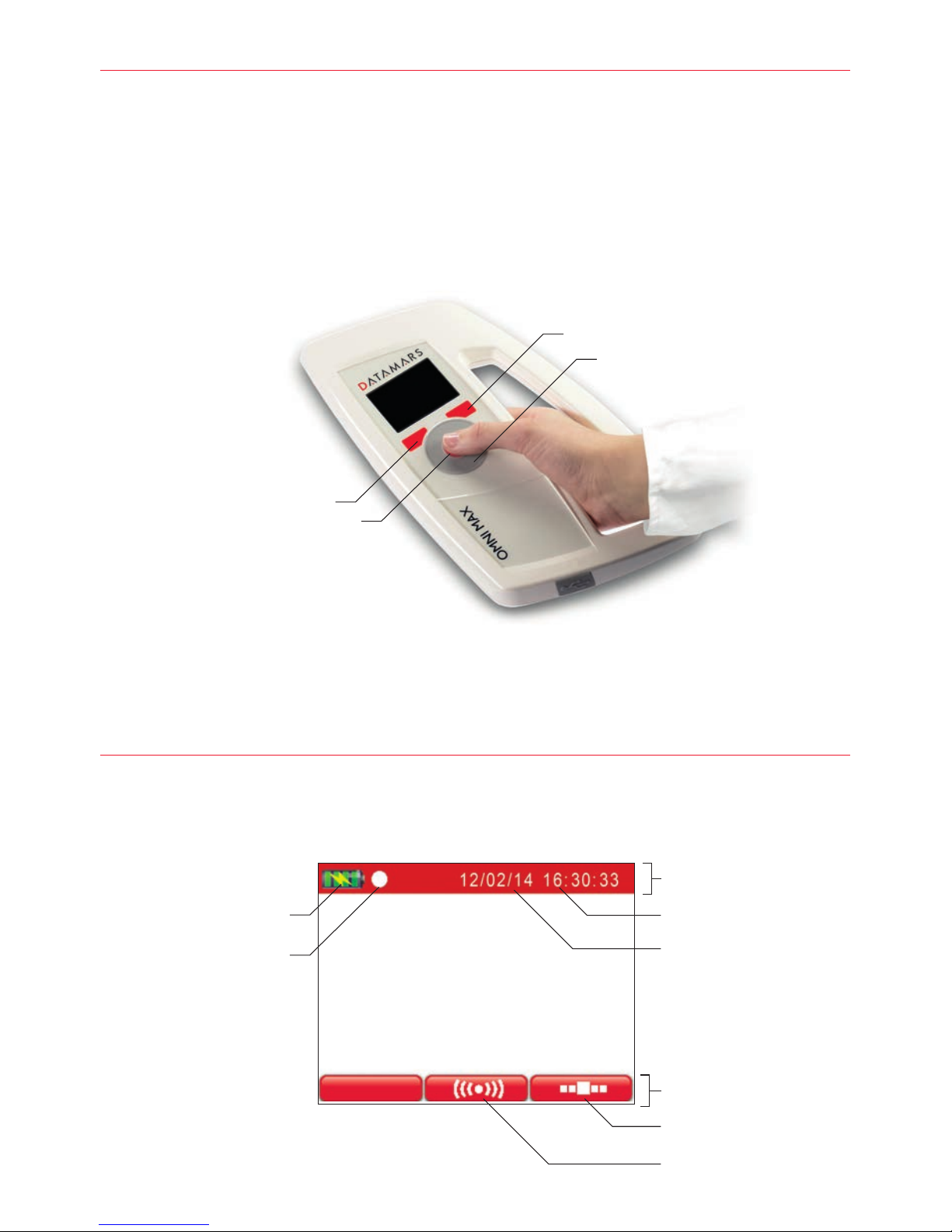
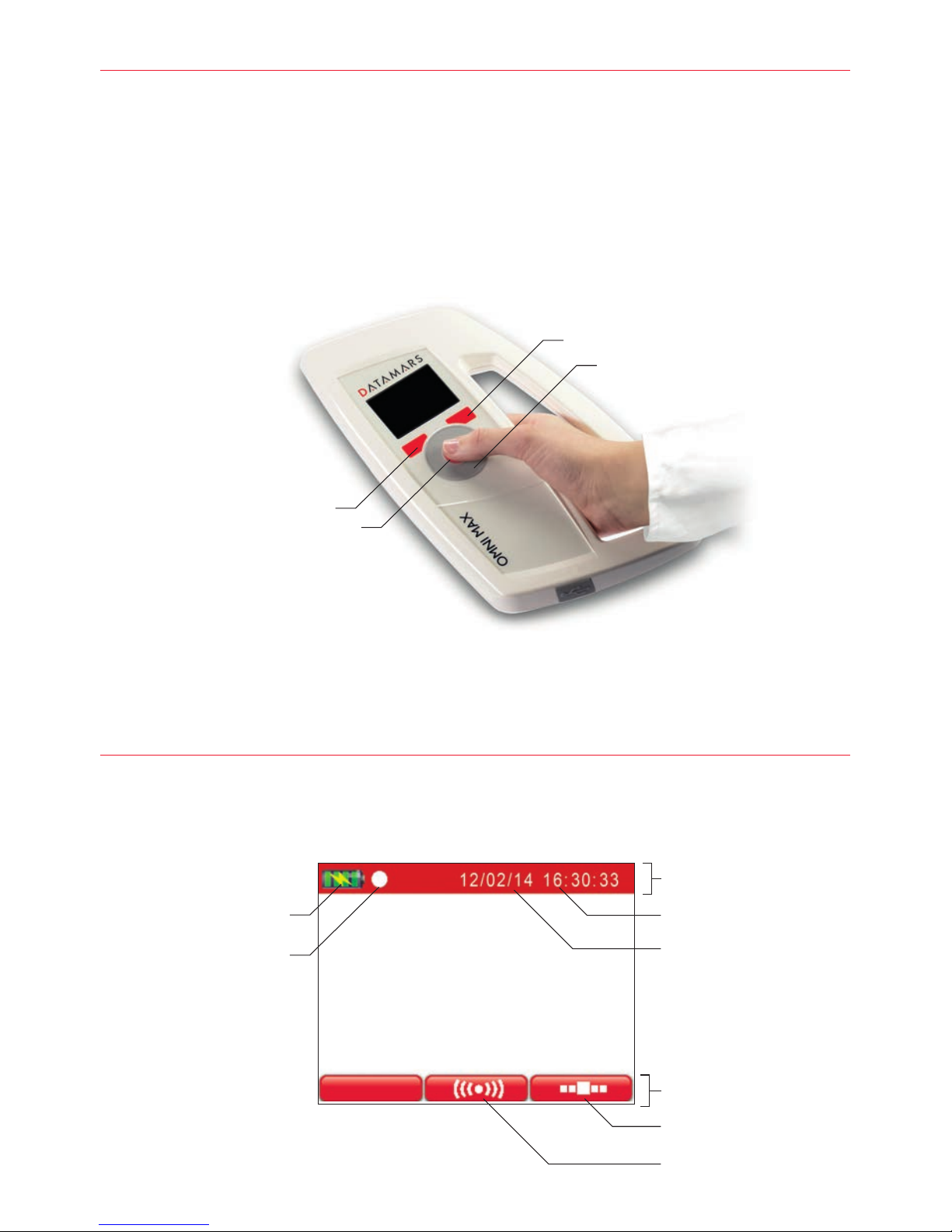
■Press the right navigation button located on the Home menu to access the Main menu
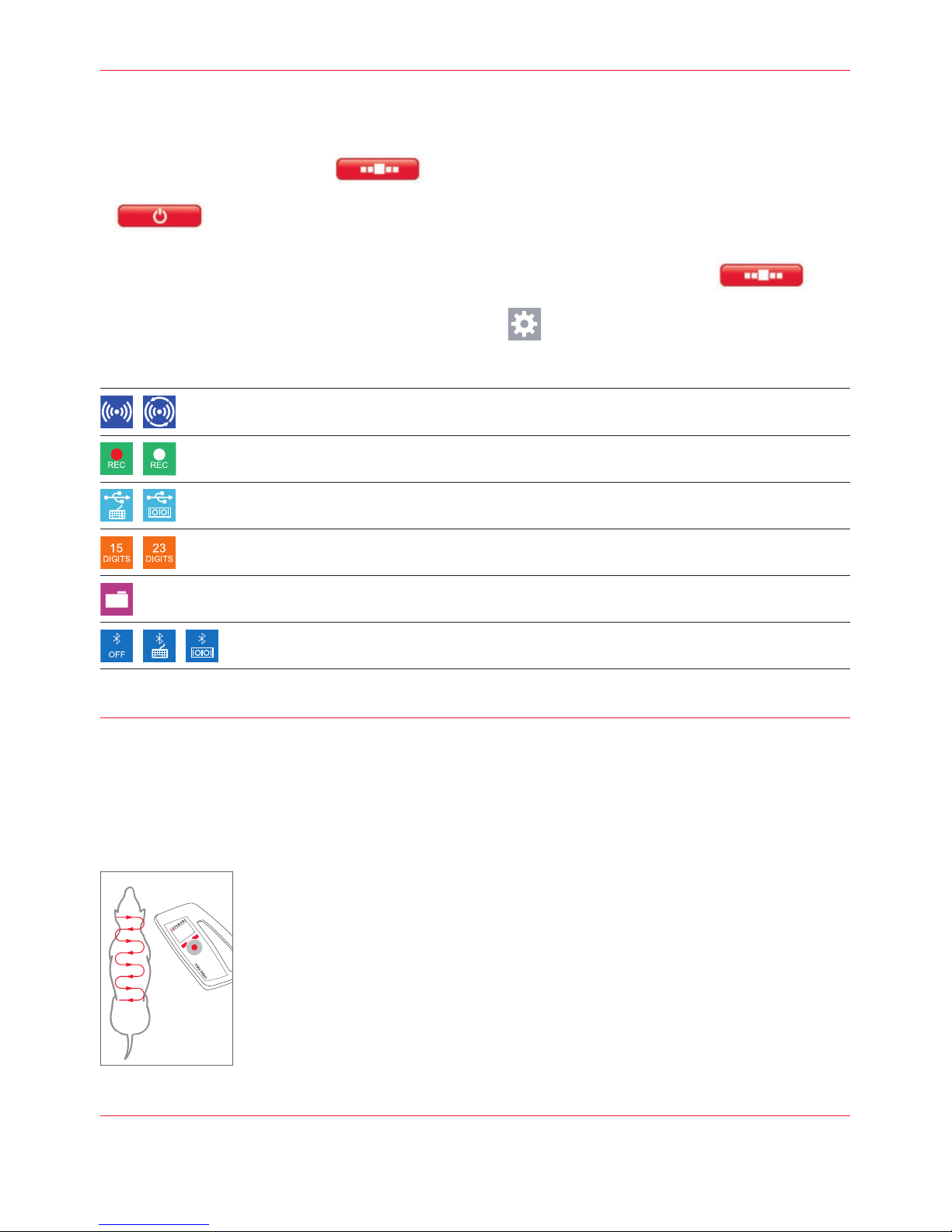
■Once the Main menu appears, press the left navigation button that points to the following icon:
Accessing the Main and Advanced enus
■Once the reader is switched on, press the right navigation button to access the Main menu.
Rotate the scroll-wheel to access main menus and settings:
■Once in the Main menu, select the Advanced Settings icon.
Rotate the scroll-wheel to access the different Advanced menus and settings.
3
3 Using OMNI MAX to Scan Microchips
Scanning a Microchip
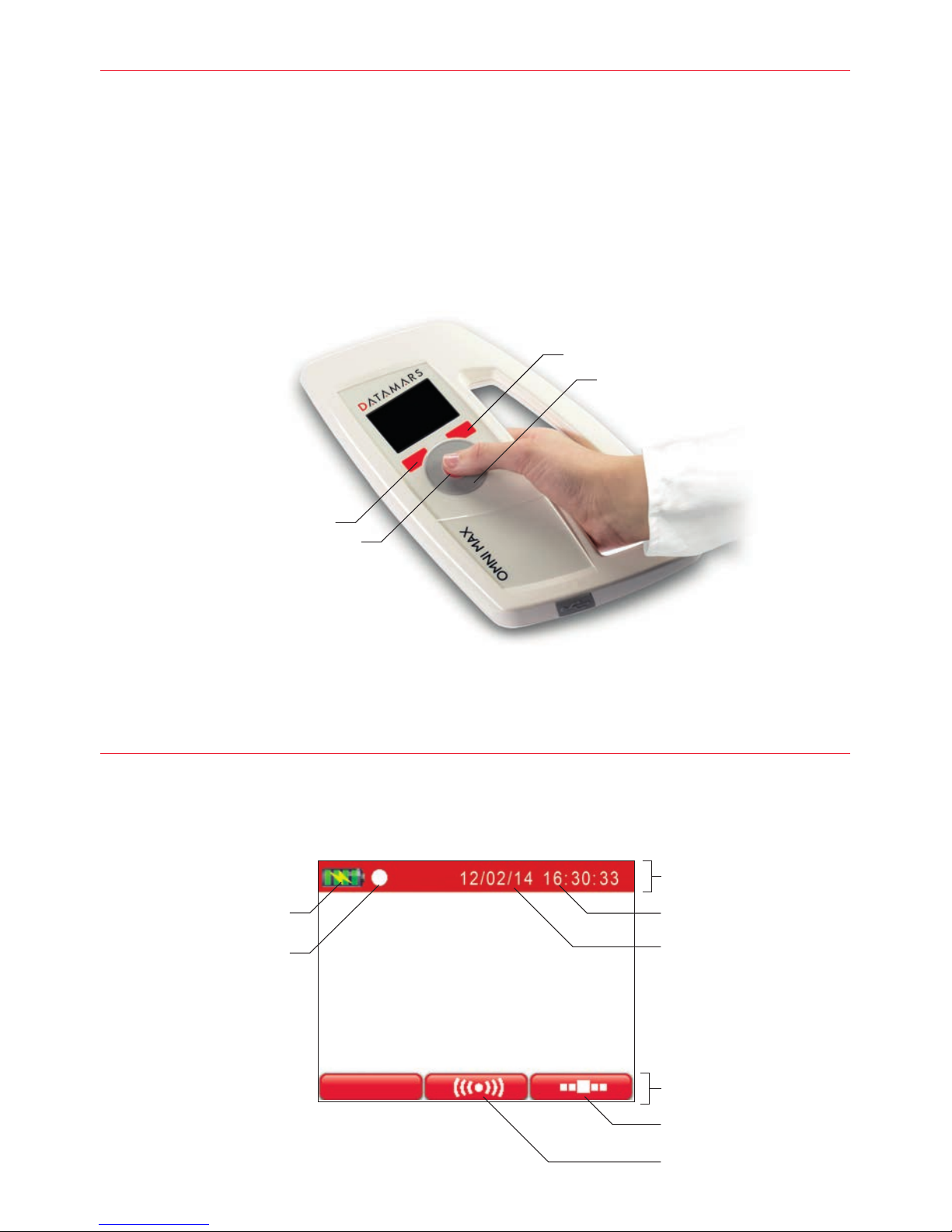
■Once OMNI MAX is turned ON, hold it in close proximity to the animal, and then press the center of the scroll-wheel
■OMNI MAX will emit an audible “beep” when the scanner successfully detects a microchip
■To stop scanning if no microchip has been found, press the center of the scroll-wheel
Effective Scanning
■Hold the scanner close to, or touching the animal
■Scan slowly and repeatedly over the entire body to check whether or not a microchip
is present
■Wave the scanner back and forth lightly while scanning, because microchips can be
in various orientations within the animal
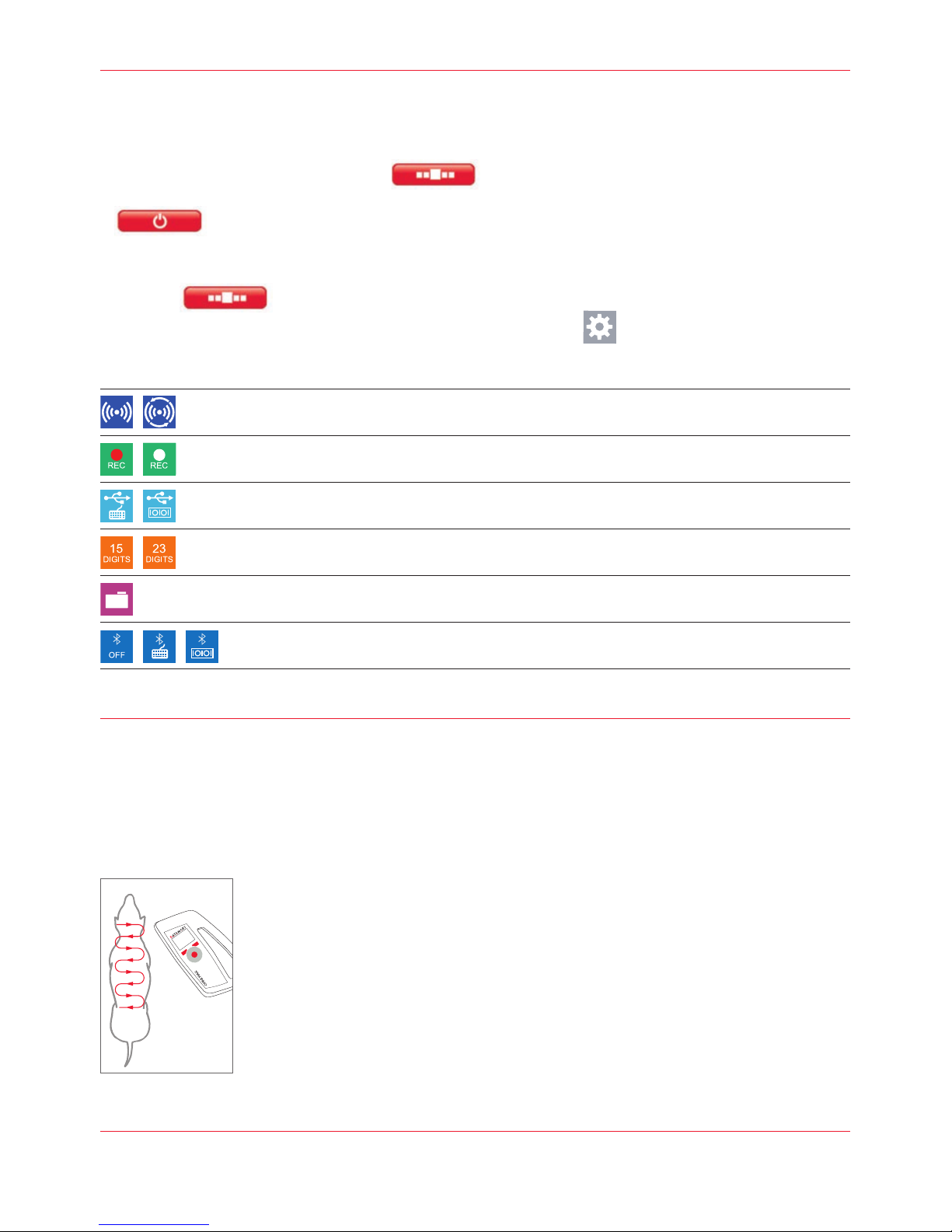
■Scan first in a horizontal, then a vertical “S” pattern down the animal’s body, as shown
in the diagram beside
■Consider scanning each animal more than once to ensure any present microchip can
be localized by the scanner
Single reading / Continuous reading
Memory File enabled (recording) / Memory File disabled (no recording)
USB as Key Board Wedge / USB as Virtual Com Port
Microchip code displayed on 15 digits / displayed on 23 digits
Access to memory files folder
Bluetooth off / Bluetooth as KeyBoard Wedge / Bluetooth as Virtual Com Port
Bluetooth available as optional
4 Charging the Battery
OMNI MAX can be charged in two ways. You can connect the USB cable to the wall-mounted adapter or you can
connect the USB cable to a USB port on your PC.