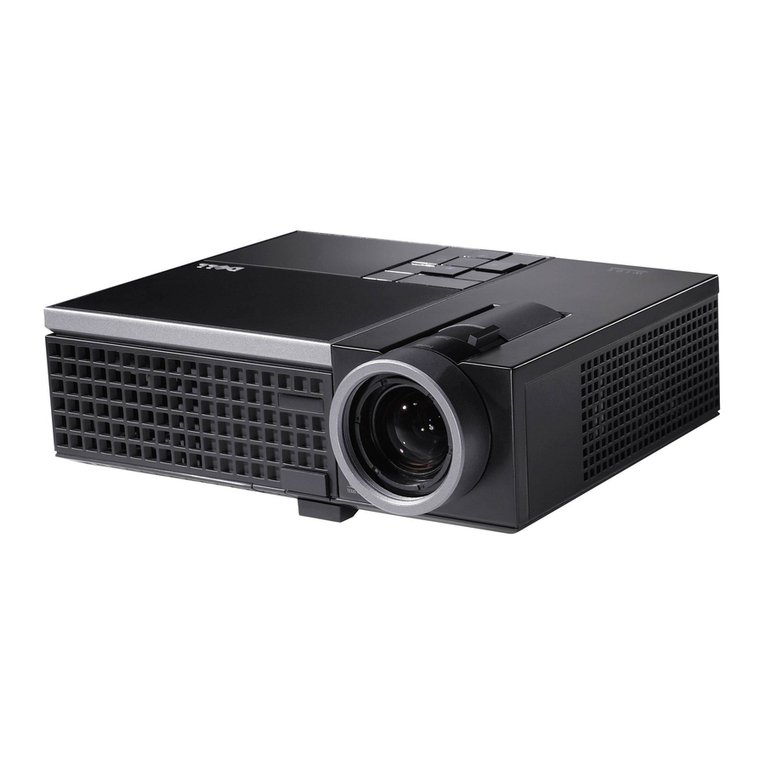
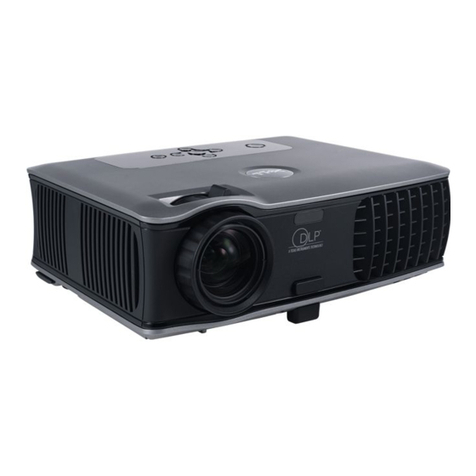
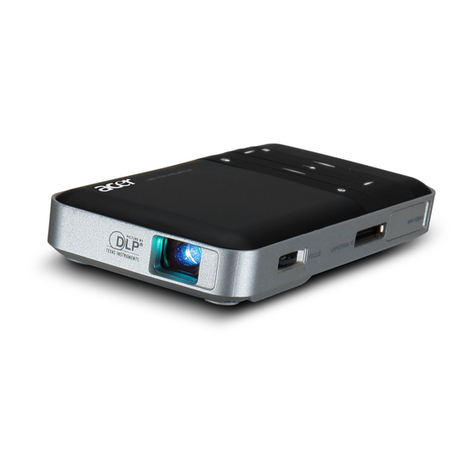
Dell 3100MP User manual

Dell™ 3100MP Projector User's Guide
The information below is provided by the supplier of the referenced device without independent verification by Dell
and is subject to the restrictions and disclaimers.
Safety Instructions
About Your Projector
Installation
Using Your Projector
Troubleshooting
Specifications
Regulatory Notices
Contacting Dell
Notes, Notices, and Cautions
NOTE: A NOTE indicates important information that helps you make better use of your computer.
NOTICE: A NOTICE indicates either potential damage to hardware or loss of data and tells you how to avoid
the problem.
CAUTION: A CAUTION indicates a potential for property damage, personal injury, or
death.
Information in this document is subject to change without notice.
© 2001 Coretronic Corporation.
© 2002 Dell Computer Corporation. All rights reserved.
Reproduction in any manner whatsoever without the written permission of Dell Computer Corporation is strictly
forbidden.
Trademarks used in this text: Dell and the DELL logo are trademarks of Dell Computer Corporation; DLP and Texas
Instruments are trademarks of Texas Instruments Corporation; Microsoft and Windows are registered trademarks of
Microsoft Corporation; Macintosh is a registered trademark of Apple Computer, Inc.
Other trademarks and trade names may be used in this document to refer to either the entities claiming the marks
and names or their products. Dell Computer Corporation disclaims any proprietary interest in trademarks and trade
names other than its own.
Restrictions and Disclaimers
The information contained in this document, including all instructions, cautions, and regulatory approvals and
certifications, is based upon statements provided to Dell by the manufacturer and has not been independently verified
or tested by Dell. Dell disclaims all liability in connection with any deficiencies in such information.
All statements or claims regarding the properties, capabilities, speeds, or qualifications of the part referenced in this
document are made by the manufacturer and not by Dell. Dell specifically disclaims any knowledge of the accuracy,
completeness, or substantiation for any such statements.
March 2002 Rev. A00

Back to Contents Page
Safety Instructions: Dell™ 3100MP Projector
CAUTION
Use the following safety guidelines to help protect your projector from potential damage and to ensure your own
personal safety:
The lamp becomes very hot with use. Do not attempt to replace the lamp after use until the projector
has been allowed to cool down for at least 30 minutes, and follow all instructions in "Changing the
Lamp."
Do not touch the bulb or the lamp glass at any time. The bulb may explode due to improper handling,
including the touching of the bulb or the lamp glass.
To avoid damaging the projector, allow the cooling fan to run for 3 minutes before turning off the
projector.
The remote control is equipped with a Class II laser that emits laser radiation. To reduce the risk of
injury, do not look directly into the laser light, and do not point the laser light into anyone's eyes.
Do not block the ventilation slots and openings on the projector.
Disconnect the power cord from the electrical outlet if the projector is not used for a long period of time.
Do not use the projector in an extremely hot, cold, or humid environment.
Do not use the projector in areas susceptible to excessive dust and dirt.
Do not use the projector near any appliance that generates a strong magnetic field.
Do not place the projector in direct sunlight.
Do not look into the lens while the projector is on; the bright light may hurt your eyes.
To reduce the risk of fire or electric shock, do not expose the projector to rain or moisture.
To prevent electric shock, do not open or disassemble the projector further than what is needed for lamp
replacement.
To avoid damaging the projector, ensure that the zoom lens is fully retracted before moving the projector
or placing the projector in its carrying case.
Turn off the projector and disconnect it from the electrical outlet before cleaning it. Use a soft cloth
moistened with mild detergent to clean the display housing. Do not use abrasive cleaners, waxes, or
solvents.
Back to Contents Page

Back to Contents Page
About Your Projector: Dell™ 3100MP Projector
Features
Equipment
Panel Control
Main Unit
Connection Ports
Remote Control With Mouse Function and Laser Pointer
Features
Single chip 0.7" Texas Instruments DLP™ technology
True XGA, 1024 x 768 addressable pixels
3.5 lb (1.6 kg) lightweight compact design
1000 ANSI lumens brightness
Auto image re-sizing to 1024 x 768 full screen with scaling compression compatibility for UXGA, SXGA+,
XGA, SVGA, VGA, MAC, and SXGA
130-watt, user-replaceable P-VIP lamp
Compatibility with Macintosh® computers
Compatibility with NTSC, NTSC4.43, PAL, PAL-M, PAL-N, SECAM, and HDTV (1080i, 720P, 576P, 480i/P)
Remote control with mouse function and laser pointer
DVI-I connection for digital and analog video connectivity
High-definition TV compatibility
User-friendly, multilanguage on-screen display (OSD)
Advanced electronic keystone correction
User-friendly control panel with backlight
Carrying case included
Equipment
Your projector comes with all the items shown below. Ensure that you have all the items, and contact Dell if anything is
missing.
main unit power cord D-sub to DVI-I signal cable
S-video cable RCA audio cable composite video cable

DVI-I signal cable for
HDTV/component remote mouse Y-cable remote control with mouse
function and laser pointer
batteries (2) Dell 3100MP Projector
User's Guide Dell 3100MP Projector Quick Start Card
Dell 3100MP Projector Safety and
Warranty Guide carrying case mini pin to mini pin cable
Panel Control
1temperature warning light
2four directional keys
3power button
4lamp warning light
5 Menu

6 Enter
7 Source
8 Mute
9 Volume
Main Unit
1panel control
2 speaker
3power connector
4zoom ring
5focus ring
6zoom lens
7remote control receiver
8elevator button
Connection Ports
1remote-mouse input connector

2HDTV/component video and computer input connector
3audio input connector
4composite video connector
5S-video connector
6monitor loop-through connector
Remote Control With Mouse Function and Laser Pointer
1 light
2Power button
3PU button (page up)
4laser pointer
5volume controls
6Mute button
7Freeze button
8directional pad
9R-Sync button
10 Source button
11 PD button (page down)
12 keystone correction
13 zoom in/zoom out
14 Menu button

CAUTION:The remote control has a Class II laser that emits radiation. To reduce the risk of injury to the
eyes, do not look directly into the laser light on the remote control and do not point the laser light into anyone's
eyes.
Battery Disposal: Your projector remote control uses zinc-manganese batteries. If you need to
replace the batteries, see your Dell 3100MP Projector Quick Start Card.
Do not dispose of used batteries along with household waste. Contact your local waste disposal
agency for the address of the nearest battery deposit site.
Back to Contents Page

Back to Contents Page
Installation: Dell™ 3100MP Projector
Connecting the Projector
Powering On/Off the Projector
Adjusting the Projected Image
Changing the Lamp
Connecting the Projector
1power cord
2 USB
3remote mouse Y-cable
4D-sub to DVI-I cable
Powering On/Off the Projector
Powering On the Projector
NOTE: Turn on the projector before you turn on the source.
1. Remove the lens cap.
2. Ensure that the power cord and D-sub to DVI-I cable are securely connected. The power button light blinks
green.
3. Press the power button to turn on the projector. After approximately 5 seconds, the startup screen appears,
and the LAMP light blinks orange. After 20 seconds, the LAMP light stops blinking orange.
4. Turn on your source (computer, notebook, VCR, and so on). The projector automatically detects your source.
If the No Signal - check video cable message appears on the screen, ensure that the D-sub to DVI-I
cable is securely connected.
If you are connecting multiple sources to the projector simultaneously, press the Source button on the remote
control or panel control to select the desired source.

1power button
2lens cap
Powering Off the Projector
1. Press the power button to turn off the projector. The Power off the lamp? message appears on the
OSD.
2. Press the power button again. The cooling fans continue to operate for about 30 seconds.
3. Disconnect the power cord from the electrical outlet and the projector.
4. If the LAMP light is solid orange, replace the lamp.
5. If the TEMP light is solid orange, the projector has overheated. The display automatically shuts down. Try
turning the display on again after the projector cools down. If the problem persists, contact Dell.
6. If you press the power button while the projector is running, the Power off the lamp? message appears
on the screen. To clear the message, press any button on the panel control or ignore the message; the
message disappears after 5 seconds.
Adjusting the Projected Image
Adjusting the Projector Height
To raise the projector:
1. Press the elevator button.
2. Raise the projector to the desired display angle, and then release the button to lock the elevator foot into
position.
3. Use the tilt adjustment wheel to fine-tune the display angle.
To lower the projector:
1. Press the elevator button.
2. Lower the projector, and then release the button to lock the elevator foot into position.

1elevator button
2elevator foot
3tilt adjustment wheel
Adjusting the Projector Zoom and Focus
CAUTION: To avoid damaging the projector, ensure that the zoom lens is fully retracted before moving the
projector or placing the projector in its carrying case.
1. Rotate the zoom ring to zoom in and out.
2. Rotate the focus ring until the image is clear. The projector focuses at distances from 3.3 ft to 39.4 ft (1 m to
12 m).
Table of contents
Other Dell Projector manuals
Dell
Dell 2400MP - XGA DLP Projector User manual

Dell
Dell M409WX User manual
Dell
Dell 1420X User manual

Dell
Dell M409WX User manual
Dell
Dell M410HD User manual
Dell
Dell 2300MP User manual

Dell
Dell M109s - DLP Projector User manual

Dell
Dell M209X User manual
Dell
Dell 1100MP User manual
Dell
Dell 4210X - XGA DLP Projector User manual
Dell
Dell S520 User manual

Dell
Dell Mobile M900HD User manual

Dell
Dell 1210S - DLP Projector - 2500 ANSI Lumens User manual
Dell
Dell 1201MP User manual

Dell
Dell S510 User manual

Dell
Dell 1200MP User manual

Dell
Dell 1610HD User manual
Dell
Dell 2200MP User manual

Dell
Dell Vostro 1220 User manual
Dell
Dell M110 User manual