manuals.online logo
Brands
  1. Home
  2. •
  3. Brands
  4. •
  5. DeLOCK
  6. •
  7. Cables And Connectors
  8. •
  9. DeLOCK 64203 User manual

DeLOCK 64203 User manual

Other DeLOCK Cables And Connectors manuals

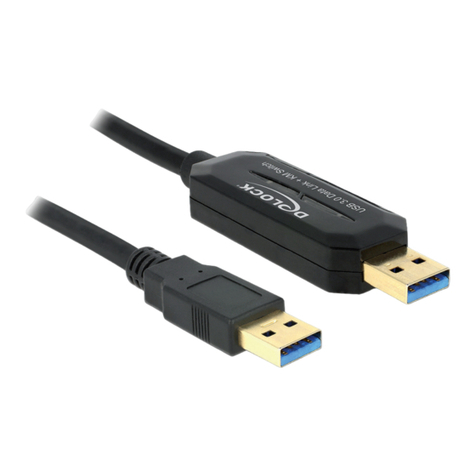
DeLOCK 83739 User manual

DeLOCK

DeLOCK 83739 User manual

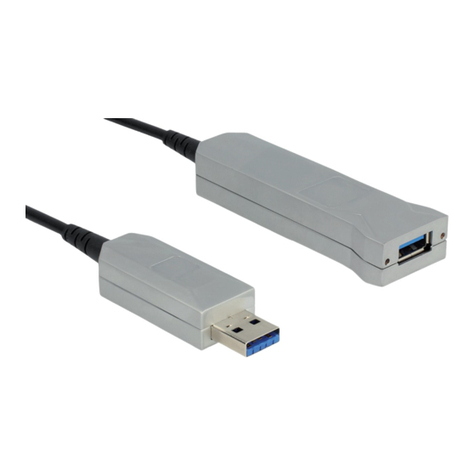
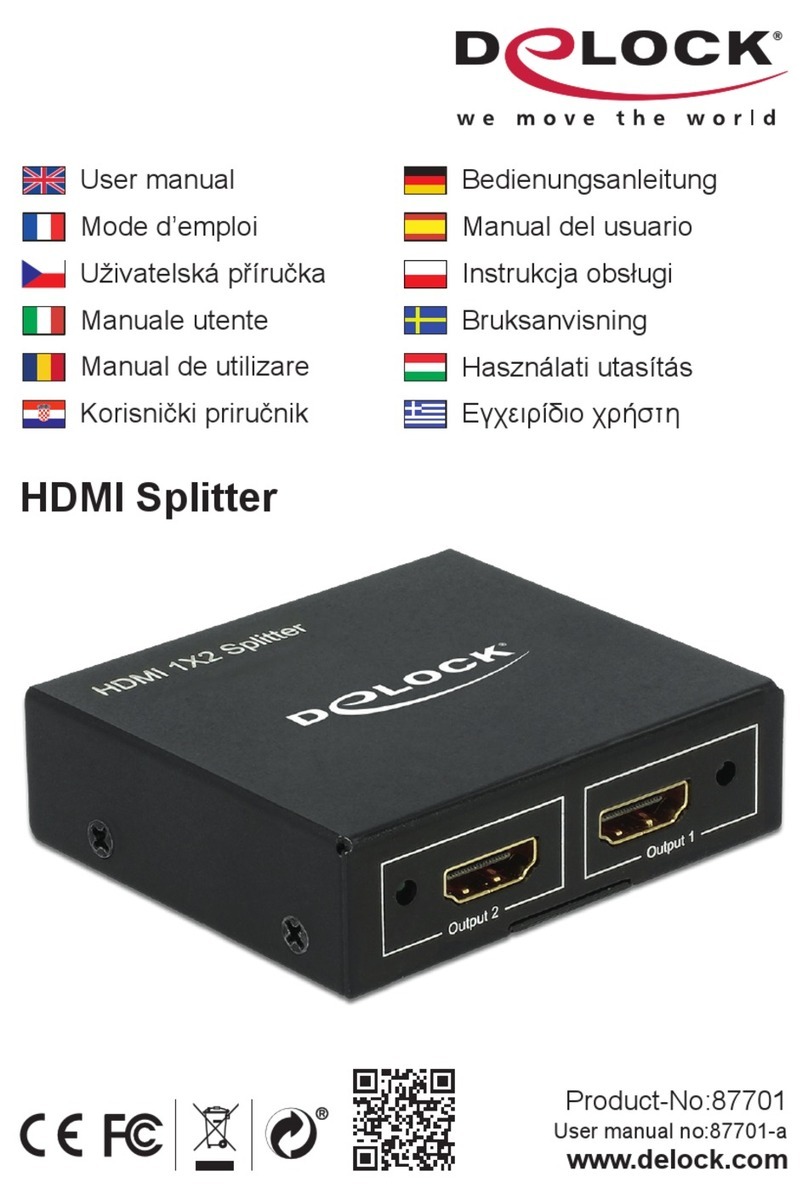
DeLOCK 87701 User manual

DeLOCK

DeLOCK 87701 User manual

DeLOCK 87665 User manual

DeLOCK

DeLOCK 87665 User manual

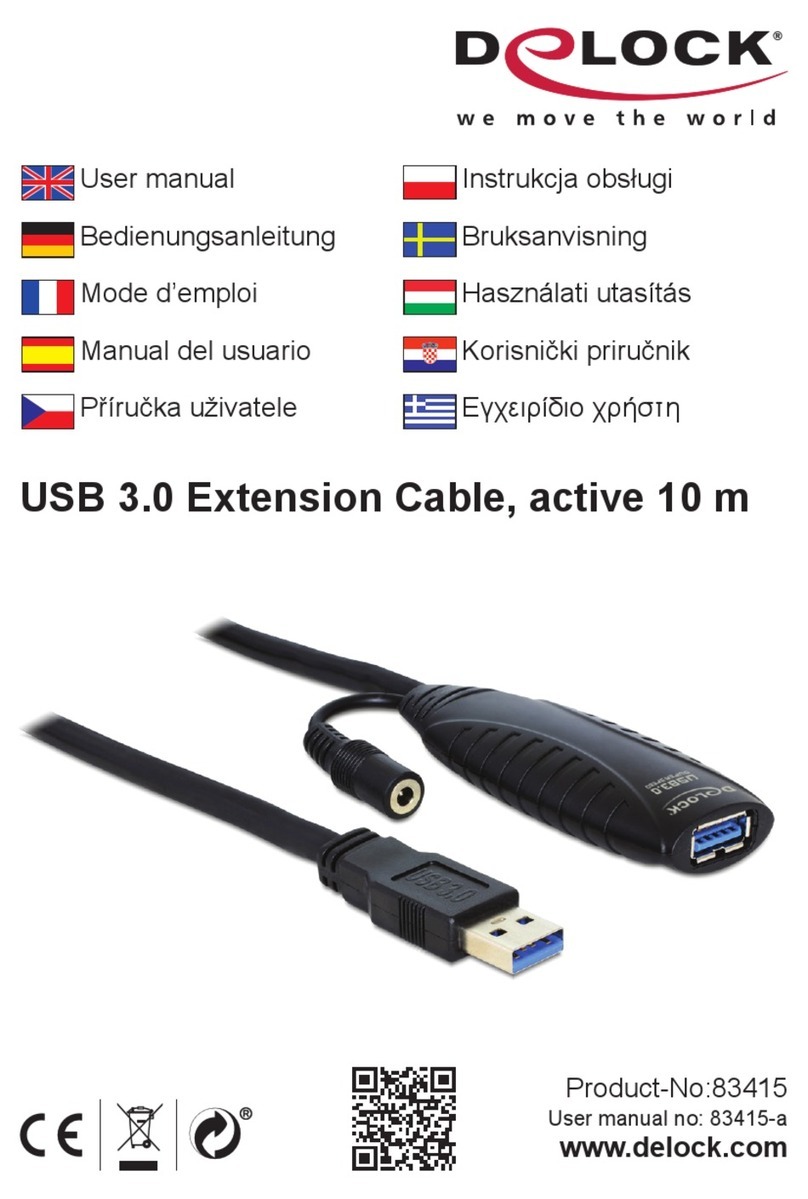
DeLOCK 83415 User manual

DeLOCK

DeLOCK 83415 User manual

DeLOCK 18684 User manual

DeLOCK

DeLOCK 18684 User manual

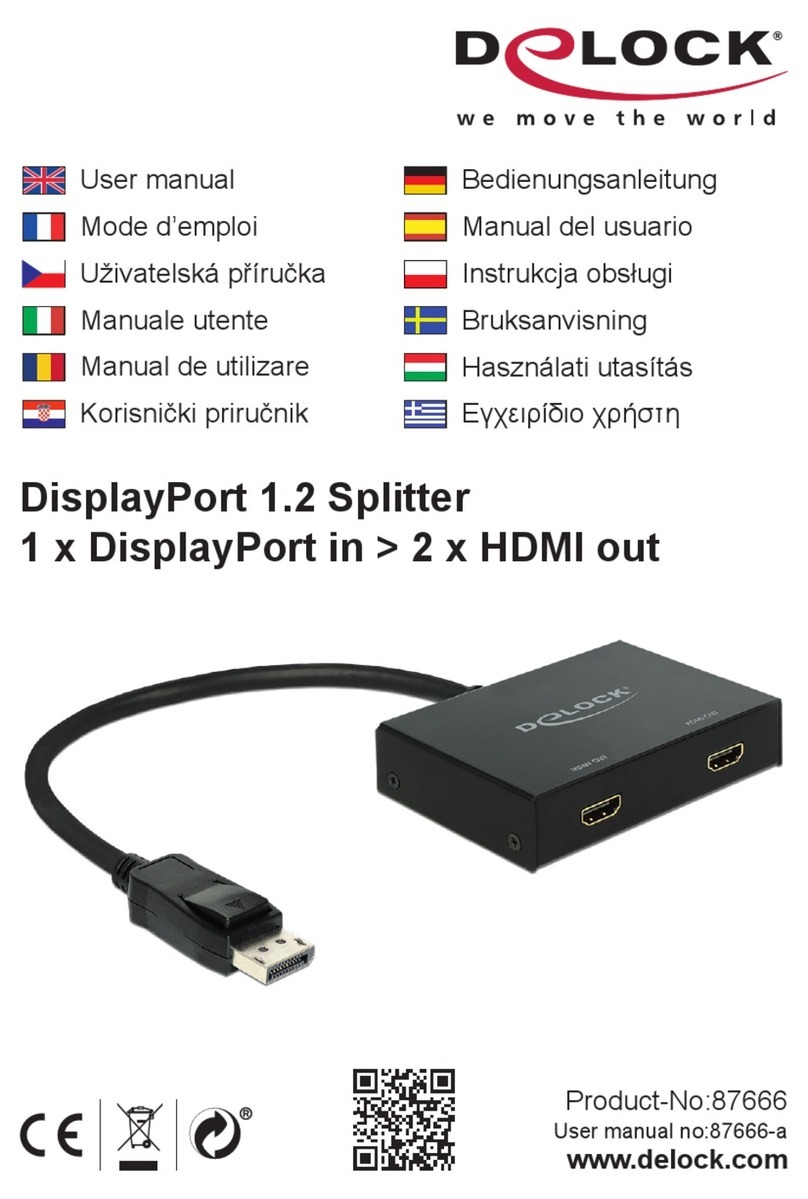
DeLOCK 87666 User manual

DeLOCK

DeLOCK 87666 User manual

DeLOCK 83647 User manual

DeLOCK

DeLOCK 83647 User manual

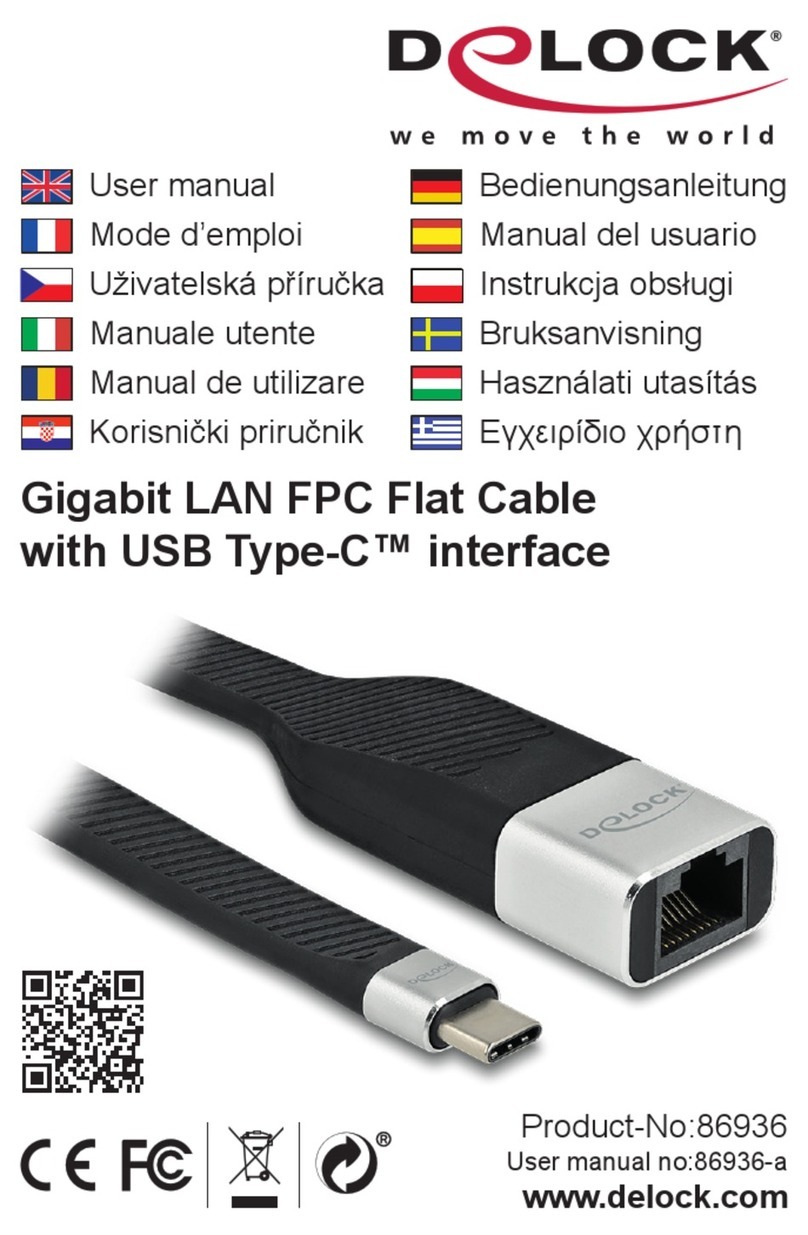
DeLOCK 86936 User manual

DeLOCK

DeLOCK 86936 User manual

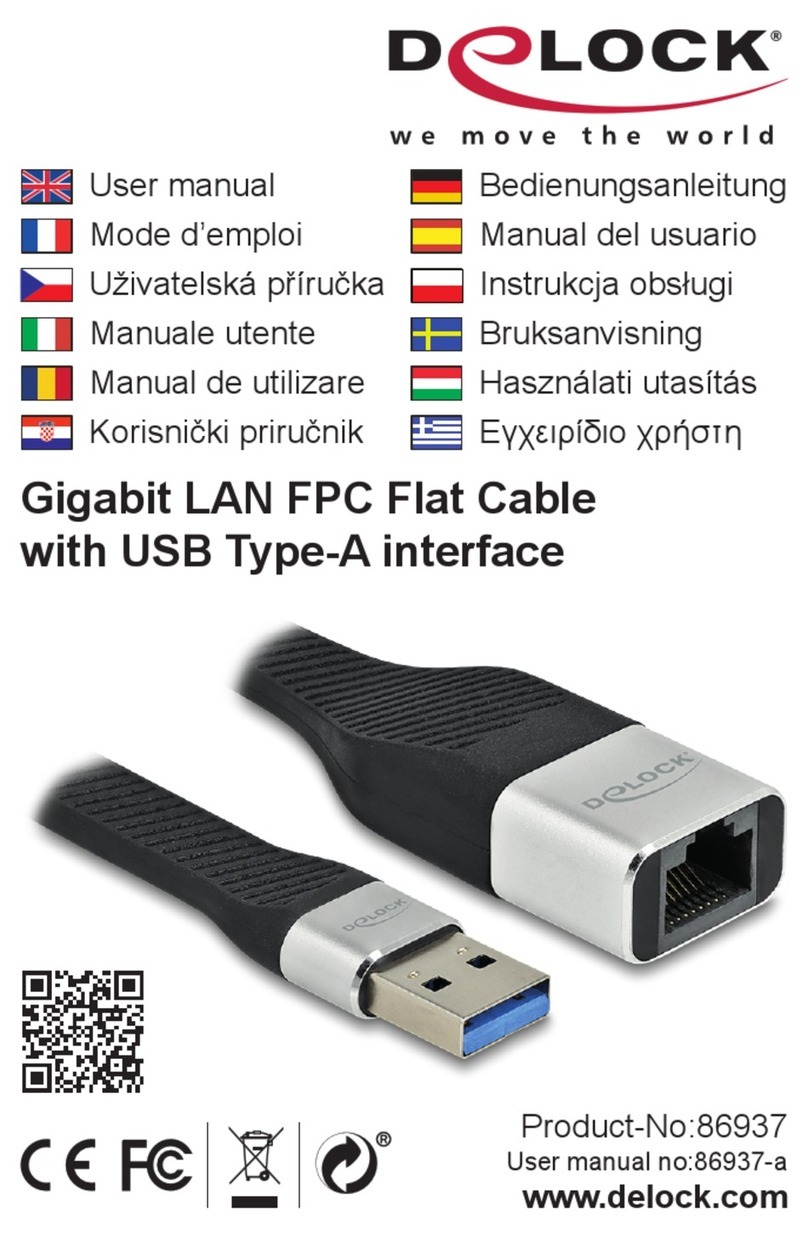
DeLOCK 86937 User manual

DeLOCK

DeLOCK 86937 User manual

Popular Cables And Connectors manuals by other brands

Philips SWA6310 Specifications

Philips

Philips SWA6310 Specifications

StarTech.com CRJ4550PK quick start guide

StarTech.com

StarTech.com CRJ4550PK quick start guide

Nohau EMUL-IP2K-PC user guide

Nohau

Nohau EMUL-IP2K-PC user guide

Foxun SX-SP144E-HD4K2K operating instructions

Foxun

Foxun SX-SP144E-HD4K2K operating instructions

Philips SWA3305W Specifications

Philips

Philips SWA3305W Specifications

opticis Stretch DVIM1-1P0x user manual

opticis

opticis Stretch DVIM1-1P0x user manual

Volkswagen VAS 6558A operating manual

Volkswagen

Volkswagen VAS 6558A operating manual

NEXIBO N-13 user manual

NEXIBO

NEXIBO N-13 user manual

CYP PU-1H3HBTL Operation manual

CYP

CYP PU-1H3HBTL Operation manual

Allen-Bradley 1784-u2dhp installation instructions

Allen-Bradley

Allen-Bradley 1784-u2dhp installation instructions

Global Caché Flex Link Blaster quick start

Global Caché

Global Caché Flex Link Blaster quick start

Hauppauge USB-Live2 Quick installation guide

Hauppauge

Hauppauge USB-Live2 Quick installation guide

Fenix MPSV 15 installation manual

Fenix

Fenix MPSV 15 installation manual

BEGA 71 085 manual

BEGA

BEGA 71 085 manual

Tesla HPWC installation manual

Tesla

Tesla HPWC installation manual

GAMERON LUXURY TV CABLE instruction manual

GAMERON

GAMERON LUXURY TV CABLE instruction manual

molex Milli-Grid Dual row 87568 Series operating instructions

molex

molex Milli-Grid Dual row 87568 Series operating instructions

Burndy Continental Industries thermOweld CRE-7 instructions

Burndy

Burndy Continental Industries thermOweld CRE-7 instructions

manuals.online logo
manuals.online logoBrands
  • About & Mission
  • Contact us
  • Privacy Policy
  • Terms and Conditions

Copyright 2025 Manuals.Online. All Rights Reserved.

4 Port USB 2.0 Cable Hub
Product-No: 64203
User manual no: 64203-a
www.delock.com
User manual
Mode d’emploi
Uživatelská příručka
Manuale utente
Manual de utilizare
Korisnički priručnik
Bedienungsanleitung
Manual del usuario
Instrukcja obsługi
Bruksanvisning
Használati utasítás
Εγχειρίδιο χρήστη
Package content
• Cable hub USB 2.0
• User manual
Safety instructions
• Protect the product against moisture
• Protect the product against direct sunlight
Installation
1. Connect the USB cable of the hub to an available USB Type-C™ port of your
device.
2. Switch on your device.
3. The driver will be found automatically and installed.
4. You can now start to use the hub.
Packungsinhalt
• Kabel Hub USB 2.0
• Bedienungsanleitung
Sicherheitshinweise
• Produkt vor Feuchtigkeit schützen
• Produkt vor direkter Sonneneinstrahlung schützen
Installation
1. Schließen Sie das USB Kabel des Hubs an einen freien USB Type-C™ Port
Ihres Gerätes an.
2. Schalten Sie Ihr Gerät ein.
3. Der Treiber wird automatisch gefunden und installiert.
4. Sie können nun den Hub verwenden.
English
Deutsch
Contenu de l’emballage
• Hub de câbles USB 2.0
• Mode d’emploi
Instructions de sécurité
• Protéger le produit contre l’humidité
• Protéger le produit contre la lumière directe du soleil
Installation
1. Connecter le câble USB au hub à un port USB Type-C™ disponible de votre
appareil.
2. Allumez votre appareil.
3. Le pilote est détecté et installé automatiquement.
4. Vous pouvez maintenant commencer à utiliser le hub.
Contenido del paquete
• Concentrador de cable USB 2.0
• Manual del usuario
Instrucciones de seguridad
• Proteja el producto contra el polvo
• Proteja el producto contra la luz solar directa
Instalación
1. Conecte el cable USB del concentrador a un puerto USB Type-C™
disponible de su dispositivo.
2. Encienda el dispositivo.
3. El equipo detectará el controlador y lo instalará automáticamente.
4. Ya puede empezar a usar el concentrador.
Français
Español
Obsah balení
• Kabelový rozbočovač USB 2.0
• Uživatelská příručka
Bezpečnostní pokyny
• Chraňte produkt před vlhkostí
• Chraňte produkt před přímým slunečním světlem
Instalace
1. Připojte USB kabel rozbočovače k dostupnému portu USB Type-C™ na
svém zařízení.
2. Zapněte vaše zařízení.
3. Ovladač je nalezen a instalován.
4. Teď můžete začít rozbočovač používat.
Zawartość opakowania
• Hub kablowy USB 2.0
• Instrukcja obsługi
Instrukcje bezpieczeństwa
• Produkt należy zabezpieczyć przed wilgocią
• Produkt należy zabezpieczyć przed bezpośrednim światłem słonecznym
Instalacja
1. Podłączyć kabel USB do huba i wolnego portu USB Type-C™ urządzenia.
2. Włączyć urządzenie.
3. Sterownik zostanie automatycznie wykryty i zainstalowany.
4. Można korzystać z huba.
České
Polsku
Contenuto della confezione
• Hub per cavi USB 2.0
• Manuale utente
Istruzioni per la sicurezza
• Proteggere il prodotto dall'umidità
• Proteggere il prodotto dalla luce solare diretta
Installazione
1. Collegare il cavo USB dell'hub a una porta USB Type-C™ disponibile del
dispositivo.
2. Accendere il proprio dispositivo.
3. Il driver viene rilevato e installato automaticamente.
4. Ora si può iniziare a utilizzare l'hub.
Paketets innehåll
• Kabelhubb USB 2.0
• Bruksanvisning
Säkerhetsinstruktioner
• Skydda produkten mot fukt
• Skydda produkten mot direkt solljus
Installation
1. Anslut USB-kabeln från hubben till en tillgänglig USB Type-C™-port på din
enhet.
2. Slå på din enhet.
3. Drivrutinen identieras och installeras automatiskt.
4. Du kan nu börja använda hubben.
Italiano
Svenska
Pachetul contine
• Concentrator cablu USB 2.0
• Manual de utilizare
Instrucţiuni de siguranţă
• Protejaţi produsul împotriva umidităţii
• Protejaţi produsul împotriva luminii directe a soarelui
Instalarea
1. Conectați cablul USB al hub-ului la un port USB Type-C™ disponibil la
dispozitivul dvs.
2. Porniți dispozitivul dvs.
3. Driverul se va găsi şi instala în mod automat.
4. Acum puteți începe să utilizați hub-ul.
A csomag tartalma
• USB 2.0 csatlakozójú kábel HUB
• Használati utasítás
Biztonsági óvintézkedések
• Óvja a terméket a nedvességtől.
• Óvja a terméket a közvetlen napsugárzástól.
Telepítése
1. Csatlakoztassa a hub USB kábelét az eszköze egy elérhető USB Type-C™
portjába.
2. Kapcsolja be a készülékét.
3. A meghajtót automatikusan kikeresi és telepíti a rendszer.
4. Már kezdheti használni a hubot.
Română
Magyar
Sadržaj pakiranja
• Koncentrator kabela USB 2.0
• Korisnički priručnik
Sigurnosne upute
• Zaštitite proizvod od vlage
• Zaštitite proizvod od izravne sunčeve svjetlosti
Instalacija
1. Spojite USB kabel koncentratora na dostupan USB Type-C™ ulaz vašeg
uređaja.
2. Uključite vaš uređaj.
3. Upravljački program će se automatski pronaći i instalirati.
4. Sada možete početi koristiti koncentrator.
Περιεχόμενα συσκευασίας
• Κόμβος Καλωδίου USB 2.0
• Εγχειρίδιο χρήστη
Οδηγίες ασφάλειας
• Προστατεύστε το προϊόν από την υγρασία
• Προστατεύστε το προϊόν από την άμεση ηλιακή ακτινοβολία
Εγκατάσταση
1. Συνδέστε το καλώδιο USB του κόμβου σε μια διαθέσιμη θύρα USB Type-C™
της συσκευής σας.
2. Ενεργοποιήστε τη συσκευή σας.
3. Θα γίνει αυτόματη ανίχνευση και εγκατάσταση του προγράμματος οδήγησης.
4. Τώρα μπορείτε να ξεκινήσετε τη χρήση του κόμβου.
Hrvatski
ελληνικά
Declaration of conformity
Products with a CE symbol fulll the EMC directive (2014/30/EU) and
RoHS directive (2011/65/EU+2015/863+2017/2102), which were released by the
EU-comission.
The declaration of conformity can be downloaded here:
https://www.delock.de/produkte/G_64203/merkmale.html
WEEE-notice
The WEEE (Waste Electrical and Electronic Equipment)-directive, which became
e󰀨ective as European law on February 13th 2003, resulted in an all out change
in the disposal of disused electro devices. The primarily purpose of this directive
is the avoidance of electrical waste (WEEE) and at the same time the support of
recycling and other forms of recycling in order to reduce waste. The WEEE-logo
on the device and the package indicates that the device should not be disposed
in the normal household garbage. You are responsible for taking the disused
electrical and electronical devices to a respective collecting point. A separated
collection and reasonable recycling of your electrical waste helps handling the
natural resources more economical. Furthermore recycling of electrical waste is
a contribution to keep the environment and thus also the health of men. Further
information about disposal of electrical and electronical waste, recycling and
the collection points are available in local organizations, waste management
enterprises, in specialized trade and the producer of the device.
Cet appareil
se recycle
Points de collecte sur www.quefairedemesdechets.fr
EU Import: Tragant Handels- und Beteiligungs GmbH
Beeskowdamm 13/15, 14167 Berlin, Germany