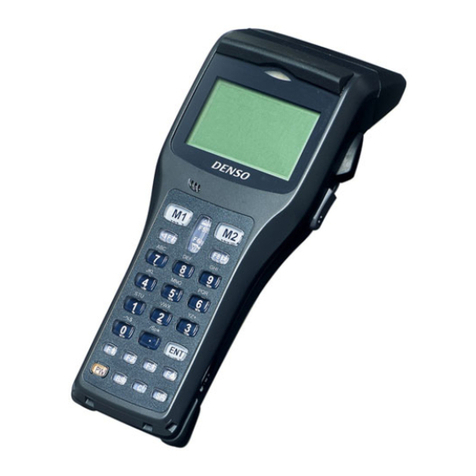
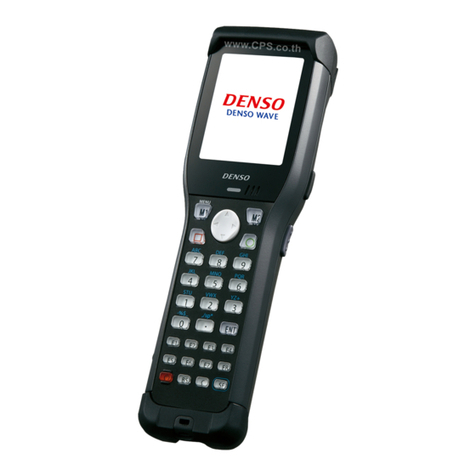
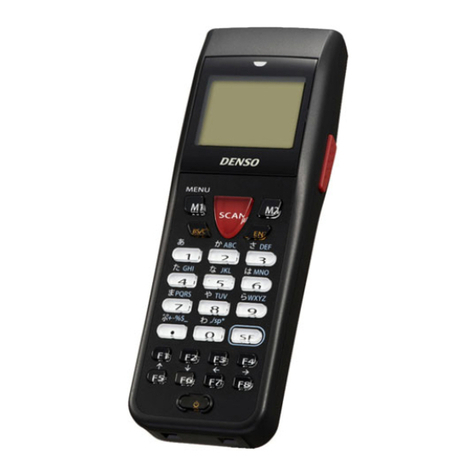
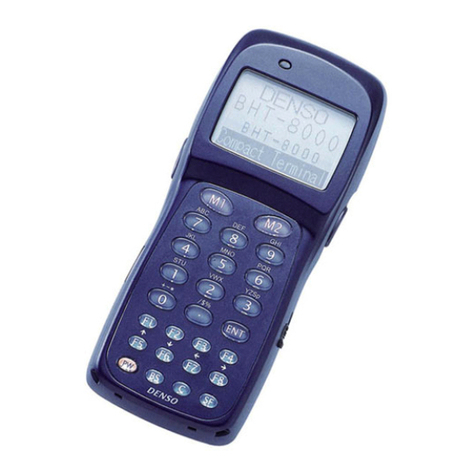
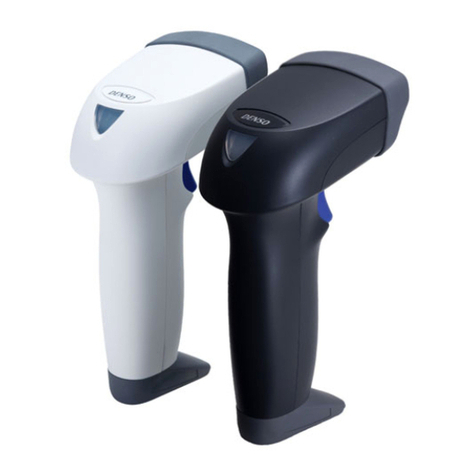
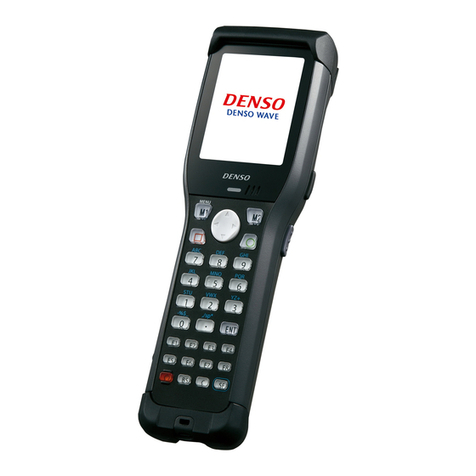
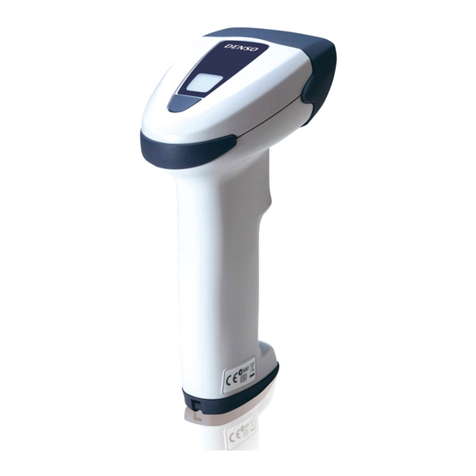
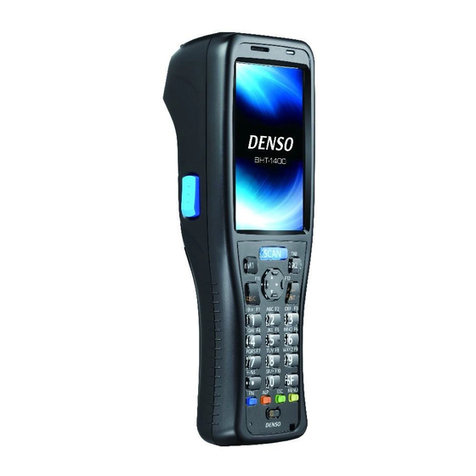
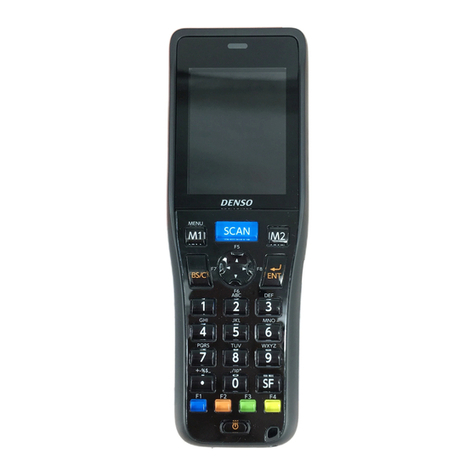
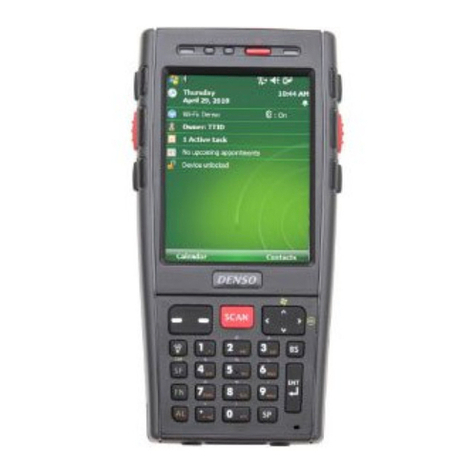
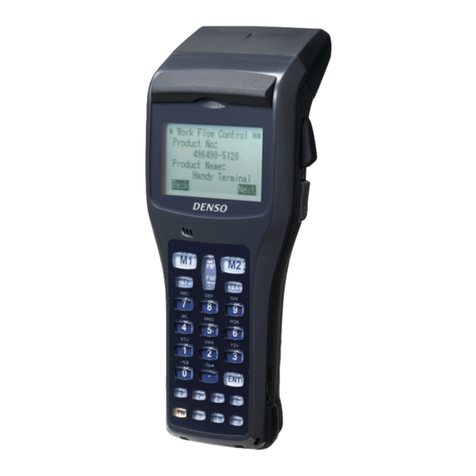
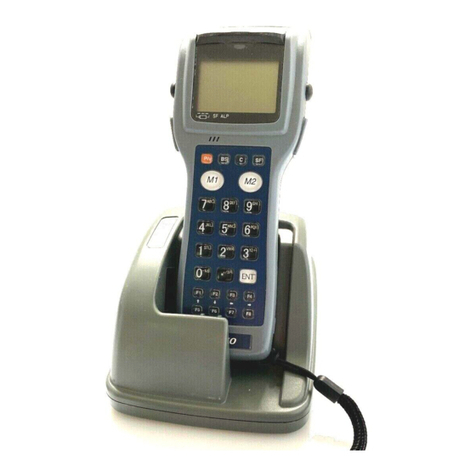
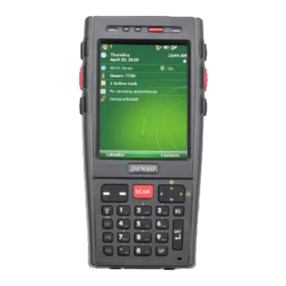
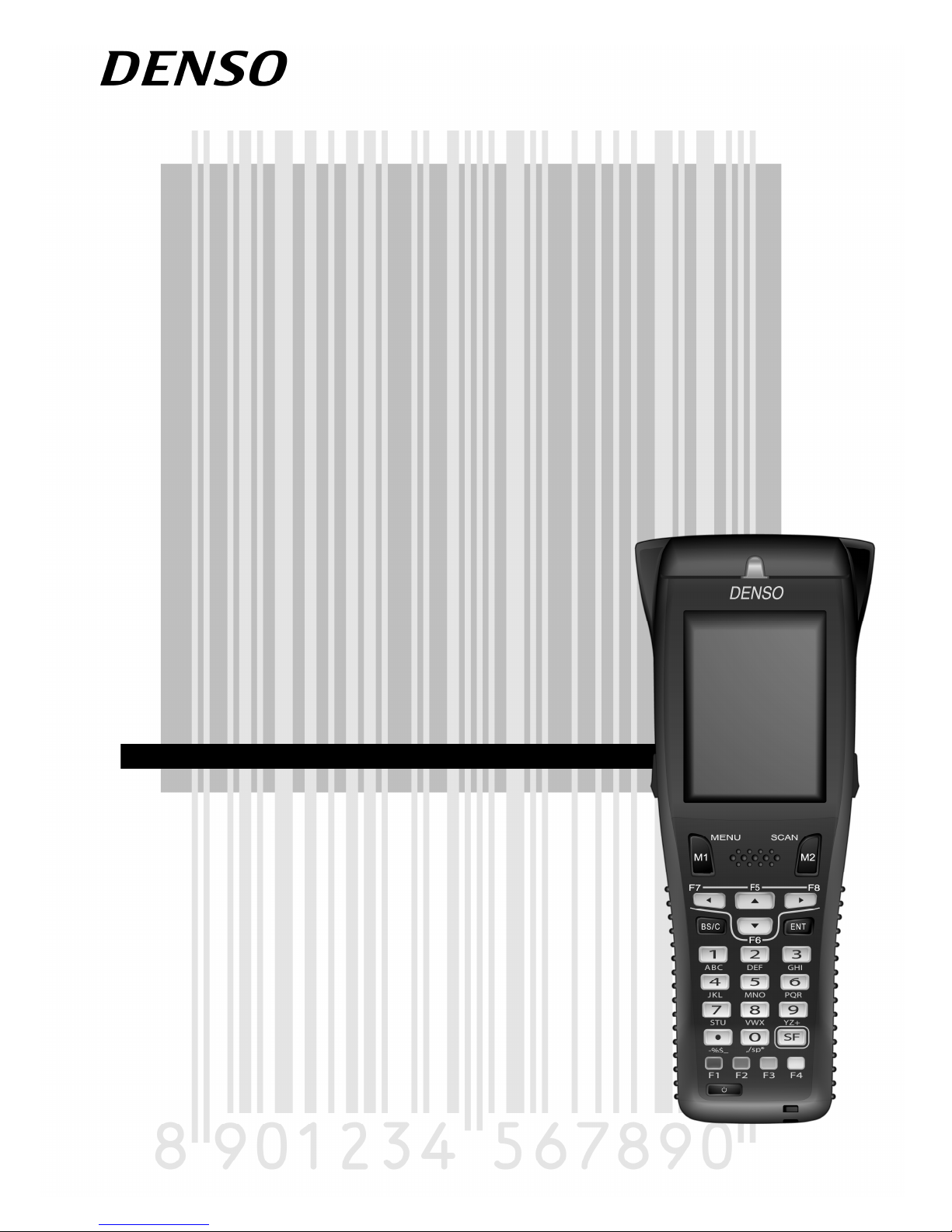
Denso BHT-805BWB User manual

Barcode Handy Terminal
BHT-805BWB
User’s Manual

i
BHT-805BWB
Preface
Thank you for using the BHT-805BWB DENSO WAVE Barcode Handy Terminal.
Please read this manual thoroughly prior to operation to ensure full use of the product’s functionality, and store safely
in a convenient location for quick reference even after reading.
Liability Limitations
•DENSO WAVE INCORPORATED does not assume any product liability (including damages for lost profits,
interruption of operations, or the loss of business-related information) arising out of, or in connection with, the
use of, or inability to use the BHT system software or related manuals.
•DENSO WAVE INCORPORATED ("DENSO WAVE") takes reasonable precautions to ensure its products do not
infringe upon any patents or other intellectual property rights of other(s). However, DENSO WAVE cannot be
responsible for any patent or other intellectual property right infringement(s) or violation(s) arising from any of the
following.
1) The use of DENSO WAVE's products in connection or in combination with other components, products,
devices, data processing systems or software not supplied by DENSO WAVE.
2) The use of DENSO WAVE's products in a manner for which they were not intended nor designed.
3) The modification of DENSO WAVE's products by parties other than DENSO WAVE.
•If it is judged by DENSO WAVE INCORPORATED that malfunction of the product is due to the product having
been dropped or subjected to impact, repairs will be made at a reasonable charge even within the warranty
period.

ii
Barcode Handy Terminal
Customer Registration and Inquiries
Customer Registration
To allow us to provide our customers with comprehensive service and support, we request that all customers
complete a Member Registration Form. Registered members will be offered the following privileges.
•The latest upgrade information
•Free exhibition and event information for new products
•Free Web-information service "QBdirect".
QBdirect Service Contents
Information search
service (FAQ)
Offers detailed information on each product.
Download service Offers downloads of repair modules for the latest BHT Series systems or
software, and sample programs.
E-mail inquiries Product related queries can be sent in by e-mail.
* Please note that these privileges may be subject to change without prior notice.
−How to Register
Access the URL below and follow the instructions provided.
http://www.qbdirect.net
Inquiries
−Technical Inquiries (QBdirect)
•BHT product programming method
•Product setup method, usage
•Other technical questions
Inquires relating to the above can be made at our exclusive Web site for registered users (QBdirect).
Access the link below to log on or register.
http://www.qbdirect.net

iii
BHT-805BWB
About this Manual
•Due to improvements and so on, the content of this manual may be subject to change without prior notice.
•The reproduction or duplication of the whole or part of this manual is strictly prohibited without prior consent.
•Every attempt has been made to ensure that the content of this manual is thorough and up to date, however, we
kindly ask that any questionable content, mistakes, or omissions be reported to DENSO WAVE.
•The copyright for this User’s Manual belongs to DENSO WAVE INCORPORATED.
Manual Composition
This manual is made up of the following 9 chapters.
Chapter 1 Outline
Describes the BHT system and provides an overall outline of the BHT.
Chapter 2 BHT Preparation
Describes information required by the user and procedures that must be performed prior to
commencing operation.
Chapter 3 Basic Operation
Describes basic operations performed by the operator and how to make basic changes to settings such
as the volume.
Chapter 4 System Operation
Describes how to initialize and update the system, start up a user program, and operate System Mode.
Chapter 5 Communication
Describes interfaces and communication specifications.
Chapter 6 Maintenance
Describes battery cartridge replacement and daily procedures for taking care of the BHT.
Chapter 7 Error Messages
Describes causes and countermeasures for error messages expected to occur during basic operation.
Chapter 8 Specifications
Describes specifications for hardware, readable barcodes, and interfaces.
Appendices-1 CU-800 Specifications (Option)
Describes the main specifications for the CU-800 Series (option).
Appendices-2 When File Transfer is Not Possible Using the Transfer Utility
Describes causes and countermeasures when unable to transfer files.

iv
Barcode Handy Terminal
Viewing this Manual
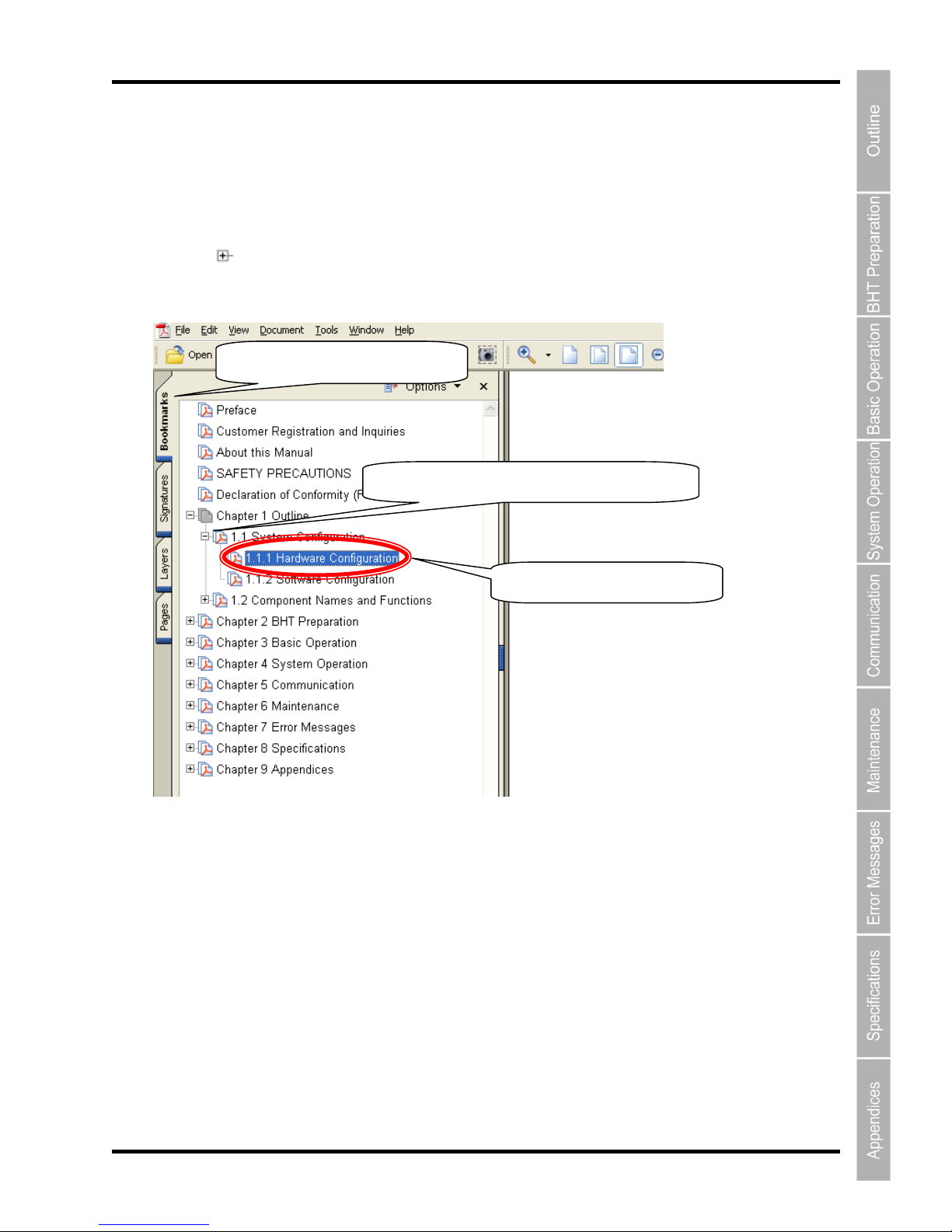
−About the Bookmark
The PDF Bookmark function can be used to jump to the Contents page.
<Procedure>
(1) Click the “Bookmark” tab.
(2) Click to search for the desired item.
(3) Click the item to be read.
(1) Click the “Bookmarks” tab.
(2) Click “+” to search for the desired item.

v
BHT-805BWB
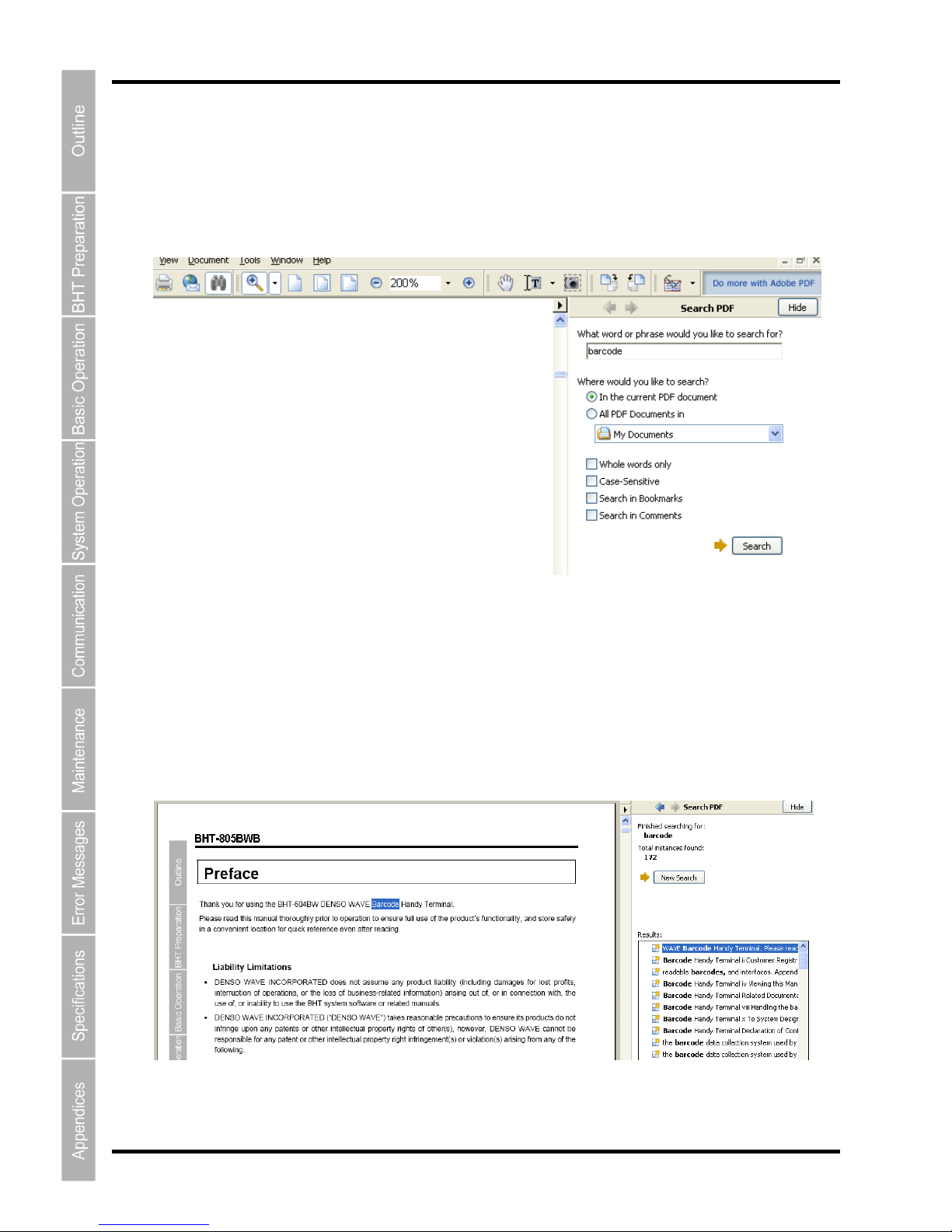
−Searching by Word
The PDF search function can be used to jump to the target page by entering words or characters related to the
item being searched.
(1) Click the Search icon. (Or select “Edit” – “Search”.)
(2) Enter the word(s) or character(s) to be searched for.
(3) Click [Search].
<Search Results Example>

vi
Barcode Handy Terminal
Related Documentation
•BHT-BASIC Programmer’s Manual (BHT-800 Series)
This is an instruction manual used to create handy terminal programs with BHT-BASIC.
•BHT-BASIC 4.0 Transfer Utility User’s Guide
This is an instruction manual for software relating to data transfer between the computer and BHT-800 and
comes bundled with the BHT-BASIC 4.0 Transfer Utility.

vii
BHT-805BWB
SAFETY PRECAUTIONS
Be sure to observe all these safety precautions.
Please READ through this manual carefully. It will enable you to use the BHT and CU correctly.
Always keep this manual nearby for speedy reference.
Strict observance of these warnings and cautions is a MUST for preventing accidents that could result in bodily injury
and substantial property damage. Make sure you fully understand all definitions of these terms and symbols given
below before you proceed to the text itself.
Alerts you to those conditions that could cause serious bodily injury or death if the instructions
are not followed correctly.
Alerts you to those conditions that could cause minor bodily injury or substantial property
damage if the instructions are not followed correctly.
Meaning of Symbols
A triangle ( ) with a picture inside alerts you to a warning of danger. Here you see the warning for electrical
shock.
A diagonal line through a circle ( ) warns you of something you should not do; it may or may not have a picture
inside. Here you see a screwdriver inside the circle, meaning that you should not disassemble.
A black circle ( ) with a picture inside alerts you to something you MUST do. This example shows that you
MUST unplug the power cord.

viii
Barcode Handy Terminal
Handling the battery cartridge
•Never disassemble or heat the battery cartridge, nor put it into fire or water; doing so could cause
battery-rupture or leakage of battery fluid, resulting in a fire or bodily injury.
•Do not carry or store the battery cartridge together with metallic ball-point pens, necklaces, coins,
hairpins, etc.
Doing so could short-circuit the terminal pins, causing the batteries to rupture or the battery fluid to leak,
resulting in a fire or bodily injury.
•Never put the battery cartridge into a microwave oven or high-pressure container.
Doing so could cause the batteries to break, generate heat, rupture or burn.
•Avoid dropping the battery cartridge or letting it undergo any shock or impact.
Doing so could cause the batteries to break, generate heat, rupture or burn.
•Never charge the rechargeable battery cartridge where any inflammable gases may be emitted; doing
so could cause fire.
•Only use the dedicated charger for charging the rechargeable battery cartridge.
Using a different type of charger could cause battery-rupture or leakage of battery fluid and result in a
fire, bodily injury, or serious damage to property.
Handling the BHT
•Never put the BHT into a microwave oven or high-pressure container.
Doing so could cause the BHT to break, generate heat, rupture or burn.

ix
BHT-805BWB
Handling the CU
•If smoke, abnormal odors or noises come from the CU, immediately unplug the AC adapter from the
wall socket or CU and contact your nearest dealer.
Failure to do so could cause fire or electrical shock.
•If foreign material or water gets into the CU, immediately unplug the AC adapter from the wall socket or
CU and contact your nearest dealer.
Failure to do so could cause fire or electrical shock.
•If you drop the CU so as to damage its housing, immediately unplug the AC adapter from the wall
socket or CU and contact your nearest dealer.
Failure to do so could cause fire or electrical shock.
•Never use the CU for charging anything other than the specified battery cartridges.
Doing so could cause heat, battery-rupture, or fire.
•Never bring any metals into contact with the output terminals.

Doing so could produce a large current through the CU, resulting in heat or fire, as well as damage to
the CU.

•Never use the CU on the line voltage other than the specified level.
Doing so could cause the CU to break or burn.
•Use the dedicated AC adapter only.
Failure to do so could result in fire.
•If the power cord of the AC adapter is damaged (e.g., exposed or broken lead wires), stop using it and
contact your nearest dealer.
Failure to do so could result in a fire or electrical shock.
Table of contents
Other Denso Barcode Reader manuals

Denso
Denso BHT-6000 User manual

Denso
Denso BHT-7000 User manual

Denso
Denso BHT-4000 User manual

Denso
Denso GT10B-SB User manual

Denso
Denso BHT-8000 User manual

Denso
Denso BHT-1505B User manual

Denso
Denso BHT-700BB-CE Manual

Denso
Denso BHT-8000 User manual

Denso
Denso BHT-904B User manual

Denso
Denso BHT-202Q-CE Manual

Denso
Denso BHT-1700 Series User manual

Denso
Denso BHT-7500S User manual

Denso
Denso BHT-7000 User manual

Denso
Denso BHT-700-WM User manual

Denso
Denso GT10B-SM User manual

Denso
Denso BHT-500B User manual

Denso
Denso BHT-300BWB Manual

Denso
Denso BHT-805B User manual

Denso
Denso 400BW-CE User manual

Denso
Denso AT27Q-SB User manual