www.dfi.com
3
Chapter 1 Introduction
Table of Contents
Copyright.............................................................................................................2
Trademarks........................................................................................................2
FCC and DOC Statement on Class B.....................................................2
About this Manual..........................................................................................4
Warranty..............................................................................................................4
Static Electricity Precautions......................................................................4
Safety Measures..............................................................................................4
About the Package.........................................................................................5
Chapter 1 - Introduction.............................................................................6
Overview .......................................................................................................6
Key Features ................................................................................................6
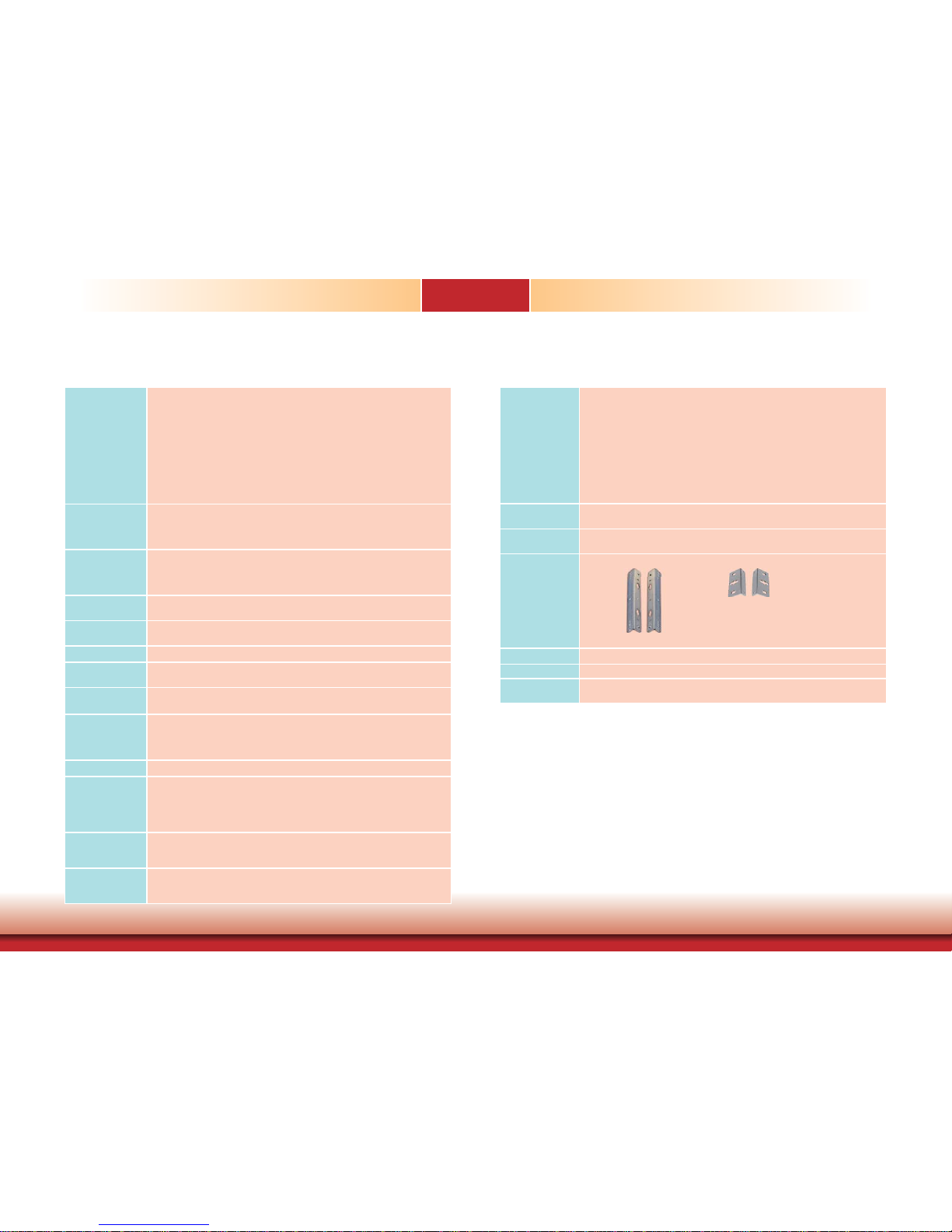
Specifications ...............................................................................................7
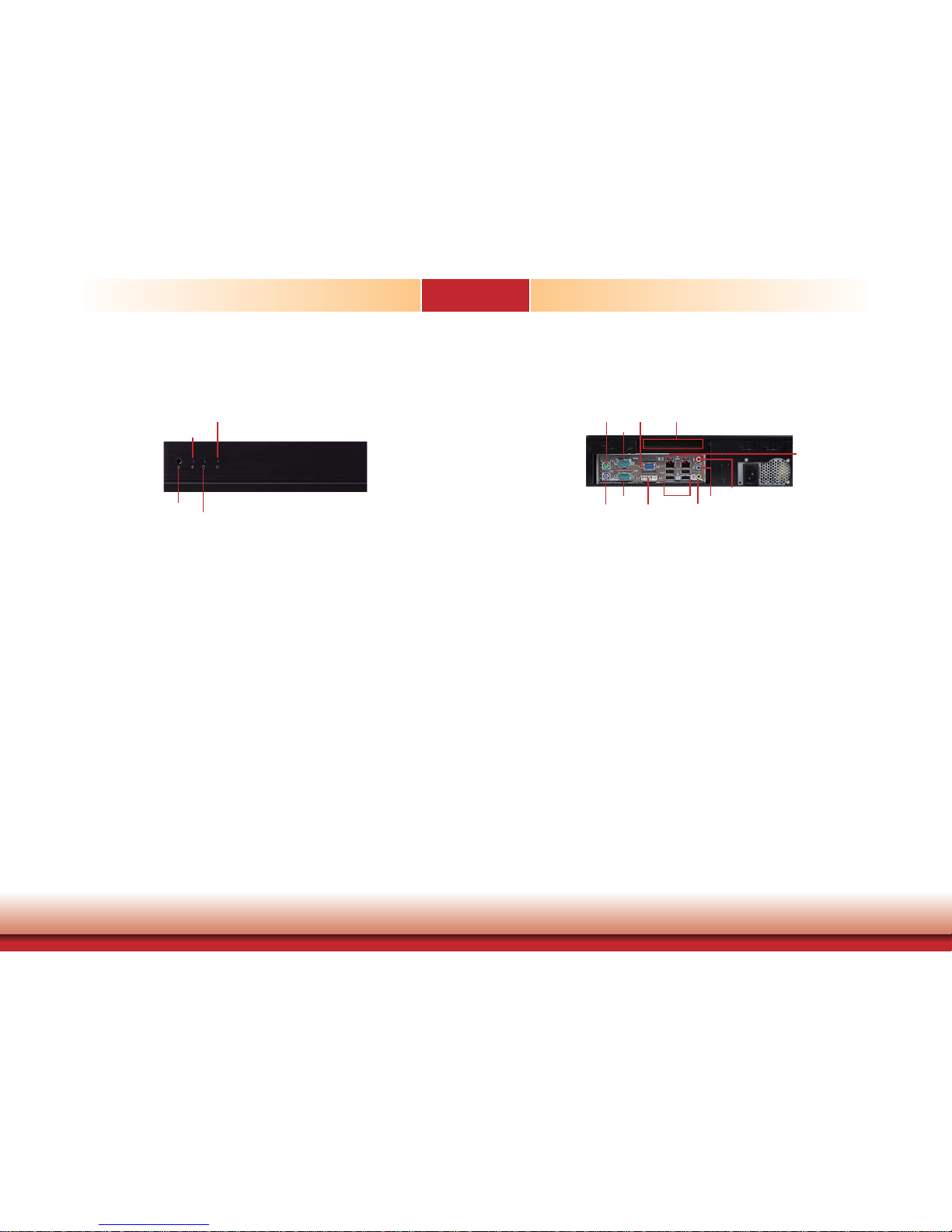
Getting to Know the DT122-HR .............................................................8
Mechanical Dimensions .............................................................................9
Motherboad Dimensions ...........................................................................9
Chapter 2 - Getting Started..................................................................... 10
Preparing the System ..............................................................................10
Installing Devices .....................................................................................10
Configuring the BIOS ..............................................................................10
Installing the Operating System ..........................................................10
Installing the Drivers ...............................................................................10
Chapter 3 - Installing Devices .............................................................. 11
Installing a 2.5” or 3.5” SATA Drive ...................................................12
Installing a 2.5” SATA Drive .......................................................................12
Installing a 3.5” SATA Drive .......................................................................14
Installing the PCI or PCIe x16 Expansion Card ................................15
Chapter 4 - Jumper Settings .................................................................17
Clear CMOS ................................................................................................17
PS/2 Power Select .................................................................................... 17
USB Power Select ..................................................................................... 18
Panel Power Select .................................................................................. 18
COM 1 / COM 2 RS232/422/485 Select ............................................19
COM 1 / COM 2 RS232/Power Select .................................................19
Power-on Select .........................................................................................20
Chapter 5 - Ports and Connectors........................................................21
Rear Panel I/O Ports ................................................................................21
PS/2 Mouse and PS/2 Keyboard .................................................................21
COM (Serial) Ports .....................................................................................22
VGA Port ...................................................................................................22
DVI-I Port .................................................................................................23
RJ45 LAN Ports ......................................................................................... 23
USB Ports .................................................................................................24
Audio ........................................................................................................25
I/O Connectors ..........................................................................................26
CD-in Internal Audio Connector ..................................................................26
S/PDIF Connector ...................................................................................... 26
LVDS LCD Panel Connector and LCD/Inverter Power Connector ...................27
SATA (Serial ATA) Connectors .................................................................... 28
Digital I/O Connectors ............................................................................... 28
Cooling Fan Connectors .............................................................................29
Chassis Intrusion Connector .......................................................................29
Power Connectors ..................................................................................... 30
Front Panel Connector ................................................................................30
Standby Power LED ................................................................................... 31
CompactFlash Socket ................................................................................. 31
Expansion Slots .........................................................................................32
Battery .....................................................................................................33
Chapter 6 - Mounting Options .............................................................. 34
Chapter 7 - BIOS Setup ...........................................................................36
Overview.......................................................................................................36
AMI BIOS Setup Utility.............................................................................37
Main .........................................................................................................37
Advanced ..................................................................................................37
Chipset .....................................................................................................46
Boot .........................................................................................................49
Security ....................................................................................................50
Save & Exit ............................................................................................... 50
Updating the BIOS ...................................................................................51
Chapter 8 - Supported Software .........................................................52
Chapter 9 - Raid ..........................................................................................62
RAID Levels ...............................................................................................62
Settings .......................................................................................................62
Chapter 10 - Intel AMT Settings .........................................................65
Overview.......................................................................................................65
Enable Intel®AMT in the AMI BIOS ...................................................65
Enable Intel®AMT in the Intel® Management Engine BIOS
Extension (MEBX) Screen ......................................................................66
Appendix A - NLITE and AHCI Installation Guide........................81
Appendix B - Watchdog Sample Code ..............................................87
Appendix C - System Error Message .................................................88
Appendix D - Troubleshooting Checklist ..........................................89