logo
Brands
  1. Home
  2. •
  3. Brands
  4. •
  5. Dyson
  6. •
  7. Vacuum Cleaner
  8. •
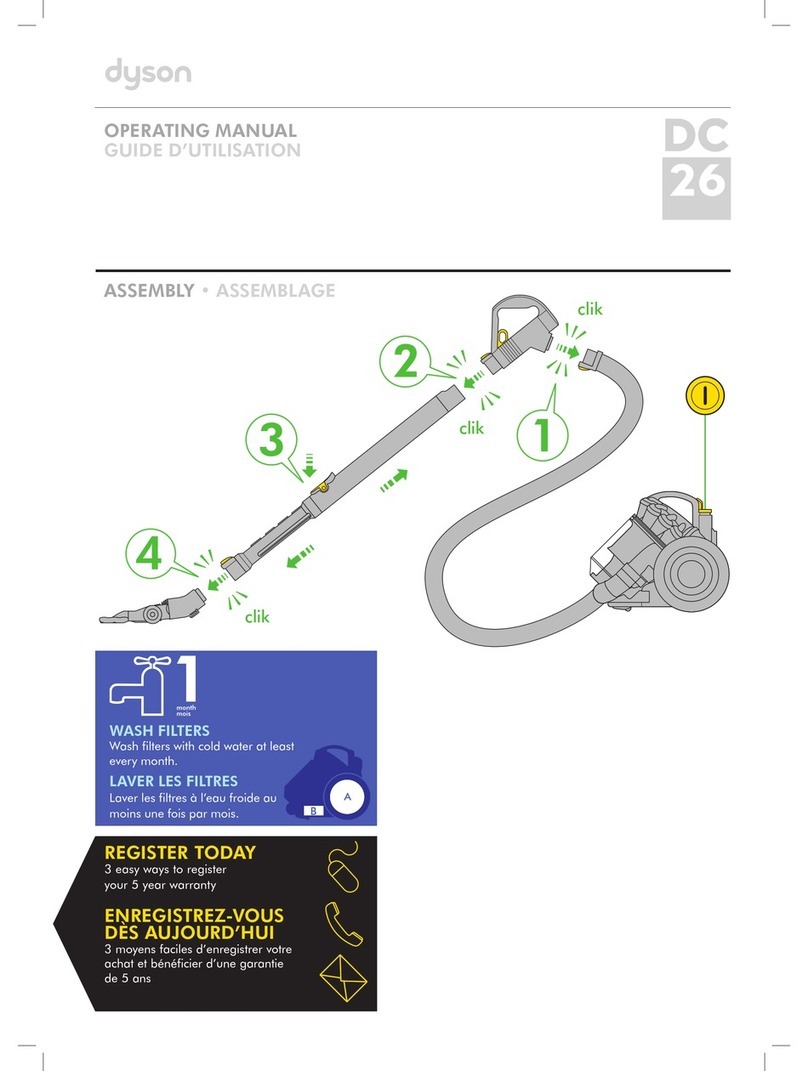
  9. Dyson Radix 6 User manual

Dyson Radix 6 User manual

Other Dyson Vacuum Cleaner manuals

Dyson DC37 User manual

Dyson

Dyson DC37 User manual

Dyson DC50 Ball Compact User manual

Dyson

Dyson DC50 Ball Compact User manual

Dyson DC39c User manual

Dyson

Dyson DC39c User manual

Dyson SV05 User manual

Dyson

Dyson SV05 User manual

Dyson DC39 multi floor User manual

Dyson

Dyson DC39 multi floor User manual

Dyson DC40 User manual

Dyson

Dyson DC40 User manual

Dyson DC21 Motorhead User manual

Dyson

Dyson DC21 Motorhead User manual

Dyson Slim DC18 User manual

Dyson

Dyson Slim DC18 User manual

Dyson DC35 MULTI FLOOR User manual

Dyson

Dyson DC35 MULTI FLOOR User manual

Dyson DC 36 User manual

Dyson

Dyson DC 36 User manual

Dyson DC23 Turbinehead User manual

Dyson

Dyson DC23 Turbinehead User manual

Dyson DC40 User manual

Dyson

Dyson DC40 User manual

Dyson DC34 ANIMAL User manual

Dyson

Dyson DC34 ANIMAL User manual

Dyson DC22 User manual

Dyson

Dyson DC22 User manual

Dyson gen5 detect User manual

Dyson

Dyson gen5 detect User manual

Dyson DC15 The Ball User manual

Dyson

Dyson DC15 The Ball User manual

Dyson DC 22 User manual

Dyson

Dyson DC 22 User manual

Dyson V11 User manual

Dyson

Dyson V11 User manual

Dyson BIG BALL User manual

Dyson

Dyson BIG BALL User manual

Dyson DC02 User manual

Dyson

Dyson DC02 User manual

Dyson Ball DC25 User manual

Dyson

Dyson Ball DC25 User manual

Dyson DC05 Installation guide

Dyson

Dyson DC05 Installation guide

Dyson DCO5 Absolute User manual

Dyson

Dyson DCO5 Absolute User manual

Dyson DC20 User manual

Dyson

Dyson DC20 User manual

Popular Vacuum Cleaner manuals by other brands

Bissell LittleGreen Proheat 1425 Series user guide

Bissell

Bissell LittleGreen Proheat 1425 Series user guide

Panasonic MC-YL637S147-AE Service manual

Panasonic

Panasonic MC-YL637S147-AE Service manual

LG A9 Series owner's manual

LG

LG A9 Series owner's manual

Oreck Cordless Captura BK51700 Series user guide

Oreck

Oreck Cordless Captura BK51700 Series user guide

Kogan KAVACROBVWA user manual

Kogan

Kogan KAVACROBVWA user manual

Kränzle VENTOS 50 ID Use and maintenance

Kränzle

Kränzle VENTOS 50 ID Use and maintenance

NEFF N17XH10 0 Series instruction manual

NEFF

NEFF N17XH10 0 Series instruction manual

EVVO Ai35 instruction manual

EVVO

EVVO Ai35 instruction manual

DeWalt DWH200D instruction manual

DeWalt

DeWalt DWH200D instruction manual

Pontec Pondomatic Vacuum Cleaner operating instructions

Pontec

Pontec Pondomatic Vacuum Cleaner operating instructions

Cleanmaxx PC-P007E instruction manual

Cleanmaxx

Cleanmaxx PC-P007E instruction manual

RIDGID WD1685AU0 owner's manual

RIDGID

RIDGID WD1685AU0 owner's manual

Ezviz RE4P manual

Ezviz

Ezviz RE4P manual

STG global TANVAC HDV3000 Operator's manual

STG global

STG global TANVAC HDV3000 Operator's manual

Shark ROTATOR PRO COMPLETE NV550 Series manual

Shark

Shark ROTATOR PRO COMPLETE NV550 Series manual

Factory M3340 operating manual

Factory

Factory M3340 operating manual

Shop-Vac VN92 SERIES user manual

Shop-Vac

Shop-Vac VN92 SERIES user manual

Nobles 608669 Operator and parts manual

Nobles

Nobles 608669 Operator and parts manual

https://manuals.online logo
https://manuals.online logoBrands
  • About & Mission
  • Contact us
  • Privacy Policy
  • Terms and Conditions

Copyright 2025 Manuals.Online. All Rights Reserved.

2
3
Box contents
+ + + + +
x2
+
AU
Dyson Customer Care
[email protected]
1800 239 766
(Mon-Fri 8:00am to 6:00pm EST, Sat-Sun 8:30am to 4:00pm EST)
Dyson Appliances (Aust) Pty Ltd, PO Box 2175, Taren Point,
Australia, NSW 2229
ID
Indonesia Service Centre
021 707 39766
(Mon-Fri 9:00am to 5:00pm)
PT.Higienis Indonesia
Permata Plaza Top floor TF-04
J1. M. H. Thamrin Kav. 57, Jakarta 10350
NZ
Dyson Customer Care
[email protected]
0800 397 667
(Mon-Fri 8:30am to 5:00pm)
Avery Robinson Ltd, Unit F, 151D Marua Road,
Ellerslie, Auckland
SG
Dyson Customer Care
[email protected]
7000 435 75 46
(Mon-Fri 9:00am to 6:00pm, Sat 9:00am to 1:00pm, closed on
Sunday and public holidays)
Dyson Singapore Pte Ltd, 2 Leng Kee Road,
04-09A Thye Hong Centre, Singapore 159086
Remember
Wash your filters at least every 3-6 months
based on individual vacuuming habits.
Months
3-6
Very important
www.dyson.com
JN.16978 PN.12131-03-03 05.04.07
Troubleshooting
If flashing persists call the Dyson Helpline.
1
Fully or partly charged.
Fully discharged.
Filter missing/Filter fitted incorrectly.
Check/Refit Filter.
or
Machine outside of temperature
range. Leave at room temperature
until flashing stops.
Fully charged.
Machine charging.
Battery outside of temperature range.
Remove from the charger and leave at
room temperature until red light no
longer flashes when placed in the
charger.
or
Charging fault. Remove appliance and
refit to the recharging unit.
Instructions
1 When wall mounting the recharging unit, always use the appropriate fixings for your wall type.
2 Check to ensure there is no pipework or wiring directly behind the mounting/drilling area.
3 Fine dirt such as flour or plaster dust should only be vacuumed in very small amounts.
4 Do not press down on the nozzle with excessive force when using the appliance, as this may cause damage.
5 Ensure the appliance remains upright in use – do not hold upside-down while vacuuming.
6 If the motor overheats, the appliance will cut out automatically. Leave to cool down for at least an hour
before restarting.
1 When using the appliance, the light on the handle indicates the level of charge. A green light indicates the
battery is fully or partly charged. A red light indicates the battery is fully discharged and needs charging.
2 The battery will become hot during use – this is normal.
3 The appliance will cut out immediately when the battery has run out – recharge for continued use.
1 To ensure your appliance is always ready to use, store it on the charger.
2 When connected to the charger, a red light indicates the battery is charging.
A green light indicates the battery is fully or partly charged. Full charging takes around 3 hours.
3 Charging at below room temperature (< 68°F, 20°C) will significantly reduce run time.
All manuals and user guides at all-guides.com
all-guides.com

clik
clik
2
1
1 2
MAX
Emptying Troubleshooting
Storage/Charging
Power
Blockages
1 2
Tools
1
2
Filters
1 2 3 4 65
12
3-6
MONTHS
3
1
3
2
clik
clik
Connecting tools with the adaptor.
All manuals and user guides at all-guides.com