manuals.online logo
Brands
  1. Home
  2. •
  3. Brands
  4. •
  5. Earthworks Audio
  6. •
  7. Microphone
  8. •
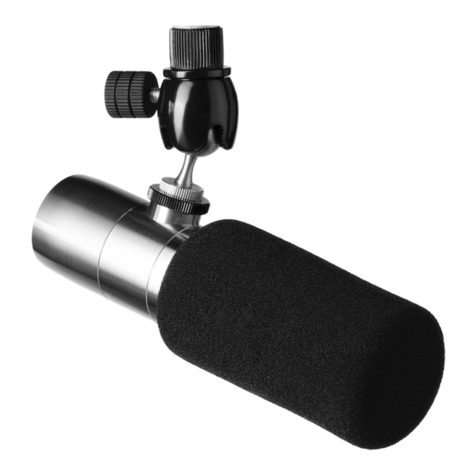
  9. Earthworks Audio ICON User manual

Earthworks Audio ICON User manual

Other Earthworks Audio Microphone manuals

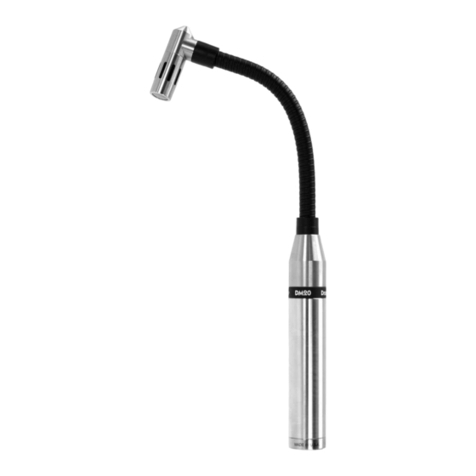
Earthworks Audio DM20 User manual

Earthworks Audio

Earthworks Audio DM20 User manual

Earthworks Audio SR5314 User manual

Earthworks Audio

Earthworks Audio SR5314 User manual

Earthworks Audio SR30 User manual

Earthworks Audio

Earthworks Audio SR30 User manual

Earthworks Audio PM40T User manual

Earthworks Audio

Earthworks Audio PM40T User manual

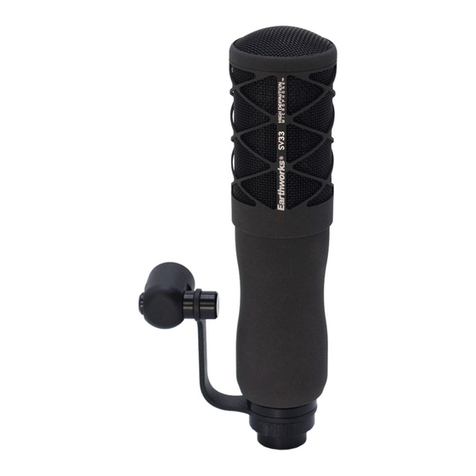
Earthworks Audio SV33 User manual

Earthworks Audio

Earthworks Audio SV33 User manual

Earthworks Audio ICON User manual

Earthworks Audio

Earthworks Audio ICON User manual

Earthworks Audio M23R User manual

Earthworks Audio

Earthworks Audio M23R User manual

Earthworks Audio ETHOS User manual

Earthworks Audio

Earthworks Audio ETHOS User manual

Earthworks Audio M23 User manual

Earthworks Audio

Earthworks Audio M23 User manual

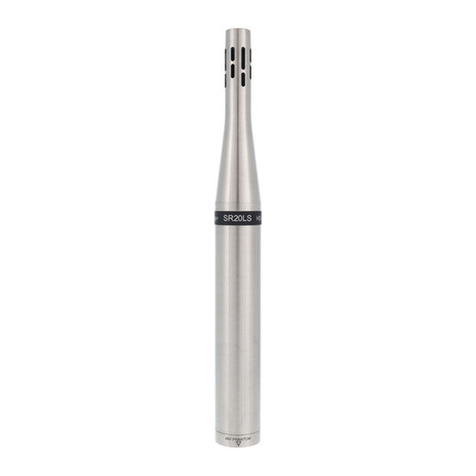
Earthworks Audio SR20LS User manual

Earthworks Audio

Earthworks Audio SR20LS User manual

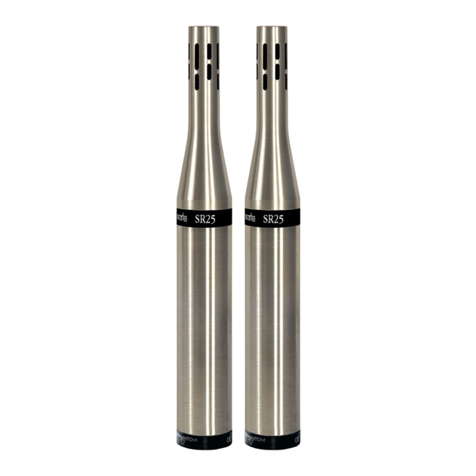
Earthworks Audio STEREO PAIR SR25 Operator's manual

Earthworks Audio

Earthworks Audio STEREO PAIR SR25 Operator's manual

Earthworks Audio QTC40 User manual

Earthworks Audio

Earthworks Audio QTC40 User manual

Earthworks Audio QTC30 User manual

Earthworks Audio

Earthworks Audio QTC30 User manual

Earthworks Audio ICON PRO XLR User manual

Earthworks Audio

Earthworks Audio ICON PRO XLR User manual

Earthworks Audio SR30 User manual

Earthworks Audio

Earthworks Audio SR30 User manual

Earthworks Audio SR3314 User manual

Earthworks Audio

Earthworks Audio SR3314 User manual

Earthworks Audio TC20 User manual

Earthworks Audio

Earthworks Audio TC20 User manual

Earthworks Audio SR314 User manual

Earthworks Audio

Earthworks Audio SR314 User manual

Earthworks Audio QTC40 User manual

Earthworks Audio

Earthworks Audio QTC40 User manual

Earthworks Audio C30 User manual

Earthworks Audio

Earthworks Audio C30 User manual

Earthworks Audio P30 User manual

Earthworks Audio

Earthworks Audio P30 User manual

Earthworks Audio SR40/HC User manual

Earthworks Audio

Earthworks Audio SR40/HC User manual

Earthworks Audio SR20 User manual

Earthworks Audio

Earthworks Audio SR20 User manual

Earthworks Audio QTC50 User manual

Earthworks Audio

Earthworks Audio QTC50 User manual

Popular Microphone manuals by other brands

Betzold 760932 operating instructions

Betzold

Betzold 760932 operating instructions

Shure A88SM user guide

Shure

Shure A88SM user guide

JTS UF-10TH/12 instruction manual

JTS

JTS UF-10TH/12 instruction manual

Shure BETA 58A User giude

Shure

Shure BETA 58A User giude

Shure SM7 user guide

Shure

Shure SM7 user guide

Sony ECM-Z200 Service manual

Sony

Sony ECM-Z200 Service manual

Electro-Voice 652 engineering data

Electro-Voice

Electro-Voice 652 engineering data

mantona 21150 instruction manual

mantona

mantona 21150 instruction manual

Loewe We. SEE 55 user manual

Loewe

Loewe We. SEE 55 user manual

IK Multimedia iRig Stream MIC PRO user manual

IK Multimedia

IK Multimedia iRig Stream MIC PRO user manual

DAPAudio RM-101 user manual

DAPAudio

DAPAudio RM-101 user manual

AKG CHM 21 User instructions

AKG

AKG CHM 21 User instructions

Sennheiser evolution wireless series EM 100 instruction manual

Sennheiser

Sennheiser evolution wireless series EM 100 instruction manual

Sony C-48 operating instructions

Sony

Sony C-48 operating instructions

GIGAMEDIA GGM PAMICUHFG user manual

GIGAMEDIA

GIGAMEDIA GGM PAMICUHFG user manual

Shure WH30TQG user guide

Shure

Shure WH30TQG user guide

auna PRO MIC-900 manual

auna PRO

auna PRO MIC-900 manual

Shure MV51 manual

Shure

Shure MV51 manual

manuals.online logo
manuals.online logoBrands
  • About & Mission
  • Contact us
  • Privacy Policy
  • Terms and Conditions

Copyright 2025 Manuals.Online. All Rights Reserved.

For more information, please visit
www.earthworksaudio.com or call 1-603-654-2433.
STUDIOQUALITY
USB STREAMING MICROPHONE
ICON
1 ICON USB Microphone with Custom Triad-Orbit Stand
1 USB Cable
YOUR PURCHASE INCLUDES
Thank you for purchasing the
Earthworks ICON USB Streaming Microphone!
Before setting up the microphone, pull back all existing settings and EQ. By doing this, you will have a
baseline understanding of how our microphones sound, and will then be able to adjust accordingly.
Begin by removing all included components from the packaging. Make sure to mute any incoming
signal to speakers or headphones to avoid any loud “pops” when connecting.
Connect the microphone to a desktop or laptop computer with a USB port. Conrm in your
computer's settings that the ICON is recognized as an input device. For Mac users, this should happen
automatically. For Windows users, you will need a driver specically for audio before your computer
can recognize the ICON. We recommend the ASIO4All driver, which is available for free online.
When using your ICON, be sure to take advantage of its features, such as:
• Gain Knob: This can be found on the back of the microphone, as shown above. The center position
is the default setting, and is best for speech at a medium-loud volume from 3 inches away. The knob
can be adjusted depending on your distance from the microphone. Turn it farther right or left to
adjust your gain level accordingly. (When turning, you will also feel a click when the knob is at the
center position. Use this as an indicator of its position when you're not looking at the back.)
• Haptic Analog Mute Switch: This can be activated by pushing in on the gain knob on the back
of the microphone. Think of this as the microphone's E-Brake; when engaged, no sound will pass
through. We've included it as an additional safety level beyond the digital mute on your computer.
When pressing the knob, you will also hear an audible click sound to indicate you've been muted.
(The click sound will not occur when unmuting the microphone.)
• LED Indicators: Found under the microphone, where the body meets the ball joint, the LED
indicator will light up depending on these criteria:
• Blue: the microphone is plugged in and powered on.
• Green: the computer is actively streaming audio from the microphone.
• Red: the analog circuitry in the microphone is clipping.
• Low Handling Noise: We've paid special attention to making sure the ICON does not make noise
when you move it. As such, feel free to touch/move/adjust the microphone while it is powered on -
and know that you will experience very little noise while doing so.
• Integrated M2-R Ball Adapter: The ICON can be unscrewed from its included Triad-Orbit stand and
mounted on any microphone stand or boom mount.
GETTING STARTED
USING YOUR ICON

SPECIFICATIONS
37 Wilton Rd. Milford, NH 03055
(603) 654-2433
sales@earthworksaudio.com
earthworksaudio.com
© 2020 Earthworks, Inc
To guarantee your microphone provides years of performance, follow these guidelines:
• Avoid extreme heat and condensing humidity. Allow the microphone to warm up when bringing it
in from the cold.
• Rough handling may damage the microphone even if no markings are visible.
• When not in use, keep the microphone in its box.
If you encounter issues while using your Earthworks Audio microphone, please make sure that:
• Your USB cable is well connected on both ends.
• Your microphone is confirmed as an input device on your computer.
• The microphone is positioned at an appropriate distance from the sound source.
• External noise in your recording environment is kept to a minimum.
• Your recording space is at room temperature and free of dust.
If your issue persists after checking, please contact us via our website.
TROUBLESHOOTING
PROPER MAINTENANCE
WARRANTY The ICON and ICON Pro carry a two-year limited warranty (parts and labor). Please register your warranty at:


earthworksaudio.com/register. If you have any problems with your Earthworks products, please contact our
warranty/repair department by email at: returns@earthworksaudio.com.
NOTE: This warranty only applies to Earthworks microphones purchased brand new. For microphones purchased/
received second-hand, please contact us via our website.
WE'RE HERE
TO HELP
For anything else, we're a phone call or email away. Please feel free to contact us by email at sales@
earthworksaudio.com, or by phone at (603)-654-2433.
ICON

Microphone Type Condenser
Frequency Response 20Hz-20kHz
Polar Pattern Cardioid
Diaphragm Size Small
Peak Acoustic input 132dB SPL
Power Source USB Bus Power
Signal-to-Noise Ratio 79dB (A weighted)
Noise 15dB SPL (A weighted)
Color Stainless Steel
Dimensions 5.53" x 1.6"
Weight 1.5lb