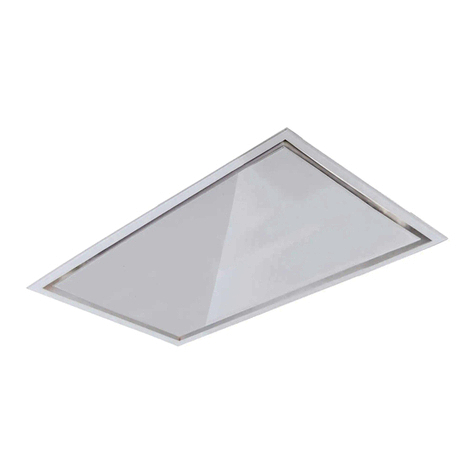
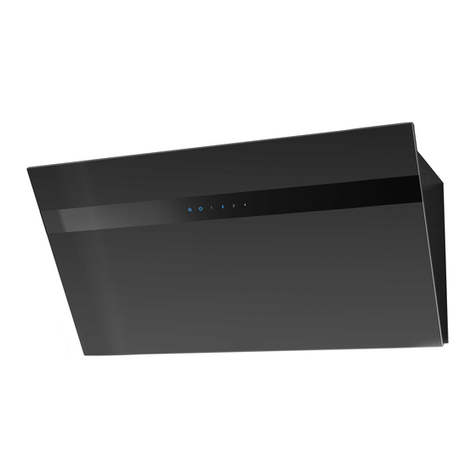
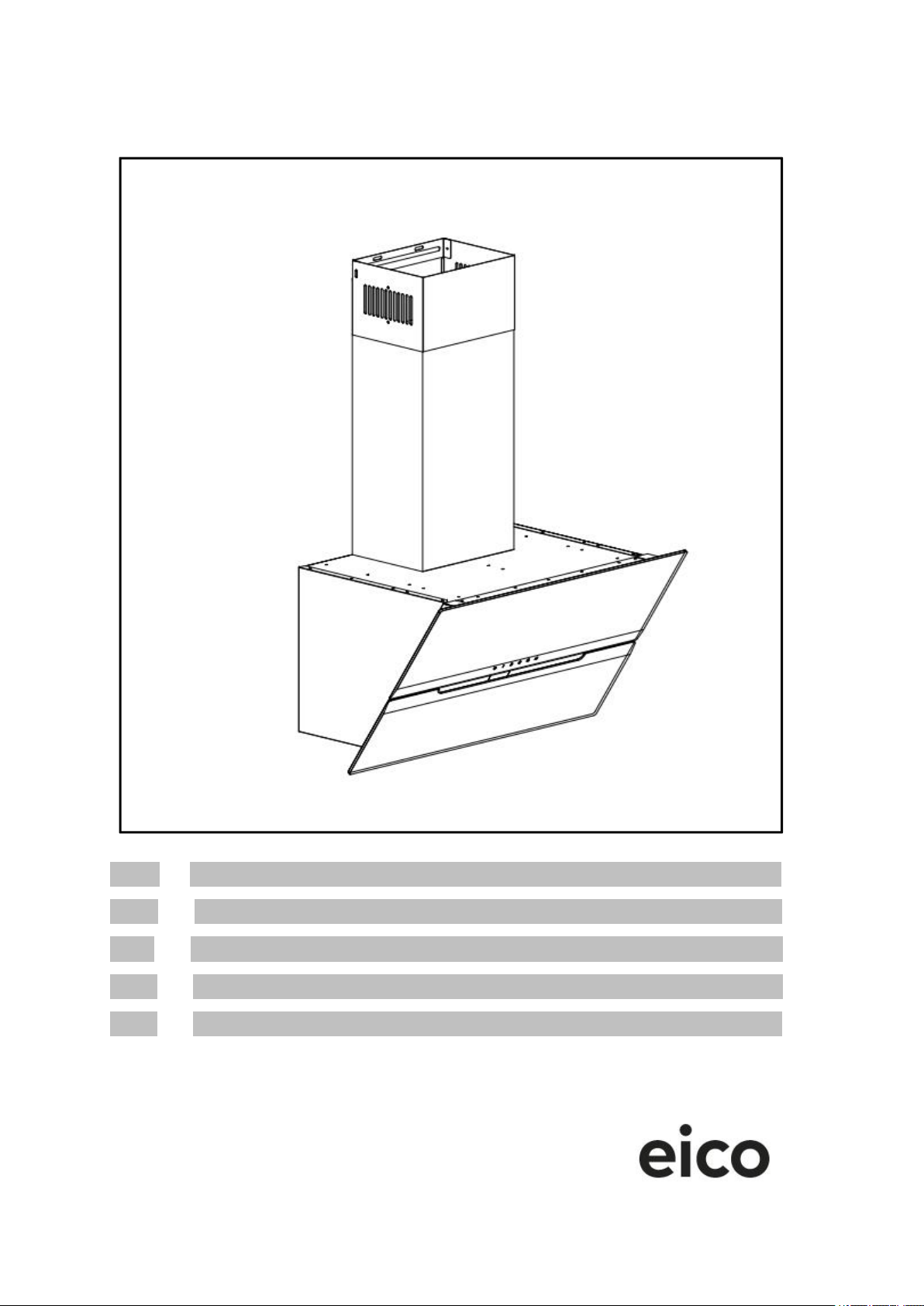
7. USE (Speed adjustment. See pictures)
7.1. ON/OFF key
There will be a beep when the power is turned on, and at the same time, all the button
indicators will be white for 1 second, and when turn off, the power button will be red, and
the other button lights will not be on. If the ventilation door is open, it will close the
ventilation door, if it is in the shutdown state, and there is no load output.
Touch the key , the buzzer will sound, and the indicator light will change from red to
white, and the indicator lights of each function key will be white, indicating that the hood is
in the standby state; touch the key again, and the buzzer will sound, and the indicator
light will turn back to red, the indicator lights of each function key are off, indicating the
shutdown state; (the lights can be turned on separately)
When the hood is in the gear working state, touch the key , the buzzer will sound, and
the indicator light will flash red and white alternately, indicating that it has entered the
delay shutdown function. The delay time is 3 minutes. After the delay ends, the indicator
light will return to the off state, the hood stops running; (the lighting is not turned off)
Manual cleaning state: When the power is on (including the working state), press and hold
the switch key for 3 seconds, the switch indicator flashes red, the upper glass of the air
inlet is fully opened, and the hood cannot work at this time. The lights are working. It is in
the state of manual cleaning.
Exit the manual cleaning state: In the manual cleaning state, press and hold the power
key for 3 seconds, the red light of the power button is always on, the upper glass of the
air inlet is closed totally, and it is in the shutdown state.
7.2. Gear key
When the hood is in the standby state.
--Touch the gear button , and the buzzer will sound, and the indicator light of the power
key and the gear key will change from white to red, indicating that the hood has been
running at low speed at gear 1. Press the key again to close the running state. (PS: When
the 1st gear is running, the upper glass of the air inlet is not opened)
--Touch the gear button , and the buzzer will sound, and the indicator light of the power
key and the gear key will change from white to red, indicating that the fan is running
at the medium speed of 2 gears. Press the key again to close the running state. (PS:
When the 2nd gear is running, the upper glass of the air inlet is opened 50%)
--Touch the gear key , and the buzzer will sound, and the indicator light of the power
key and the gear key will change from white to red, indicating that the hood has been
running at high speed in gear 3. Press the key again to close the running state. (PS:
When the 3rd gear is running, the upper glass of the air inlet is opened 100%)
Only one gear can be selected and can be converted to each other.
7.3. Light button