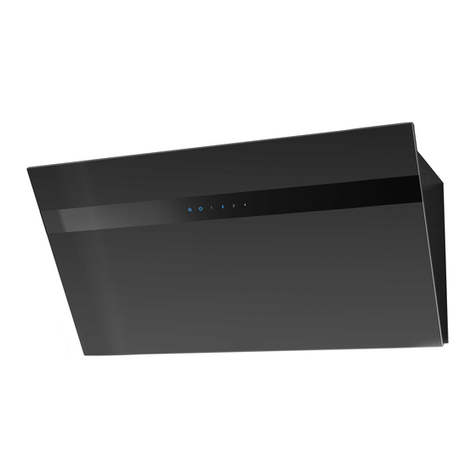
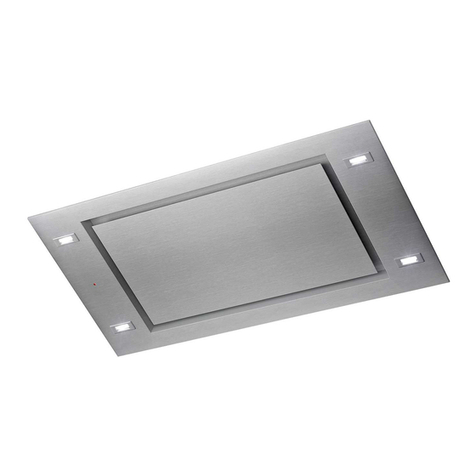
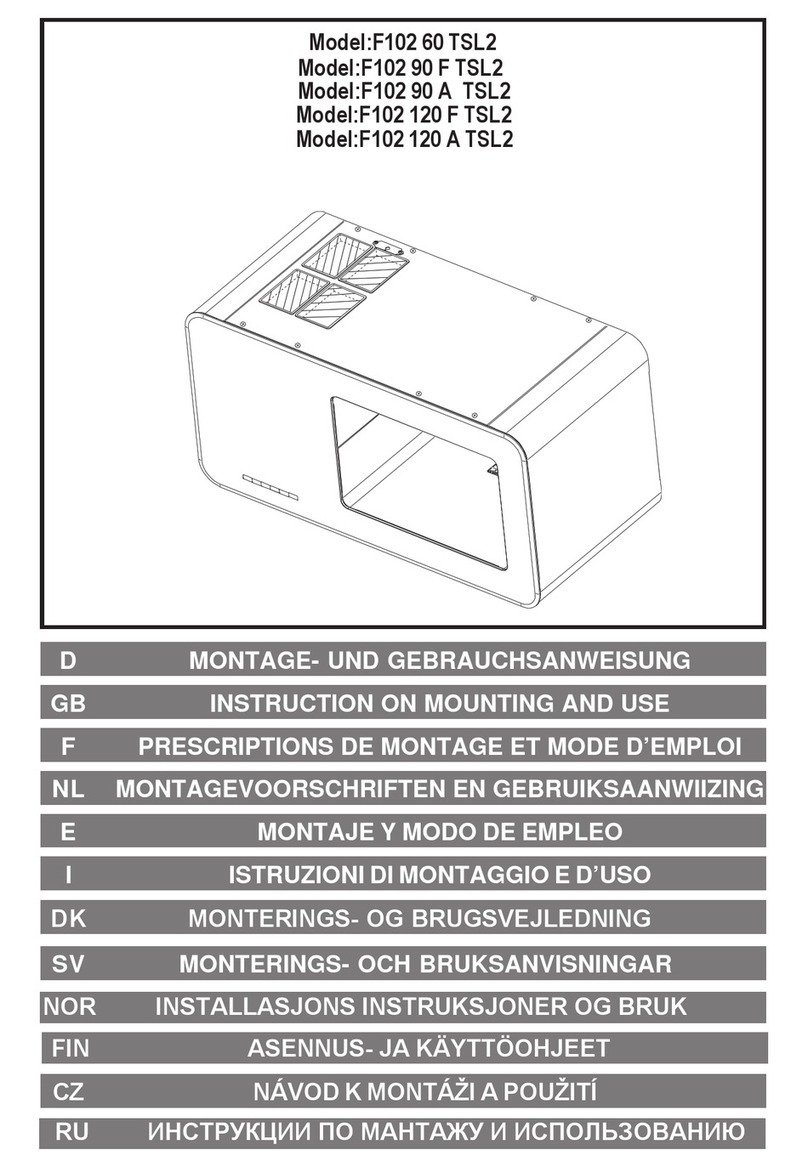
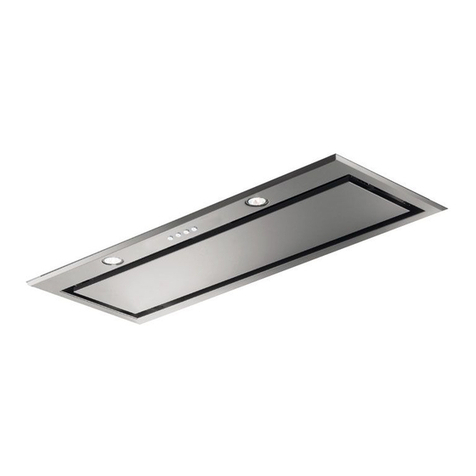
7. USE (Speed adjustment. See pictures)
Touch control switch
7.1 ON/OFF button
Touch the switch , the buzzer will sound, the indicator light will be on, and the digital tube
will display 1, indicating that the fan is running at low speed at gear 1. Touch the switch key
again, and the buzzer will sound, the digital tube and the indicator light will be off, and the fan
will stop running.
7.2. Gear key
When the hood is in the waiting state, touch the gear plus button, the buzzer will sound, the
indicator light will be bright for a short time, the digital tube will display 1, and the fan will run at
low speed. Each time the speed button is pressed, the digital tube will display "1, 2, 3 gears
in sequence. After reaching the 3rd speed, press the button again, and the speed will not
change.
7.3. Gear key
When the fan is in the working state of the speed, touch the speed down button, the buzzer
will sound, the indicator light will be bright for a short time, the speed displayed by the digital
tube will decrease by 1 speed, and the fan will run at a reduced speed. By analogy, every time
the gear down key is pressed, the digital tube will display "2, 1 gear" in order. After
reaching the 1st gear, press the speed down key again, and the gear position will not change.
7.4. Light button
Touch the light button , the buzzer will sound, the indicator light will be bright, and the light
will be on. Press it again, the beep sounds and the light turns off.
7.5. Delay shutdown
When the fan is working in each speed state, touch the plus key and the minus key for 2
seconds, the buzzer will sound, the indicator light will be on, and the gear displayed on the
digital tube will be flashing, indicating that the fan has entered the delayed shutdown function.
The time is 5 minutes, after 5 minutes, it will automatically shut down, and the buzzer will
prompt for 5 seconds.
During the delay process, the gear can be switched, and the time remains unchanged.
Continue to touch the key combination of plus key and minus key to exit the delay
function.