manuals.online logo
Brands
  1. Home
  2. •
  3. Brands
  4. •
  5. ekwb
  6. •
  7. Computer Accessories
  8. •
  9. ekwb EK-DBAY D5 Manual

ekwb EK-DBAY D5 Manual

Other ekwb Computer Accessories manuals

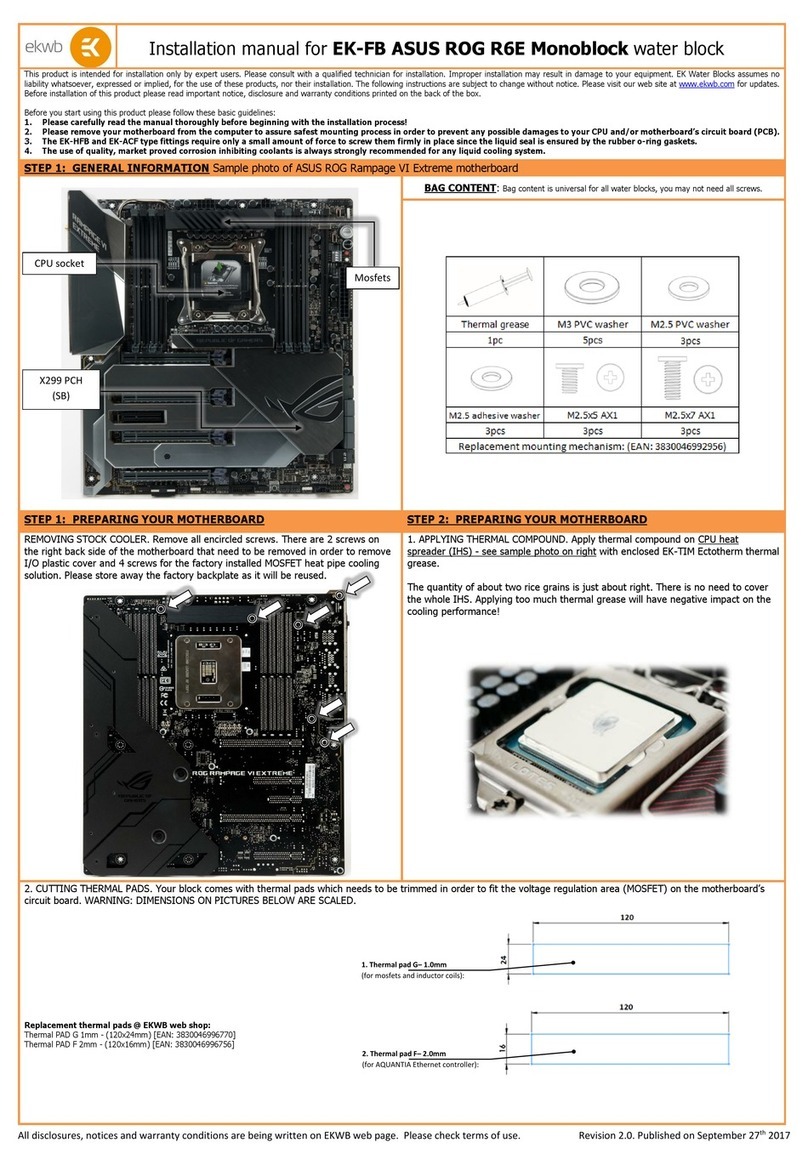
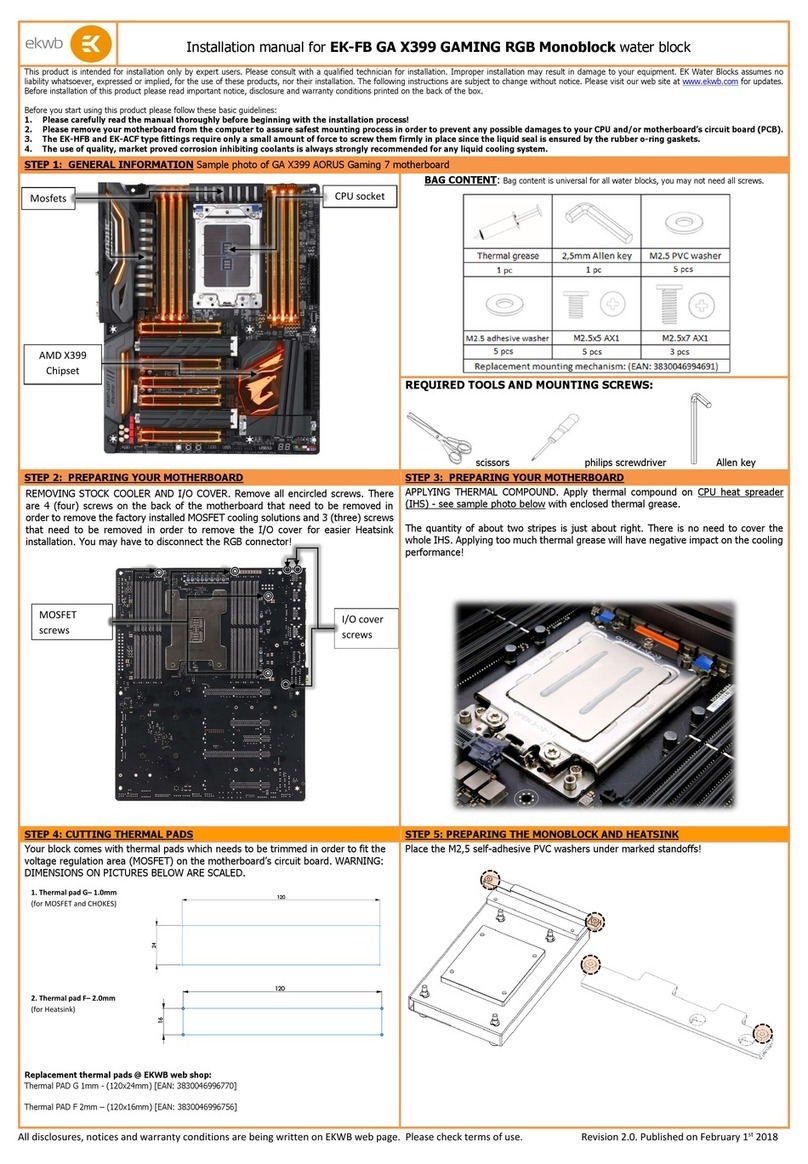
ekwb EK-FC Strix RTX 2080 Ti Backplate Classic User manual

ekwb

ekwb EK-FC Strix RTX 2080 Ti Backplate Classic User manual

ekwb EK-FC6990 Manual

ekwb

ekwb EK-FC6990 Manual

ekwb EK-VGA Supremacy Series Manual

ekwb

ekwb EK-VGA Supremacy Series Manual

ekwb EK-FC R9-290X Matrix Series Manual

ekwb

ekwb EK-FC R9-290X Matrix Series Manual

ekwb EK-Supreme HF Series Manual

ekwb

ekwb EK-Supreme HF Series Manual

ekwb EK-FC R9-290X SE Series Manual

ekwb

ekwb EK-FC R9-290X SE Series Manual

ekwb EK-Supremacy MX Series User manual

ekwb

ekwb EK-Supremacy MX Series User manual

ekwb EK-Supremacy sTR4 Series User manual

ekwb

ekwb EK-Supremacy sTR4 Series User manual

ekwb EK-FB ASUS M8G Monoblock Series User manual

ekwb

ekwb EK-FB ASUS M8G Monoblock Series User manual

ekwb EK-XRES D5 Series Manual

ekwb

ekwb EK-XRES D5 Series Manual

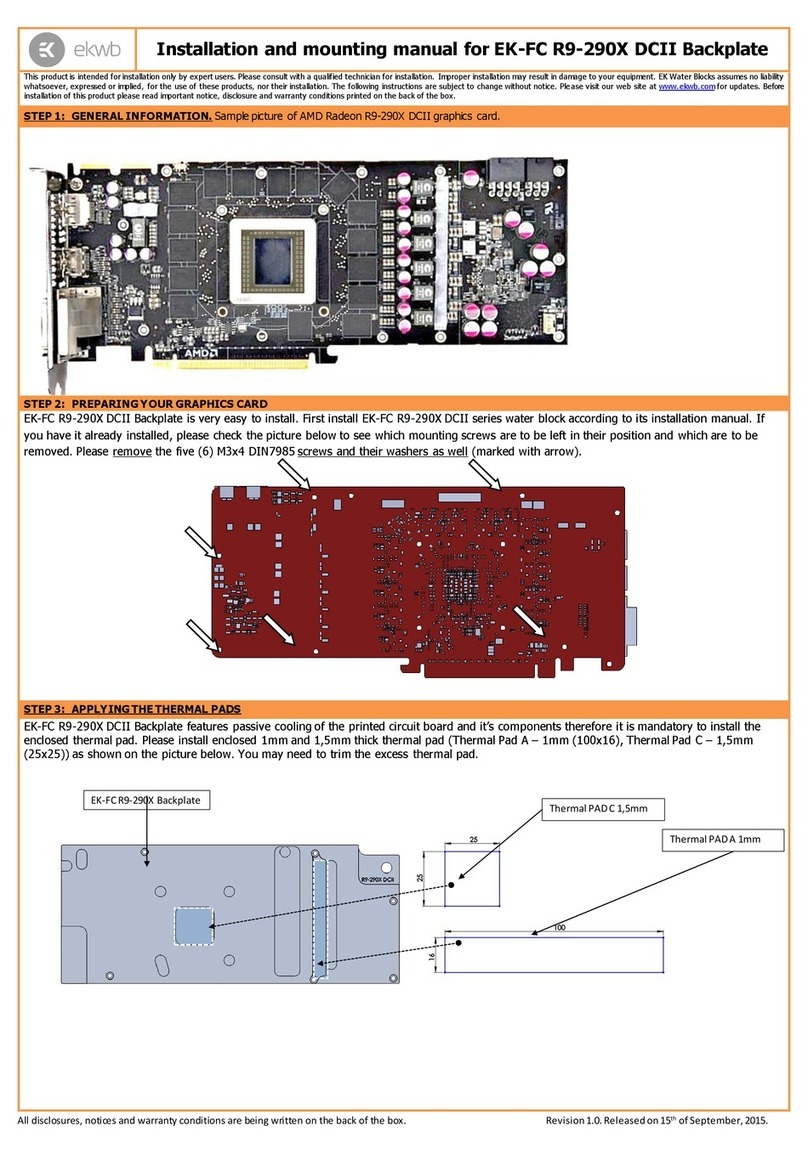
ekwb EK-FC R9-290X DCII Manual

ekwb

ekwb EK-FC R9-290X DCII Manual

ekwb EK-DCP Manual

ekwb

ekwb EK-DCP Manual

ekwb EK-RAM Monarch Series User manual

ekwb

ekwb EK-RAM Monarch Series User manual

ekwb EK-FC7970 Series Manual

ekwb

ekwb EK-FC7970 Series Manual

ekwb EK-Quantum Surface P360M User manual

ekwb

ekwb EK-Quantum Surface P360M User manual

ekwb EK-FB ASUS Strix X470 RGB Series User manual

ekwb

ekwb EK-FB ASUS Strix X470 RGB Series User manual

ekwb EK-FC980 GTX Series Manual

ekwb

ekwb EK-FC980 GTX Series Manual

ekwb EK-FC R9-290X DCII Original CSQ Series Manual

ekwb

ekwb EK-FC R9-290X DCII Original CSQ Series Manual

ekwb EK-Classic DP Side PC-O11D G1 D-RGB + DDC 3.2... User manual

ekwb

ekwb EK-Classic DP Side PC-O11D G1 D-RGB + DDC 3.2... User manual

ekwb EK-Quantum Vector2 Trio RTX 3080/90 ABP Set... User manual

ekwb

ekwb EK-Quantum Vector2 Trio RTX 3080/90 ABP Set... User manual

ekwb EK-FC GV100 PRO User manual

ekwb

ekwb EK-FC GV100 PRO User manual

ekwb EK-FC970 GTX Series Manual

ekwb

ekwb EK-FC970 GTX Series Manual

ekwb EK-FC570 GTX SE Series Manual

ekwb

ekwb EK-FC570 GTX SE Series Manual

ekwb EK-FB Manual

ekwb

ekwb EK-FB Manual

Popular Computer Accessories manuals by other brands

Netstor NA255A user manual

Netstor

Netstor NA255A user manual

perixx PERIDUO-610 user manual

perixx

perixx PERIDUO-610 user manual

Cherry PURE JD-0100 operating manual

Cherry

Cherry PURE JD-0100 operating manual

Cool-Icam DICK II user manual

Cool-Icam

Cool-Icam DICK II user manual

Motorola ATRIX user guide

Motorola

Motorola ATRIX user guide

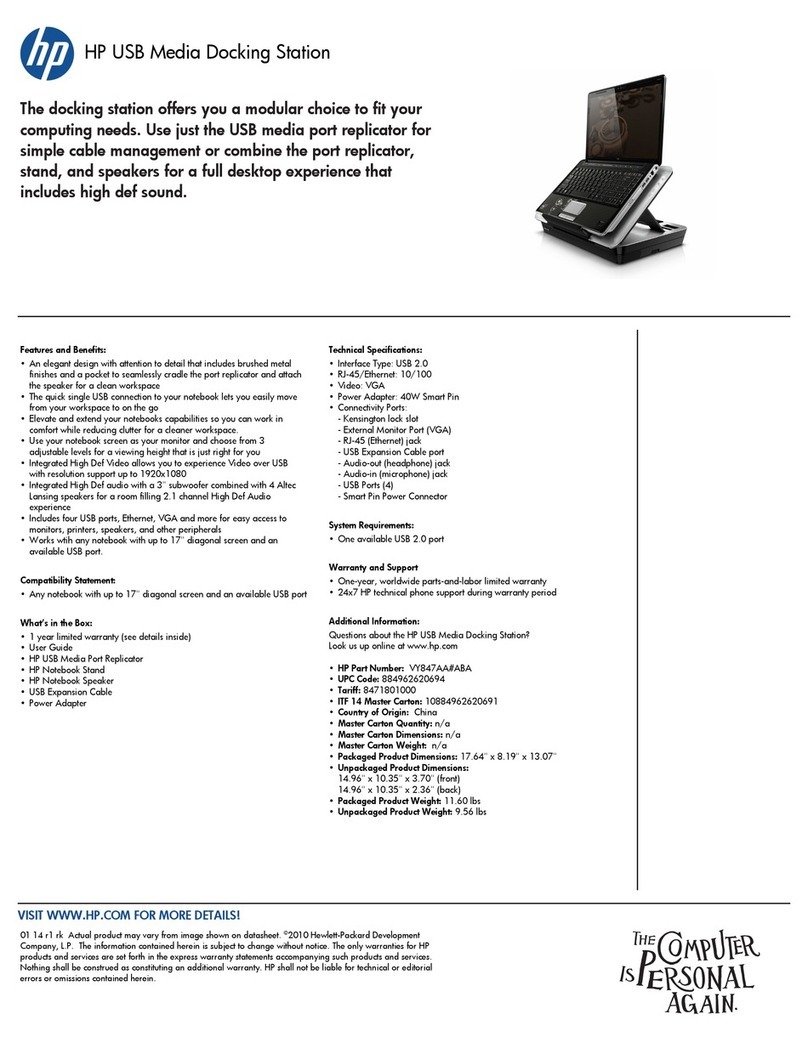
HP USB Media Docking Station specification

HP

HP USB Media Docking Station specification

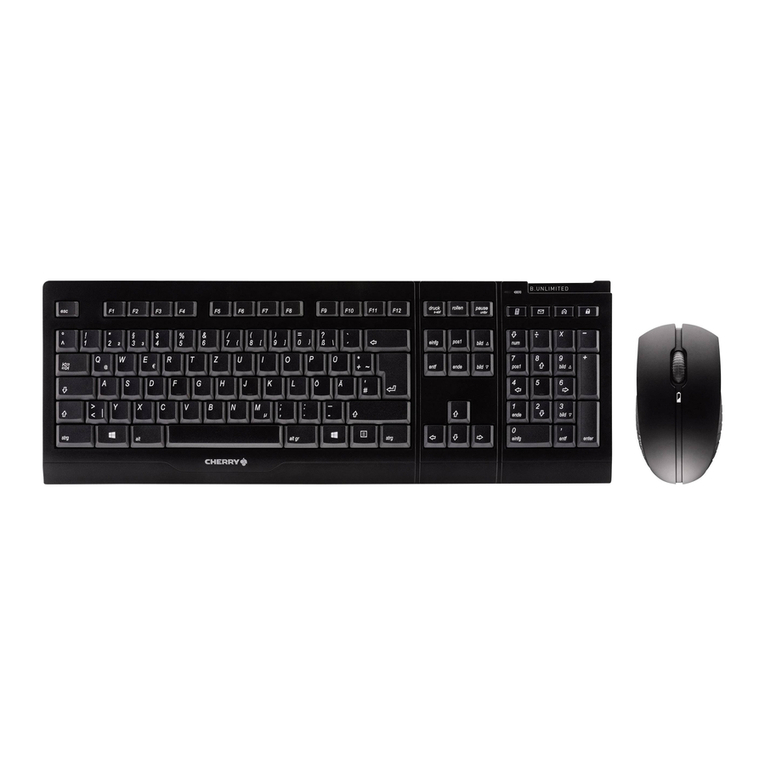
Cherry B.UNLIMITED 3.0 user manual

Cherry

Cherry B.UNLIMITED 3.0 user manual

Bartec TC 7 Series user guide

Bartec

Bartec TC 7 Series user guide

Philips SPC3540 Specifications

Philips

Philips SPC3540 Specifications

Logitech mk220 user manual

Logitech

Logitech mk220 user manual

Vivo MOUNT-KB05-4DW instruction manual

Vivo

Vivo MOUNT-KB05-4DW instruction manual

SilverStone LC02 manual

SilverStone

SilverStone LC02 manual

Flexispot ML2B installation guide

Flexispot

Flexispot ML2B installation guide

Hamlet UNIVERSAL COVER 101 KBT2 user manual

Hamlet

Hamlet UNIVERSAL COVER 101 KBT2 user manual

Adam Equipment RS-485 manual 

Adam Equipment

Adam Equipment RS-485 manual 

Sven Base 305 сombo instructions

Sven

Sven Base 305 сombo instructions

Hama 108310 Operating	 instruction

Hama

Hama 108310 Operating instruction

SpeechWare FlexyMike FMK03 user manual

SpeechWare

SpeechWare FlexyMike FMK03 user manual

manuals.online logo
manuals.online logoBrands
  • About & Mission
  • Contact us
  • Privacy Policy
  • Terms and Conditions

Copyright 2025 Manuals.Online. All Rights Reserved.

Revision 1.1. Released on 4th of June, 2014
Installation and mounting manual for EK-DBAY D5 (incl. pump) reservoir
This product is intended for installation only by expert users. Please consult with a qualified technician for installation. Improper installation may result in damage to your equipment. EK Water Blocks assumes no liability
whatsoever, expressed or implied, for the use of these products, nor their installation. The following instructions are subject to change without notice. Please visit our web site at www.ekwb.com for updates. Before
installation of this product please read important notice, disclosure and warranty conditions printed on the back of the box.
The barb hose fittings require only a small amount of force to screw them in; otherwise the high flow fittings might break. These fittings do not need to be tightened with much force because the
liquid seal is made using O-rings. The use of an algaecide and corrosion inhibitors is always recommended for any liquid cooling system.
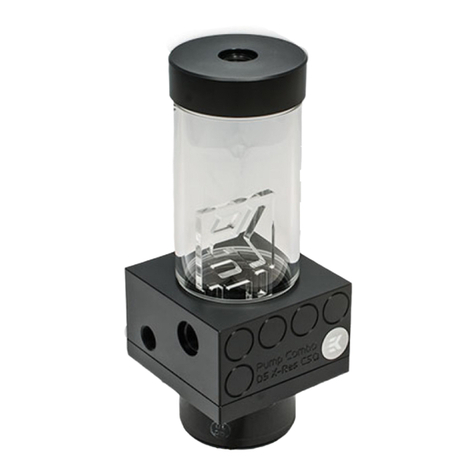
STEP 1: GENERAL INFORMATION Sample picture of EK-DBAY D5 reservoir.
STEP 2: PREPARING THE PUMP
EK-DBAY D5 reservoir is only compatible with the Xylem/Laing D5 Vario or PWM pump. Before installation remove main pump motor/body from the stock or any
other third party pump top.
STEP 3: ASSEMBLING THE EK-DBAY D5 Reservoir
Take your Xylem/Laing D5 pump. Place it according to the picture. Do not forget to place the O-ring accordingly. Use enclosed Allen key to secure the pump with
eight (8) M4×16 DIN7380 screws.
Do not use excessive force when tightening the screws! Overtightening the screws will stripp the M4 threads rendering the product useless.
EK-D5 Vario Motor (12V DC Pump)
Motor)
EK-D5 PWM Motor (12V DC Pump)
Motor)
Acrylic front plate
POM Acetal reservoir body
G 3/8 threaded fill port
Gasket (OR 60x3)
M4×16 DIN7380 screw
D5 X-TOP RING
D5 Pump motor
MIN, MAX indicator
Vibration Damper
With M3 threads
Placing the O-ring
Integrated anticyclone
Pump suction port:
- small hole enables coolant to flood the
pump for easier system filling
- lower port disables sucking air from the
surface at higher flow.
Revision 1.1. Released on 4th of June, 2014
STEP 4: INSERTING THE RESERVOIR TO YOUR COMPUTER CHASSIS
This reservoir occupies two (2) 5.25" drive bay expansion slots in your computer chassis. Free two slots in case they are already occupied with other
computer components such as optical- or hard disk drives. Place the reservoir in your
5.25" drive bay
, with the front plate facing outwards.
After
completing
STEP 6
in this manual, secure the reservoir to the drive bay cage using the enclosed eight (8) M3x4 DIN 7985 screws with Philips
head screwdriver.
STEP 5: CONNECTING YOUR RESERVOIR
It is mandatory to use the correct INLET and OUTLET port.
Please use the appropriate G1/4 threaded ports as shown on the picture below. EK
recommends using EK-CSQ compression fittings for best water cooling experience.
STEP 6: FILLING THE RESERVOIR
Fill the reservoir through G3/8 threaded fill port (marked
with arrow) and make sure liquid is not spilled over your
computer or any electrical devices nearby. Run your
pump shortly for few seconds’ couple of times to make
sure water floods your tubes and other water cooling
components before permanently leaving the pump on.
Pay attention to the water level in your reservoir. Lowest
and highest recommendable water levels are indicated
on the reservoir's front panel (MIN, MAX). Once done
with the filling process please close your EK-DBAY D5
reservoir with G3/8 plug and tighten the seal using
enclosed Allen key (6mm). Now secure the bay reservoir
with M3x4 DIN 7985 screws mentioned in step 4.
STEP 7: OTHER INSTRUCTIONS
VERY IMPORTANT NOTICE: Once the installation is completed, it is a recommended practice to test the cooling circuit for leaks prior to powering up the computer. We recommend a 24 hour leak test prior to powering
up the computer. Do not test the water block using tap water pressure. This will rupture the top of the housing and render the block unusable (and will void your warranty).While all efforts have been made to provide the
most comprehensive tutorial possible, EK Water Blocks assumes no liability expressed or implied for any consequential damage(s) occurring to your equipment as a result of using EK Water Blocks cooling products, either
due to errors or omissions on our part in the above instructions, or due to failure or defect in the EK Water Blocks cooling products.
WARRANTY: Our products are warranted against defects in materials or workmanship for a period of 24 months beginning from the date of delivery to the final user. During this period, products will be repaired or have
parts replaced at our discretion provided that: (I) the product is returned to the agent from whom it was purchased; (II) the product has been purchased by an end user and has not used for commercial purposes; (III) the
product has not been misused, handled carelessly, or used in a manner other than in accordance with the instructions provided describing its installation and proper use. This warranty does not confer rights other than
those expressly set out above and does not cover any claims for consequential loss or damage. This warranty is offered as an extra benefit and does not affect your statutory rights as a consumer. This warranty is voided if
the product comes in contact with aggressive UV additives or other improper liquids.
REQUIRED TOOLS:
Philips head screwdriver
M3x4 DIN 7985 screw
INLET G1/4
threaded port
OUTLET G1/4
threaded port
EK-CSQ
compression fittings

G 3/8 threaded fill port
MIN, MAX indicator