Page 9 2000000553 (Rev. B - 06/22)
HBHAC8WF_2AWN
1. To verify the software program of the control board the unit will need to be shut down and restarted. The chiller (if present) does not need to
be shut down and restarted.
2. The units lower panel must be open to access the power cord and wall outlet.
3. Shut down the unit by unplugging the power cord from the wall outlet.
4. Restart the unit by plugging the power cord back into the wall outlet.
5. Upon start up the bottle count display will show the software designation of BF12.
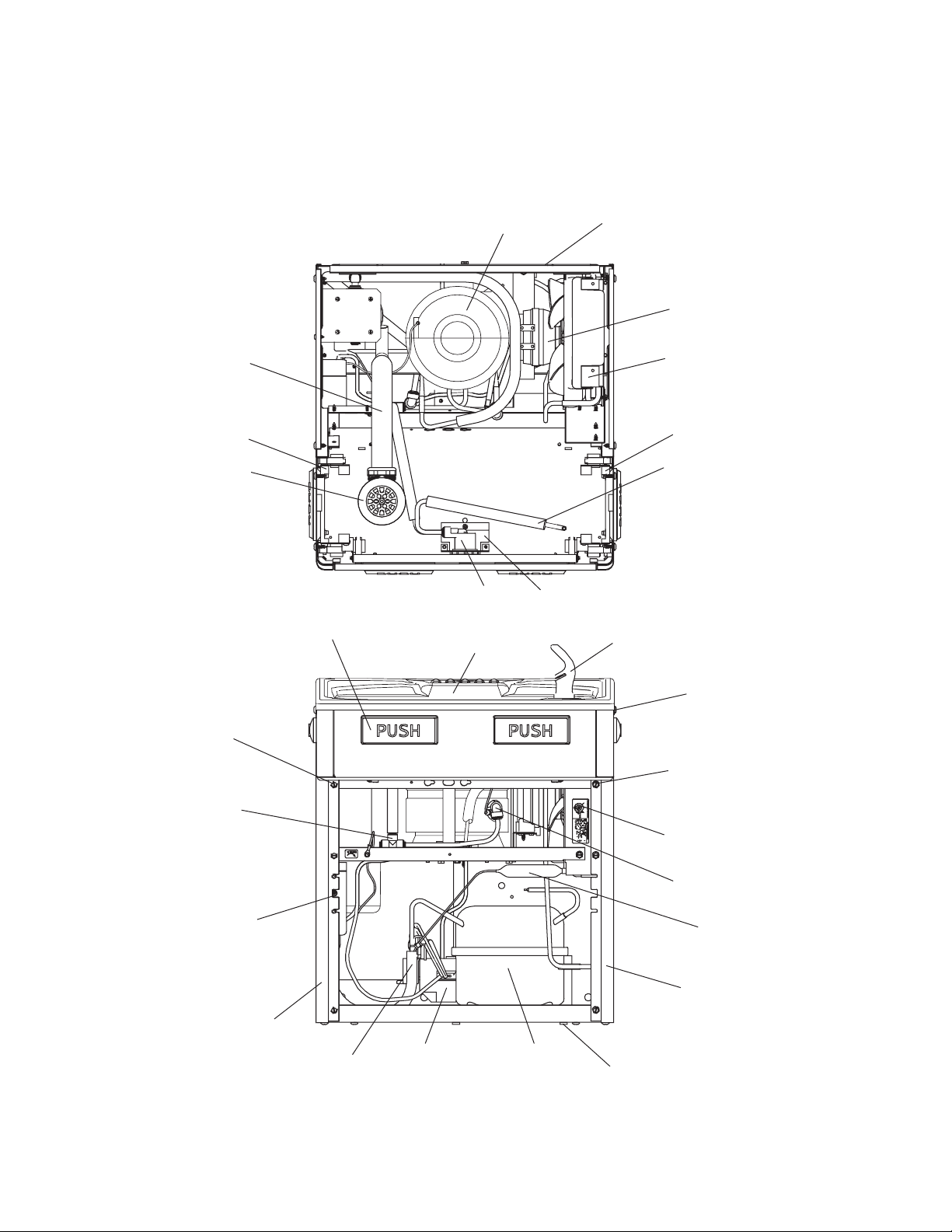
1. To access the program button remove the top cover of the bottle ller. Remove the two (2) screws holding top cover to bottle ller with a 5/32”
(4mm) allen wrench. Remove top cover. Do not discard mounting screws, they will be needed to reinstall the top cover after programming
operations are completed. The programming button is located at the top right side of the unit on the control board.
1. Instructions apply to ltered units only.
2. Depress the program button for approximately 2 seconds until the display changes then release. The display will change and scroll through
two messages:
• – Reset Filter Monitor
• – System Settings Sub Menu
If the program button is not pushed again the display will scroll through the two messages above for three cycles and then default back to bottle
count and be back in run mode.
3. When the display changes to “”, depress the button again. The display will change to show “”. Depress the button again and
the display will show “”
4. The Green LED should be illuminated indicating that the visual lter monitor has been reset.
1. Depress the program button for approximately 2 seconds until the display changes then release. The display will change and scroll through
two messages:
• – Reset Filter Status LED
• – System Settings Sub Menu
If the program button is not pushed again the display will scroll through the two messages above for three cycles and then default back to bottle
count and be back in run mode.
2. When the display changes to “”, depress the button again. The display will change to show:
• – Range set for IR sensor.
• – Type of unit ( or )
• – Select lter capacity
• – Reset bottle count
3. When display shows “” push program button once the display will show current value (can be 1 – 10) e.g. “”.
4. Once display shows current value push the program button to scroll through value of 1 – 10. Select the desired range setting.
5. Once range is selected allow approximately 4 seconds to pass and then the display will go back to bottle counter and be in run mode.
6. Test bottle ller by placing bottle or hand in front of sensor to make sure water is dispensed.
1. Depress the program button for approximately 2 seconds until the display changes then release. The display will change and scroll through
two messages:
• – Reset Filter Status LED
• – System Settings Sub Menu
If the program button is not pushed again the display will scroll through the two messages above for three cycles and then default back to bottle
count and be back in run mode.
2. When the display changes to “”, depress the button again. The display will change to show:
• – Range set for IR sensor.
• – Type of unit ( or )
• – Select lter capacity
• – Reset bottle count
3. When display shows “” push program button once the display will show current value. Can be or .
4. Push button once to change value. Once value is selected the display will show the new value. Can be or .
• – stands for refrigerated product. In this setting the ow rate is estimated at 1.0 gallon (3.8 l) per minute.
• “ - stands for nonrefrigerated product. In this setting the ow rate is estimated at 1.5gallons (5.7 l) per minute.
Both “REFRIG“ and “NON-RFRG“ simulate 1 bottle equal to 20 oz (590 ml).
5. Allow approximately 4 seconds to pass and the display will return to bottle counter and be in run mode.