IMPORTANT SAFEGUARDS............................................................................................. 2
BEFORE YOU USE ........................................................................................................... 7
1BUNDLED ITEMS........................................................................................................11
2PART NAMES AND FUNCTIONS................................................................................12
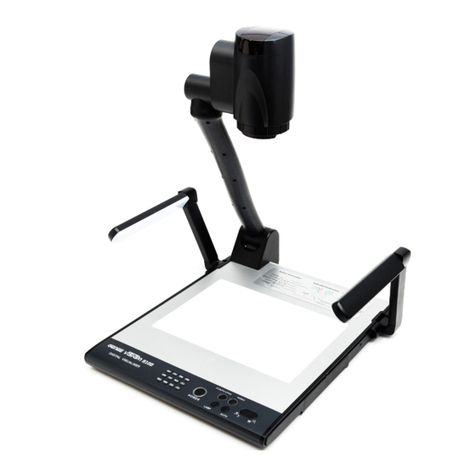
Appearance...................................................................................................................12
Operating panel.............................................................................................................13
Rear panel and cable connections.................................................................................15
Side Panel....................................................................................................................18
Bottom panel .................................................................................................................19
3PREPARATION AND CONNECTION...........................................................................20
Setting Up......................................................................................................................20
Moving Parts of the Mobile Document Camera..............................................................21
Connecting to a projector or a monitor...........................................................................22
Connecting to a PC .......................................................................................................23
Turning on the power.....................................................................................................24
Power supply from the AC adapter ................................................................................24
Power supply from the USB...........................................................................................24
4SHOOTING IMAGES....................................................................................................25
Adjusting the size ..........................................................................................................25
Adjusting the brightness ................................................................................................25
Adjusting the focus........................................................................................................25
Turning the lamp ON/OFF .............................................................................................25
Pausing the video..........................................................................................................25
Saving a still image........................................................................................................26
Rotating the image.........................................................................................................26
Switching the output video.............................................................................................27
In the order that the output video changes (in the order that the LED lights up)................... 28
5CHANGING THE SETTINGS........................................................................................29
Changing the settings....................................................................................................29
Descriptions of each menu ............................................................................................30
Camera output display mode menu...............................................................................30
Setting Date/Time(Clock Set)....................................................................................32
6USING A USB.............................................................................................................33
Installing the software....................................................................................................33
Connecting to a PC .......................................................................................................33
Controlling the product from a USB-connected PC........................................................34