EnglishDeutsch
 logo
Brands
  1. Home
  2. •
  3. Brands
  4. •
  5. Enabling Devices
  6. •
  7. Lighting Equipment
  8. •
  9. Enabling Devices 200 User manual

Enabling Devices 200 User manual

Other Enabling Devices Lighting Equipment manuals

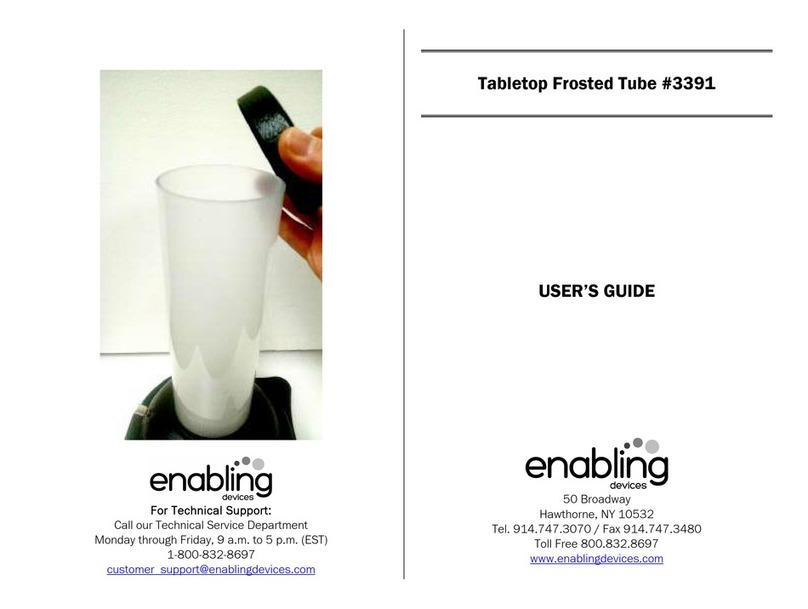
Enabling Devices 3391 User manual

Enabling Devices

Enabling Devices 3391 User manual

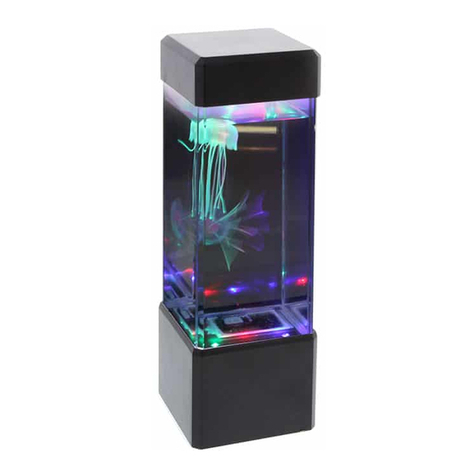
Enabling Devices 3286 User manual

Enabling Devices

Enabling Devices 3286 User manual

Enabling Devices 1672 User manual

Enabling Devices

Enabling Devices 1672 User manual

Enabling Devices 3199 User manual

Enabling Devices

Enabling Devices 3199 User manual

Enabling Devices 7511M User manual

Enabling Devices

Enabling Devices 7511M User manual

Popular Lighting Equipment manuals by other brands

Brizo 8SP-MU-4 manual

Brizo

Brizo 8SP-MU-4 manual

LUCE&LIGHT BROM 1.0 installation instructions

LUCE&LIGHT

LUCE&LIGHT BROM 1.0 installation instructions

IKEA BJÖRKSPIREA manual

IKEA

IKEA BJÖRKSPIREA manual

Laserworld Evolution Series ES-400RGB manual

Laserworld

Laserworld Evolution Series ES-400RGB manual

EuroLite LED B-40 user manual

EuroLite

EuroLite LED B-40 user manual

Qazqa Suplux SL 3 Black 103062 instruction manual

Qazqa

Qazqa Suplux SL 3 Black 103062 instruction manual

Commercial Electric 54568141 Use and care guide

Commercial Electric

Commercial Electric 54568141 Use and care guide

CREE LIGHTING 304 Series installation instructions

CREE LIGHTING

CREE LIGHTING 304 Series installation instructions

Goobay 49867 user manual

Goobay

Goobay 49867 user manual

ECOMAN ITALIA LED T8 instruction manual

ECOMAN ITALIA

ECOMAN ITALIA LED T8 instruction manual

Alkalite Krypton KT-81 user manual

Alkalite

Alkalite Krypton KT-81 user manual

Clas Ohlson GU10 manual

Clas Ohlson

Clas Ohlson GU10 manual

DTS DELTA 10 F user manual

DTS

DTS DELTA 10 F user manual

ring Solar Steplight manual

ring

ring Solar Steplight manual

One Stop Gardens 57696 Owner's manual & safety instructions

One Stop Gardens

One Stop Gardens 57696 Owner's manual & safety instructions

SIREM Swimeo A2 instructions

SIREM

SIREM Swimeo A2 instructions

Silvair MESH-CEDRP quick start guide

Silvair

Silvair MESH-CEDRP quick start guide

S&P PCRL80 manual

S&P

S&P PCRL80 manual

https://manuals.online logo
https://manuals.online logoBrands
  • About & Mission
  • Contact us
  • Privacy Policy
  • Terms and Conditions

Copyright 2026 Manuals.Online. All Rights Reserved.

For Technical Support:
Call our Technical Service Department
Monday through Friday, 9 a.m. to 5 p.m. (EST)
-800-832-8697
customer_support@enablingdevices.com
Musical Light Box #200
USER’S GU DE
50 Broadway
Hawthorne, NY 0532
Tel. 9 4.747.3070 / Fax 9 4.747.3480
Toll Free 800.832.8697
www.enablingdevices.com
Now with a brighter LED!
This multi-purpose musical light box can be used as a bright
backlight for tracing or as a light source for people with visual
impairments. Increases visual attention and is great for working
on pre-writing and writing skills. Easily activated by any of our
capability switches. Size: 2"L x "W x 4"H. Requires
Capability Switch and 2 C Batteries. Weight: lb.
Operation:
. The Musical Light Box requires two-C size batteries.
Alkaline batteries are required (Duracell or Energizer
brands). Do not use rechargeable batteries because they
supply lower voltage and the unit may not perform as
well.
2. The battery holder is located under the unit. When
installing new batteries, always be careful to observe
proper battery polarity.
3. Connect the unit to any external capability switch via the
jack, located on the back of the unit. The Musical Light
Box #200 is equipped with a /8-inch jack, for use with
capability switches with a /8-inch plug.
4. Make sure that the connections between the switch,
adapter and the jack are plugged in all the way. There
should be no gaps.
5. Activate the external capability switch to light up the box
and begin the music.
6. The light and music will only remain on while the external
switch continues to be activated. Once you release the
switch, the light and music will go off.
Troubleshooting:
Problem: The lights and/or music do not turn on, or are not
operating at full strength.
Action #1: Replace the batteries, paying close attention to
proper battery polarity.
Action #2: Make sure that the connections between the switch,
adapter and the jack are plugged in all the way. There should be
no gaps.
Problem: A light bulb burns out.
Action: Remove the large, rectangular, opaque cover by gently
pulling up on it to release the Velcro hold. Unscrew the light bulb
and replace it with a 2.47-volt bulb. Replace the cover.
Note: If you cannot purchase this bulb from your local hardware
store, call our Technical Service Department at -800-832-8697
for a replacement.
Care of Unit:
The Musical Light Box can be wiped clean with any household
multi-purpose cleaner and disinfectant.
Do not submerge the unit, as it will damage the electrical
components.
Do not use abrasive cleaners, as they will scratch the surface
of the unit.
Rev 1/18/17