6 Power Load Controller Configuration Guide
Photo Inhibit
The photo inhibit feature requires a linked photo sensor and an occupancy sensor with partial-
ON enabled. See Occupancy Sensors and Partial-ON on page1. When photo inhibit is enabled,
the partial-ON feature is ignored when the natural light level measured by the photo sensor is
above the lights ON set point. The photo inhibit feature does not turn lights OFF if the light is
already ON. Garibaldi Pro software is required to configure the dimming to OFF set point.
Photo Inhibit Operation:
Light level is < lights ON set point – the lights turn ON when motion is detected.
Light level is > lights ON set point – the lights do not turn ON when motion is detected.
Lights are ON and the light level increases past the lights ON set point – the lights stay ON.
Lights are OFF and the light level decreases past the lights ON set point – the lights turn
ON when motion is detected and increase to the dimming level defined in the partial-ON
setting.
Dual Technology Occupancy Sensors
Dual Tech sensors have built-in occupancy timers that manage the transition from occupied to
vacant state. To allow the Dual Tech sensor to control the vacancy action, the controller’s
occupancy sensor auto-OFF timer parameter should be set to 0 seconds. See Occupancy Sensor
Auto-OFFTimer on the previous page.
Occupancy Sensors Only
If only occupancy sensors are linked to the controller, the sensors automate the lights both ON
and OFF.
Occupancy Sensors with Switches
If switches and sensors are linked to the controller, Vacancy Sensor Mode (manual-ON, auto-
OFF) is active. The controller can be configured to turn the lights ON immediately when a
sensor detects motion (partial-ON). When a switch is pressed ON or OFF, the occupancy
sensor's auto-off timer resets the state to occupied, which allows the lights to stay OFF when
they are switched OFF (for example, a slide show presentation). See Occupancy Sensors and
Partial-ON on page1.
Open-Plan Shared Occupancy
The open-plan shared occupancy feature provides energy saving control over large open
spaces that have been segmented into zones to comply with local energy code requirements. It
allows connected lighting controllers to share the occupancy state of the zone they control.
Only after all the controllers in the space report a vacant state are the lights turned off at the
same time.
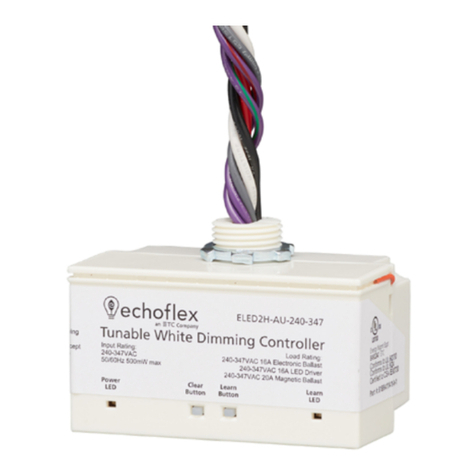
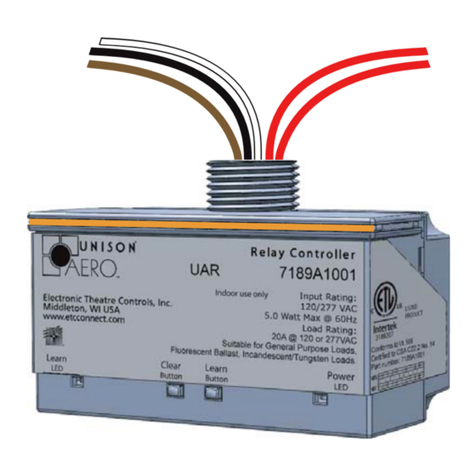
All Echoflex controllers support open-plan shared occupancy functionality to comply with
current energy savings codes.
Note: Garibaldi Pro software is the ideal tool to set up your project and configure
settings, or even to make edits if your project has been pre-commissioned. Garibaldi
Pro is available for download at echoflexsolutions.com.
There is no limit to the number of controllers that are connected to a shared occupancy, but
each controller must be within radio range of at least one other controller to be able to send
and respond to occupancy state messages.