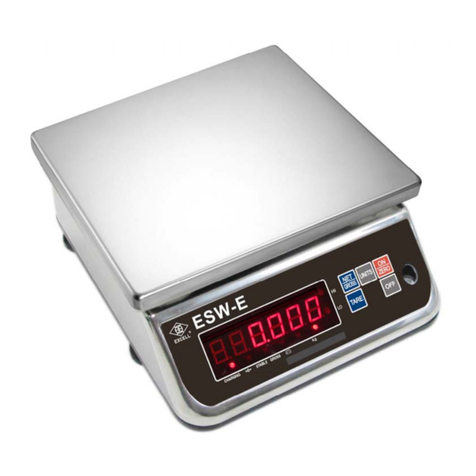
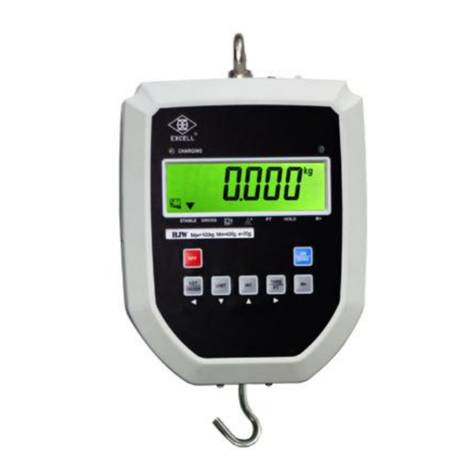
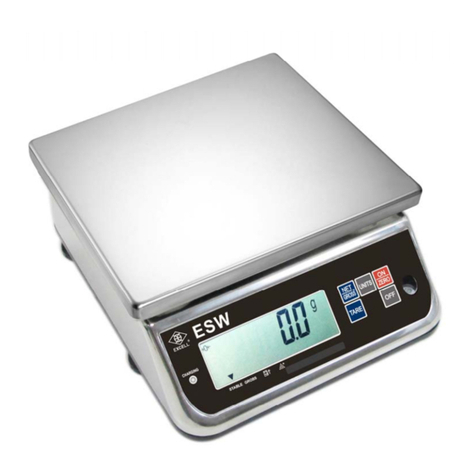
3-2BasicFunction Operation
3-2-1Switching the scaleon / Re-zeroing
1. Whenthe scaleisoff, press key to turn the scale on.
2. Whenthe scaleison and withoutany object placed on the weigh pan, press key
to obtain a zeroreading. ””the 2nd indicationshows in the lefthand side of the display.
3-2-2The desired unitsselection
Press the
key to select gram(g), ounce(oz)orpcs, ”►” the indication willshowin
the right hand side of the display.Afterpoweroff, the scalewillmemorise theactive units. When
the scaleis powered on again, it displaysthe previous active units.
3-2-3The weightvalue ofthe containerdeduction
1. Place the containeron the weighpan. Afterstable, press key to deduct the weight
value of the container.
2. Place the object in the container, the scale will showthe net weight value of the object.
3. Remove the containerandweighing object, and the display shows the negative weight
value of the container. Press key to clearthe weight value of the container,
and ”◄” the first indication goes off.
vTare continuously (Press key, when weight is added ordeducted on the weigh
pan).
vTare value = The fullcapacity (The scale can be tarred continuously to the fullcapacity).
3-2-4Net/ gross weightvalue cross-display
1. In the tare mode, the display shows ”◄” the 1st indication on the lefthand side. Press
key to showthe gross weight value, and ”◄” the indication goes off.
2. Press key again, the display shows the net weight value and ”◄” the1st indication
shows again.
3. The key is ONLYfunctionalin the taremode.