EnglishDeutsch
 logo
Brands
  1. Home
  2. •
  3. Brands
  4. •
  5. Exmark
  6. •
  7. Lawn Mower Accessories
  8. •
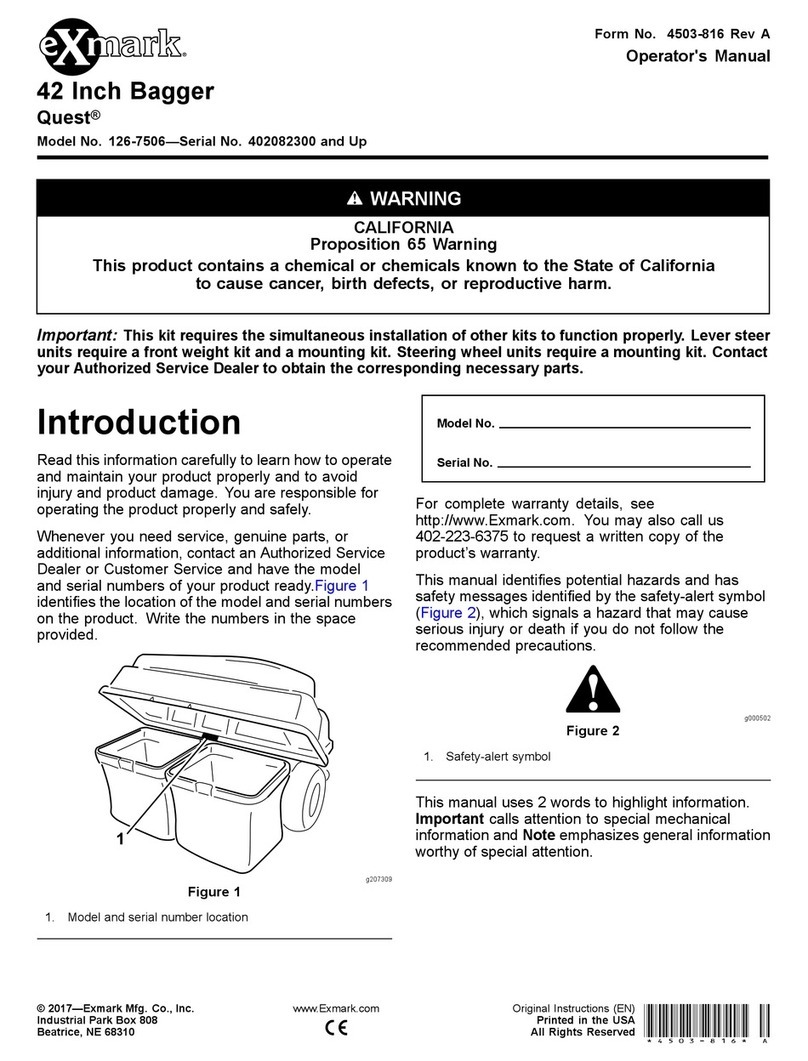
  9. Exmark QUEST QST24BE522C Manual

Exmark QUEST QST24BE522C Manual

Other Exmark Lawn Mower Accessories manuals

Exmark PIONEER BAGGER User manual

Exmark

Exmark PIONEER BAGGER User manual

Exmark 109-6250 User manual

Exmark

Exmark 109-6250 User manual

Exmark exmark 30" Manual

Exmark

Exmark exmark 30" Manual

Exmark 135-5271 User manual

Exmark

Exmark 135-5271 User manual

Exmark Ultra Vac Frontrunner User manual

Exmark

Exmark Ultra Vac Frontrunner User manual

Exmark ULTRA VAC UVD6672 Manual

Exmark

Exmark ULTRA VAC UVD6672 Manual

Exmark 135-2604 User manual

Exmark

Exmark 135-2604 User manual

Exmark 126-3925 User manual

Exmark

Exmark 126-3925 User manual

Exmark ULTRAVAC BAGGER 126-6954 Manual

Exmark

Exmark ULTRAVAC BAGGER 126-6954 Manual

Exmark exmark 30" Manual

Exmark

Exmark exmark 30" Manual

Exmark Ultra Vac QDS Frontrunner User manual

Exmark

Exmark Ultra Vac QDS Frontrunner User manual

Exmark Quest 42 User manual

Exmark

Exmark Quest 42 User manual

Exmark 116-5297 User manual

Exmark

Exmark 116-5297 User manual

Exmark Quest Bagger Manual

Exmark

Exmark Quest Bagger Manual

Exmark ULTRAVAC BAGGER 126-6954 Manual

Exmark

Exmark ULTRAVAC BAGGER 126-6954 Manual

Exmark Ultra Vac QDS Lazer Z HP User manual

Exmark

Exmark Ultra Vac QDS Lazer Z HP User manual

Exmark ULTRA VAC 103-5629 Manual

Exmark

Exmark ULTRA VAC 103-5629 Manual

Exmark NAVIGATOR Manual

Exmark

Exmark NAVIGATOR Manual

Exmark ULTRA VAC UVD60 User manual

Exmark

Exmark ULTRA VAC UVD60 User manual

Exmark 116-1751 User manual

Exmark

Exmark 116-1751 User manual

Exmark Ultra Vac QDS Laser Z User manual

Exmark

Exmark Ultra Vac QDS Laser Z User manual

Exmark Cd42cd, Cd48cd Manual

Exmark

Exmark Cd42cd, Cd48cd Manual

Exmark FontRunner FR524 Manual

Exmark

Exmark FontRunner FR524 Manual

Exmark ULTRAVAC User manual

Exmark

Exmark ULTRAVAC User manual

Popular Lawn Mower Accessories manuals by other brands

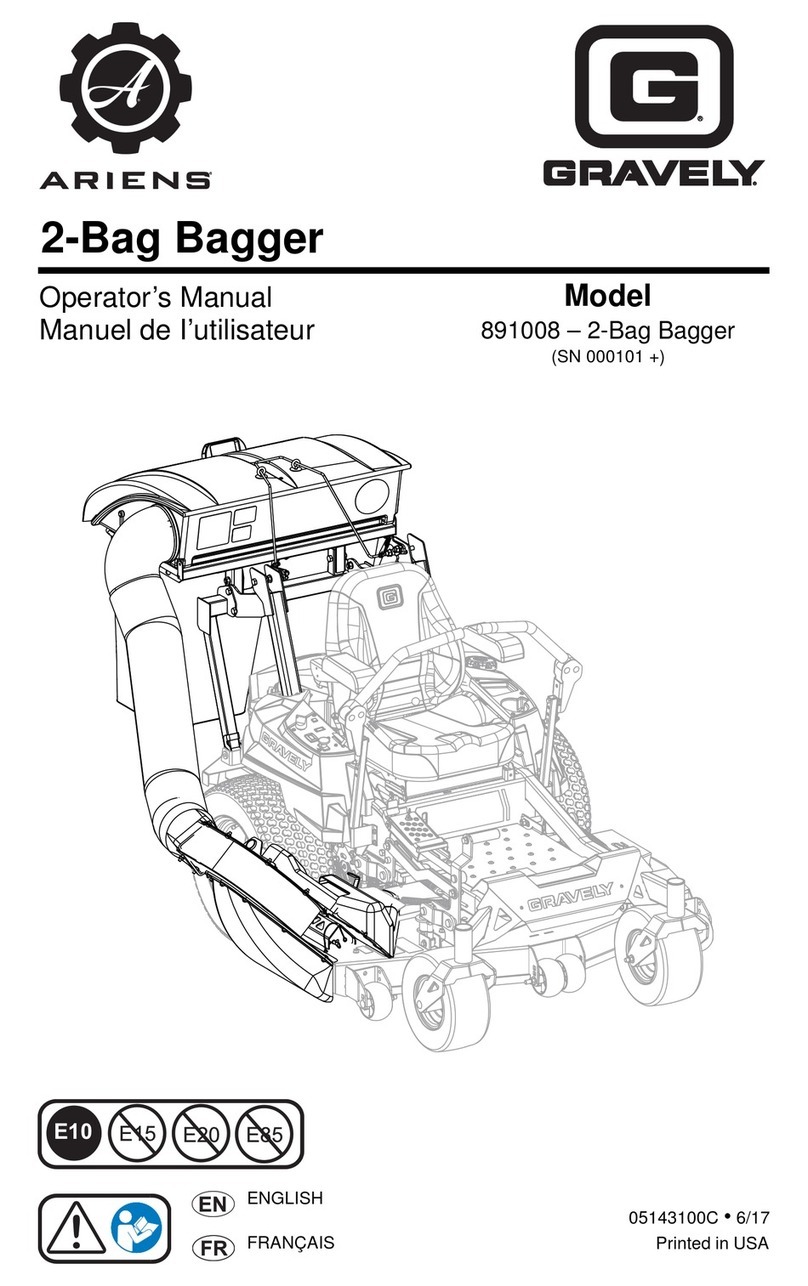
Ariens 891008 Operator's manual

Ariens

Ariens 891008 Operator's manual

Rover 108 - 109 owner's manual

Rover

Rover 108 - 109 owner's manual

Toro 112-5803 installation instructions

Toro

Toro 112-5803 installation instructions

Snapper 1690047 Operator's manual

Snapper

Snapper 1690047 Operator's manual

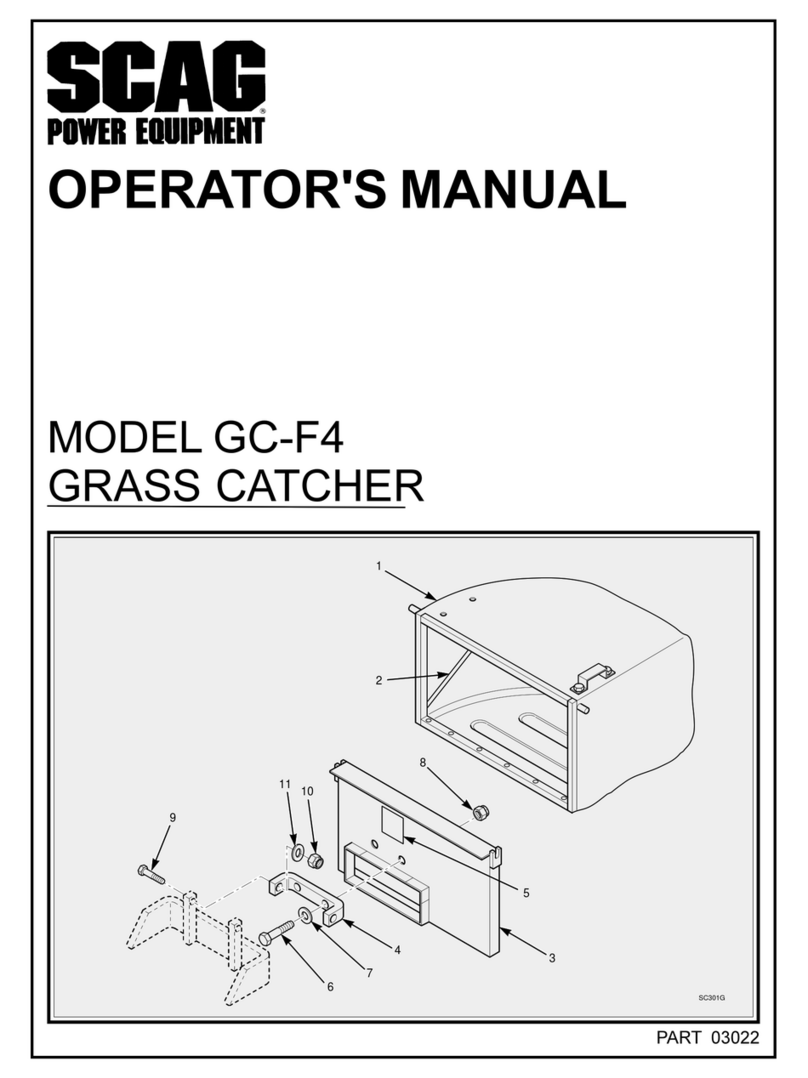
Scag Power Equipment GC-F4 Operator's manual

Scag Power Equipment

Scag Power Equipment GC-F4 Operator's manual

RHINO 800 Operator's manual

RHINO

RHINO 800 Operator's manual

Snapper 1685167 installation instructions

Snapper

Snapper 1685167 installation instructions

Cub Cadet 19B70029100 installation manual

Cub Cadet

Cub Cadet 19B70029100 installation manual

Stihl AMK 043.1 instruction manual

Stihl

Stihl AMK 043.1 instruction manual

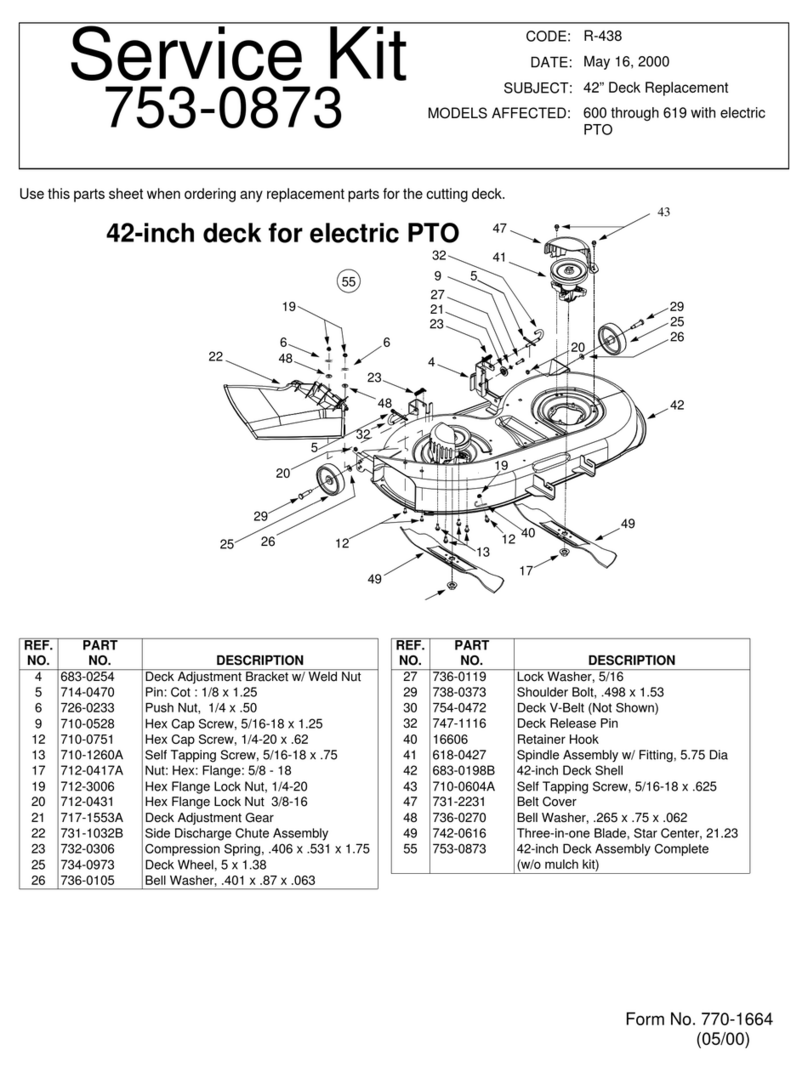
MTD 753-0873 Service kit manual

MTD

MTD 753-0873 Service kit manual

Toro 30810 installation instructions

Toro

Toro 30810 installation instructions

Bush Hog RG60 Operator's manual

Bush Hog

Bush Hog RG60 Operator's manual

Land Pride RCF2760 Operator's manual

Land Pride

Land Pride RCF2760 Operator's manual

Simplicity 211 Operator's manual

Simplicity

Simplicity 211 Operator's manual

Toro Z Master 116-0231 installation instructions

Toro

Toro Z Master 116-0231 installation instructions

Excel Two Bag Catcher Operator's manual

Excel

Excel Two Bag Catcher Operator's manual

Textron Jacobsen Pro12 DFS Operator's manual

Textron

Textron Jacobsen Pro12 DFS Operator's manual

Toro 145-3495 installation instructions

Toro

Toro 145-3495 installation instructions

https://manuals.online logo
https://manuals.online logoBrands
  • About & Mission
  • Contact us
  • Privacy Policy
  • Terms and Conditions

Copyright 2026 Manuals.Online. All Rights Reserved.

QUEST®
SetupInstructions
ForSerialNos.850,000&Higher
LooseParts
Usethechartbelowtoverifythatallpartshavebeenshipped.Partnumbersnotshownareavailableonthedealer
extranet.
DealerPack
Part#DescriptionQty.Use
103-2106Key,ExmarkLogo1
1-603511Key,Standard1
Fillouttheonlinewarrantyregistration
formandplacethekeysintoliterature
pack.
95-3270Hose,Connector1
LiteraturePack
Part#DescriptionQty.Use
—Manual,Operator’s1
—Manual,EngineOperator’s1Readbeforeoperatingthemachine.
—DVD,QuestSafety1Viewbeforeoperatingthemachine.
CheckingTirePressure
1.Checkthetirepressureinthedriveandcastertires.
Properinationfordrivetiresis13psi(90kPa).
Properinationforthecastertiresis:
•smoothtread–13psi(90kPa)
•sawtoothtread–20psi(138kPa)
2.Adjustifnecessary.
FasteningtheSeat
1.Removethenutandboltfromthelooseendofthe
lanyard.
2.Tiltseatdownwardandalignlanyardtotheholein
thesideoftheseat(seeFigure1).
3.Installboltandnut.Tightenboltandthenloosen
nut1/4-1/2turnsothatlanyardendrotatesfreely.
Verifythatlanyardisfreetorotateonbothendsso
thatitpullsstraightwhilesupportingtheseat.
Figure1
1.Nut3.Lanyard
2.Seat4.Bolt
©2010—ExmarkMfg.Co.,Inc.
P .O.Box808
Beatrice,NE68310
PartNo.4500-525Rev.B
PrintedintheUSA
AllRightsReserved
ServicingtheBattery
WARNING
CALIFORNIA
Proposition65Warning
Batteryposts,terminals,andrelated
accessoriescontainleadandleadcompounds,
chemicalsknowntotheStateofCalifornia
tocausecancerandreproductiveharm.
Washhandsafterhandling.
Important:Themachineisshippedwithalled
leadacidbattery.
1.Tiltseatuptogainaccesstothebattery.
DANGER
Chargingorjumpstartingthebatterymay
produceexplosivegases.Batterygasescan
explodecausingseriousinjury.
•Keepsparks,ames,orcigarettesawayfrom
battery.
•Ventilatewhenchargingorusingbatteryin
anenclosedspace.
•Makesureventingpathofbatteryisalways
openoncebatteryislledwithacid.
•Alwaysshieldeyesandfacefrombattery.
DANGER
Batteryelectrolytecontainssulfuricacid,which
ispoisonousandcancausesevereburns.
Swallowingelectrolytecanbefatalorifit
touchesskincancausesevereburns.
•Wearsafetyglassestoshieldeyes,andrubber
glovestoprotectskinandclothingwhen
handlingelectrolyte.
•DoNotswallowelectrolyte.
•Intheeventofanaccident,ushwithwater
andcalladoctorimmediately.
2.Checkthevoltageofthebatterywithadigital
voltmeter.Locatethevoltagereadingofthebattery
inthetablebelowandchargethebatteryforthe
recommendedtimeintervaltobringthechargeup
toafullchargeof12.6voltsorgreater.
Important:Makesurethenegativebattery
cableisdisconnectedandthebatterycharger
usedforchargingthebatteryhasanoutputof
16voltsand7ampsorlesstoavoiddamaging
thebattery(seechartforrecommendedcharger
settings).
Voltage
Reading
Percent
Charge
Maximum
Charger
Settings
Charging
Interval
12.6or
greater
100%16volts/7
amps
NoCharging
Required
12.4–12.675–100%16volts/7
amps
30Minutes
12.2–12.450–75%16volts/7
amps
1Hour
12.0–12.225–50%14.4volts/4
amps
2Hours
11.7–12.00–25%14.4volts/4
amps
3Hours
11.7orless0%14.4volts/2
amps
6Hoursor
More
CAUTION
Iftheignitionisinthe“ON”positionthere
ispotentialforsparksandengagementof
components.Sparkscouldcauseanexplosion
ormovingpartscouldaccidentallyengage
causingpersonalinjury
Besureignitionswitchisinthe“OFF”position
beforechargingthebattery.
3.Connectthenegativebatterycable.
Note:Ifthepositivecableisalsodisconnected,
connectthepositive(red)cabletothepositive
batteryterminalrst,thenthenegative(black)cable
tothenegativebatteryterminal.Slipinsulatorboot
overthepositiveterminal.
Note:Iftimedoesnotpermitchargingthebattery,
orifchargingequipmentisnotavailable,connect
thenegativebatterycableandrunthevehicle
continuouslyfor20to30minutestosufciently
chargethebattery.
InstallingtheMotionControl
Levers
1.Removethebottom3/8x1inchbolt,springdisc
washer,andnutfromthecontrolarmshaft.Loosen
theupper3/8x1inchbolt,springdiscwasher,and
nutinthecontrolleversothatthelevercanrotate
(seeFigure2).
2

Figure2
1.Nut3.Bolt
2.Springdiscwasher4.Controlarmshaft
2.Positiontheleversothebottomholealignswith
holeinthecontrolarmshaft.Installspringdisc
washer,bolt,andnut.
3.Repeatonoppositesideofunit.
Note:Therearetwoleverheightoptionsavailable.
Placetheleversinthetoptwoholestoincrease
heightofthelevers,orinthebottomtwoholesto
decreasetheheightofthelevers.
4.Aligntheleversfront/rearposition.Withthelevers
intheneutralposition,loosenthehardwareand
adjusttheleversslidingand/ortiltingthelever(s)
forwardorbackwarduntilproperlyalignedand
tightenhardware(seeFigure3).
Figure3
1.Motioncontrollever2.Hardware
5.Iftheendsofthelevershitagainsteachother,
whileinthedriveposition(leversrotatedinasfaras
possible),makeadjustmentsbymovingthelevers
outwardstotheneutrallockpositionandcarefully
bendingthemoutward.Movethembacktothedrive
positionandcheckforclearance.Repeatifnecessary.
6.Ifthemachineturnsrightorleftwhenhandlesare
pushedforwardtogether,adjustthetrackingplateon
thesideoppositethedirectionofturn(seeFigure4).
Loosenthenutthatholdsthetrackingplate.Move
theplatebackuntiltheunitdrivesstraight.Tighten
thenuttolocktheplateinplace.Readjusthandles
ifnecessary.
Figure4
1.Controlarmshaft3.Trackingplate
2.Trackingplatenut
ServicingtheEngine
Engineisshippedwithoil;checkoillevelandif
necessarylltotheappropriatelevelwithoilasspecied
inEngineOwner’sManual.
ServicingtheHydraulicOil
Themachineisshippedwithhydraulicoil.Verifylevel
onExpansionTank(seeFigure5).
1.Startengineanddrivethemachineforwardand
backwardforafewminutestoallowanyextraairto
purgeoutofthehydraulicsystem.
2.Stopengineandwaitforallmovingpartstostop.
Removekeyandengageparkingbrake.
3.CheckexpansiontankandifnecessaryaddExmark
PremiumHydrooiltotheFULLCOLDline.
Note:Theproperamountofoilshouldhavebeen
addedatthefactory.Ifthereservoirisslightlyover
3
full,DoNotremoveuid.Thelevelwillgodown
oncealloftheairispurgedfromthesystem.
Figure5
1.Engine2.Expansiontank
4.Replaceexpansiontankcapandtightenuntilsnug.
DoNotovertighten.
InstallingtheDischargeDeector
1.Installdischargedeector(Figure6).
Figure6
1.Rod4.Mowerdeck
2.Spring5.Dischargedeector
bracket
3.Dischargedeector6.Assembledview
2.Orientthespringsothattheshortlegpointstowards
thedischargedeectorandthelongerlegpoints
towardsthedeckasshowninFigure6.Placespring
onrodandsliderod,straightend,throughthefront
dischargedeectorbracket,dischargedeector,and
reardeectorbracket.
3.Makesurethatthespringandrodareinstalledso
thattherodisretainedfromslidingoutbythefront
bracketandthespringholdsthedischargedeector
inthedownposition.RefertoFigure6forproper
orientation.
FillingOuttheProduct
Registration
Fillouttheonlinewarrantyregistrationformandplace
keysintoliteraturepack.
4