EnglishDeutsch
 logo
Brands
  1. Home
  2. •
  3. Brands
  4. •
  5. Extech Instruments
  6. •
  7. Thermometer
  8. •
  9. Extech Instruments 39240 User manual

Extech Instruments 39240 User manual

Other Extech Instruments Thermometer manuals

Extech Instruments SL250W User manual

Extech Instruments

Extech Instruments SL250W User manual

Extech Instruments EasyView Dual K EA10 User manual

Extech Instruments

Extech Instruments EasyView Dual K EA10 User manual

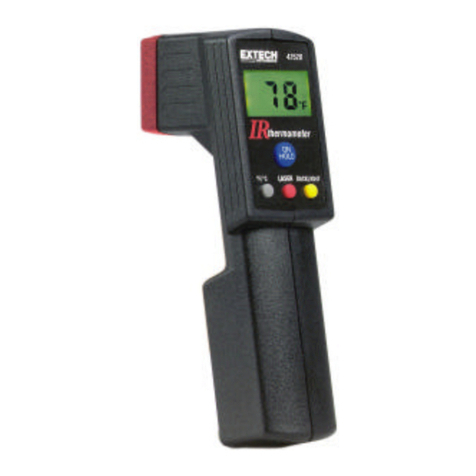
Extech Instruments 42500 User manual

Extech Instruments

Extech Instruments 42500 User manual

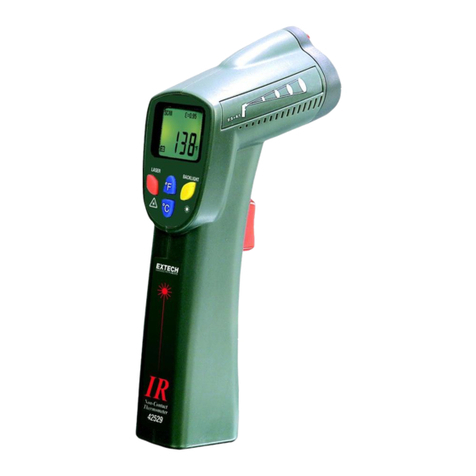
Extech Instruments 42530 User manual

Extech Instruments

Extech Instruments 42530 User manual

Extech Instruments IR250 User manual

Extech Instruments

Extech Instruments IR250 User manual

Extech Instruments TM100 User manual

Extech Instruments

Extech Instruments TM100 User manual

Extech Instruments 42540 User manual

Extech Instruments

Extech Instruments 42540 User manual

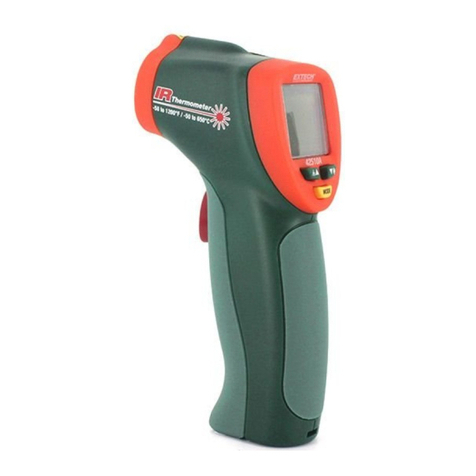
Extech Instruments 42510 User manual

Extech Instruments

Extech Instruments 42510 User manual

Extech Instruments EasyView EA20 User manual

Extech Instruments

Extech Instruments EasyView EA20 User manual

Extech Instruments IRC130 User manual

Extech Instruments

Extech Instruments IRC130 User manual

Extech Instruments AN500 User manual

Extech Instruments

Extech Instruments AN500 User manual

Extech Instruments EA10 User manual

Extech Instruments

Extech Instruments EA10 User manual

Extech Instruments 407445 User manual

Extech Instruments

Extech Instruments 407445 User manual

Extech Instruments 42535 User manual

Extech Instruments

Extech Instruments 42535 User manual

Extech Instruments 42545 User manual

Extech Instruments

Extech Instruments 42545 User manual

Extech Instruments EA10-NIST User manual

Extech Instruments

Extech Instruments EA10-NIST User manual

Extech Instruments VIR50 User manual

Extech Instruments

Extech Instruments VIR50 User manual

Extech Instruments 42311 User manual

Extech Instruments

Extech Instruments 42311 User manual

Extech Instruments EasyView EA11A User manual

Extech Instruments

Extech Instruments EasyView EA11A User manual

Extech Instruments 445580 User manual

Extech Instruments

Extech Instruments 445580 User manual

Extech Instruments 42540A User manual

Extech Instruments

Extech Instruments 42540A User manual

Extech Instruments EA15 User manual

Extech Instruments

Extech Instruments EA15 User manual

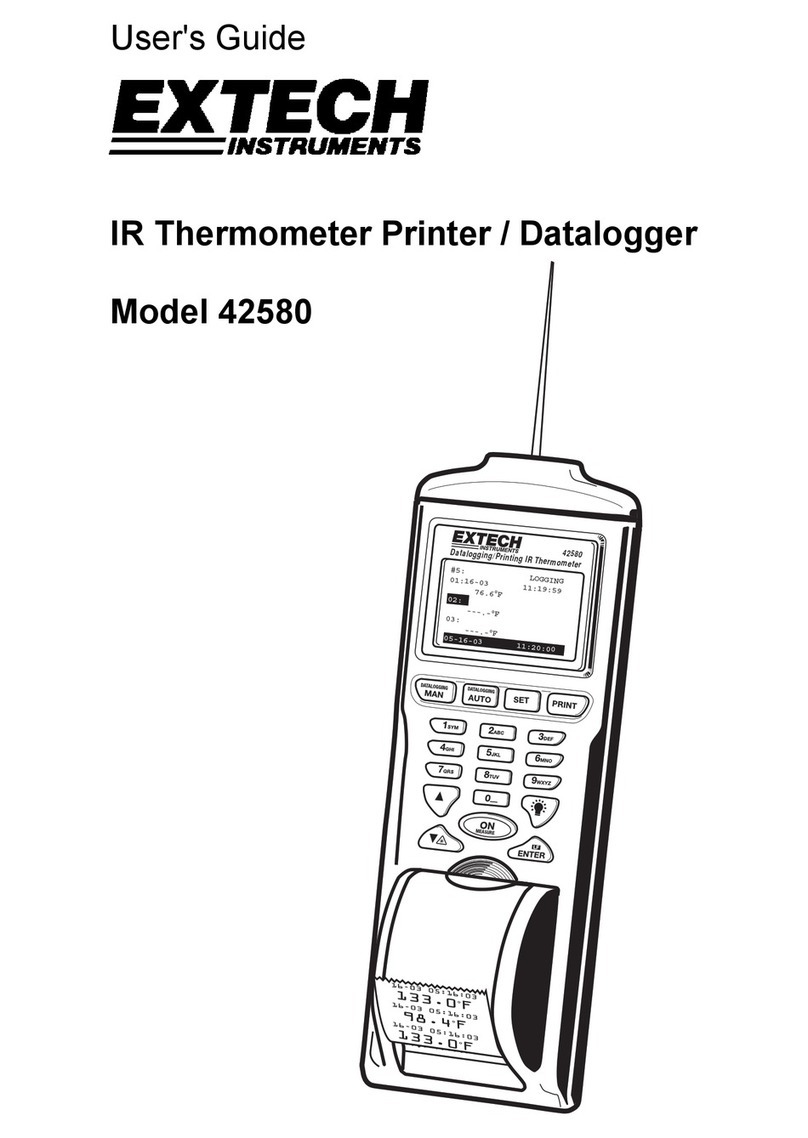
Extech Instruments 42580 User manual

Extech Instruments

Extech Instruments 42580 User manual

Extech Instruments RH200W User manual

Extech Instruments

Extech Instruments RH200W User manual

Popular Thermometer manuals by other brands

Delton 981A instruction manual

Delton

Delton 981A instruction manual

Baker MM2P instruction manual

Baker

Baker MM2P instruction manual

Tarmo 320281 manual

Tarmo

Tarmo 320281 manual

Citizen CTD 504 instruction manual

Citizen

Citizen CTD 504 instruction manual

TFA 14.1500 instruction manual

TFA

TFA 14.1500 instruction manual

Vive DMD1010 user manual

Vive

Vive DMD1010 user manual

Gotemp THB4002 user guide

Gotemp

Gotemp THB4002 user guide

GREISINGER G 1202 Quick reference guide

GREISINGER

GREISINGER G 1202 Quick reference guide

Amprobe TMD-53W user manual

Amprobe

Amprobe TMD-53W user manual

Trotec BP10 operating manual

Trotec

Trotec BP10 operating manual

Radiance instruments RT616 Series product manual

Radiance instruments

Radiance instruments RT616 Series product manual

Eurolec IR151 operating instructions

Eurolec

Eurolec IR151 operating instructions

Scaneo TS42B instruction manual

Scaneo

Scaneo TS42B instruction manual

Sper scientific 800043 instruction manual

Sper scientific

Sper scientific 800043 instruction manual

Motorola MBP69SN General questions

Motorola

Motorola MBP69SN General questions

The MeatStick The MeatStick quick start guide

The MeatStick

The MeatStick The MeatStick quick start guide

Hama TH35-A operating instructions

Hama

Hama TH35-A operating instructions

Veridian Healthcare 09-349 instruction manual

Veridian Healthcare

Veridian Healthcare 09-349 instruction manual

https://manuals.online logo
https://manuals.online logoBrands
  • About & Mission
  • Contact us
  • Privacy Policy
  • Terms and Conditions

Copyright 2026 Manuals.Online. All Rights Reserved.

39240‐mul_V2.511/14
Waterproof Thermometer
Model 39240
Operation
ON/OFF: Press to turn power on or off
C/˚F: Press to select the temperature units
MODE: Press once to hold the display. Auto OFF will be
disabled and shown with an "X" on the display.
Press and hold "MODE" for 3 seconds and the "X"
will disappear. The instrument will return to normal
operating mode. Press a second time to display the
stored maximum reading. “MAX” will appear in the
display. Press a third time to display the stored
minimum reading. “MIN” will appear in the display.
Press a fourth time to return to normal operation.
Reset: With “MAX” or “MIN” in the display, press and hold
the MODE key until - - - appears. The memory
selected is cleared. Press MODE to return to normal
operation.
Battery Replacement
1. Use a flat blade screwdriver or a coin to open the rear
battery compartment
2. Replace the button battery and replace the cover.
All EU users are legally bound by the Battery Ordinance to
return all used batteries to community collection points or
wherever batteries / accumulators are sold!
Disposal in household trash or refuse is prohibited!
Disposal: Follow the valid legal stipulations in respect of the
disposal of the device at the end of its lifecycle
Other Battery Safety Reminders
Never dispose of batteries in a fire. Batteries may explode or leak.
Never mix battery types. Always install new batteries of same type.
Specifications
Range -40 to 200oC / -40 to 392oF
Resolution 0.1o
Accuracy ±1oC /+ 2oF
Stem 70mm / 2.75” stainless steel
Battery LR44 button (or equivalent)
Weight 29g / 0.7oz
Dimensions 150x20x18mm / 5.9x0.8x0.7”
Dimensions Display: 109 x 99 x 20mm (4,3 x 3,9 x 0,8”)
Copyright ©2014 FLIR Systems, Inc.
All rights reserved including the right of reproduction in whole or in part in any form
www.extech.com
Termómetro Hidrófugo
Modelo 39240
Operación
ON/OFF: Presione para encender o apagar
°C/°F: Presione para seleccionar las unidades de
temperatura
MODE: Presione una vez para retener la pantalla. Pulse
una vez para mantener la pantalla. Apagado
automático se desactiva y se muestra con una "X"
en la pantalla. Pulse la tecla "MODE" durante 3
segundos y la "X" desaparecerá. Instrumento
volverá al modo de funcionamiento normal.
Presione una segunda vez para mostrar la lectura
máxima guardada. “MAX” aparecerá en la pantalla.
Presione una tercera vez para mostrar la lectura
mínima guardada. En la pantalla aparecerá “MIN”.
Presione una vez más para regresar a operación
normal.
Restaurar: Con “MAX” o “MIN” en pantalla, presione y
sostenga la tecla MODE hasta ver "- - -". Ha
borrado la memoria seleccionada. Oprima de nuevo
la tecla MODE para regresar a operación normal.
Batería Reemplazo
1. Use un destornillador plano o moneda para abrir la tapa
posterior del compartimento de la batería
2. Reemplace la batería tipo botón y reinstale la tapa.
Todos los usuarios de la UE están legalmente obligados por el
Reglamento para Batería para devolver todas las pilas usadas a los
puntos de recogida de la comunidad o donde las pilas / baterías se
venden!
Eliminación de los residuos domésticos o basura está prohibido!
Desecho Cumpla las estipulaciones legales vigentes respecto al
desecho del dispositivo al final de su ciclo de vida
Otros Recordatorios seguridad de la batería
• No tire las pilas al fuego. Las baterías pueden explotar o tener fugas.
• Nunca mezcle tipos de pilas. Instale siempre las pilas nuevas del
mismo tipo.
Especificaciones
Escala -40 a 200°C / -40 a 392°F
Resolución 0.1o
Precisión ±1°C /+ 2°F
Vástago 70mm / 2.75” acero inoxidable
Batería botón LR44 (o equivalente)
Peso 29g / 0.7 oz.
Dimensiones 150 x 20 x 18mm / 5.9 x 0.8 x 0.7”
Dimensiones Pantalla: 109 x 99 x 20mm (4,3 x 3,9 x 0,8”)
Copyright ©2014 FLIR Systems, Inc.
Reservados todos los derechos, incluido el derecho de reproducción total o parcial
en cualquier forma
www.extech.com
Wasserdichtes Thermometer
Modell 39240
Betrieb
ON/OFF: Drücken zum Ein- oder Ausschalten
C/˚F: Drücken zum Wählen der Temperatureinheit
MODE” Einmal drücken, um das Display einzufrieren. Auto
AB wird gemacht werden unwirksam und wird mit
einem „X“ auf der Ausstellung gezeigt werden.
Presse und Halt „MODUS“ für 3 Sekunden und das
„X“ wird verschwinden. Instrument wird zu normalem
Bedienungsmodus zurückkehren.
Ein zweites Mal drücken, um den gespeicherten
Maximalwert anzuzeigen. „MAX“ erscheint im
Display.
Ein drittes Mal drücken, um den gespeicherten
Minimalwert anzuzeigen. „MIN“ erscheint im Display.
Ein viertes Mal drücken, um zum normalen Betrieb
zurückzukehren.
Reset: Wenn “MAX” oder “MIN” im Display angezeigt wird,
drücken und halten Sie die Taste MODE, bis „- - -“
erscheint. Der gewählte Speicher ist gelöscht.
Drücken Sie MODE erneut, um zum normalen
Betrieb zurückzukehren.
Batterieaustausch
1. Benutzen Sie einen flachen Schraubendreher oder eine
Münze, um das Batteriefach an der Rückseite zu öffnen.
2. Tauschen Sie die Knopfzelle aus und setzen Sie den Deckel
wieder ein.
Sie als Verbraucher sind rechtlich verpflichtet (Batterieverordnung),
gebrauchte Batterien und Akkumulatoren zurückzugeben; die
Entsorgung in den Hausmüll ist verboten!
Sie können Ihre Batterien / Akkumulatoren kostenlos an den
Sammelstellen in Ihrer Gemeinde oder überall dort, wo Batterien
verkauft werden, abgeben!
Entsorgung: Befolgen Sie die rechtlichen Vorschriften bezüglich der
Entsorgung des Gerätes am Ende seiner Lebensdauer.
Technische Daten
Bereich -40 bis 200oC / -40 bis 392oF
Auflösung 0,1o
Genauigkeit ±1oC /+ 2oF
Röhre 70 mm / 2.75” Edelstahl
Batterie LR44 Knopfzelle (oder gleichwertig)
Gewicht 29 g / 0,7 oz
Abmessungen 150 x 20 x 18 mm / 5,9 x 0,8 x 0,7”
Abmessungen Display: 109 x 99 x 20mm (4,3 x 3,9 x 0,8”)
Copyright © 2014 FLIR Systems, Inc.
Alle Rechte vorbehalten, einschließlich des Rechtes der vollständigen oder teilweisen
Vervielfältigung in jeder Form.
www.extech.com

39240‐mul_V2.511/14
Thermomètre étanche
Modèle 39240
Fonctionnement
ON/OFF : Appuyez pour mettre sous tension ou hors tension
C/°F : Appuyez pour sélectionner les unités de température
MODE” Appuyez une fois pour maintenir l’affichage. L'auto
DE sera rendu infirme et sera montré avec un « X »
sur l'affichage. « MODE » de presse et prise pour de
3 secondes et le « X » disparaîtra. L'instrument
retournera au mode d'opération normal.
Appuyez une seconde fois pour afficher les lectures
maximum mémorisées. « MAX » s’affichera sur
l’écran.
Appuyez une troisième fois pour afficher les lectures
minimum mémorisées. « MIN » s’affichera sur
l’écran.
Appuyez une quatrième fois pour revenir au mode de
fonctionnement normal.
Reset : Lorsque « MAX » ou « MIN » est affiché sur l’écran,
appuyez et maintenez la touche MODE enfoncée
jusqu’à l’apparition de “- - -” . La mémoire
sélectionnée est effacée. Appuyez de nouveau sur
MODE pour revenir au mode de fonctionnement
normal.
Remplacement des piles
1. Utilisez un tournevis plat ou une pièce de monnaie pour
ouvrir le compartiment à piles à l’arrière de l’appareil.
2. Remplacez la pile bouton et remettez le couvercle.
En qualité de d’utilisateur final, vous êtes légalement tenu
(Ordonnance relative à l’élimination des piles usagées) de
rapporter toutes les piles usagées ; il est interdit de les jeter avec
les ordures ménagères ! Vous pouvez remettre vos piles usagées
aux points de collecte de votre quartier ou à tout pointe de vente de
piles!
Mise au rebut: Suivez les dispositions légales en vigueur relatives à
la mise au rebut de l’appareil à la fin de son cycle de vie
Spécifications
Etendue -40 à 200 oC / -40 à 392 oF
Résolution 0,1o
Précision ±1
oC /+ 2 oF
Tige En acier inoxydable de 70 mm / 2,75”
Pile Pile bouton LR44 (ou équivalent)
Poids 29 g / 0,7 oz
Dimensions 150 x 20 x 18 mm / 5,9 x 0,8 x 0,7”
Dimensions Écran: 109 x 99 x 20mm (4,3 x 3,9 x 0,8”)
Copyright © 2014 FLIR Systems, Inc.
Tous droits réservés, y compris le droit de reproduction, en tout ou en partie, sous
quelque forme que ce soit.
www.extech.com
Termometro Impermeabile
Modello 39240
Funzionamento
ON/OFF: Premere per accendere o spegnere
C/˚F: Premere per selezionare le unità di temperatura
MODE” Premere una volta per bloccare il display.
L'automobile VIA DA sarà stato incapace e sarà
mostrato con uno "X" sulla mostra. "MODO" di
stampa e presa per 3 secondi e lo "X" scomparirà. Lo
strumento ritornerà al modo di funzionamento
normale.
Premere una seconda volta per visualizzare la
massima lettura memorizzata. “MAX” apparirà sul
display.
Premere una terza volta per visualizzare la minima
lettura memorizzata. “MIN” apparirà sul display.
Premere una quarta volta per tornare al normale
funzionamento.
Reset: Con “MAX” o “MIN” sul display, premere e mantenere
il tasto MODE finché non appare “- - -” . La memoria
selezionata è cancellata. Premere MODE di nuovo
per tornare al normale funzionamento.
Sostituzione Batteria
1. Usare cacciavite piatto o una moneta per aprire il vano
batteria sul retro.
2. Riposizionare il pulsante batteria e richiudere il coperchio.
Il consumatore finale è obbligato per legge (Ordinanza sulle
Batterie) a riconsegnare tutte le batterie usate; è proibito
gettarle nei rifiuti domestici! Le batterie usate possono
essere consegnate presso i punti di raccolta nella propria
comunità o in qualsiasi punto vendita di batterie!
Smaltimento: Seguire le clausole applicabili allo
smaltimento dell’apparecchio al termine del suo ciclo di
vita.
Specifiche
Scala da -40 a 200oC / da -40 a 392oF
Risoluzione 0.1o
Accuratezza ±1oC /+ 2oF
Stelo 70mm / 2.75” acciaio inossidabile
Batteria LR44 pila a bottone (o equivalente)
Peso 29g / 0.7oz
Dimensioni 150 x 20 x 18mm / 5.9 x 0.8 x 0.7”
Dimensioni Display: 109 x 99 x 20mm (4,3 x 3,9 x 0,8”)
Copyright © 2014 FLIR Systems, Inc.
Tutti i diritti riservati, incluso il diritto di riproduzione intera o parziale in qualsiasi forma.
www.extech.com
Waterdichte thermometer
Model 39240
Werking
ON/OFF: Druk om het apparaat aan of uit te zetten

C/˚F: Druk om de gewenste temperatuureenheid in te

stellen
MODE: Druk eenmaal om het display vast te houden. Auto
VAN zal onbruikbaar gemaakt worden en getoond
met een "X" op de tentoonstelling worden. Druk en
macht "MODUS" voor 3 seconden en de "X" zal
verdwijnen. Instrument zal naar normale
bedieningsmodus terugkeren.
Druk een tweede maal om de opgeslagen maximum
meting weer te geven. “MAX” zal op het display
verschijnen.
Druk een derde maal om de opgeslagen minimum
meting weer te geven. “MIN” zal op het display
verschijnen.
Druk een vierde maal om terug te keren naar de
normale werking.
Reset: Met “MAX” of "MIN” op het display, houd de MODE
knop ingedrukt totdat “- - -” verschijnt. Het
geselecteerde geheugen is gewist. Druk opnieuw
op MODE om terug te keren naar de normale
werking.
Vervanging van de Batterij
1. Open het batterijcompartiment aan de achterzijde met behulp
van een platte schroevendraaier of een muntstuk.
2. Vervang de knoopbatterij en plaats het deksel terug.
U, als de eindgebruiker, bent wettelijk verbonden (Batterij-
voorschrift) om alle gebruikte batterijen in te leveren; deze
weggooien met het huishoudelijk afval is verboden! U kunt uw
gebruikte batterijen inleveren bij de inzamelpunten van uw gemeente
of overal waar batterijen worden verkocht!
Verwijdering: Volg de geldige wettelijke aanwijzingen wat betreft de
verwijdering van het toestel aan het einde van zijn levensduur.
Technische beschrijving
Bereik -40 tot 200oC / -40 tot 392oF
Resolutie 0,1o
Nauwkeurigheid ±1oC /+ 2oF
Stang 70mm / 2,75” roestvrij staal
Batterij LR44 knoop (of gelijkwaardig)
Gewicht 29g / 0,7oz
Afmetingen 150 x 20 x 18mm / 5,9 x 0,8 x 0,7”
Afmetingen Display: 109 x 99 x 20mm (4,3 x 3,9 x 0,8”)
Kopierecht © 2014 FLIR Systems, Inc.
Alle rechten voorbehouden met inbegrip van de volledige of gedeeltelijke reproductie
in gelijk welke vorm.
www.extech.com