EnglishDeutsch
 logo
Brands
  1. Home
  2. •
  3. Brands
  4. •
  5. Extech Instruments
  6. •
  7. Thermometer
  8. •
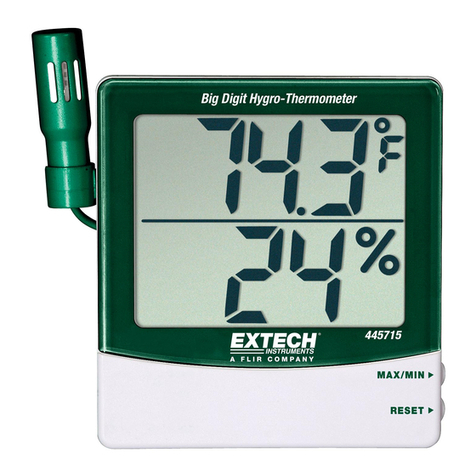
  9. Extech Instruments 445715-NIST User manual

Extech Instruments 445715-NIST User manual

This manual suits for next models

1

Other Extech Instruments Thermometer manuals

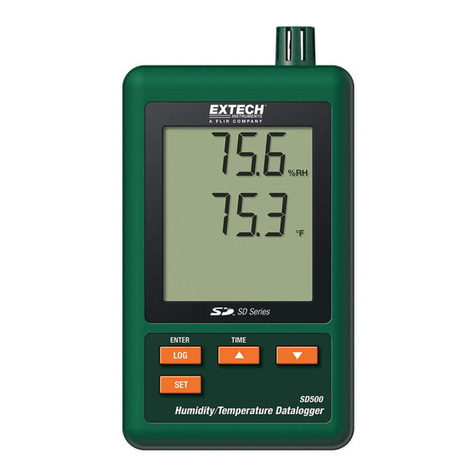
Extech Instruments SD500 User manual

Extech Instruments

Extech Instruments SD500 User manual

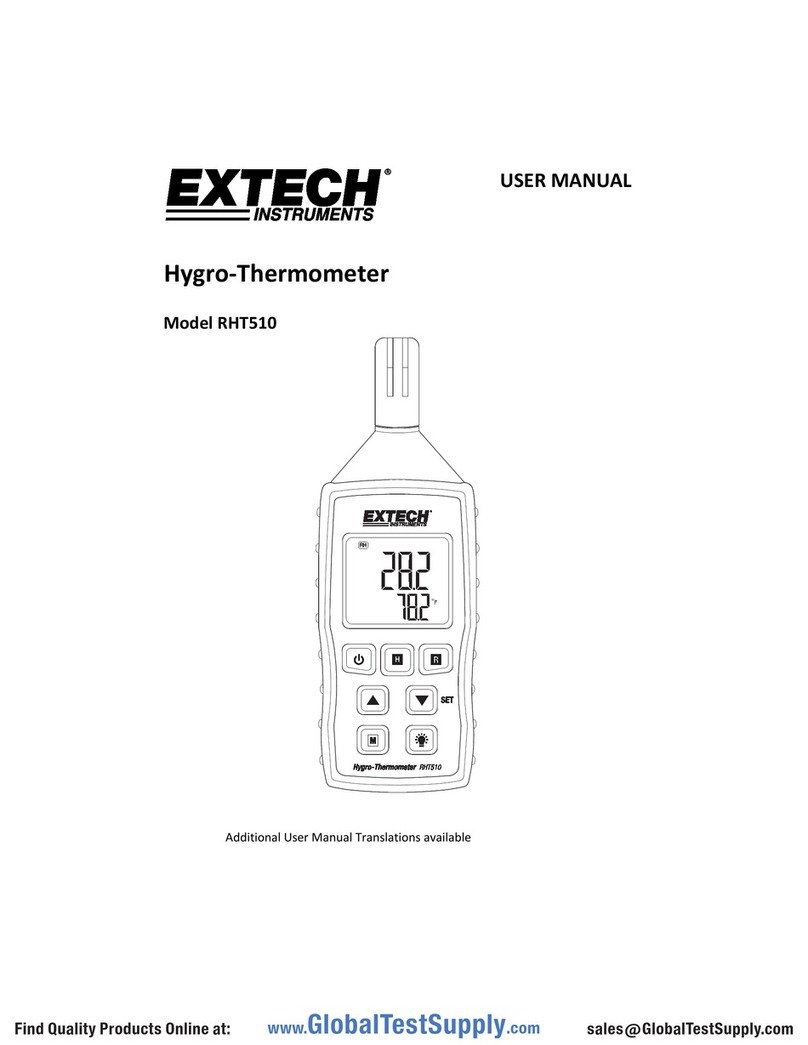
Extech Instruments RHT510 User manual

Extech Instruments

Extech Instruments RHT510 User manual

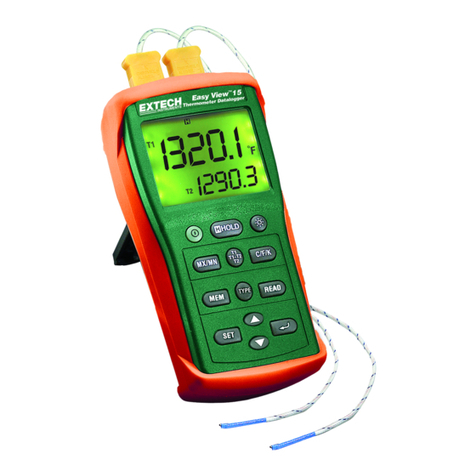
Extech Instruments EA15 User manual

Extech Instruments

Extech Instruments EA15 User manual

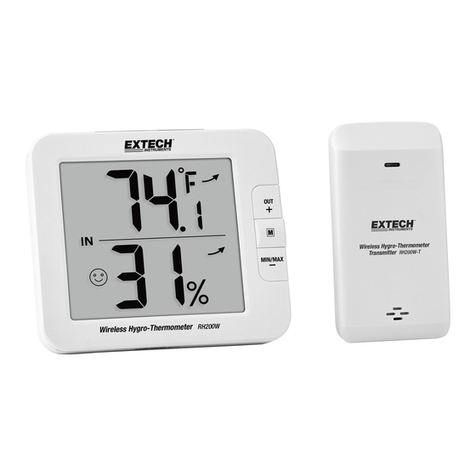
Extech Instruments RH200W User manual

Extech Instruments

Extech Instruments RH200W User manual

Extech Instruments 445715 User manual

Extech Instruments

Extech Instruments 445715 User manual

Extech Instruments EA15 User manual

Extech Instruments

Extech Instruments EA15 User manual

Extech Instruments SDL200-NIST User manual

Extech Instruments

Extech Instruments SDL200-NIST User manual

Extech Instruments EA25 User manual

Extech Instruments

Extech Instruments EA25 User manual

Extech Instruments 407445 User manual

Extech Instruments

Extech Instruments 407445 User manual

Extech Instruments EA10-NIST User manual

Extech Instruments

Extech Instruments EA10-NIST User manual

Extech Instruments 392050 User manual

Extech Instruments

Extech Instruments 392050 User manual

Extech Instruments IR255 User manual

Extech Instruments

Extech Instruments IR255 User manual

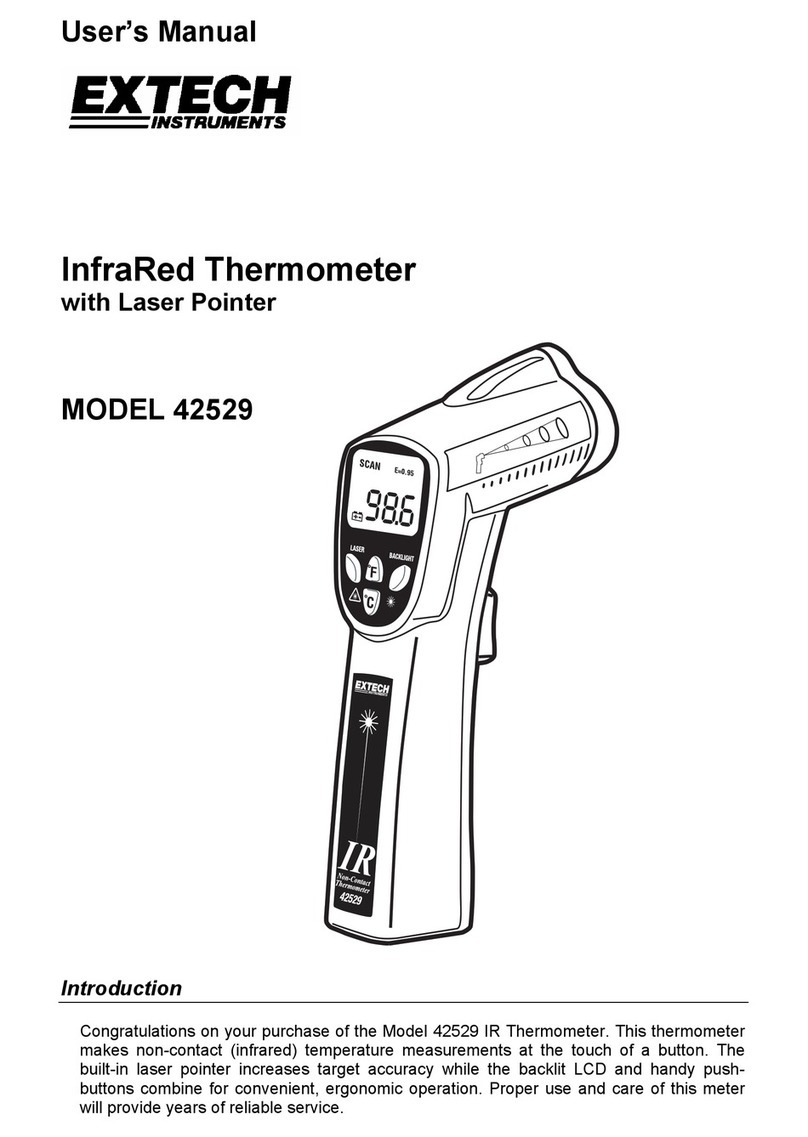
Extech Instruments 42529 User manual

Extech Instruments

Extech Instruments 42529 User manual

Extech Instruments IR300UV User manual

Extech Instruments

Extech Instruments IR300UV User manual

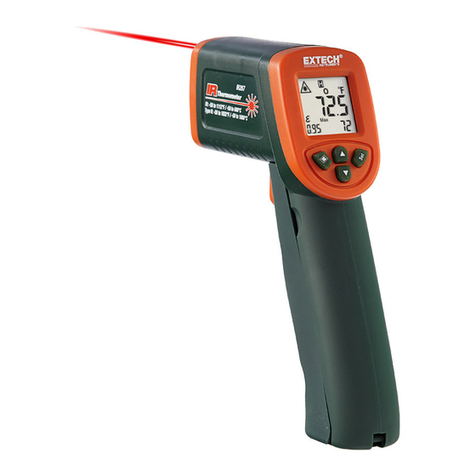
Extech Instruments IR267 User manual

Extech Instruments

Extech Instruments IR267 User manual

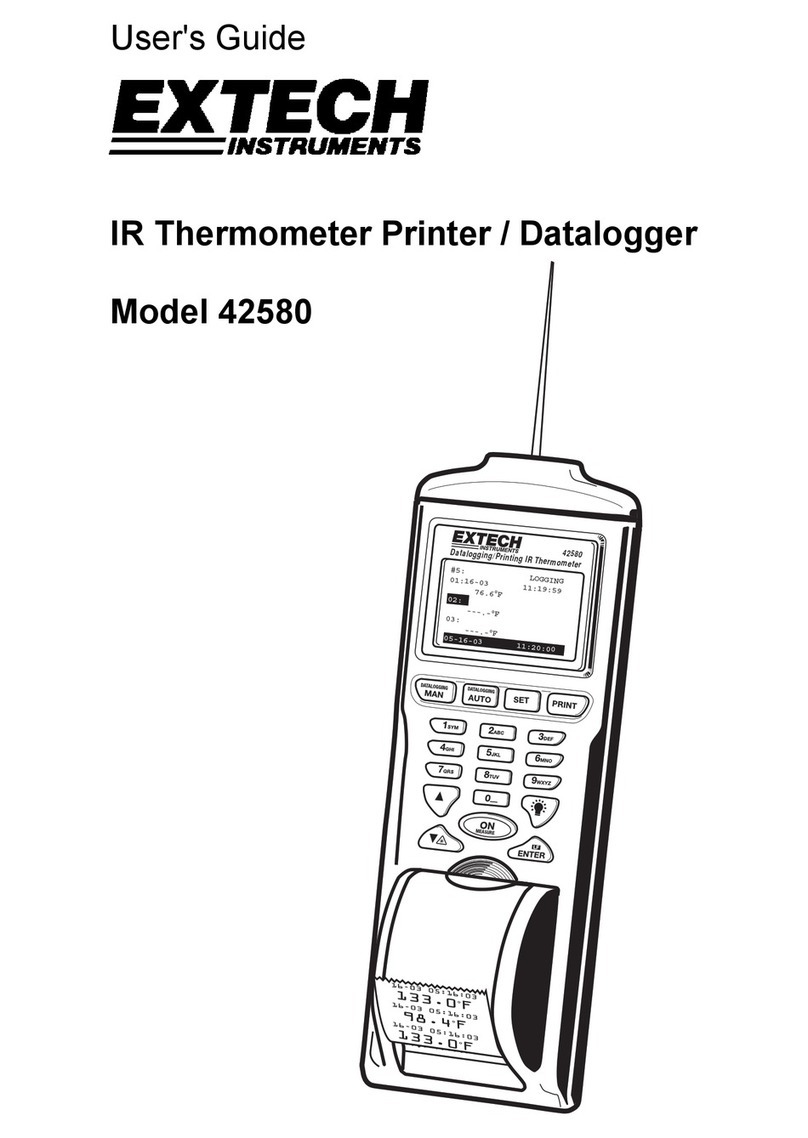
Extech Instruments 42580 User manual

Extech Instruments

Extech Instruments 42580 User manual

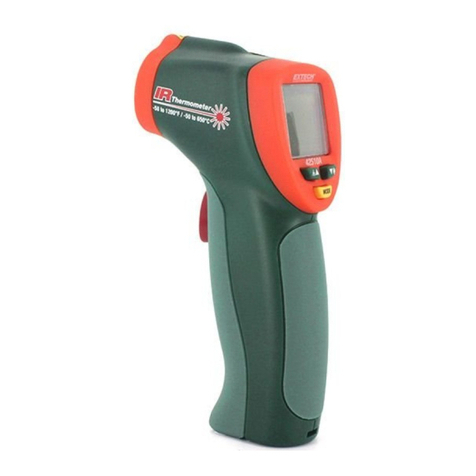
Extech Instruments 42510A User manual

Extech Instruments

Extech Instruments 42510A User manual

Extech Instruments 445703 User manual

Extech Instruments

Extech Instruments 445703 User manual

Extech Instruments 421508 User manual

Extech Instruments

Extech Instruments 421508 User manual

Extech Instruments 445713-TP User manual

Extech Instruments

Extech Instruments 445713-TP User manual

Extech Instruments TM200 User manual

Extech Instruments

Extech Instruments TM200 User manual

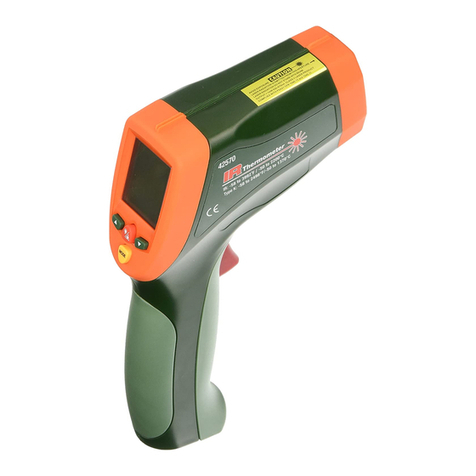
Extech Instruments 42570 User manual

Extech Instruments

Extech Instruments 42570 User manual

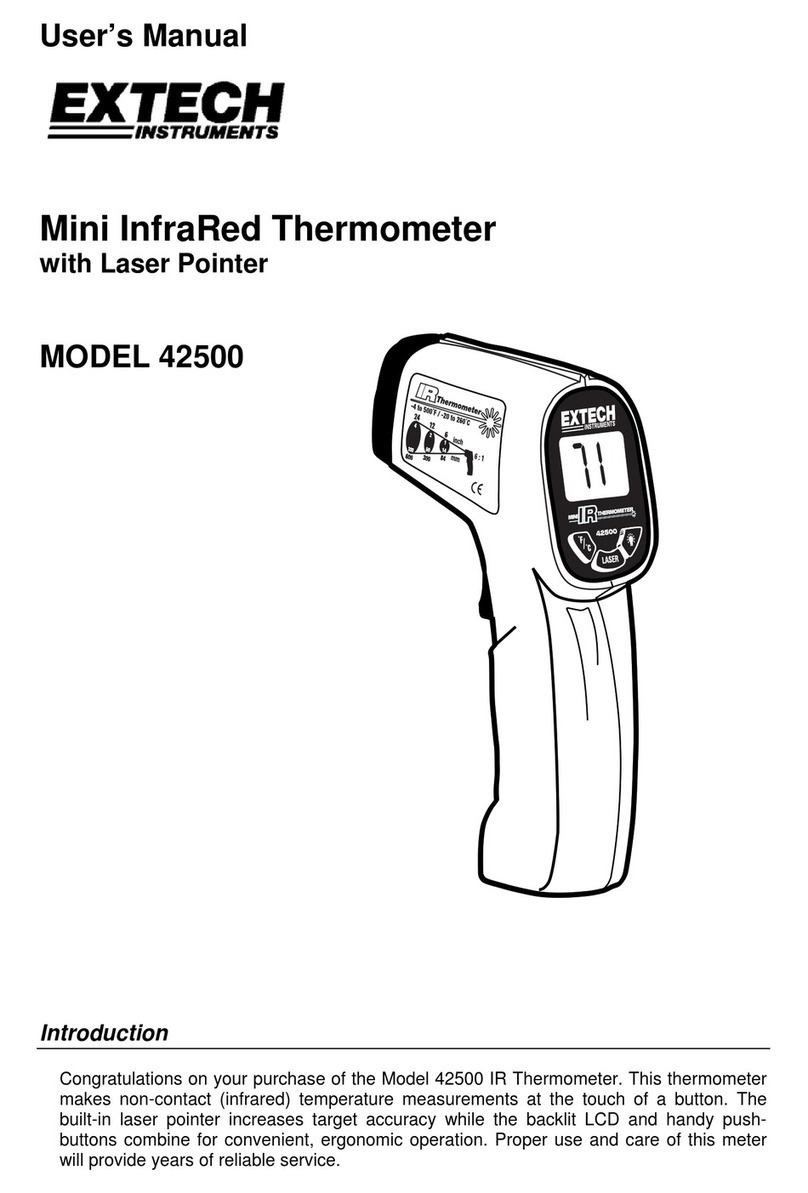
Extech Instruments 42500 User manual

Extech Instruments

Extech Instruments 42500 User manual

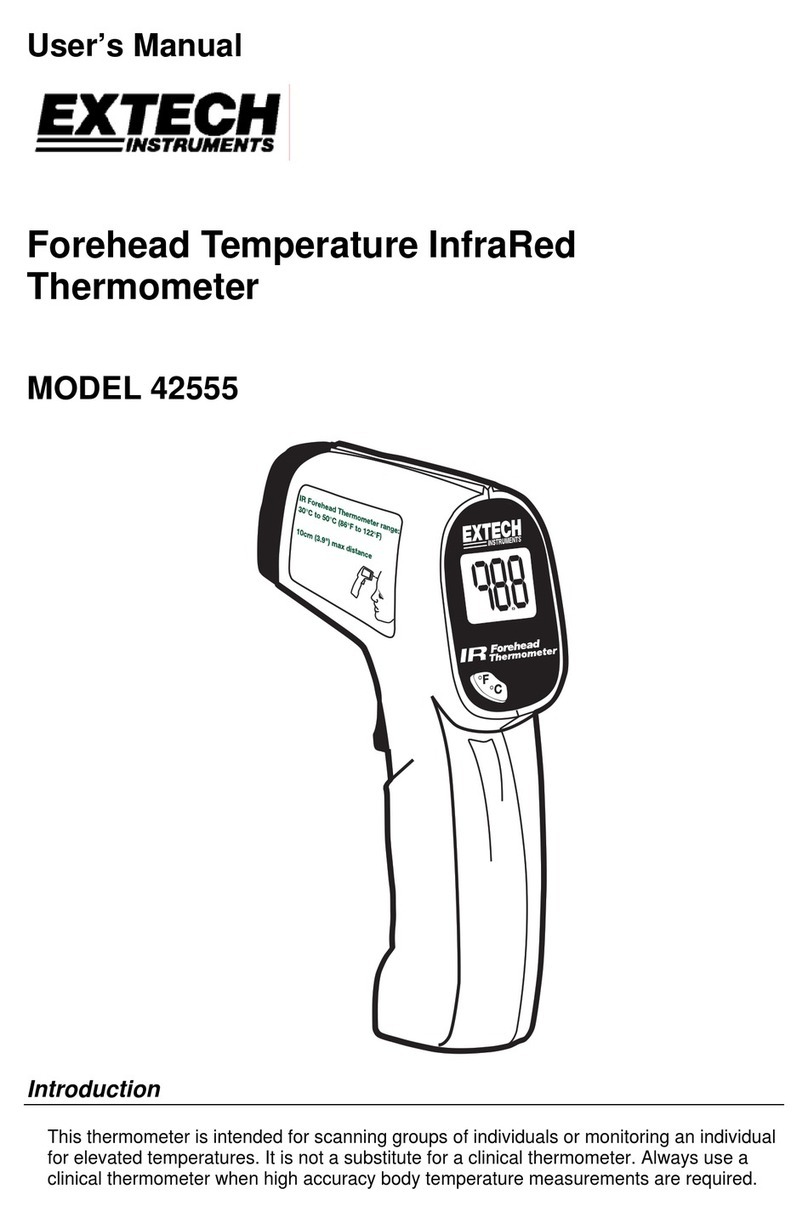
Extech Instruments 42555 User manual

Extech Instruments

Extech Instruments 42555 User manual

Popular Thermometer manuals by other brands

Delton 981A instruction manual

Delton

Delton 981A instruction manual

Baker MM2P instruction manual

Baker

Baker MM2P instruction manual

Tarmo 320281 manual

Tarmo

Tarmo 320281 manual

Citizen CTD 504 instruction manual

Citizen

Citizen CTD 504 instruction manual

TFA 14.1500 instruction manual

TFA

TFA 14.1500 instruction manual

Vive DMD1010 user manual

Vive

Vive DMD1010 user manual

Gotemp THB4002 user guide

Gotemp

Gotemp THB4002 user guide

GREISINGER G 1202 Quick reference guide

GREISINGER

GREISINGER G 1202 Quick reference guide

Amprobe TMD-53W user manual

Amprobe

Amprobe TMD-53W user manual

Trotec BP10 operating manual

Trotec

Trotec BP10 operating manual

Radiance instruments RT616 Series product manual

Radiance instruments

Radiance instruments RT616 Series product manual

Eurolec IR151 operating instructions

Eurolec

Eurolec IR151 operating instructions

Scaneo TS42B instruction manual

Scaneo

Scaneo TS42B instruction manual

Sper scientific 800043 instruction manual

Sper scientific

Sper scientific 800043 instruction manual

Motorola MBP69SN General questions

Motorola

Motorola MBP69SN General questions

The MeatStick The MeatStick quick start guide

The MeatStick

The MeatStick The MeatStick quick start guide

Hama TH35-A operating instructions

Hama

Hama TH35-A operating instructions

Veridian Healthcare 09-349 instruction manual

Veridian Healthcare

Veridian Healthcare 09-349 instruction manual

https://manuals.online logo
https://manuals.online logoBrands
  • About & Mission
  • Contact us
  • Privacy Policy
  • Terms and Conditions

Copyright 2026 Manuals.Online. All Rights Reserved.

Model445715‐EN‐SP‐FR‐DEv1.69/13

445715BigDigit
RemoteProbe
Hygro‐Thermometer
Introduction
CongratulationsonyourpurchaseoftheExtechBigDigitRemoteProbeHygro‐Thermometer.It
featuresHumidityandTemperaturereadoutsandcanbecalibratedusingtheoptionalcalibration
saltbottles(orderno.445580‐C).Theremoteprobeconvenientlymountsonthemeter(1)or
extendsformeasurementsinductsorotherremotelocations.
Operation
1. Openthebatterycompartment(7)bypushingthecover(11)ontherearofthe
instrumentdownwardasindicatedbythearrowandremovebatterysafetystrip.
2. RemovetheprotectivecoverontheLCDdisplay(2)andtaketheProbeoutof
theprobecompartment(6).Themeterisnowreadyforuse.
3. Thetemperatureunits(oF/oC)canbeselectedviatheswitch(9)locatedinthe
batterycompartment.
4. Theupperdisplayindicatesthetemperature.Thelowerdisplayindicates
humidity.
5. Displayingtheminimumandmaximumvalues:
a.PresstheMAX/MINbutton(3).ThehighestvaluemeasuredsincetheReset
button(4)waslastpressedappearsonthedisplay.
b.PresstheMAX/MINbuttonagaintodisplaythelowestvaluemeasuredsince
theResetbuttonwaslastpressed.
c.PresstheMAX/MINbuttonagaintoreturntonormaldisplayoperation.
6. Resetting(clearing)theMAX/MINmemory.PressandholdtheRESETbutton(4)
for1secondwhileintheMAX/MINdisplaymodetoclearthememoryandstart
recordingnewmax/minvalues.
7. Usercanselectwall‐mounting(5)orflatsurfaceusewithfold‐outfooting(7).
8. Thelowbatteryiconwillappearonthedisplaywhenthebatteryvoltageislow.
Replacethebatterywhenthisoccurs.
BatteryReplacement
Slidetherearbatterycover(11)downwardasindicatedbythearrow.Replacethe
1.5V‘AAA’batteryandreplacethecover.
Calibration
Thefollowingverificationandcalibrationprocedurerequiresahumiditychamberor
theoptional33%and75%RHreferencebottles(orderno.445580‐C).
RHAccuracyVerification(Checkingthe33%or75%RHCalibration)
1. Insertmeter’ssensor(1)intothe33%or75%saltbottleorhumiditychamber.
Note:Slowlyrotatingthebottlewillassistinplacingitoverthesensor.
2. Allowthemetertostabilizefor1houratthereferenceRHandthenverifythat
thereadingiswithintheaccuracyspecification.
RHCalibration
1. Insertmeter’ssensorintoa75%saltreferencebottleorhumiditychamber.
2. Checkthereadingafter1hour.
3. AdjusttheRHcalibrationpot(8)in½turnincrements,waitingforthedisplayto
updateaftereachadjustment,untilthereadingiswithinspecification.
4. RepeattheRHaccuracyverificationprocedure.
Note:Replacebottleifthesaltatthebottomofthecalibrationbottleappearsdry.
TemperatureCalibration
1. Placethesensorinastabilizedenvironmentofapproximately70°F(21°C).
2. Checkthereadingafter1hour.
3. Adjustthetemperaturecalibrationpot(10)in½turnincrements,waitingforthe
displaytoupdateaftereachadjustment,untilthereadingiswithinspecification.
Specifications

RangeAccuracy
Temperature14to140oF
‐10to60oC
+1.8oFwithin14oFto122oF
+1.0oCwithin‐10oCto50oC
Humidity10%to99%+4%RHwithin25%to85%RHand32to122oF(0to50oC)
Battery1.5V'AAA'cell
You,astheenduser,arelegallybound(Batteryordinance)toreturnallusedbatteries
andaccumulators;disposalinthehouseholdgarbageisprohibited!
Youcanhandoveryourusedbatteries/accumulatorsatcollectionpointsinyourcommunityor
whereverbatteries/accumulatorsaresold!
Disposal:Followthevalidlegalstipulationsinrespectofthedisposalofthedeviceattheendof
itslifecycle

Copyright©2013FLIRSystems,Inc.
Allrightsreservedincludingtherightofreproductioninwholeorinpartinanyform
ISO‐9001Certified
www.extech.com

Higro‐Termómetro
deGrandesDígitos
Modelo445715
Introducción
AgradecemossucompradelHigro‐TermómetrodegrandesdígitosconsondaremotadeExtech.
Humedadytemperaturaajustablesmásbotellasdesalopcionalesparacalibración(445580‐C).
Sensorremoto(concablede45cm)conmontajeenelmedidoroextendidoparamedidasen
conductosositiosalejados.Conelcuidadoapropiado,estemedidorprofesionalleproveerá
muchosañosdeservicioconfiableyseguro
Descripcióndelmedidor
1.Sensordetemperatura‐humedad 2.PantallaLCD
3.MÁX/MIN 4.RestablecerMáx./Mín.
5.Montajeenpared 6.Repositoriodelcabledelsensor
7.Soporte   8.Humedadajustedecalibración
9.Conmutadorunidadesdetemp.10.Ajustedecalibracióndetemperatura
11.Tapadelcompartimientodelabatería
Operación
1. Abraelcompartimientodelabateríaempujandolatapaposteriorhaciaabajo
comoindicalaflecha.Retirelatiradeseguridaddelabateríaylacubierta
protectoradelapantallaLCD.Elinstrumentoestáhabilitado.
2. Puedeseleccionarlasunidadesdetemperatura(oF/oC)pormediodel
conmutadorubicadoenelcompartimientodelabatería.
3. Lapantallasuperiorindicalatemperatura.Lapantallainferiorindicahumedad.
4. Indicacióndelosvaloresmínimosymáximos.
a. PresioneelbotónMAX/MIN.Enlapantallaapareceelvalormásaltomedido
desdelaúltimavezqueoprimióelbotónReset.
b. PresionedenuevoelbotónMÁX/MINparamostrarelvalormásbajomedido
desdelaúltimavezquepresionóelbotónReset.
c. PresionedenuevoelbotónMAX/MINpararegresaraoperaciónnormal.
5. 5.Restablecer(borrar)lamemoriaMAX/MIN.
6. PresioneysostengaelbotónRESETdurante1segundoenmodoMÁX/MINdel
indicadorparaborrarlamemoriaycomenzararegistrarlosvaloresnuevosde
máximosymínimos.
7. 6.Puedemontarlaunidadsobrelaparedocolocarlasobreunasuperficieplana
conelsoporteplegable.
8. 7.Cuandoelvoltajedelabateríaestábajo,enpantallaapareceráunindicador
debateríadébil.Cuandoestosuceda,reemplacelabatería.
Reemplazodelabatería
Abraelcompartimientodelabateríaempujandolatapaposteriorhaciaabajocomoindicalaflecha.Reemplace
labatería'AAA'de1.5Vyreinstalelatapa.
Usted,comousuariofinal,estálegalmenteobligado(Reglamentodebaterías)aregresartodaslas
bateríasyacumuladoresusados;¡eldesechoeneldesperdicioobasuradelacasaestáprohibido!Usted
puedeentregarlasbateríasoacumuladoresusados,gratuitamente,enlospuntosderecolecciónde
nuestrassucursalesensucomunidadodondeseaquesevendenlasbateríasoacumuladores.
Desecho:Cumplalasestipulacioneslegalesvigentesrespectoaldesechodeldispositivoalfinaldesuvidaútil.
Calibración
Elprocedimientodeverificaciónycalibraciónrequiereunacámaradehumedadolasbotellasoptativasde
referencia33%y75%RH(445580‐C).
VerificacióndeprecisiónHR
RevisarlacalibracióndeHR33%ó75%
1. Inserteelsensordelmedidorenlabotelladereferenciadesalal33%ó75%ocámaradehumedad.
Nota:Girelentamentelabotellaparafacilitarlacolocaciónsobreelsensor.
2. Permitaqueelmedidorseestabilicedurante1horaenlaHRdereferenciayenseguidaverifiquequela
lecturaestédentrodelaespecificacióndeprecisión.
CalibraciónHR
1. Inserteelsensordelmedidorenlabotelladereferenciadesalal75%ocámaradehumedad.
2. Reviselalecturadespuésde1hora.
3. AjusteelpotdecalibraciónHRenincrementosde½vuelta,espereaquelapantallaseactualicedespuésde
cadaajuste,hastaquelalecturaestédentrodelaespecificacióndeprecisión.
4. RepitaelprocesodeverificacióndeprecisiónHR.
Nota:Silasalenelfondodelasbotellasdecalibraciónpareceseca,deberáreemplazarlasbotellas.
Calibracióndetemperatura
1. Coloqueelsensorenunambienteestabilizadoaprox.a21°C(70°F).
2. Reviselalecturadespuésde1hora.
3. Ajusteelpotdecalibracióndetemperaturaenincrementosde½vuelta,espereaquelapantallase
actualicedespuésdecadaajuste,hastaquelalecturaestédentrodelaespecificacióndeprecisión.
Especificaciones
EscalaPrecisión
Temperatura‐10a60°C
14a140oF
+1.0°Cdentrode‐10°Ca50°C
+1.8°Fdentrode14°Fa122°F
Humedad10%a99%+4%RHdentrode25%a85%RHy
0a50°Có32a122°F
BateríaPila1.5V'AAA'

Copyright©2013FLIRSystems,Inc.
Reservadostodoslosderechos,incluyendoelderechodereproduccióntotaloparcialencualquiermedio.
CertificadoISO‐9001
www.extech.com
Model445715‐EN‐SP‐FR‐DEv1.69/13

Hygro‐Thermometer
mitgroßerDigitalanzeige
undexternerMesssonde
Modell445715
Einleitung
WirgratulierenIhnenzumKaufdesExtechHygro‐ThermometersmitgroßerDigitalanzeigeund
externerMesssonde.DiesesMessgerätzeigtLuftfeuchtigkeits‐undTemperaturmesswertean
undkannmitoptionalenKalibrierungssalzflaschen(Best.‐Nr.445580‐C)kalibriertwerden.Die
externeMesssondekanneinfachamGerätangeschlossenoderkannfürMessungeninRöhren
oderananderenabgelegenenOrtenverlängertwerden.
Bedienung
1. ÖffnenSiedasBatteriefach(7),indemSiedieDeckel(11)aufderRückseitedesMessgeräts
inPfeilrichtungherunterschieben.EntfernenSieauchdasBatteriesicherheitsband.
2. EntfernenSiedieSchutzabdeckungvomLCD‐Display(2)undnehmenSiedieSondeausdem
Sondenfach(6)heraus.DasMessgerätistnuneinsatzbereit.
3. DieTemperatureinheiten(°F/°C)könnenmithilfedesSchalters(9)imBatteriefachgewählt
werden.
4. DieobereDisplayhälftezeigtdiegemesseneTemperaturunddieunterezeigtdie
Luftfeuchtigkeitan.
5. AnzeigenderminimalenundmaximalenWerte:
a.DrückenSieMAX/MIN(3).DashöchsteMessergebnisseitletztemDrückenvonRESET(4)
wirdaufdemDisplayangezeigt.
b.ZeigenSiemiteinemerneutenTastendruckaufMAX/MINdenniedrigstenMesswertseit
demletztenDrückenvonRESET(4)an.
c.KehrenSiemiteinemerneutenTastendruckaufMAX/MINzurnormalenDisplayanzeige
zurück.
6. Rücksetzen(Löschen)desMAX/MIN‐Speichers.HaltenSiewährendderMAX/MIN‐Anzeige
RESET(4)für1Sekundegedrückt,umdenSpeicherzulöschenundumneueMAX/MIN‐
Messwerteaufzuzeichnen.
7. DasMessgerätkannmitderWandbefestigung(5)aneinerWandmontiertodermitdem
ausklappbarenStandfußaufebenenFlächenaufgestelltwerden.
8. WenndieBatteriespannungniedrigist,wirdaufdemDisplaydasSymbolfüreineerschöpfte
Batterieangezeigt.TauschenSieindiesemFalledieBatterieaus.
AustauschderBatterie
SchiebenSiedenBatteriefachdeckel(11)aufderRückseiteinPfeilrichtungnachunten.Ersetzen
Siedie1,5V‘AAA’BatterieundschließenSiedenDeckelwieder.
Kalibrierung
DiefolgendenVerifizierungs‐undKalibrierungsverfahrenbenötigeneineFeuchtigkeitskammer
oderdieoptionalenReferenzflaschenmiteinerrelativenLuftfeuchtigkeitvon33%und75%
(Best.‐Nr.445580‐C).
RH‐Genauigkeitsverifizierung(relativeLuftfeuchtigkeit)(Überprüfungder33%oder75%RH‐
Kalibrierung)
1. HaltenSiedenMessgerätesonde(1)ineine33%oder75%Salzreferenzflascheoder
Feuchtigkeitskammer.
Hinweis:DurchlangsamesDrehenderFlaschekanndiesemühelosüberdemSensor
platziertwerden.
2. WartenSie1Stunde,biseinstabilesMessergebnisinnerhalbderReferenz‐RHerreicht
wurde.ÜberprüfenSieanschließend,obderMesswertinnerhalbderGenauigkeitsgrenzen
liegt.
RH‐Kalibrierung(relativeLuftfeuchtigkeit)
1. HaltenSiedenMessgerätesondeineine75%Salzreferenzflascheoder
Feuchtigkeitskammer.
2. LesenSiedenMesswertnach1Stundeab.
3. StellenSiedasRH‐Kalibrierungspotentiometer(8)schrittweiseumeinehalbenDrehungein.
WartenSienachjederDrehung,bisdieBildschirmanzeigeaktualisiertwurde.FührenSiedie
Einstellungsolangedurch,bissichderMesswertinnerhalbderSpezifikationenbefindet.
4. WiederholenSiedasRH‐Genauigkeits‐Verifizierungsverfahren.
Hinweis:FallsdasSalzamBodenderKalibrierungsflascheeingetrocknetist,ersetzenSiedie
Flasche.
Temperatur‐Kalibrierung
1. BringenSiedieSondeineineUmgebungmiteinerkonstantenTemperaturvonungefähr70
°F(21°C).
2. LesenSiedenMesswertnach1Stundeab.
3. StellenSiedasTemperatur‐Kalibrierungspotentiometer(10)schrittweiseumeinehalben
Drehungein.WartenSienachjederDrehung,bisdieBildschirmanzeigeaktualisiertwurde.
FührenSiedieEinstellungsolangedurch,bissichderMesswertinnerhalbder
Spezifikationenbefindet.
TechnischeDaten

MessbereichGenauigkeit
Temperatur14bis140oF
‐10bis60oC
+1,8oFimBereichvon14oFbis122oF
+1,0oCimBereichvon‐10oCbis50oC
Feuchtigkeit10%bis99%+4%RHimBereichvon25%bis85%RHund32bis122oF(0bis50oC)
Batterie1,5V'AAA'Zelle
AlsEndbenutzersindSiegesetzlichdazuverpflichtet(Batterieverordnung)alleverbrauchtenBatterienundAkkus
zurückzugeben;EntsorgungimHausmüllistverboten!
SiekönnenIhreverbrauchtenBatterien/AkkusandenSammelstelleninIhrerGemeindeoderüberalldortabgeben,woBatterien/
Akkusverkauftwerden!
Entsorgung:BefolgenSiediegültigenrechtlichenVorschriftenbezüglichderEntsorgungdesGerätesamEndeseinerLebensdauer.

Copyright©2013FLIRSystems,Inc.
AlleRechtevorbehalten,einschließlichdesRechtsaufVervielfältigungimGanzenoderinTeileninjeglicherForm.
ISO‐9001zertifiziertwww.extech.com
Hygro‐thermomètre
avecsondeàdistanceet
grandschiffres,modèle445715
Présentation
Toutesnosfélicitationspourvotreacquisitiondel’hygro‐thermomètreavecsondeàdistanceetgrandschiffres
deExtech.Ilprésenteunaffichagedel'humiditéetdelatempératureetpeutêtrecalibréàl’aidedebouteillesde
solutionsalinedecalibrage(445580‐C)enoption.Lasondeàdistancesemontefacilementsurl’appareil(1)ou
surdesrallongespoureffectuerdesmesuresdansdesconduitesoutousautresendroitséloignés.
Fonctionnement
1. Ouvrezlecompartimentàpile(7)enpoussantlecouvercle(11)situéaudosdel’appareil
verslebasdanslesensdelaflèche,puisretirezlalanguettedesécuritédelapile.
2. Retirezlecouvercledeprotectiondel’écranLCD(2),puissortezlasondedeson
compartiment(6).L’appareilestàprésentprêtàl’emploi.
3. Lesunitésdetempérature(°F/C°)peuventêtresélectionnéesàl’aideducommutateur(9)
situédanslecompartimentàpile.
4. L’affichagesupérieurindiquelatempérature.L’affichageinférieurindiquel’humidité.
5. Affichagedesvaleursmaximalesetminimales:
a.AppuyezsurleboutonMAX/MIN(3).L’écranaffichelavaleurmaximaleenregistrée
depuisladernièrepressionexercéesurleboutonReset(4).
b.AppuyezànouveausurleboutonMAX/MINpourafficherlavaleurminimalerelevée
depuisladernièrepressionexercéesurleboutonReset(Réinitialisation).
c.AppuyezdenouveausurleboutonMAX/MINpourreveniràl’affichagenormal.
6. Réinitialisation(Suppressionducontenu)delamémoireMAX/MIN.Enmoded’affichage
MAX/MIN,appuyezsurleboutonRESET(4)etmaintenez‐leenfoncépendantuneseconde
poursupprimerlecontenudelamémoireetcommencerl’enregistrementdenouvelles
valeursmaximales/minimales.
7. L’utilisateurpeutchoisird’utiliserlemontagemural(5)ouunesurfaceplaneàl’aidedu
supportescamotable(7).
8. L’indicateurdepilefaibles’afficheàl’écranlorsquelatensiondelapileestfaible.
Remplacezlapiledèsquecetteicônes’affiche.
Remplacementdelapile
Faitescoulisserlecouvercleducompartimentàpile(11)verslebasdanslesensdelaflèche.
Remplacezlapilede1,5Vdetype«AAA»,puisremettezlecouvercleenplace.
Calibrage
Laprocéduredevérificationetdecalibragesuivantenécessiteunechambred’humiditéoules
bouteillesderéférenceà33%et75%d’HRenoption(445580‐C).
Vérificationdelaprécisiond’HR(Vérificationducalibraged'HRà33%ou75%)
1. Insérezlecapteurdel’appareil(1)danslabouteillederéférencedesolutionsalineà33%ou
75%oudanslachambred’humidité.
Remarque:Larotationlentedelabouteillevousaideàlaplacerau‐dessusducapteur.
2. Laissezl’appareilsestabiliserpendant1heuresurl’HRderéférence,puisvérifiezsila
lecturesesituedansleslimitesdesspécificationsdeprécision.
Calibraged’HR
1. Insérezlecapteurdel’appareildanslabouteillederéférencedesolutionsalineà75%ou
danslachambred’humidité.
2. Vérifiezlalectureauboutd’uneheure.
3. Ajustezlepotdecalibraged’HR(8)parincrémentsd’½tour,enattendantlamiseàjourde
l’affichageaprèschaqueajustement,jusqu’àcequelalecturesesituedanslagammedes
spécificationsdeprécision.
4. Répétezlaprocéduredevérificationdelaprécisiond’HR.
Remarque:Remplacezlabouteillesilasolutionsalineaufonddelabouteilledecalibrage
sembleêtresèche.
Calibragedetempérature
1. Placezlecapteurdansunenvironnementstabiliséd’environ70°F(21°C).
2. Vérifiezlalectureauboutd’uneheure.
3. Ajustezlepotdecalibraged’HR(10)parincrémentsd’½tour,enattendantlamiseàjourde
l’affichageaprèschaqueajustement,jusqu’àcequelalecturesesituedanslagammedes
spécificationsdeprécision.
Donnéestechniques

Gamme Précision
Température 14à140oF
‐10à60oC
+1,8oFdanslagammede14à122
°
F
+1,0oCdanslagammede‐10à50oC
Humidité 10à99%+4%d’HRdanslagammede25à85%d’HRetde32à122oF(0à50oC)
Pile Pile«AAA»de1,5V
Vous,entantqu’utilisateurfinal,êteslégalementtenu(Ordonnancerelativeàl’éliminationdespiles
usagées)deretournertouspilesetaccumulateursusagés.Ilestinterditdelesjeteraveclesordures
domestiques!
Vouspouvezremettrevospiles/accumulateursusagésauxpointsdecollectedevotrequartierouàtoutpointde
ventedepiles/accumulateurs!
Miseaurebut:Suivezlesdispositionslégalesenvigueurrelativesàlamiseaurebutdecetappareilàlafinde
soncycledevie.

Copyright©2013FLIRSystems,Inc.
Tousdroitsréservés,ycomprislareproductionpartielleoutotalesousquelqueformequecesoit
CertifiéISO‐9001
www.extech.com