7
ENGLISH
5 PROGRAMMING
It is necessary to access PROGRAMMING mode in order
to program automated system operation.
Programming is divided in two parts: 1st LEVEL and 2nd
LEVEL.
The status of the automated system is
normally shown on the display. When push-
button F is pressed or when F and + are
pressed simultaneously, this gives access
to 1st or 2nd level programming.
To restore the default settings, simply re-
load the desired default in the first passage
of the 1st level programming.
The change of the programming para–
meters becomes effective, while final stor-
age will not take place until programming
mode has been exited and the input status
is again displayed. If power supply to the
device is cut before going back to the
input status display, all the changes made
will be lost.
It is possible to return to the input status
display and store all the parameters modi-
fied to that moment from any point of the
1st and 2nd level programming by pressing
keys F and - simultaneously.
5.1 1st LEVEL PROGRAMMING
To access 1st level programming, press push-button F.
If you press key Fagain (and hold it down), the display shows the name of the function.
If you release the key, the display shows the value of the function that can be modified with keys + and -.
If you press Fagain (and hold it down), the display shows the name of the next function, etc.
When you reach the last function, press push-button Fto exit the program and store the parameters. The display
shows again the status of the automated system.
•
•
•
•
1st LEVEL PROGRAMMING
Display Function Default
1
dF
DEFAULT:
1Configures the parameters with DEFAULT values.
CU If push-button Fis released, the value CU appears, this means that the standard
modified configuration has been selected by means of push-buttons and display. If
you wish to maintain this programming, press push-button F again, otherwise press +
and select default 1.
1
LO
FUNCTION LOGICS:
ESemiautomatic.
EP Semiautomatic “Step”.
AAutomatic.
A1 Automatic1.
AP Automatic “Step”.
At Automatic with timer function.
SAutomatic “Safety devices”.
SP Automatic Safety Devices "Step”.
SA Automatic with reverse during pause.
bSemiautomatic “b”.
bC Mixed (AP pulse/ CH dead-man).
CDead-man.
E
PA
PAUSE TIME A:
Pause time with a TOTAL opening command. This has effect only if the automatic logic was
selected. Adjustable from 0 to 59 secs. in one-second steps.
Subsequently, display changes to minutes and tens of seconds (separated by a point) and
time is adjusted in 10-second steps, up to the maximum value of 9.5 minutes.
E.g. if the display shows 2.5, pause time is 2 min. and 50 secs.
20
Pb
PAUSE TIME B:
Pause time with a PARTIAL opening command. This has effect only if the automatic logic was
selected. Adjustable from 0 to 59 secs. in one-second steps.
Subsequently, display changes to minutes and tens of seconds (separated by a point) and
time is adjusted in 10-second steps, up to the maximum value of 9.5 minutes.
E.g. if the display shows 2.5, pause time is 2 min. and 50 secs.
20
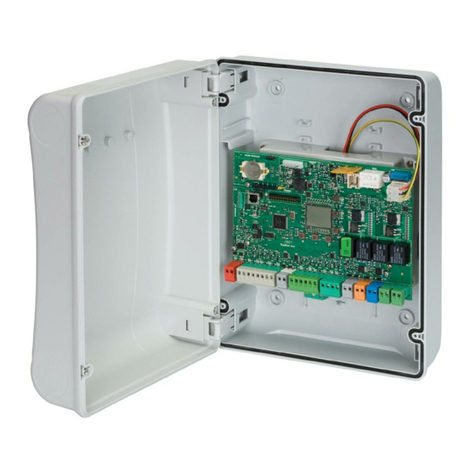
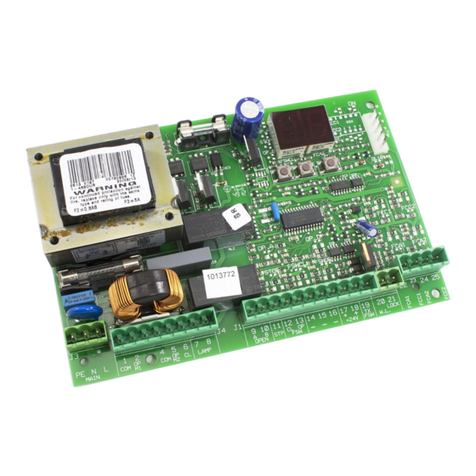
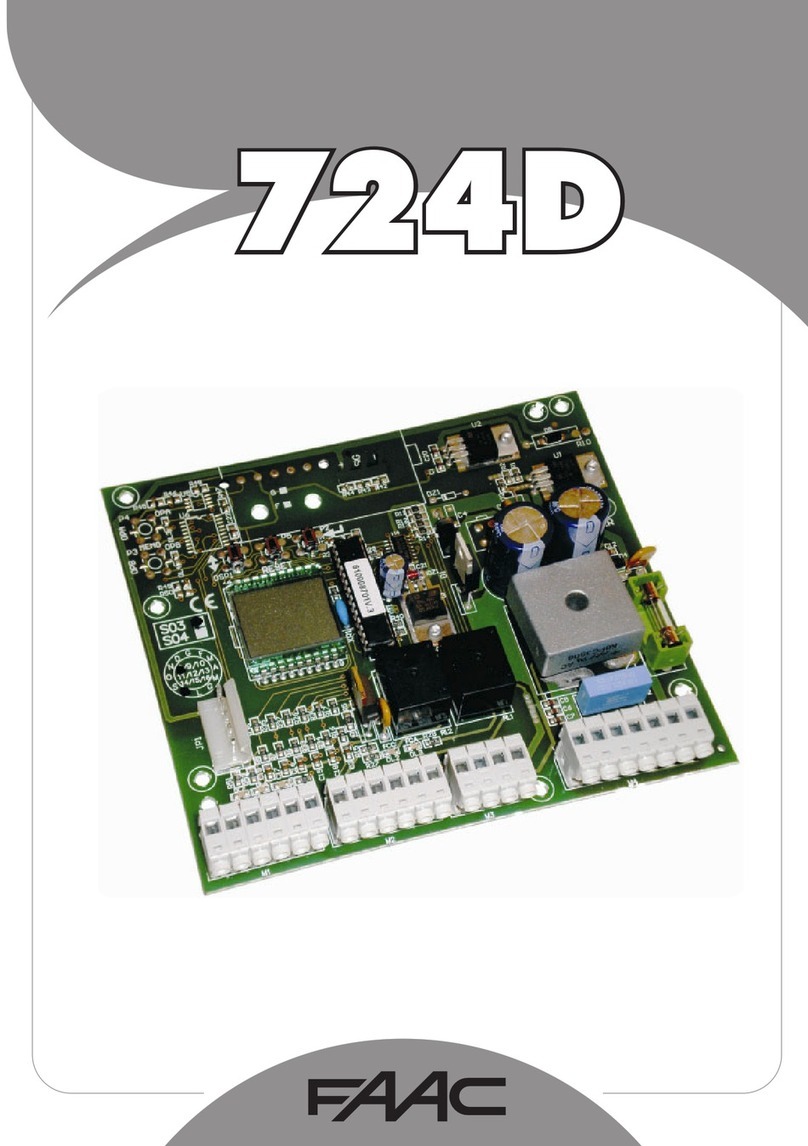
When the board is turned on, the software
version of the board as two figures sepa-
rated by a decimal point appears on the
LCD1 display.