There are 11 different functions in the setup menu for this telephone.
You can press and hold the SET BUTTON to enter the setup menu and press it repeatedly to
access each of the function one by one as follows:
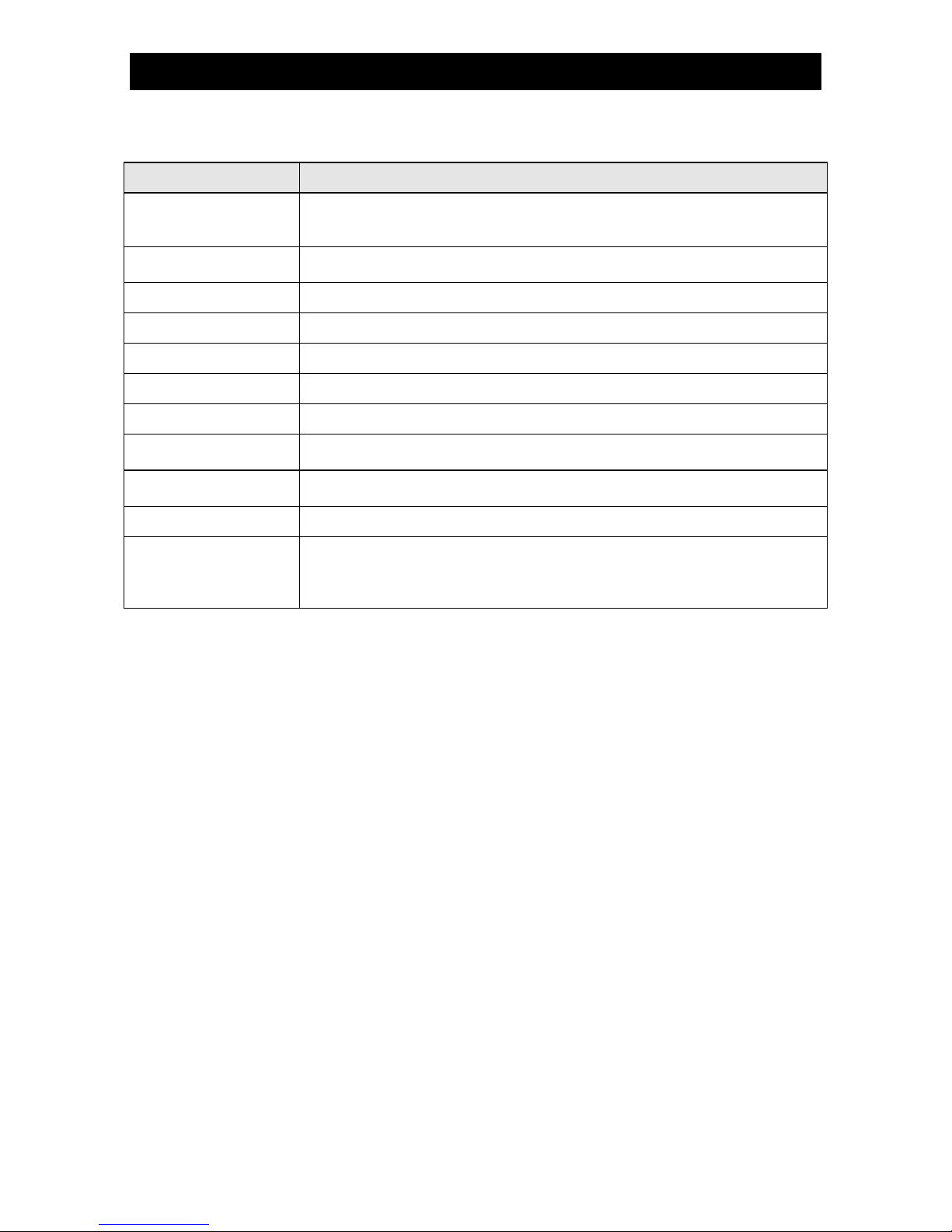
SETUP FUNCTION FUNCTION DESCRIPTIONS
Select the desired display language from 10 options: English (default),
French, Spanish, Portuguese, Polish, Italian, Swedish, German, Dutch,
Adjusts the contrast level of the LCD panel for easy reading.
Options are: 1 – 5 and the default is 4.
Enter the time and date information
Set the 5 digit local code
Select your favorite ringer sound from 16 melodies
Set the ringer volume level from 1 to 7 or turn it OFF completely
Options are: 100, 200, 300, 400, 600 (default), 900 ms
Set the interdigit pause time
Options are: 1.2, 2.4 (default), 3.6 seconds
Set the dialing mode between tone (default) or pulse.
Adjust the tone dialing format precisely if there are difficulties in
accessing certain DTMF controlled functions such as phone banking.
We recommend you to keep the default settings and do not try to
modify them if DTMF (tone) dialing and operations are normal.
SETTING THE DISPLAY LANGUAGE
1. Press and hold the SET BUTTON to enter the setup menu.
2. Select the desired display language from 10 options English (default), French, Spanish,
Portuguese, Polish, Italian, Swedish, German, Dutch and Turkish using
confirm with the SET BUTTON.
3. The display now shows to “SET LCD CONTRAST”, you can refer to next section to set
the contrast level of the LCD DISPLAY or pick up the HANDSET to exit the setup mode.
SETTING THE CONTRAST OF THE LCD DISPLAY
1. Press and hold the SET BUTTON to enter the setup menu.
2. Press the SET BUTTON again. “SET LCD CONTRAST” is shown with the current
“contrast” setting flashing.
or to select the desired contrast level and confirm with the SET BUTTON.
4. Pick up the HANDSET to exit the setup mode.
SETTING THE DATE AND TIME
1. Press and hold the SET BUTTON to enter the setup menu.
2. Press the SET BUTTON repeatedly until the current “year” digits are flashing.
3. Select the correct year using the
or and confirm with the SET BUTTON. The current
“month” digits will now flash in the display.
4. Select the correct month using the
and confirm with the SET BUTTON. The
current “date” digits will now flash in the display.
5. Select the correct date using the
or and confirm with the SET BUTTON. The day of
week will be set automatically. The current “hour” digits will now flash in the display.
6. Select the correct hour using the
or and confirm with the SET BUTTON. The current
“minute” digits will now flash in the display.
7. Select the required minutes using the
and confirm with the SET BUTTON.