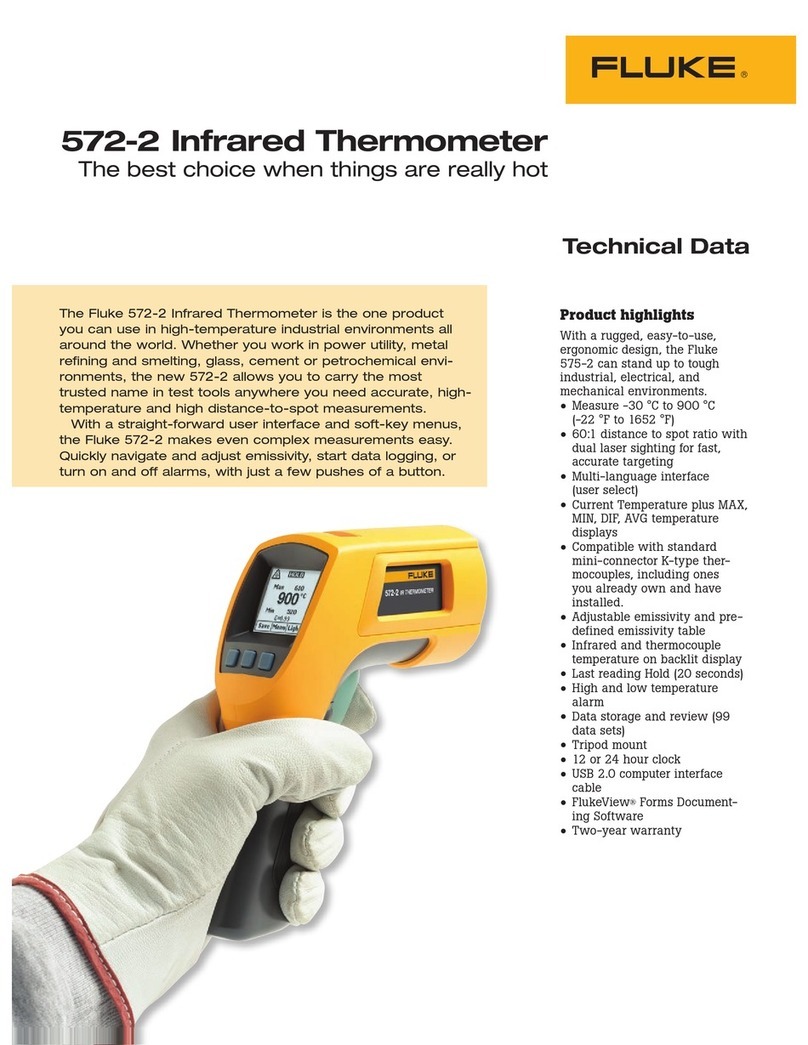
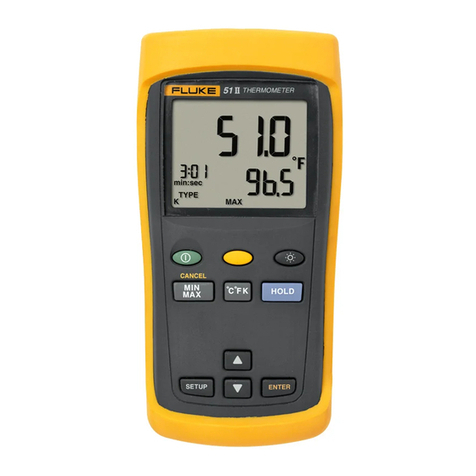
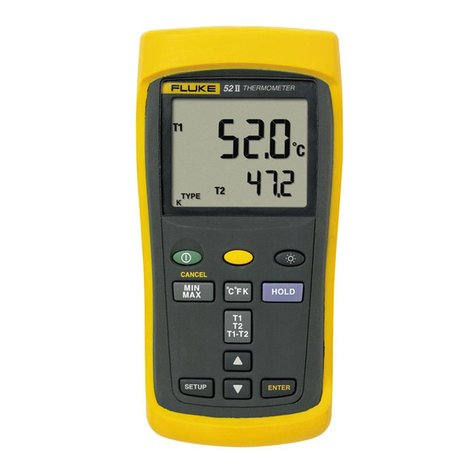
Fluke 53IIB User manual

January 2011
© 2011 Fluke Corporation. All rights reserved. Specifications are subject to change without notice.
All product names are trademarks of their respective companies.
53IIB/54IIB
Thermometer
Users Manual

LIMITED WARRANTY AND LIMITATION OF LIABILITY
This Fluke product will be free from defects in material and workmanship for three years from the date of purchase. This
warranty does not cover fuses, disposable batteries, or damage from accident, neglect, misuse, alteration, contamination, or
abnormal conditions of operation or handling. Resellers are not authorized to extend any other warranty on Fluke’s behalf.
To obtain service during the warranty period, contact your nearest Fluke authorized service center to obtain return
authorization information, then send the product to that Service Center with a description of the problem.
THIS WARRANTY IS YOUR ONLY REMEDY. NO OTHER WARRANTIES, SUCH AS FITNESS FOR A PARTICULAR
PURPOSE, ARE EXPRESSED OR IMPLIED. FLUKE IS NOT LIABLE FOR ANY SPECIAL, INDIRECT, INCIDENTAL OR
CONSEQUENTIAL DAMAGES OR LOSSES, ARISING FROM ANY CAUSE OR THEORY. Since some states or countries
do not allow the exclusion or limitation of an implied warranty or of incidental or consequential damages, this limitation of
liability may not apply to you.
Fluke Corporation
P.O. Box 9090
Everett, WA 98206-9090
U.S.A.
Fluke Europe B.V.
P.O. Box 1186
5602 BD Eindhoven
The Netherlands
11/99

i
Table of Contents
Title Page
Safety Information .......................................................................................................... 1
Contacting Fluke........................................................................................................ 1
Getting Started ............................................................................................................... 4
Components .............................................................................................................. 5
Display Elements....................................................................................................... 6
Buttons ...................................................................................................................... 7
Using the Thermometer.................................................................................................. 9
Changing Setup Options ................................................................................................ 9
Entering and Exiting Setup ........................................................................................ 9
Changing the Logging Interval................................................................................... 10
Changing the Thermocouple Type ............................................................................ 11
Changing the Offset................................................................................................... 11
Enabling or Disabling Sleep Mode............................................................................. 12
Setting the Time ........................................................................................................ 12
Changing the Line Frequency ................................................................................... 13

53IIB/54IIB
Users Manual
ii
Measuring Temperatures............................................................................................... 13
Connecting a Thermocouple..................................................................................... 13
Displaying Temperatures .......................................................................................... 14
Holding the Displayed Temperatures........................................................................ 14
Viewing the MIN, MAX, and AVG Readings ............................................................. 14
Using the Offset to Adjust for Probe Errors............................................................... 15
Using Memory ............................................................................................................... 15
Initial Conditions and Data Entries ............................................................................ 16
Starting and Stopping Logging.................................................................................. 16
Clearing Memory....................................................................................................... 17
Viewing Logged Readings ........................................................................................ 17
Communicating with a PC ............................................................................................. 18
Maintenance .................................................................................................................. 19
Replacing the Batteries............................................................................................. 19
Cleaning the Case and Holster ................................................................................. 19
Calibration................................................................................................................. 19
Specifications ................................................................................................................ 19
Environmental ........................................................................................................... 19
80 PK-1 Thermocouple (supplied with thermometer)................................................ 20
Electrical ................................................................................................................... 20
Replacement Parts and Accessories ............................................................................. 21

1
53IIB/54IIB
Safety Information
The Fluke 53IIB and 54IIB Thermometers (“the
thermometer”) are microprocessor-based, digital
thermometers designed to use external J-, K-, T-, E-, R-,
S-, and N-type thermocouples (temperature probes) as
temperature sensors.
Use the thermometer only as specified in this manual.
Otherwise, the protection provided by the meter may be
impaired.
Refer to safety information in Table 1 and the meter
symbols in Table 2.
Contacting Fluke
To order accessories, receive assistance, or locate the
nearest Fluke distributor or Service Center, call:
1-888-99-FLUKE (1-888-993-5853) in USA
1-800-36-FLUKE (1-800-363-5853) in Canada
+31-402-678-200 in Europe
+81-3-3434-0181 in Japan
+65-738-5655 in Singapore
+1-425-446-5500 from other countries
Address correspondence to:
Fluke Corporation Fluke Europe B.V.
P.O. Box 9090 P.O. Box 1186
Everett, WA 98206-9090 5602 BD Eindhoven
USA The Netherlands
Visit us on the World Wide Web at: www.fluke.com.
To register your product, visit http://register.fluke.com.

53IIB/54IIB
Users Manual
2
Table 1. Safety Information
WWarning
A Warning identifies conditions and actions that pose hazards to the user. To avoid electrical shock or
personal injury, follow these guidelines:
•Before using the thermometer inspect the case. Do not use the thermometer if it appears damaged.
Look for cracks or missing plastic. Pay particular attention to the insulation around the connectors.
•Disconnect the thermocouple(s) from the thermometer before opening the case.
•Replace the batteries as soon as the battery indicator () appears. The possibility of false readings
can lead to personal injury.
•Do not use the thermometer if it operates abnormally. Protection may be impaired. When in doubt,
have the thermometer serviced.
•Reflective objects result in lower than actual temperature measurements. These objects pose a burn
hazard.
•Do not operate the thermometer around explosive gas, vapor, or dust.
•Do not connect to voltages > 30 V ac rms, 42 V pk, 60 V dc from earth ground.

53IIB/54IIB
Safety Information
3
Table 1. Safety Information (cont.)
WWarning (cont.)
•Model 54: Measurement errors may occur if voltages on the measurement surfaces result in potentials
greater than 1 V between the two thermocouples. When potential differences are anticipated between
the thermocouples, use electrically insulated thermocouples.
•When servicing the thermometer, use only specified replacement parts.
•Do not use the thermometer with any part of the case or cover removed.
Caution
A Caution identifies conditions and actions that may damage the meter or the equipment under test.
•Use the proper thermocouples, function, and range for your thermometer.
•Do not attempt to recharge the batteries.
•To prevent explosion, do not throw batteries into a fire.
•Follow local laws or regulations when disposing of batteries.
•Match the +and −polarities of the battery with the battery case.

53IIB/54IIB
Users Manual
4
Table 2. International Symbols
WRefer to the manual for information about this feature. PComplies with European Union directives.
MBattery. )Complies with relevant Canadian Standards
Association directives.
Getting Started
Everything in this Users Manual applies both to Models
53 and 54 unless otherwise indicated.
To become familiar with the thermometer, study the
following:
•Figure 1 and Table 3 describe the components.
•Figure 2 and Table 4 describe the display.
•Table 5 describes the functions of the buttons.
Then read the following sections.

53IIB/54IIB
Getting Started
5
Components
3
4
512
6
7
aat01f.eps
Figure 1. Components
Table 3. Components
Thermocouple T1 input
Model 54: Thermocouple T2 input
Holster
Display
Buttons
Battery door
Batteries

53IIB/54IIB
Users Manual
6
Display Elements
1
12
11
2345
7
6
8
9
10
aat02f.eps
Figure 2. Display Elements
Table 4. Display Elements
The thermocouple measurement includes an
offset. See "Changing Setup Options."
The displayed readings do not change.
A shift function is in progress.
Readings are being logged.
Setup is in progress.
Logged readings are displayed.
Low battery. Replace the batteries.
Primary Display. Model 53: T1 reading.
Model 54 T1, T2, or T1-T2 reading.
The temperature units.
Secondary Display: MAX, MIN, AVG, MEMORY,
or offset. Model 54: T1 or T2 reading.
The thermocouple type.
Time Display: 24-hour clock. Shows the
INTERVAL length in SETUP. Shows elapsed time
when AVG is on or before clock has been set.
This manual suits for next models
1
Table of contents
Other Fluke Thermometer manuals

Fluke
Fluke 5627A User manual
Fluke
Fluke VT02 User manual

Fluke
Fluke 62 MAX User manual
Fluke
Fluke 1551A Ex Use and care manual

Fluke
Fluke 1620A-H User manual

Fluke
Fluke 51-54 Series II Operating and safety instructions
Fluke
Fluke 65 Use and care manual
Fluke
Fluke 62 MAX User manual
Fluke
Fluke Fluke-61 User manual

Fluke
Fluke 62 MAX User manual