manuals.online logo
Brands
  1. Home
  2. •
  3. Brands
  4. •
  5. Flyer
  6. •
  7. Bicycle Accessories
  8. •
  9. Flyer AC801 User manual

Flyer AC801 User manual

Other Flyer Bicycle Accessories manuals

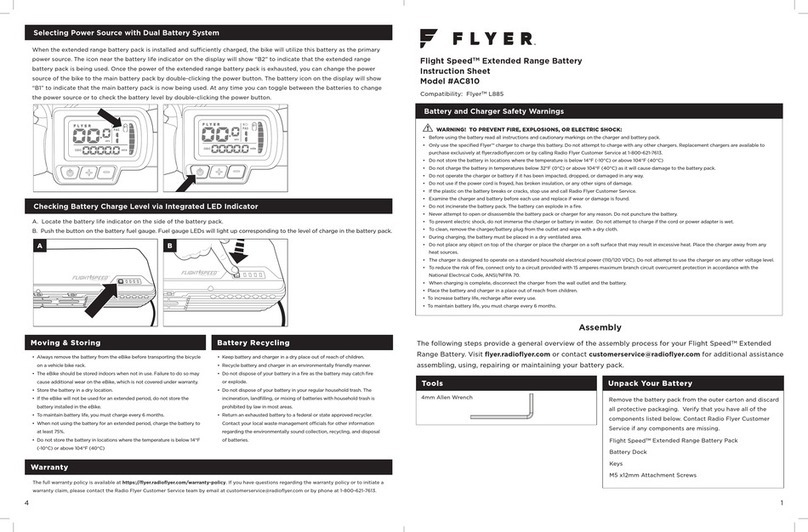
Flyer AC810 User manual

Flyer

Flyer AC810 User manual

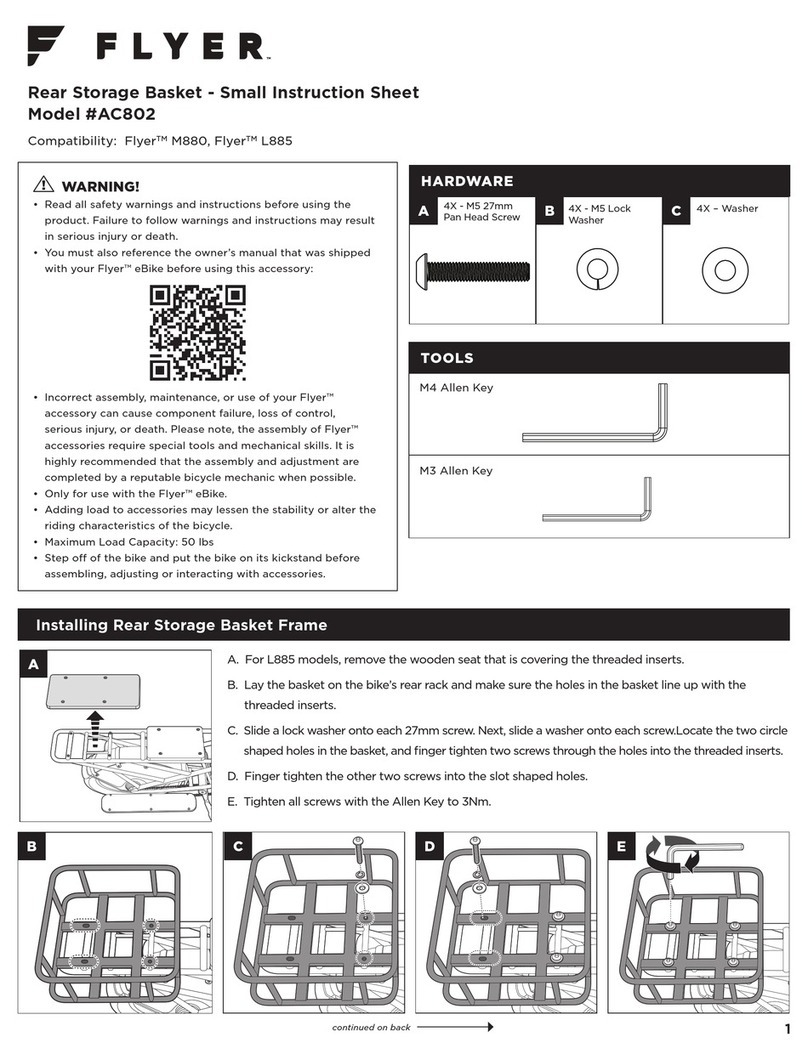
Flyer AC802 User manual

Flyer

Flyer AC802 User manual

Flyer Folding Cargo User manual

Flyer

Flyer Folding Cargo User manual

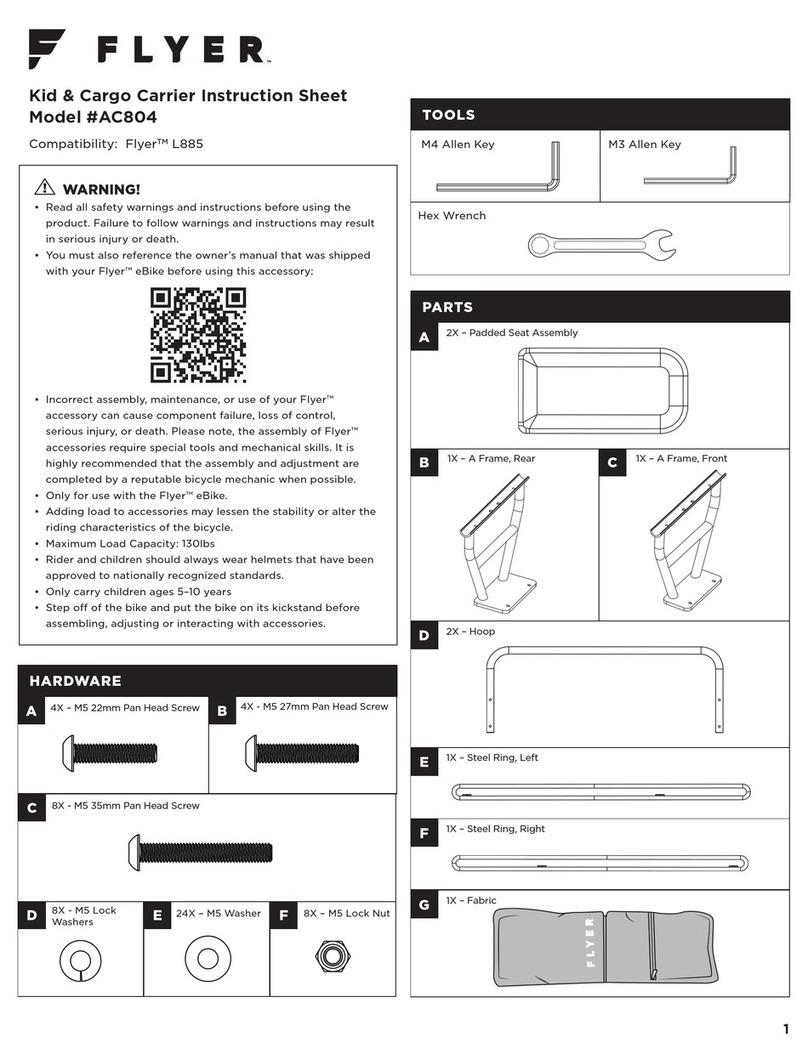
Flyer AC804 User manual

Flyer

Flyer AC804 User manual

Flyer Intelligent Technology Panasonic User manual

Flyer

Flyer Intelligent Technology Panasonic User manual

Popular Bicycle Accessories manuals by other brands

Sigma BC 16.16 manual

Sigma

Sigma BC 16.16 manual

Playcore Dero Setbacks installation instructions

Playcore

Playcore Dero Setbacks installation instructions

VDO Cyclecomputing x3dw instruction manual

VDO Cyclecomputing

VDO Cyclecomputing x3dw instruction manual

Cateye RAPID X2 manual

Cateye

Cateye RAPID X2 manual

buratti meccanica Clorofilla Trail Use and maintenance manual

buratti meccanica

buratti meccanica Clorofilla Trail Use and maintenance manual

Shimano SG-8R20 Service instructions

Shimano

Shimano SG-8R20 Service instructions

BOB YAK owner's manual

BOB

BOB YAK owner's manual

APLIC 303303/20190717TW012 user manual

APLIC

APLIC 303303/20190717TW012 user manual

SRAM AXS BlipBox user manual

SRAM

SRAM AXS BlipBox user manual

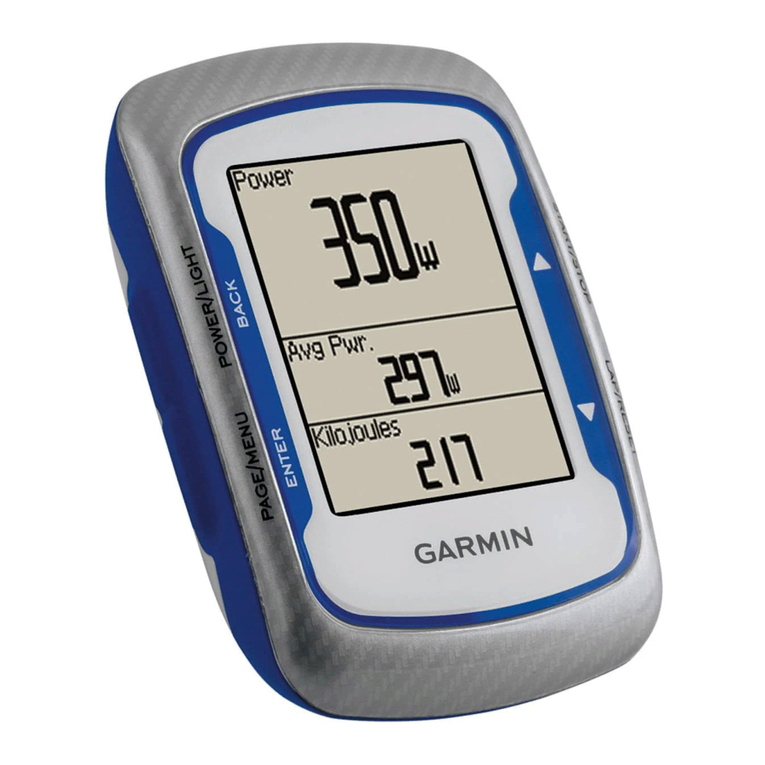
Garmin EDGE 500 owner's manual

Garmin

Garmin EDGE 500 owner's manual

Shimano FD-RX810 Dealer's manual

Shimano

Shimano FD-RX810 Dealer's manual

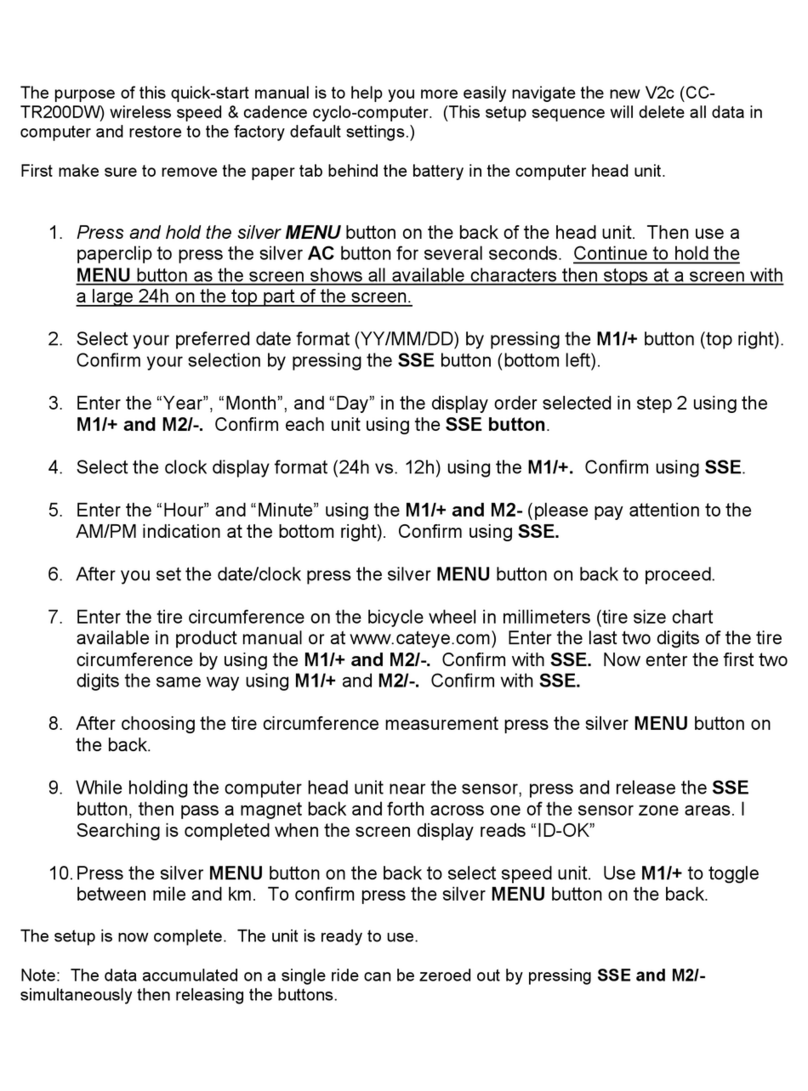
Cateye V2C - Quick start manual

Cateye

Cateye V2C - Quick start manual

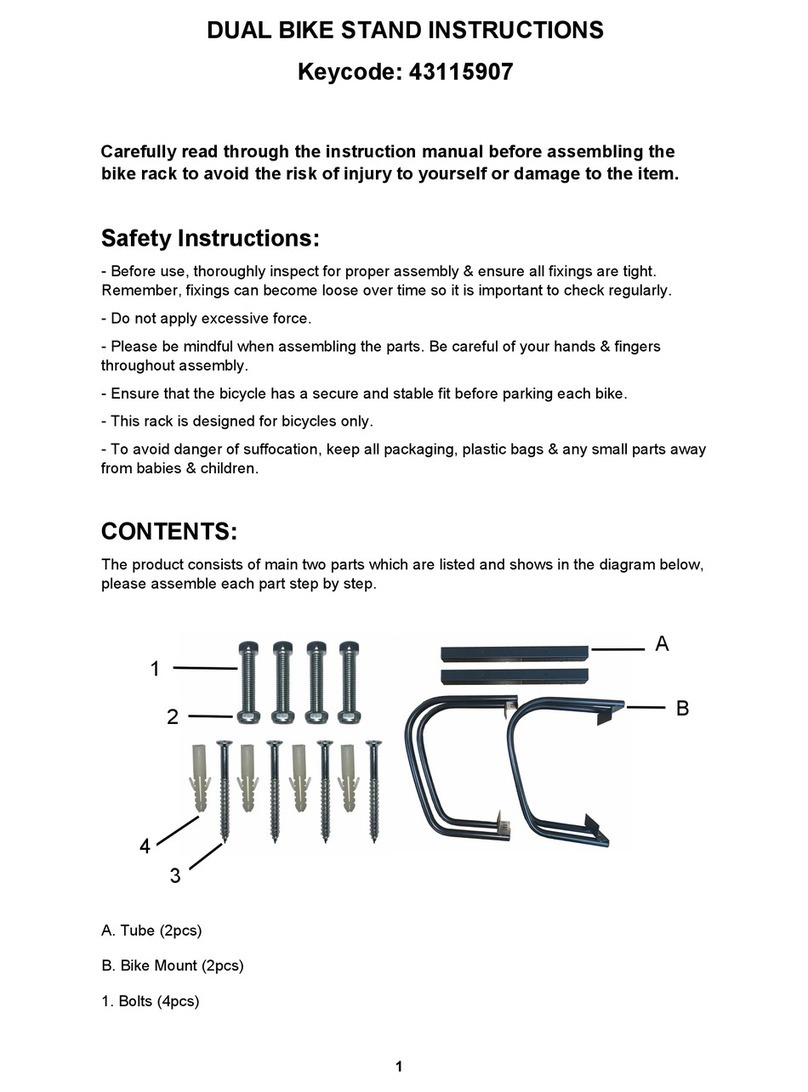
KMART 43115907 instructions

KMART

KMART 43115907 instructions

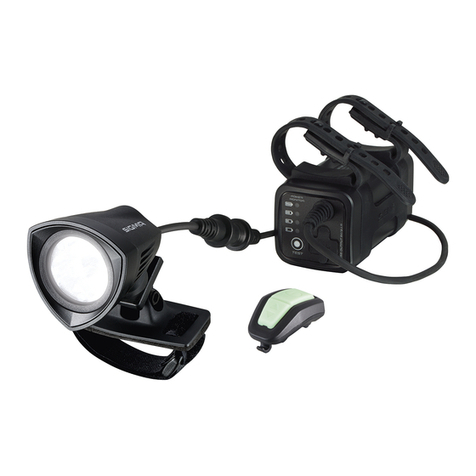
SIGMA SPORT Buster 2000 manual

SIGMA SPORT

SIGMA SPORT Buster 2000 manual

NVO Components STEM manual

NVO Components

NVO Components STEM manual

DAXYS BP188 user manual

DAXYS

DAXYS BP188 user manual

XLC BV-W17 manual

XLC

XLC BV-W17 manual

Deda Elementi SUPERBOX user manual

Deda Elementi

Deda Elementi SUPERBOX user manual

manuals.online logo
manuals.online logoBrands
  • About & Mission
  • Contact us
  • Privacy Policy
  • Terms and Conditions

Copyright 2025 Manuals.Online. All Rights Reserved.

1
HARDWARE
Front Storage Basket Instruction Sheet
Model #AC801
Compatibility: FlyerTM M880, FlyerTM L885
1X – Headlight Extension Wire
3X – Zip Tie
A
B
TOOLS
M4 Allen Key
4X - M5X15 Pan
Head Screw
1X - M5X15 Pan
Head Screw
Hardware below can be found installed on the eBike
assembled to headlight assembled to headlight
5X - M5 Lock
Washer
4X – M5 Washer
1X – M5 Washer 1X – Headlight
Assembly
E
CB
GF
D
WARNING!
• Read all safety warnings and instructions before using the
product. Failure to follow warnings and instructions may result
in serious injury or death.
• You must also reference the owner’s manual that was shipped
with your Flyer™ eBike before using this accessory:
• Incorrect assembly, maintenance, or use of your Flyer™
accessory can cause component failure, loss of control,
serious injury, or death. Please note, the assembly of Flyer™
accessories require special tools and mechanical skills. It is
highly recommended that the assembly and adjustment are
completed by a reputable bicycle mechanic when possible.
• Only for use with the Flyer™ eBike.
• Adding load to accessories may lessen the stability or alter the
riding characteristics of the bicycle.
• Maximum Load Capacity: 25 lbs
• Step o of the bike and put the bike on its kickstand before
assembling, adjusting or interacting with accessories.
Disconnect the Headlight
A. Turn o the bike.
B. Remove the battery.
C. Unplug and remove the front headlight from the bike frame.
A B C
32
A. Using the extension wire, reconnect the headlight to the original connecting port in the bike’s head tube. Ensure there is enough slack
in the wire, so the headlight does not accidentally disconnect while riding.
B. Zip tie the wire to the bottom of the basket frame. Ensure the wires are running along the underside of the basket and not facing up.
A. Place the fabric inside the basket with the
“Flyer™” Logo facing forward.
B. Snap down all 4 sides.
To test the headlight wire connection, reinstall the
battery and turn the headlight on by pressing and
holding the “+” button. If not powering on, remove
the headlight connection and check for debris. If the
headlight still does not work after reconnecting, please
contact the Radio Flyer Customer Service team by email
at customerservice@radioflyer.com or by phone at
1-800-621-7613.
Reconnect the Headlight
Attach the Fabric Liner
Test the wire connection
A
A
B
B
INCORRECT
CORRECT
A. Slide a lock washer onto the reused headlight screw. Next, slide a washer onto the screw.
Using the Allen key, screw the headlight assembly to the front of the basket. Tighten to 3Nm.
B. Ensure the headlight faces outward, angled slightly down while the reflector is vertical.
Slide a lock washer onto each 15mm screw. Next, slide a
washer onto each screw. Using the new bolts, install the front
basket back plate into the same threads. Tighten each screw
to 3Nm.
Connect the Headlight to the Basket
Remove the Front Plate
Attach the Front Storage Basket
A B
Unscrew the 4 screws from the front plate.
Note: You will not re-assemble the front plate or the bolts to
the eBike. We recommend maintaining the parts should you
wish to remove the Front Basket in the future.