manuals.online logo
Brands
  1. Home
  2. •
  3. Brands
  4. •
  5. Fractal design
  6. •
  7. Computer Accessories
  8. •
  9. Fractal design NODE 605 User manual

Fractal design NODE 605 User manual

Other Fractal design Computer Accessories manuals

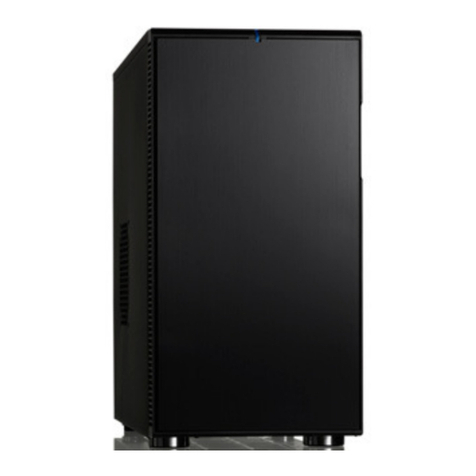
Fractal design Define R4 User manual

Fractal design

Fractal design Define R4 User manual

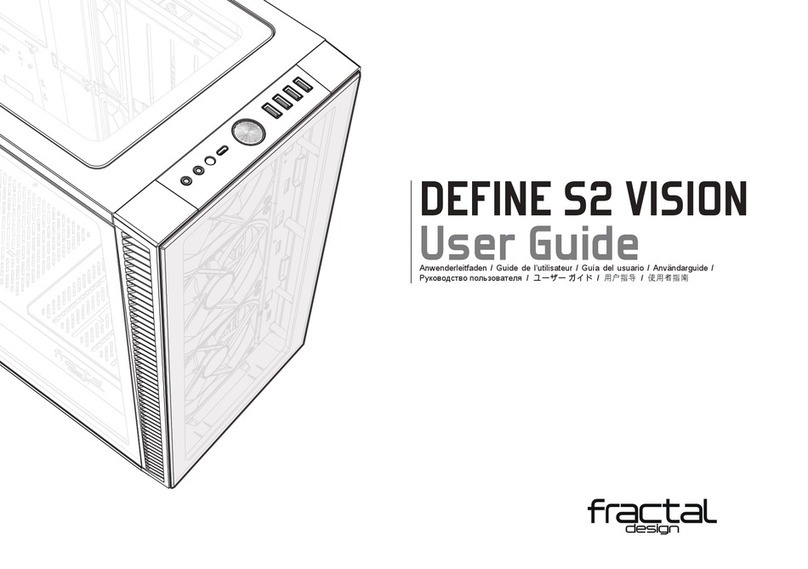
Fractal design DEFINE S2 VISION User manual

Fractal design

Fractal design DEFINE S2 VISION User manual

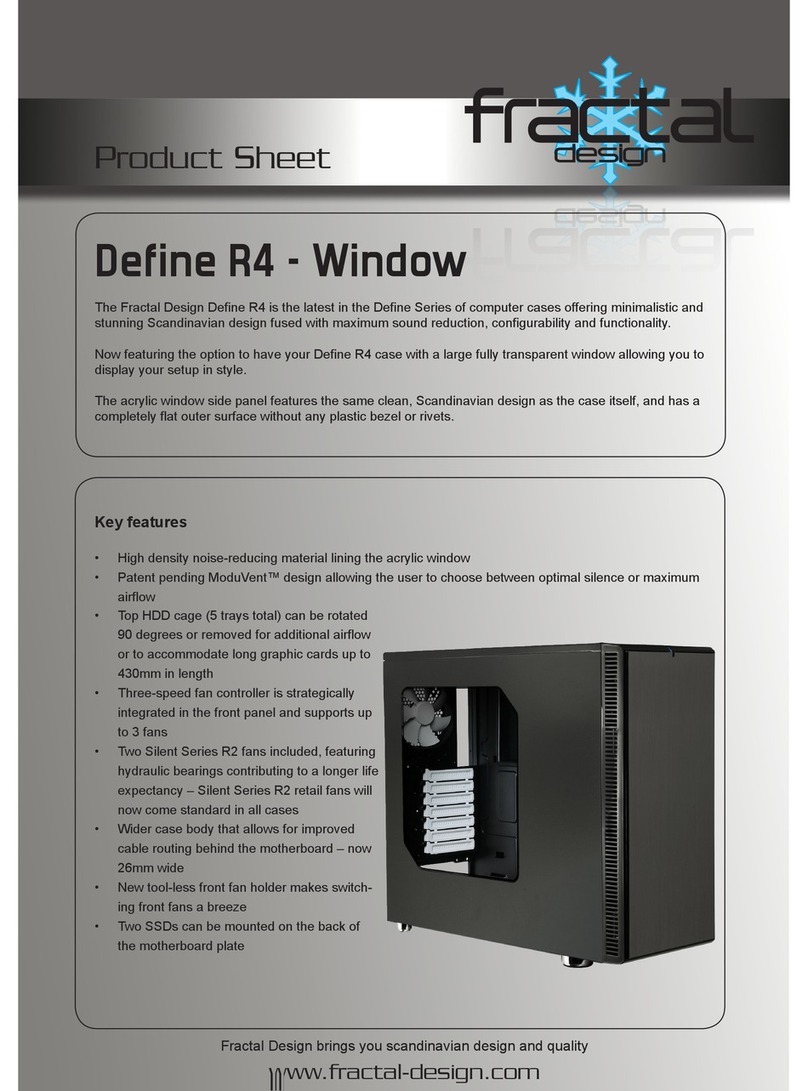
Fractal design Define R4 Dimensions

Fractal design

Fractal design Define R4 Dimensions

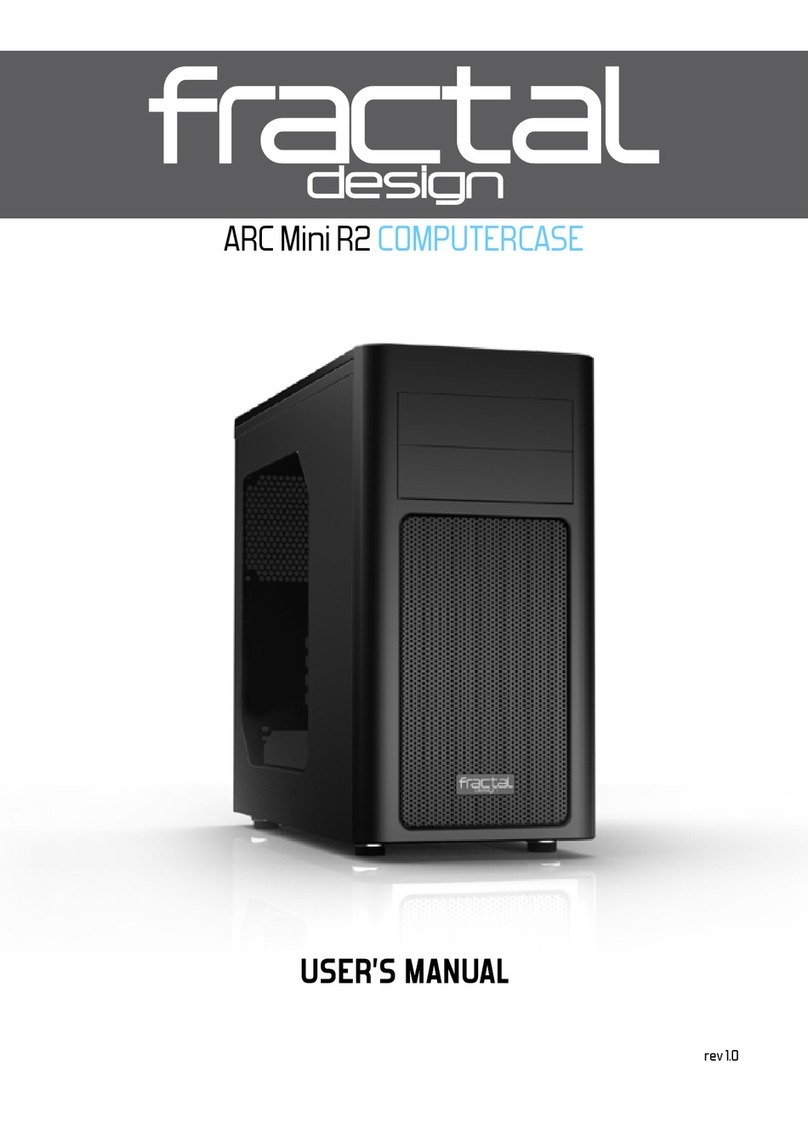
Fractal design ARC Mini R2 User manual

Fractal design

Fractal design ARC Mini R2 User manual

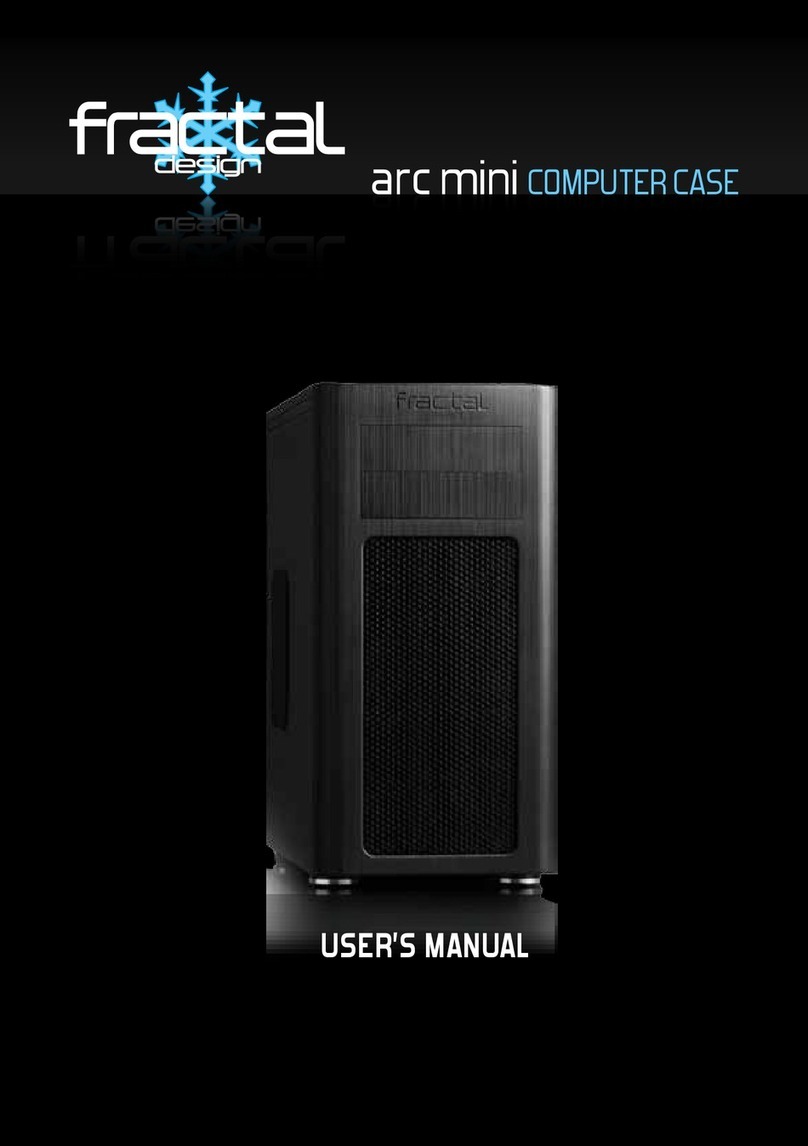
Fractal design arc mini User manual

Fractal design

Fractal design arc mini User manual

Fractal design Define R4 Dimensions

Fractal design

Fractal design Define R4 Dimensions

Fractal design DEFINE XL R2 User manual

Fractal design

Fractal design DEFINE XL R2 User manual

Fractal design Define R3 User manual

Fractal design

Fractal design Define R3 User manual

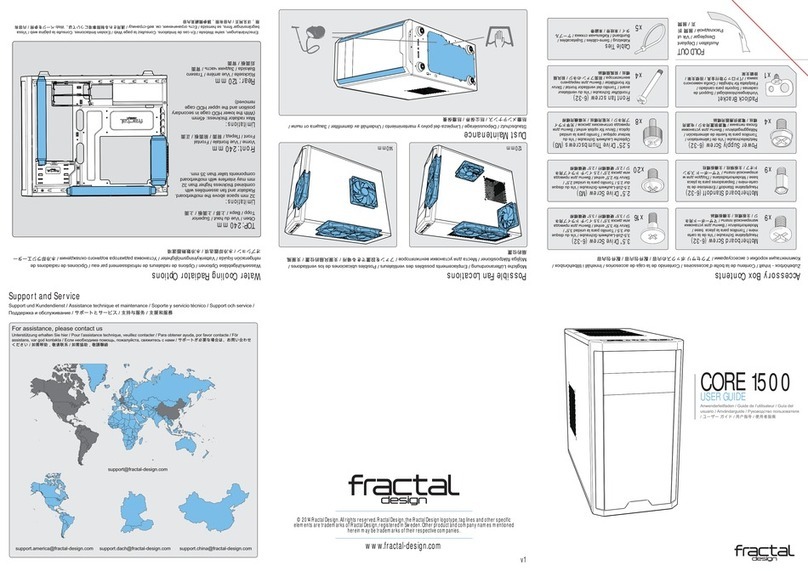
Fractal design CORE 1500 User manual

Fractal design

Fractal design CORE 1500 User manual

Fractal design FOCUS User manual

Fractal design

Fractal design FOCUS User manual

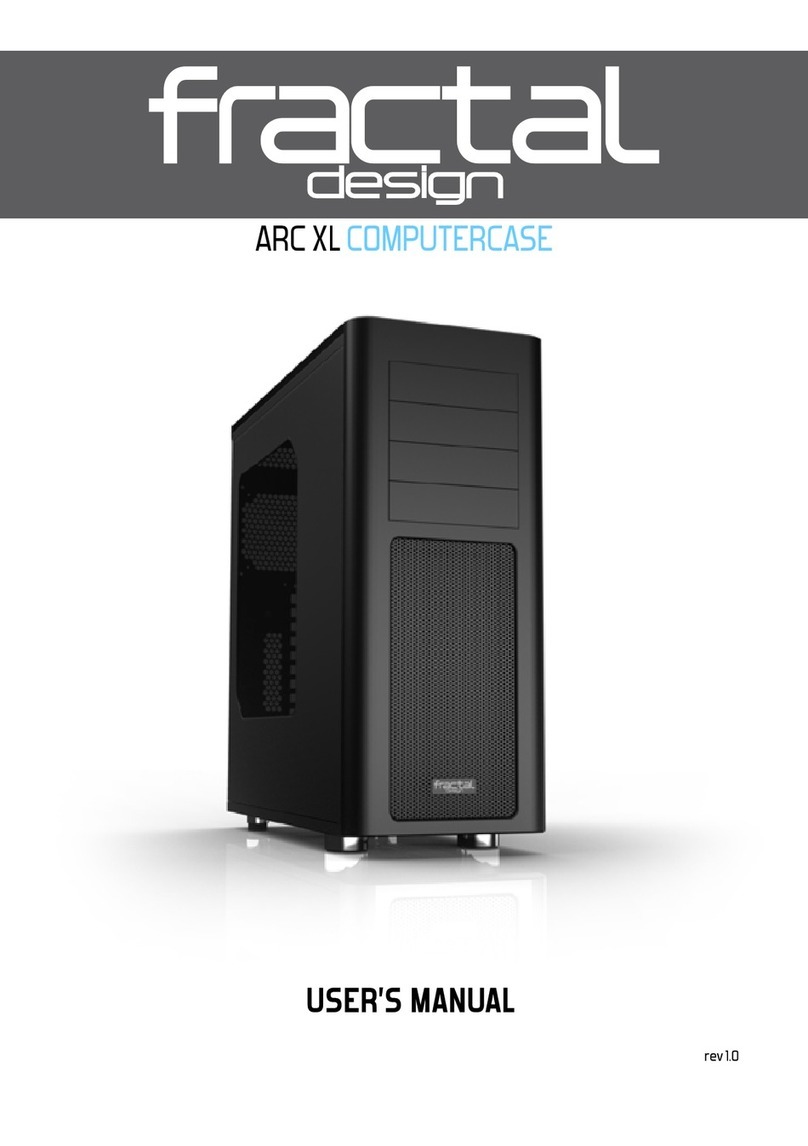
Fractal design Arc XL User manual

Fractal design

Fractal design Arc XL User manual

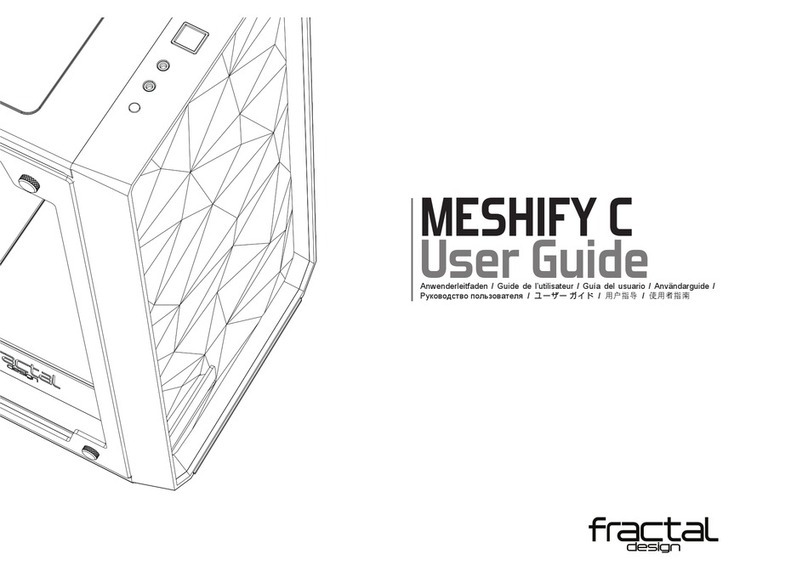
Fractal design MESHIFY C User manual

Fractal design

Fractal design MESHIFY C User manual

Fractal design DEFINE XL User manual

Fractal design

Fractal design DEFINE XL User manual

Fractal design Define R4 User manual

Fractal design

Fractal design Define R4 User manual

Fractal design FOCUS User manual

Fractal design

Fractal design FOCUS User manual

Fractal design DEFINE Mini User manual

Fractal design

Fractal design DEFINE Mini User manual

Popular Computer Accessories manuals by other brands

Netstor NA255A user manual

Netstor

Netstor NA255A user manual

perixx PERIDUO-610 user manual

perixx

perixx PERIDUO-610 user manual

Cherry PURE JD-0100 operating manual

Cherry

Cherry PURE JD-0100 operating manual

Cool-Icam DICK II user manual

Cool-Icam

Cool-Icam DICK II user manual

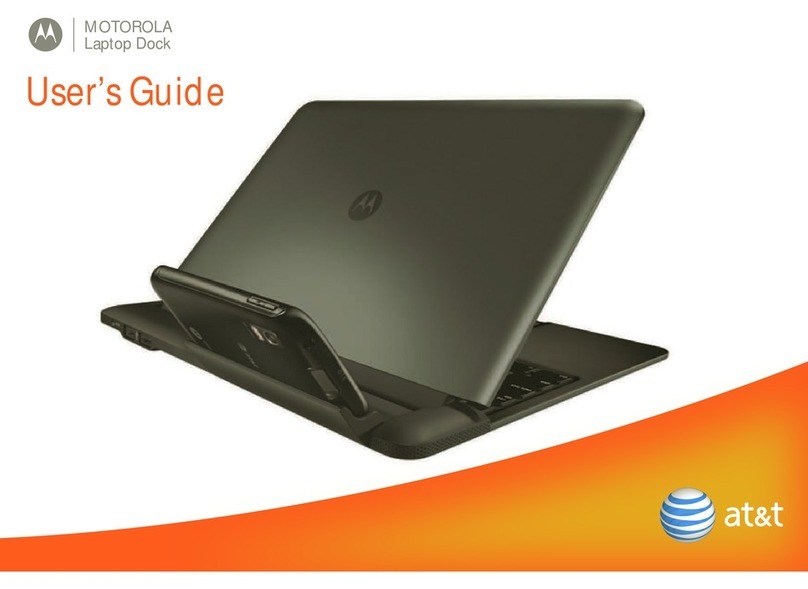
Motorola ATRIX user guide

Motorola

Motorola ATRIX user guide

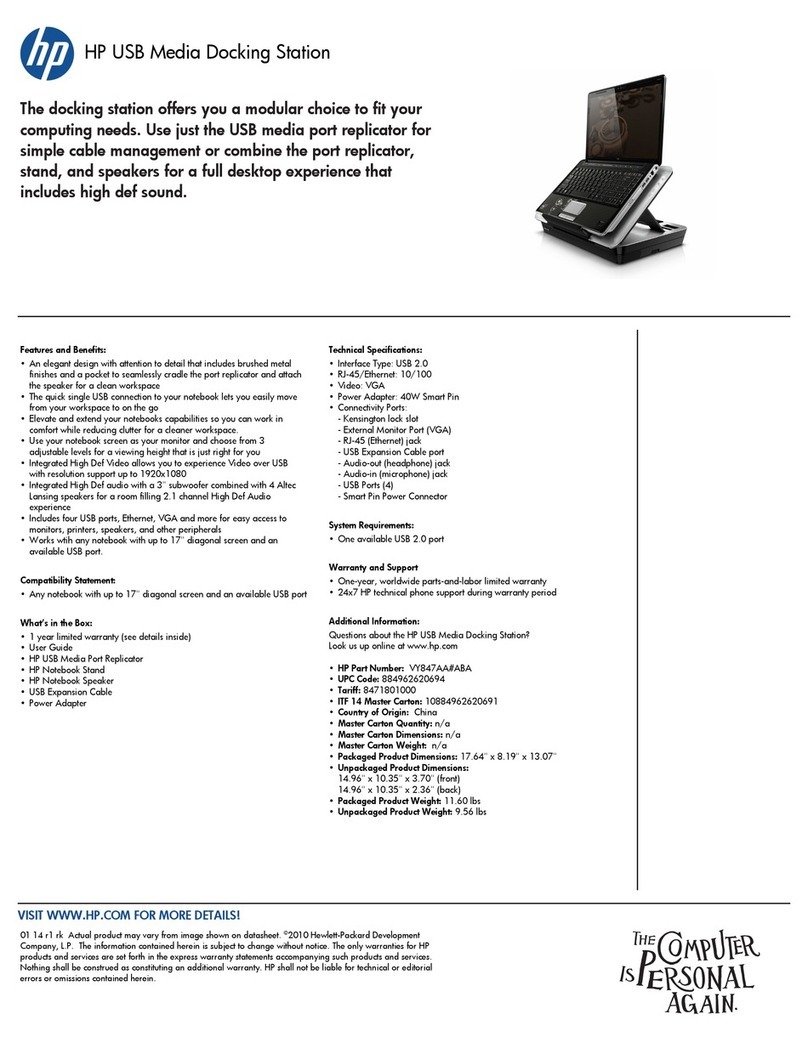
HP USB Media Docking Station specification

HP

HP USB Media Docking Station specification

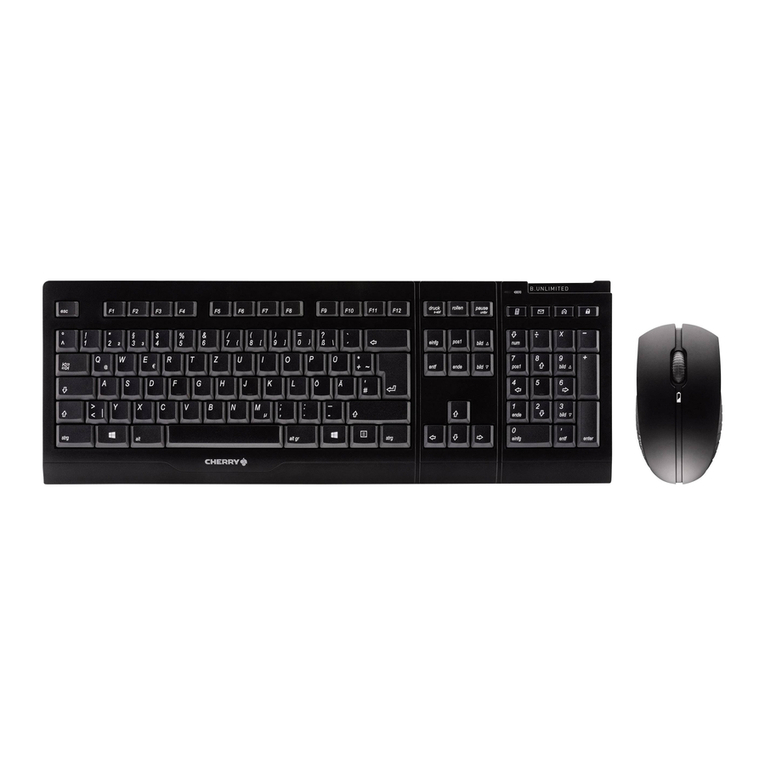
Cherry B.UNLIMITED 3.0 user manual

Cherry

Cherry B.UNLIMITED 3.0 user manual

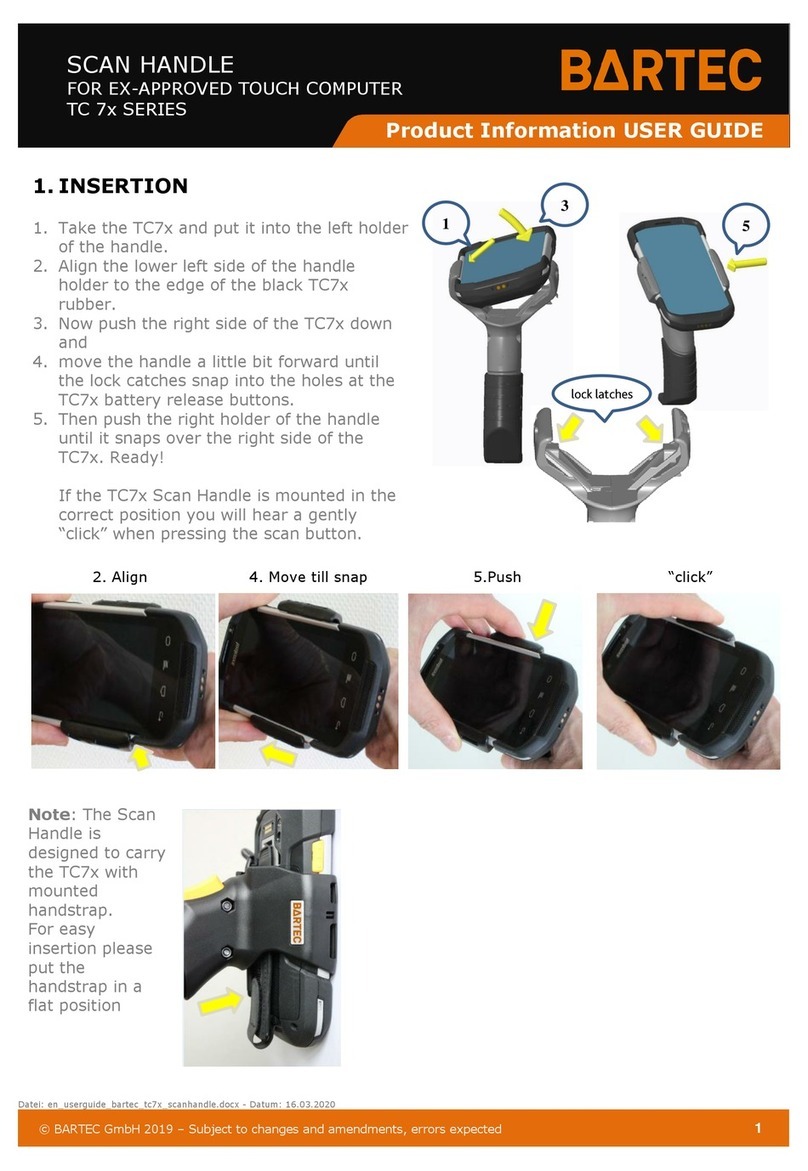
Bartec TC 7 Series user guide

Bartec

Bartec TC 7 Series user guide

Philips SPC3540 Specifications

Philips

Philips SPC3540 Specifications

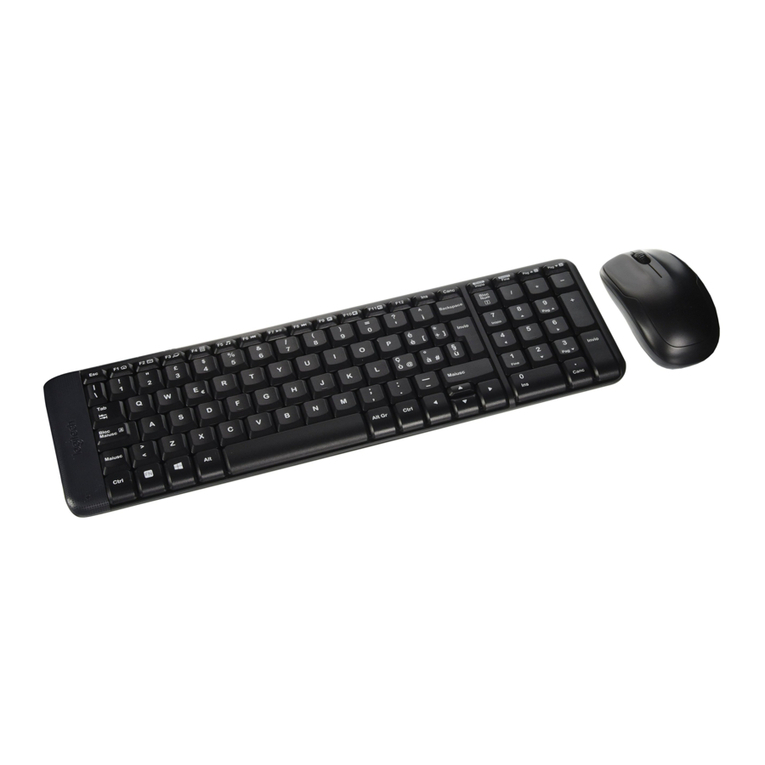
Logitech mk220 user manual

Logitech

Logitech mk220 user manual

Vivo MOUNT-KB05-4DW instruction manual

Vivo

Vivo MOUNT-KB05-4DW instruction manual

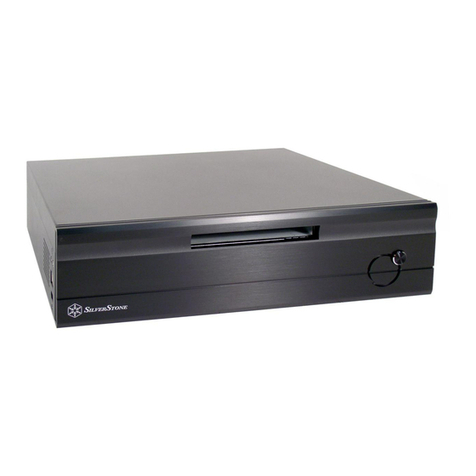
SilverStone LC02 manual

SilverStone

SilverStone LC02 manual

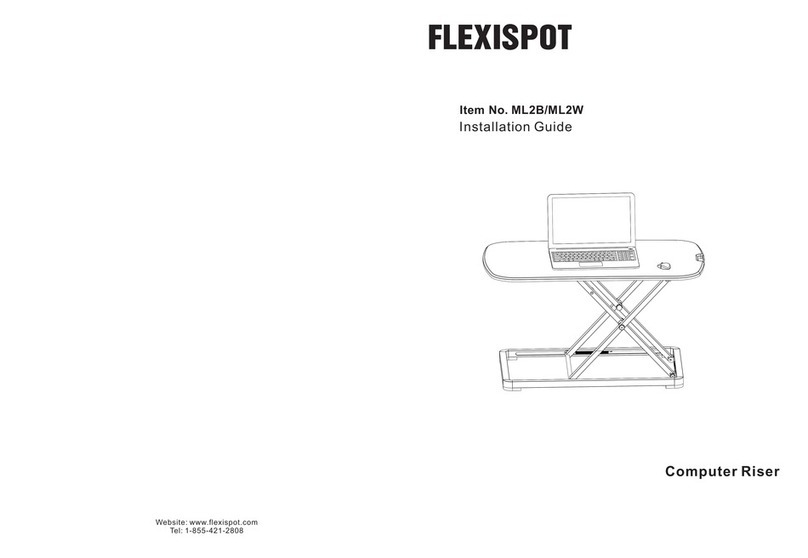
Flexispot ML2B installation guide

Flexispot

Flexispot ML2B installation guide

Hamlet UNIVERSAL COVER 101 KBT2 user manual

Hamlet

Hamlet UNIVERSAL COVER 101 KBT2 user manual

Adam Equipment RS-485 manual 

Adam Equipment

Adam Equipment RS-485 manual 

Sven Base 305 сombo instructions

Sven

Sven Base 305 сombo instructions

Hama 108310 Operating	 instruction

Hama

Hama 108310 Operating instruction

SpeechWare FlexyMike FMK03 user manual

SpeechWare

SpeechWare FlexyMike FMK03 user manual

manuals.online logo
manuals.online logoBrands
  • About & Mission
  • Contact us
  • Privacy Policy
  • Terms and Conditions

Copyright 2025 Manuals.Online. All Rights Reserved.

NODE 605 Computer Case
USER’S MANUAL
R 1.1
Fractal Design
Node 605
About Fractal Design – our concept
Without question, computers are more than essential technology – they have become
integral to our lives. Computers do more than make living easier; they often dene the
functionality and design of our ofces, our homes, ourselves.
The products we choose represent how we want to describe the world around us, and
how we want others to describe us. Many of us are drawn to designs from Scandinavia,
which are organized, clean and functional while remaining stylish, sleek and elegant.
We like these designs because they harmonize with their surroundings and become
nearly transparent. Brands like Georg Jensen, Bang Olufsen, Skagen Watches and
Ikea are just a few that represent this Scandinavian style and efciency.
In the world of computers components there is only one name you should know,
Fractal Design.
For more information and product specications, visit www.fractal-design.com
Europe and Rest of World: [email protected]
North America: [email protected]
DACH: [email protected]
Support
Table of Contents:
EXPLODED VIEW ..................................................................................1
ENGLISH ................................................................................................3
GERMAN ................................................................................................6
SPANISH ................................................................................................9
ITALIAN.................................................................................................12
JAPANESE ...........................................................................................15
KOREAN...............................................................................................18
POLISH.................................................................................................21
RUSSIAN..............................................................................................24
FRENCH...............................................................................................27
SWEDISH .............................................................................................30
Fractal Design
Node 605
1 2
NODE 605
www.fractal-design.com
1
2
35
4
6
7
9
Exploded View Node 605
1. Door on front panel
2. Space for slim-line optical drive
3. Front I/O with USB 3.0, FireWire and Audio
4. Front card reader
5. Three-step fan controller
6. Removable cover for ODD slot
7. Mounting brackets for ODD
8. Two mounting bays for storage devices
9. Two 120mm Silent Series R2 fans
10. Plastic fan lters
11. Top cover with sound-proong material
8
10
11
9
Fractal Design
Node 605
3 4
Node 605 computer case
Node 605 is the rst in a new series of computer cases from Fractal Design specically
designed to be used as centerpieces in modern and stylish home digital entertainment
environments.
With Scandinavian style and functionality in focus, Node 605 interface connectors, card
reader and optical disk drive have been hidden behind a door on the black-anodized alu-
minum front panel; whereas inside, thick sound-absorbing material and hard drive brackets
with silicone mounting bushings dampen vibrations. These features make Node 605 nearly
unseen and unheard during use.
Installation / instructions
To take full advantage of the features and benets of a Node 605 computer case, the follow-
ing information and instructions are provided.
Unpacking and preparing
1. Remove the computer case from its protective packaging.
2. Undo the two screws on the rear and remove the cover.
3. Unscrew and remove the hard drive cages.
4. If an optical disk drive will be installed, unscrew and remove the cover plate from
the front panel.
Installing an additional fan – optional
Node 605 is supplied with two 120mm Silent Series R2 hydraulic bearing fans in
the front part of the case, mounted to draw air inside. When using components that
produce excessive heat, a third 120mm fan in the rear right position is recommended.
Typically, the best results are achieved by mounting this fan so that the airow is
directed out of the case.
Installing the motherboard
1. Prepare the motherboard by installing the processor, CPU cooling and system
memory.
2. Fasten the standoff screws used for the current motherboard format.
3. Install the I/O plate – normally included with the motherboard.
4. Insert the motherboard – the center support strut can be removed to make installa-
tion easier.
5. Secure using the provided screws.
6. Connect front panel cables to the motherboard.
Installing an optional, slim optical disk drive (ODD)
1. Attach the mounting supports to the ODD – use the taller supports on the at side.
2. Set the computer case on its side and insert the ODD.
3. Secure the ODD from the bottom of the computer case.
Installing the power supply
1. Insert the power supply.
2. Secure with provided screws.
3. Connect the power cables to the motherboard and installed devices.
For optimal performance, Fractal Design recommends using a power supply with a
120–140mm fan, positioned to face the computer case side; installation in the reverse
direction is also supported, in the event the Node 605 is placed closely to a wall.
Installing expansion cards
1. Remove the screw securing the expansion slots cover.
2. Unscrew the cover plates for the expansion slots to be used.
3. Install the expansion card onto the motherboard and secure to case with screw.
4. Reinstall the expansion slots cover and tighten the screw.
5. Connect any associated expansion card power cables.
Securing cables – recommended
For maximum air ow and easier installation of the hard drive cages, it is recom-
mended that power, front panel button, LED, and interface connection cables are all
bundled and fastened to the bottom of Node 605 using the supplied cable ties.
Installing hard disk drives/solid state drives (HDDs/SSDs)
1. Secure storage drives to the inner cage:
a) 3.5” HDDs should be secured using screws inserted through the silicone grom-
mets. Do not secure too tightly; this reduces the damping effect of the bushings.
b) 2.5” HDDs/SSDs should be secured using the countersunk screw holes.
2. Connect all cables to the devices, taking care to bend the cables in such a way that
the cage can easily be inserted into the computer case.
3. Insert the cage and screw it to the side panel and center support bar.
4. If more than two storage devices locations are needed, repeat these steps using
the outer cage.
Functionality and usability
Air lters
Filters are installed at the four air intakes on the sides of the Node 605 to prevent dust
from entering the case. To ensure optimal cooling, lters should be cleaned at regular
intervals. The lters are easily cleaned with a damp cloth, but can also be removed
and rinsed with water to remove fastened dirt.
Card Reader
Under the front door panel, Node 605 features a card reader for the following memory
cards formats: SD, MicroSD, and Compact Flash. The card reader should be con-
nected to an internal USB or USB2 connector on the motherboard, which will makes it
detectable by most operating system software.
Fan Control
Near the front, on the right side panel, of Node 605 is a fan controller. The fan control-
ler has three positions:
• Top position - full speed (12V)
• Middle position – off
• Bottom position – low speed (5V)
The included fans can also, if desired, be connected to the motherboard for automatic
control (see motherboard manual for instructions).
Fractal Design
Node 605
5 6
Node 605-Computergehäuse
Das Node 605 ist das erste einer neuen Serie von Computergehäusen von Fractal Design,
die speziell für den Einsatz als zentrale Elemente in einem modernen und eleganten digi-
talen Heimunterhaltungsumfeld entwickelt wurde.
Das Node 605 glänzt durch skandinavisches Design. Im Blickpunkt steht Funktionalität:
Anschlüsse, Kartenleser und optisches Laufwerk sind hinter einer Klappe an der schwarz
eloxierten Aluminium-Frontplatte verborgen. Im Inneren dämpfen dickes, schalldämmendes
Material und Festplattenhalterungen mit Montagehülsen aus Silikon Schwingungen. Durch
diese Merkmale sieht und hört man das Node 605 im Betrieb kaum.
Installation/Anleitungen
Damit Sie sämtliche Vorzüge der verbesserten Merkmale und Vorteile des Node 605-Com-
putergehäuses vollständig nutzen können, stellen wir Ihnen die folgenden Informationen
und Anleitungen zur Verfügung.
Auspacken und Vorbereiten
1. Nehmen Sie das Computergehäuse aus der Schutzverpackung.
2. Lösen Sie die zwei Schrauben an der Rückseite und entfernen Sie die Abdeckung.
3. Schrauben Sie die Festplattenkäge los und entfernen Sie sie.
4. Falls ein optisches Laufwerk installiert werden soll, schrauben Sie die Abdeckung
los und entfernen sie von der Frontplatte.
Installieren eines zusätzlichen Lüfters - optional
Das Node 605 wird mit zwei hydraulisch gelagerten 120-mm-Lüftern des Typs Silent
Series R2 im vorderen Bereich des Gehäuses geliefert, so montiert, dass Luft nach
innen gesogen wird. Bei Verwendung von Komponenten, die extrem starke Wärme
erzeugen, wird die Verwendung eines dritten 120-mm-Lüfters an der rechten hinteren
Position empfohlen. Die besten Ergebnisse lassen sich in der Regel erzielen, wenn
dieser Lüfter so montiert wird, dass der Luftstrom aus dem Gehäuse geleitet wird.
Installieren des Motherboards
1. Bereiten Sie das Motherboard vor, indem Sie den Prozessor, die Prozessorkühlung
und den Systemspeicher installieren.
2. Ziehen Sie die für das aktuelle Motherboard-Format verwendeten Abstandhalter-
schrauben an.
3. Installieren Sie die I/O-Platte, die normalerweise mit dem Motherboard mitgeliefert
wird.
4. Setzen Sie das Motherboard ein - die Stützstrebe in der Mitte kann entfernt
werden, um die Installation zu vereinfachen.
5. Befestigen Sie es mit den mitgelieferten Schrauben.
6. Schließen Sie die Kabel der Frontplatte an das Motherboard an.
Installieren eines optionalen, schmalen optischen Laufwerks
1. Bringen Sie die Montagestützen am optischen Laufwerk an - verwenden Sie die
höheren Stützen auf der achen Seite.
2. Legen Sie das Computergehäuse auf seine Seite und setzen Sie das optische
Laufwerk ein.
Limited warranty and limitations of liability
Fractal Design Node 605 computer cases are guaranteed for twenty four (24) months from
the date of delivery to end-user, against defects in materials and/or workmanship. Within
this limited warranty period, products will either be repaired or replaced at Fractal Design’s
discretion. Warranty claims must be returned to the agent who sold the product, shipping
prepaid.
The warranty does not cover:
• Products which have been used for rental purposes, misused, handled carelessly or
applied in such a way that is not in accordance with its stated intended use.
• Products damaged from an Act of Nature including, but not limited to, lightning, re,
ood and earthquake.
• Products whose serial number and/or the warranty sticker have been tampered with or
removed.
Product Support
For product support, please use the following contact information:
In North America: [email protected]
In DACH (Germany-Switzerland-Austria): [email protected]
In Europe and/or Rest of World: [email protected]
Fractal Design
Node 605
7 8
3. Befestigen Sie das optische Laufwerk von der Unterseite des Computergehäuses
aus.
Installieren des Netzteils
1. Setzen Sie das Netzteil ein.
2. Befestigen Sie es mit den mitgelieferten Schrauben.
3. Schließen Sie die Versorgungskabel an das Motherboard und an installierte Geräte
an.
Für optimale Leistung empehlt Fractal Design die Verwendung eines Netzteils mit
einem 120- bis 140-mm-Lüfter, ausgerichtet zur Seite des Computergehäuses. Die
Installation in entgegengesetzter Richtung ist ebenfalls möglich, falls das Node 605
nah an einer Wand aufgestellt wird.
Installieren von Erweiterungskarten
1. Entfernen Sie die Schraube, mit der die Abdeckung der Erweiterungssteckplätze
befestigt ist.
2. Schrauben Sie die Abdeckplatten für die zu verwendenden Erweiterungssteckplä-
tze los.
3. Installieren Sie die Erweiterungskarte auf dem Motherboard und befestigen Sie sie
mit einer Schraube am Gehäuse.
4. Bringen Sie die Abdeckung der Erweiterungssteckplätze wieder an und ziehen Sie
die Schraube fest.
5. Schließen Sie etwaige Versorgungskabel der Erweiterungskarte an.
Sichern von Kabeln - empfohlen
Um einen optimalen Luftstrom und eine einfachere Installation der Festplattenkäge zu
ermöglichen, wird empfohlen, die Kabel des Netzteils, der Frontplattentaste, der LED
und der Schnittstellenanschlüsse zu bündeln und mit den mitgelieferten Kabelbindern
am Boden des Node 605 zu befestigen.
Installieren von Festplatten/Solid-State-Laufwerken (HDDs/SSDs)
1. Befestigen der Laufwerke am inneren Käg:
a) 3,5-Zoll-Festplatten sollten mit durch die Silikonhülsen gesteckten Schrauben
befestigt werden. Ziehen Sie die Schrauben nicht zu fest an, da sich sonst der
Dämpfungseffekt der Hülsen verringert.
b) 2,5-Zoll-Festplatten/Solid-State-Laufwerke sollten unter Verwendung der Löcher
für Senkkopfschrauben befestigt werden.
2. Schließen Sie alle Kabel an die Geräte an und achten Sie darauf, die Kabel so zu
biegen, dass der Käg mühelos in das Computergehäuse eingesetzt werden kann.
3. Setzen Sie den Käg ein und schrauben Sie ihn an der Seitenplatte und an der mit-
tleren Stützstrebe fest.
4. Werden mehr als zwei Speichergerätplätze benötigt, wiederholen Sie diese Schritte
mit dem äußeren Käg.
Funktionalität und Verwendung
Luftlter
An den vier Lufteinlässen an den Seiten des Node 605 benden sich Luftlter, um zu
verhindern, dass Staub in das Gehäuse eindringt. Damit stets eine optimale Kühlleis-
tung gewährleistet bleibt, sollten die Filter regelmäßig gereinigt werden. Die Filter las-
sen sich mit einem feuchten Tuch einfach reinigen, können jedoch auch entfernt und
mit Wasser ausgespült werden, um hartnäckige Verschmutzungen zu beseitigen.
Kartenleser
Unter der vorderen Klappe verbirgt das Node 605 einen Kartenleser für die folgenden
Speicherkartenformate: Der Kartenleser sollte an einen internen USB- oder USB2-
Anschluss am Motherboard angeschlossen werden. Dadurch wird er von den meisten
Betriebssystemen erkannt.
Lüftersteuerung
In der Nähe der Vorderseite bendet sich auf der rechten Seitenplatte des Node 605
eine Lüftersteuerung. Die Lüftersteuerung kann dreifach eingestellt werden:
• Obere Position – volle Drehzahl (12 V)
• Mittlere Position - aus
• Untere Position - geringe Drehzahl (5 V)
Die mitgelieferten Lüfter können bei Bedarf an das Motherboard angeschlossen
werden, um sie automatisch steuern zu lassen (für eine Anleitung hierzu lesen Sie
bitte in der Bedienungsanleitung des Motherboards nach).
Eingeschränkte Garantie und Garantieeinschränkungen
Fractal Design Node 605-Computergehäuse sind durch eine Gewährleistung abgedeckt,
dass sie ab Lieferdatum an den Endverbraucher vierundzwanzig (24) Monate frei von Mate-
rial- und/oder Produktionsfehlern sind. Innerhalb dieser beschränkten Gewährleistungs-
dauer werden Produkte nach eigenem Ermessen von Fractal Design entweder repariert
oder ersetzt. Bei Gewährleistungsansprüchen müssen Sie sich an den Händler wenden,
der Ihnen das Produkt verkauft hat (Versand vorausbezahlt).
Die Gewährleistung deckt nicht ab:
• Produkte, die zur Vermietung verwendet, missbräuchlich verwendet, sorglos behandelt
oder unsachgemäß eingesetzt wurden.
• Produkte, die durch Naturkatastrophen, u. a. inklusive Blitz, Feuer, Hochwasser und
Erdbeben, beschädigt wurden.
• Produkte, deren Seriennummer und/oder Gewährleistungsaufkleber verändert oder
entfernt wurde(n).
Produktkundendienst
Den Produktkundendienst erreichen Sie unter folgenden Kontaktdaten:
In Nordamerika: [email protected]
In DACH (Deutschland-Schweiz-Österreich): [email protected]
In Europa und/oder Rest der Welt: [email protected]
Fractal Design
Node 605
9 10
Carcasa Node 605 para PC
Node 605 es la primera de una nueva serie de carcasas para PC de Fractal Design especí-
camente diseñada para utilizarse como componente clave en entornos de entretenimiento
digital domésticos modernos y elegantes.
Con el estilo y funcionalidad escandinavos, los conectores de interfaz, el lector de tarjetas
y la unidad de disco óptico de la carcasa Node 605 se han ocultado detrás de una puerta
en el panel frontal de aluminio anodizado en negro; y en el interior, un grueso material que
absorbe el sonido y soportes de unidades de disco duro con cojinetes de montaje de sili-
cona eliminan las vibraciones. Estas características hacen que la carcasa Node 605 pase
prácticamente inadvertida al oído y la vista durante su uso.
Instalación e instrucciones
Para aprovechar al máximo las funciones y ventajas de una carcasa Node 605 para PC, se
proporciona la siguiente información e instrucciones.
Desembalaje y preparación
1. Extraiga la carcasa para PC de su paquete de protección.
2. Quite los dos tornillos situados en la parte posterior y retire la cubierta.
3. Desatornille y quite los armazones de las unidades de disco duro.
4. Si va a instalar una unidad de disco óptico, desatornille y quite la cubierta del panel
frontal.
Instalar un ventilador adicional (opcional)
La carcasa Node 605 se suministra con dos ventiladores con rodamientos hidráulicos
Silent Series R2 de 120 mm situados en la parte frontal de la misma y montados para
extraer el aire interior.
Cuando se utilizan componentes que producen un calor excesivo, es recomendable
utilizar un tercer ventilador de 120 mm en la parte posterior derecha. Normalmente,
los mejores resultados se obtienen montando este ventilador de forma que el ujo de
aire se conduzca fuera de la carcasa.
Instalar la placa base
1. Prepare la placa base instalando el procesador, el disipador de la CPU y la memo-
ria del sistema.
2. Apriete los tornillos separadores utilizados para el formato de la placa base actual.
3. Instale la placa de E/S (normalmente se incluye con la placa base).
4. Inserte la placa base (el puntal de apoyo central se puede quitar para facilitar la
instalación).
5. Fije el conjunto utilizando los tornillos proporcionados.
6. Conecte los cables del panel frontal a la placa base.
Instalar una unidad de disco óptico (ODD) plana (opcional)
1. Acople los soportes de montaje a la unidad de disco óptico (utilice los soportes
más altos en el lado plano).
2. Ponga la carcasa para PC sobre su lateral e inserte la unidad de disco óptico.
3. Fije la unidad de disco óptico desde la parte inferior de la carcasa para PC.
Instalar la fuente de alimentación
1. Inserte la fuente de alimentación.
2. Fíjela con los tornillos proporcionados.
3. Conecte los cables de alimentación a la placa base y a los dispositivos instalados.
Para obtener un rendimiento óptimo, Fractal Design recomienda utilizar una fuente de
alimentación con un ventilador de 120 - 140 mm colocado de forma que quede orien-
tado hacia el lateral de la carcasa para PC; también es posible realizar la instalación
en la dirección opuesta, en el caso de que la carcasa Node 605 se coloque cerca de
una pared.
Instalar tarjetas de expansión
1. Quite el tornillo que ja la tapa de la ranuras de expansión.
2. Desatornille las cubiertas correspondientes a las ranuras de expansión que se van
a utilizar.
3. Instale la tarjeta de expansión en la placa base y fíjela a la carcasa con un tornillo.
4. Vuelva a instalar la tapa de la ranuras de expansión y apriete el tornillo.
5. Conecte todos los cables de alimentación de las tarjetas de expansión asociados.
Fijar los cables (recomendado)
Para conseguir un ujo de aire máximo y facilitar la instalación de los armazones de
las unidades de disco duro, es recomendable que los cables de alimentación, del
botón del panel frontal, del LED y de conexión de la interfaz estén todos juntos y
sujetos a la parte inferior de la carcasa Node 650. Para ello, debe utilizar las bridas de
cable suministradas.
Instalar unidades de disco duro y unidades de estado sólido (HDD y SSD)
1. Fije las unidades de almacenamiento al armazón interno:
a) Las unidades de disco duro de 3,5” se pueden jar mediante tornillos insertados
a través de las arandelas de silicona. No apriete los tornillos demasiado, ya que se
reduce el efecto de amortiguamiento de los cojinetes.
b) Las unidades de disco duro y de estado sólido de 2,5” se deben jar utilizando
los oricios para tornillos avellanados.
2. Conecte todos los cables a los dispositivos, prestando atención para doblar dichos
cables de forma que el armazón se puede insertar fácilmente en la carcasa para PC.
3. Inserte el armazón y atorníllelo al panel lateral y a la barra de apoyo central.
4. Si se necesitan más de dos ubicaciones de dispositivos de almacenamiento, repite
estos pasos utilizando el armazón externo.
Funcionalidad y usabilidad
Filtros de aire
Los ltros se instalan en las cuatro entradas de aire de los laterales de la carcasa
Node 605 para impedir que el polvo entre en la misma. Para garantizar una refriger-
ación óptima, los ltros se deben limpiar con cierta frecuencia. Los ltros se limpian
fácilmente con un paño húmedo, pero también se pueden quitar y enjuagar con agua
para eliminar la suciedad adherida.

Fractal Design
Node 605
11 12
Lector de tarjetas
Debajo del panel de la puerta frontal, la carcasa Node 605 incluye un lector de tarjetas
que admite los siguientes formatos de tarjetas de memoria: SD, MicroSD y Compact
Flash. El lector de tarjetas se debe enchufar a un conector USB o USB2 interno de la
placa base para que lo puedan detectar la mayoría de sistemas operativos.
Control de ventiladores
Junto a la parte frontal, en el panel lateral derecho de la carcasa Node 605, hay un
controlador de ventiladores. El controlador de ventiladores tiene tres posiciones:
• Posición superior: velocidad total (12 V)
• Posición central: apagado
• Posición inferior: baja velocidad (5 V)
Si lo desea, los ventiladores incluidos también se pueden conectar a la placa base
para control automático (consulte manual de la placa base para obtener instruccio-
nes).
Garantía limitada y limitación de responsabilidad
Las carcasas para PC Fractal Design Node 605 están garantizadas durante veinticuatro
(24) meses a partir de la fecha de entrega al usuario nal contra defectos materiales y/o de
mano de obra. Dentro de este período de garantía limitada, los productos se repararán o
reemplazarán, lo que Fractal Design estime más oportuno. Las reclamaciones de garantía
se deben devolver al agente que vendió el producto, con portes pagados.
La garantía no cubre:
• Productos que hayan sido utilizados para alquiler, que se hayan utilizado indebidam-
ente, que se hayan manipulado sin cuidado o que se hayan aplicado de una forma que
no esté contemplada en el uso indicado.
• Productos dañados por la fuerza de la naturaleza como por ejemplo, sin limitación,
tormentas, incendios, inundaciones y terremotos.
• Productos cuyo número de serie y/o pegatina de garantía se hayan manipulado o
quitado.
Asistencia técnica del producto
Para obtener asistencia técnica del producto, utilice la siguiente información de contacto:
En Norteamérica: [email protected]
En DACH (Alemania-Suiza-Austria): [email protected]
En Europa y/o el resto del mundo: [email protected]
Case per computer Node 605
Node 605 è il primo di una nuova serie di case per computer Fractal Design appositamente
progettati per essere utilizzato con orgoglio in moderni ed eleganti ambienti di intratteni-
mento digitale domestico.
Grazie allo stile e alla funzionalità scandinava, i connettori dell’interfaccia Node 605, il let-
tore di schede e l’unità ottica sono stati nascosti dietro uno sportello del pannello anteriore
in alluminio anodizzato in nero; all’interno si sono utilizzati materiali spessi fonoassorbenti e
boccole in silicone per ridurre le vibrazioni. Queste funzioni rendono Node 605 quasi invisi-
bile e inavvertibile durante l’uso.
Installazione/istruzioni
Per sfruttare appieno le funzionalità e i vantaggi del case per computer Node 605, sono
fornite le seguenti informazioni e istruzioni.
Disimballaggio e preparazione
1. Disimballare il case per computer.
2. Svitare le due viti sulla parte posteriore e rimuovere il coperchio.
3. Svitare e rimuovere le gabbie per disco rigido.
4. Se viene installata una unità ottica, svitare e rimuovere la piastra del coperchio dal
pannello anteriore.
Installazione di una ventola supplementare (opzionale)
Node 605 è dotato di due ventole con cuscinetti idraulici Silent serie R2 da 120 mm
nella parte anteriore del case, montate per aspirare l’aria all’interno. Quando si utiliz-
zano componenti che producono eccessivo calore, si consiglia di montare una terza
ventola da 120 mm nella parte posteriore destra. Di solito, i migliori risultati si otten-
gono montando questa ventola in modo che il usso d’aria non sia rivolto verso il case.
Installazione della scheda madre
1. Preparare la scheda madre installando il processore, il raffreddamento della CPU e
la memoria di sistema.
2. Serrare le viti dei distanziatori utilizzare per il formato attuale della scheda madre.
3. Installare la piastra I/O, di solito in dotazione con la scheda madre.
4. Inserire la scheda madre. È possibile rimuovere il montante del supporto centrale
per agevolare l’installazione.
5. Fissare utilizzando le viti in dotazione.
6. Collegare i cavi del pannello anteriore alla scheda madre.
Installazione di una unità ottica (ODD) opzionale e sottile
1. Collegare i supporti di montaggio all’ODD. Utilizzare i supporti più alto sul lato
piatto.
2. Posizionare il case per computer lateralmente e inserire l’ODD.
3. Fissare l’ODD dalla parte inferiore del case per computer.
Installazione dell’alimentatore
1. Installare l’alimentatore.
2. Fissare utilizzando le viti in dotazione.
3. Collegare i cavi di alimentazione alla scheda madre e ai dispositivi installati.
Fractal Design
Node 605
13 14
Per ottenere prestazioni ottimali, Fractal Design consiglia di utilizzare un alimentatore
con ventola da 120 - 140 mm, rivolta verso il lato del case per computer; è inoltre sup-
portata l’installazione in direzione inversa, nel caso in cui Node 605 sia posizionato
accanto ad una parete.
Installazione di schede di espansione
1. Rimuovere la vite di ssaggio del coperchio degli slot di espansione.
2. Svitare le piastre del coperchio degli slot di espansione da utilizzare.
3. Installare la scheda di espansione sulla scheda madre e ssare al case con la vite.
4. Reinstallare il coperchio degli slot di espansione e serrare la vite.
5. Collegare tutti i cavi di alimentazione della scheda di espansione associati.
Fissaggio dei cavi (raccomandato)
Per la massima portata d’aria e la facilità di installazione delle gabbie per disco rigido,
si consiglia che alimentazione, tasto del pannello anteriore, LED e cavi di collega-
mento interfaccia siano tutti raggruppati e ssati nella parte inferiore di Node 605 con
le fascette in dotazione.
Installazione di dischi rigidi/dischi a stato solido (HDD/SSD)
1. Fissare le unità di memoria alla gabbia interna:
a) Gli HDD da 3,5” devono essere ssati con le viti inserite nei gommini in silicone.
Non serrare eccessivamente per evitare di ridurre l’effetto antivibrazione sulle boc-
cole.
b) Gli HDD/SSD da 2,5” devono essere ssati utilizzando i fori delle viti a testa
svasata.
2. Collegare tutti i cavi ai dispositivi, piegando i cavi in modo da poter inserire facil-
mente la gabbia nel case per computer.
3. Inserire la gabbia e avvitarla al pannello laterale e alla barra di supporto centrale.
4. Se sono necessarie due posizioni per dispositivi di archiviazione, ripetere queste
procedure utilizzando la gabbia esterna.
Funzionalità e usabilità
Filtri dell’aria
I ltri sono installati nelle quattro prese d’aria sui lati di Node 605 per evitare che la
polvere penetri nel case. Per garantire un raffreddamento ottimale, pulire i ltri a inter-
valli periodici. I ltri vengono facilmente puliti con un panno umido, ma possono anche
essere rimossi e risciacquati con acqua per eliminare la sporcizia depositata.
Lettore di schede
Sotto il pannello dello sportello anteriore, Node 605 dispone di un lettore di schede
per i seguenti formati di schede di memoria: SD, MicroSD e Compact Flash. Il lettore
di schede deve essere collegato ad un connettore USB o USB2 interno sulla scheda
madre per far sì che venga rilevato dalla maggior parte dei software del sistema
operativo.
Controllo ventola
Accanto alla parte anteriore di Node 605, sul pannello destro, vi è un controller ven-
tola. Tale controller ventola presenta tre posizioni:
• Posizione superiore - massima velocità (12 V)
• Posizione intermedia - spento
• Posizione inferiore - bassa velocità (5 V)
Le ventole in dotazione possono inoltre essere collegate, se lo si desidera, alla scheda
madre per il controllo automatico (per istruzioni, consultare il manuale della scheda
madre).
Garanzia limitata e limitazione delle responsabilità
I case per computer Fractal Design Node 605 sono garantiti per ventiquattro (24) mesi dalla
data di consegna all’utente nale in caso di difetti nei materiali e/o nella fabbricazione. Entro
questo periodo della garanzia limitata, i prodotti verranno riparati o sostituiti a discrezione di
Fractal Design. I reclami in garanzia devono essere consegnati all’agente che ha venduto il
prodotto, con le spese di spedizione prepagate.
La garanzia non copre:
• I prodotti noleggiati, utilizzati in modo improprio, maneggiati senza cura o utilizzati in
modo non conforme con le istruzioni per l’uso fornite in dotazione.
• I prodotti danneggiati da fenomeni naturali, inclusi, ma non solo, fulmini, incendi, allu-
vioni e terremoti.
• I prodotti con il numero di serie e/o l’adesivo della garanzia manomessi o cancellati.
Assistenza per il prodotto
Per l’assistenza per il prodotto, utilizzare le seguenti informazioni di contatto:
In Nord America: [email protected]
In DACH (Germania-Svizzera-Austria): [email protected]
In Europa e/o resto del mondo: [email protected]
Fractal Design
Node 605
15 16
Node 605 コンピュータケース
Fractal Designは、現代のスタイリッシュなホームデジタルエンターテインメント環境で中心的
存在になる新しいコンピュータケースシリーズを設計しました。Node 605はその最初の製品で
す。
Node 605は北欧スタイルと機能性をベースに設計されています。ブラックアルマイトのフロン
トパネルを開くと、インタフェースコネクタ、カードリーダー、光学ディスクドライブが隠れていま
す。内部にある厚い吸音素材とシリコン製ブッシングが付いたハードドライブブラケットにより、
振動を抑えます。 Node 605の静かさは、使用中もその存在を気付かせないほどです。
取り付け/ 手 順
Node 605コンピュータケースの機能と長所を最大限に生かすために、次の説明と手順を提供し
ます。
開梱と準備
1. 保護包装からコンピュータケースを取り出します。
2. 背面の2つのねじを外し、カバーを取り外します。
3. ねじを外してハードドライブケージを取り外します。
4. 光学ディスクドライブを取り付ける場合は、ねじを外してフロントパネルからカバープ
レートを取り外します。
追加ファンの取り付け - オプション
Node 605には、120mmの Silent Series R2油圧式ベアリングファンが2つ付属されていま
す。これはケースの前方で内部に空気を送ります。過剰な熱を発生させるコンポーネント
を使用する際は、後部右側に3つ目の120mmファンを取り付けることをお奨めします。一般
的に、空気の流れがケースの外に向くようにこのファンを取り付けると、最良の結果が得ら
れます。
マザーボードの取り付け
1. プロセッサ、CPU冷却装置、システムメモリを取り付け、マザーボードを準備します。
2. 現在のマザーボードのフォーマットに使用されているスタンドオフねじを締めます。
3. I/Oプレートを取り付けます。I/Oプレートは通常、マザーボードに付属しています。
4. マザーボードを差し込みます。中央の支柱を取り外すと取り付けが楽になります。
5. 付属のねじで固定します。
6. フロントパネルのケーブルをマザーボードに接続します。
オプションの取り付け - スリムODD (光学ディスクドライブ)
1. ODDに取り付け支持材を取り付けます。長いほうの支持材は平面に使用します。
2. コンピュータケースを横向きに置いてODDを差し込みます。
3. コンピュータケースの下部からODDを固定します。
電源装置の取り付け
1. 電源装置を差し込みます。
2. 付属のねじで固定します。
3. 電源ケーブルをマザーボードとそれに取り付けたデバイスに接続します。
最適なパフォーマンスを得るためには、コンピュータケースの側面を向くように120 -
140mmファンの位置を調整して電源装置を使用することをお奨めします。Node 605を壁
の近くに設置する場合は、逆の方向に取り付けることもできます。
拡張カードの取り付け
1. 拡張スロットカバーを固定していたねじを外します。
2. 使用する拡張スロットのカバープレートのねじを外します。
3. 拡張カードをマザーボードに取り付け、ねじでケースに固定します。
4. 拡張スロットカバーを元の位置に戻してねじを締めます。
5. 拡張カードに関連する電源ケーブルを接続します。
ケーブルの固定 – 推奨
可能な限り空気の流れを良くし、ハードドライブケージの取り付けを楽にするために、電
源、フロントパネルボタン、LED、インタフェース接続のケーブルをすべて束ね、付属のケー
ブルタイを使ってNode 605の下部に留めることお奨めします。
ハードディスクドライブ/ソリッドステートドライブ (HDD/SSD) の取り付け
1. 内部ケージにストレージドライブを固定します。
a. 3.5” HDDはシリコン製の絶縁ゴムを通して挿入したねじで固定します。 過度にきつく
締めないでください。ブッシングの振動緩和効果が下がります。
b. 2.5” HDD/SSDは皿ビス穴を使って固定します。
2. すべてのケーブルをデバイスに接続します。ケージを楽にコンピュータケースに差し込
めるように注意してケーブルを曲げます。
3. ケージを差し込み、サイドパネルと中央のサポートバーにねじで取り付けます。
4. ストレージデバイス用の場所が2箇所以上必要な場合は、外部ケージを使って以上の
ステップを繰り返します。
機能性および使用性
空気フィルター
ほこりがケースに入ることを防止する目的で、Node 605の側面の4つの空気取り入れ口に
フィルターが付いています。 最適な冷却を維持するためには、フィルターを定期的に掃除
する必要があります。 フィルターは湿らせた布で簡単に清掃できます。取り外して水で洗い
流し、こびりついた汚れを落とすこともできます。
カードリーダー
Node 605はフロントドアパネルの下にカードリーダーを備えています。このカードリーダ
ーはSD、MicroSD、Compact Flashのメモリーカードに対応しています。カードリーダーは
マザーボードの内部コネクタ(USBまたはUSB2)に接続します。それにより、ほとんどのオペ
レーティングシステムソフトウェアで検出されます。
ファンコントロ ー ル
Node 605のフロントの近く、右側のパネルにファンコントローラがあります。 ファンコント
ローラには3つのポジションがあります。
• トップポジション - 全速 (12V)
• ミドルポジション – オフ
• ボトムポジション - 低速 (5V)
必要に応じて、付属のファンをマザーボードに接続し、コントロールを自動化できます(方
法はマザーボードのマニュアルを参照してください)。