1. Access the Web UI: Input the IP address into web browser to configure
the phone.
2. Account Registration: On web UI, go to the path: Account -> Basic page
Register Account and fill in the account information. (Please refer to user
manual for more information)
3. Configure the Push Button: On web UI, go to the path: Intercom ->
Basic -> Push Button to configure the call number.
4. Configure the code to open the relay: On web UI, go to the path:
Intercom -> Relay -> Relay ID/DTMF and choose the DTMF code number
in corresponding area.
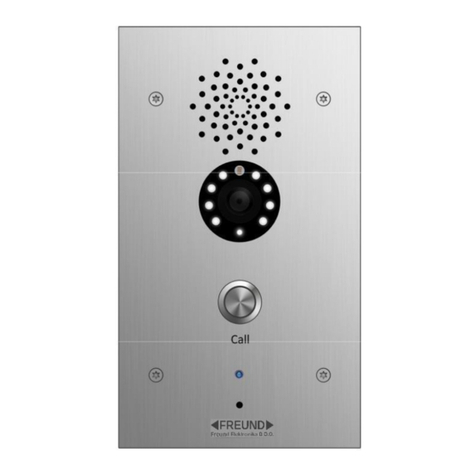
1. While 20WM/20FM starts up normally, hold the call button for several
seconds after the Status LED turns blue, voice system will enter IP
announcement mode.
2. In announcement mode, the IP address will be announced periodically.
3. Press Call Button again to the announcement mode.
4. In announcement mode, phone announces "IP 0.0.0.0" if no IP address
is gained.
Make a call:
1. Press the call button to call indoor SIP Phone.
2. During the talk, called party can press pre-configured code number to
unlock the door.
Receive a call:
20WM/20FM supports Auto Answer by default. Incoming call from
indoor device will be answered automatically.