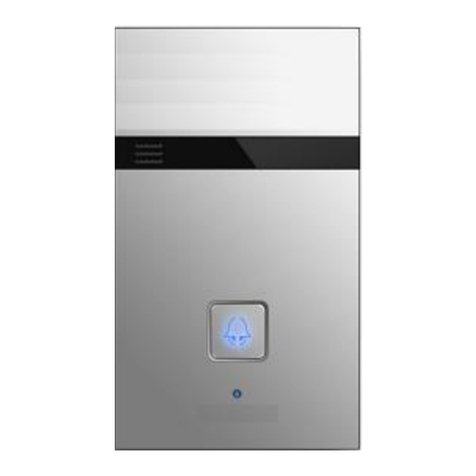
Freund FE-IPDS-26B User manual

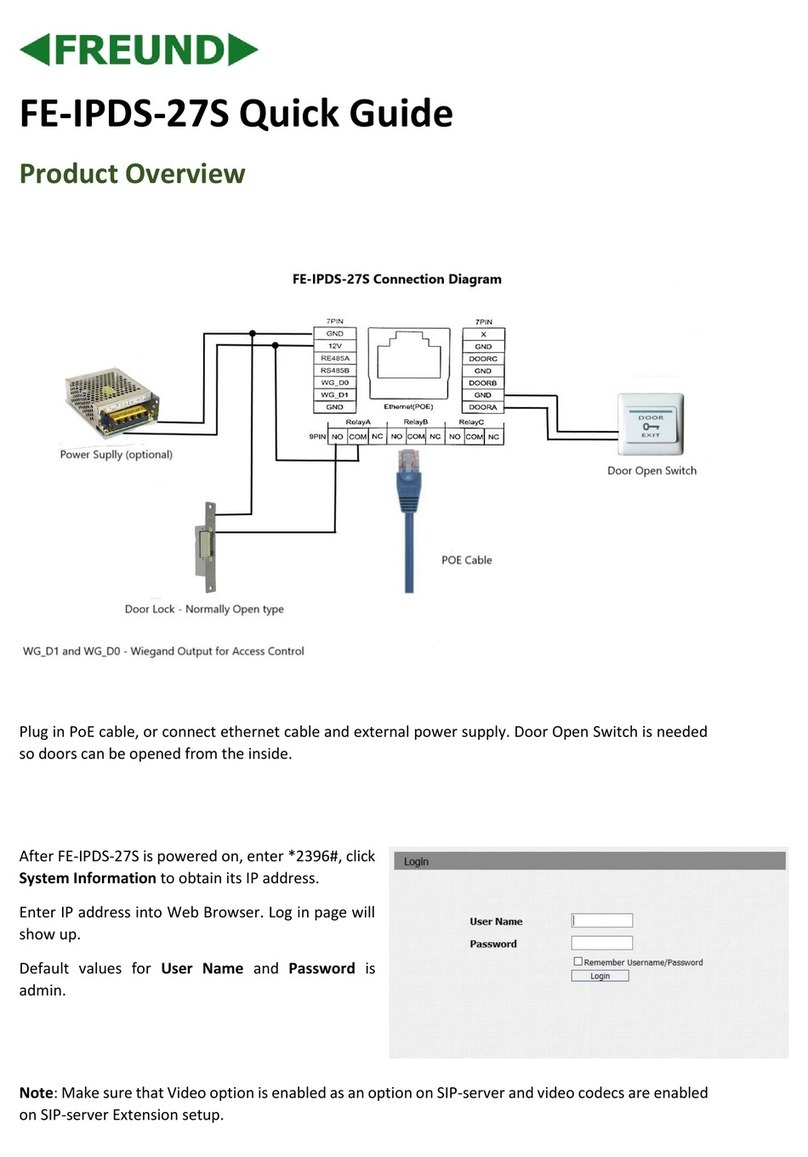
FE-IPDS-26B Quick Guide
M4x30 screw X 2
ST4x20 screw X 4
Screw fixing seat X 4
M3x10.5 screw X 1
M3x5 screw X 4
Allen Wrench X 1
Rope X 1
IPDS-26B X 1
Wall-mounting bracket X 1
Please make sure the package contains the following items:
Unpacking
Silicon rubber sealing ring x 1
Wall-mounting screw X 6
Back cover X 1
Locking Cable Plate X 1
Rubber Plug X 3
Universal Accessories :
Wall-mounting Accessories:
ST1.7x4 screw X 2
Button tags paper X 5
Porking needle X 1

Product Overview
Infrared LED
Photosensitive sensor
Camera
Infrared sensor
Speaker
Status LED
Call button
Mic
Label cover
Label cover opening hole

With 86 embedded box in the wall
Installation
Fix the
wall-mounting
bracket on
embedded box with
two M4X30 screws.
Mark the four holes
of the wall-mounting
bracket on the wall.
Take down the
M4x30 screws and
remove the
wall-mounting
bracket.
Use a hand drill
with 5mm
diameter bit to
make holes in the
marked positions.
Insert four screw fixing
seats into the hole.
Fix the wall-mounting
bracket with four
ST4x20 screws and
two M4x30 screws.
Wall Mounting
Step1: Bracket/Box Installation

Without 86 embedded box in the wall:
Mark the four holes of
the wall-mounting
bracket on the wall for
the screws and all cables
will go through the green
holes.
Use a hand drill with 5mm
diameter bit to make the hole in
marked positions.
*Please note the relative
position in the left figure.
Insert four screw fixing
seats into the holes.
Fix the wall-mounting
bracket with four ST4x20
screws.

Step2:Back cover Installation
For convenient wiring, hang
IPDS-26B on the wall-mounting
bracket with rope. Then insert
the silicon rubber sealing ring
into the groove.
Fix six wall-mounting six
screws in the back of
IPDS-26B. (only for wall
mounting installation)
Make cables go through the back
cover, connecting to the
corresponding interfaces of the
main board. Choose a suitable
size rubber plug to compress
cables , then fasten the locking
cable plate with two ST1.7x4
screws.
Fix the back cover with
four M3X5 screws.

Step3:Device Mounting
1.Place the device into the
wall-mounting bracket until the
edges of which align to the wall.
Then pull the device downward and
ensure the groove of it hooks to the
lock catches of the back box.
2.Use the Allen wrench to tighten
the device with the screws.
①
②
One M3x10.5 screw

Change the Button Label
Insert the proking needle into the label
cover opening hole of the surface
housing until the label cover is opened.
Insert the new label paper into the slot of
the card for four weeks and lay it flat.
Take out the label papaer and write
down the name.
Press the top of the cover by hand and
press back to the original state with force.

LAN
PoE
IPDS-26B
IPDS-26B
B
Sip Video Phone
PoE
PoE
Network Video Recorder
(third party)
PC
(third party)
PoE
PoE
IPDS-26B
IPDS-26B
Application Network Topology

Configuration
1. Access the Web UI: Input the IP address into browser to configure the
phone.
2. Account Registration: On web UI, go to the path: Account -> Basic page
Register Account and fill in the account information. (Please refer to user
manual for more information)
3. Configure the Push Button: On web UI, go to the path: Intercom ->
Basic -> Push Button to configure the call number.
4. Configure the code to open the relay: On web UI, go to the path:
Intercom -> Relay&Input -> Relay ID/DTMF and choose the DTMF code
number in corresponding area.
IP Announcement
1. While IPDS-26B starts up normally, hold the call button for several
seconds after the LED light turns blue, voice system will enter IP
announcement mode.
2. In announcement mode, the IP address will be announced periodically.
3. Press Call Button again to the announcement mode.
4. In announcement mode, phone announces "IP 0.0.0.0" if no IP address
is gained.
Operation
Make a call:
1. Press the call button to call indoor SIP Phone.
2. During the talk, called party can press pre-configured code number to
unlock the door.
Receive a call:
IPDS-26B supports Auto Answer by default. Incoming call from indoor
device will be answered automatically.

FREUND ELEKTRONIK A/S | Fuglebakken 119 | 5210 Odense NV | Denmark | www.freund.dk | Tlf. +45 66 16 24 14
Name
Status
Description
Status
indicator
Blue
Normal status
Calling
Red
Restarting
Network is unavailable
Green
Initialing/Talking on a call
Receiving a call
Red/Blue
Firmware upgrading
Indicators
: Light ON
: Light OFF
0.25sec
0.25sec
0.25sec
0.25sec
0.25sec
0.25sec
0.05sec
0.05sec
0.05sec
0.05sec
Other manuals for FE-IPDS-26B
1
Table of contents
Other Freund Intercom System manuals
Freund
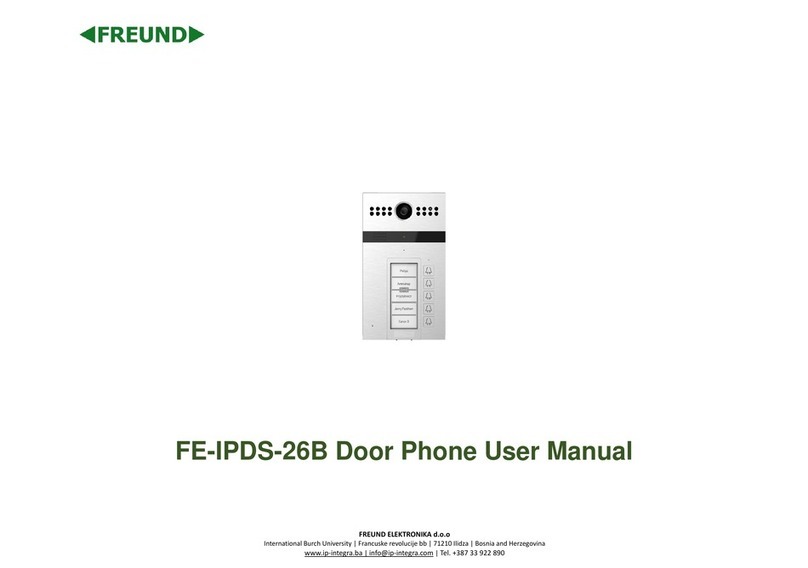
Freund FE-IPDS-26B User manual
Freund
Freund IPDS-20A User manual
Freund
Freund FE-TERM-7W3 User manual
Freund
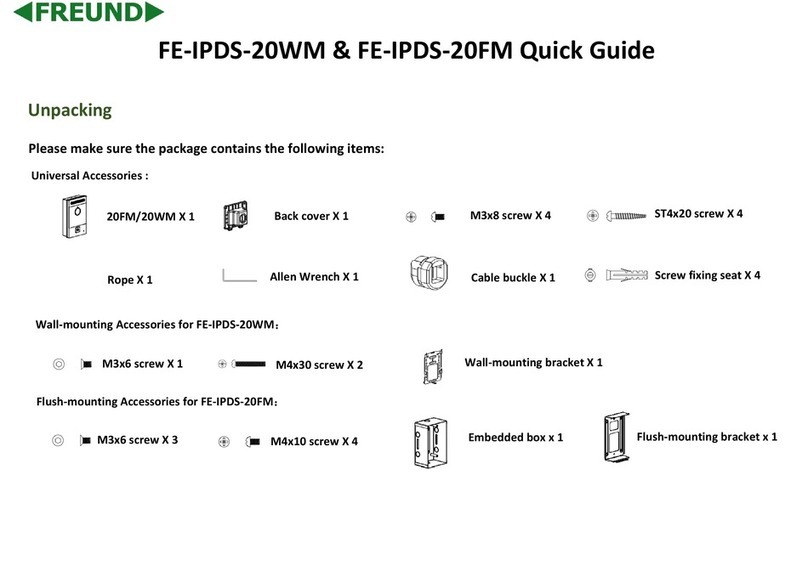
Freund FE-IPDS-20WM User manual

Freund
Freund FE-IPDS-26VP User manual
Freund
Freund FE-IPDS-20WM User manual
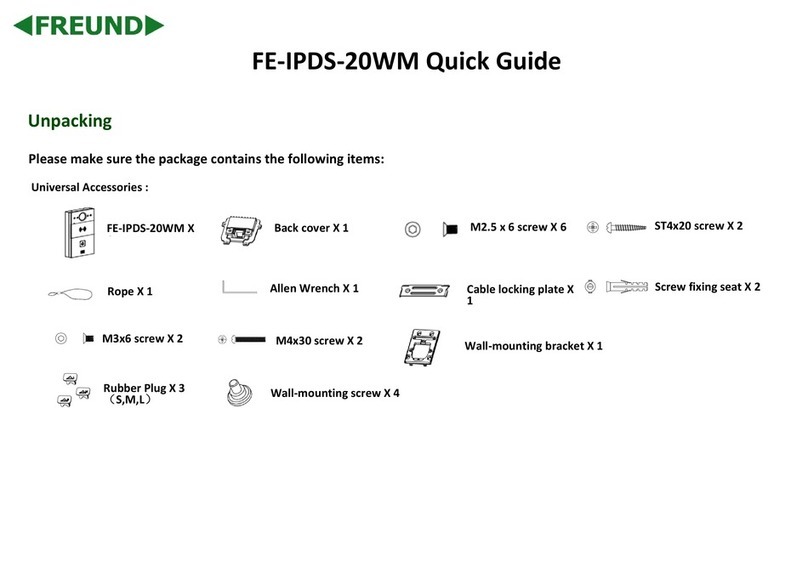
Freund
Freund FE-IPDS-20WM User manual
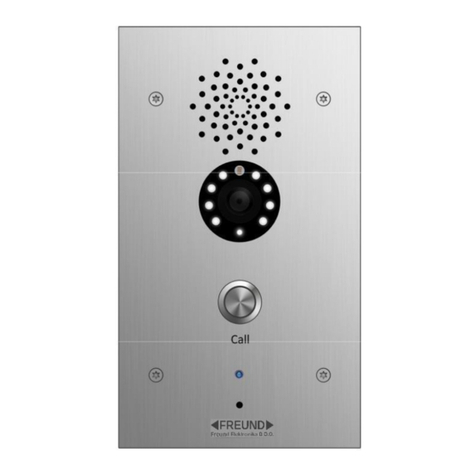
Freund
Freund FE-IPDS-21 Series User manual
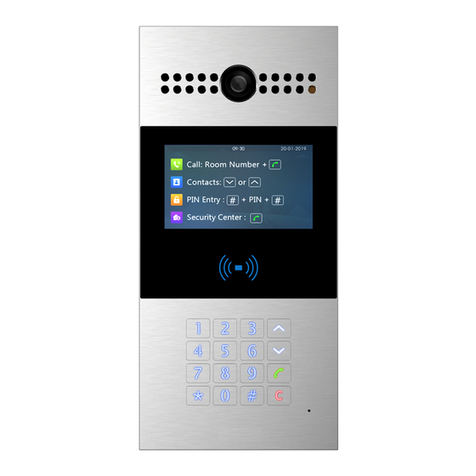
Freund
Freund FE-IPDS-28A User manual
Freund
Freund FE-IPDS-28A Manual