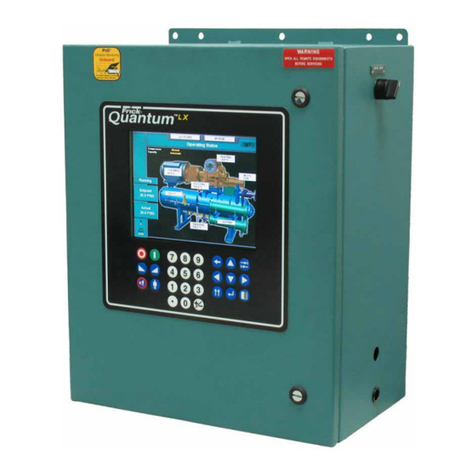
QUANTUM™ LX/HD SYSTEM INTERFACE PANEL
INSTALLATION-OPERATION-MAINTENANCE 090.030-IOM (OCT 13)
Page 3
OVERVIEW OF A TYPICAL SYSTEM
Frick by Johnson Controls builds numerous cooling, refrig-
eration, air handling and gas extraction products and control
packages, which include the following:
• Compressors (for refrigeration/cooling or natural gas
extraction)
• Evaporators
• Condensers & Vessels
• Hygienic air units (AcuAir)
The individual Frick packages mentioned above are controlled
by a computer based machine control system, known as the
Quantum™ control panel. The controller continuously moni-
tors the conditions and operation of its attached package and
its various subsystems. It also directs the operation of its indi-
vidual components. It is fully self-contained.
A user interface is used to display graphic screens, which rep-
resent various aspects of unit operation. The labeled or de-
scribed function is recognized by the control processor, and
appropriate action is taken.
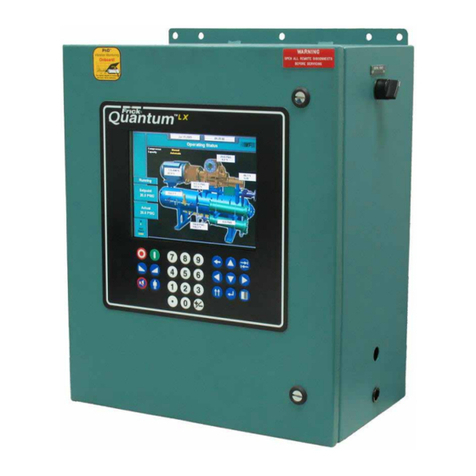
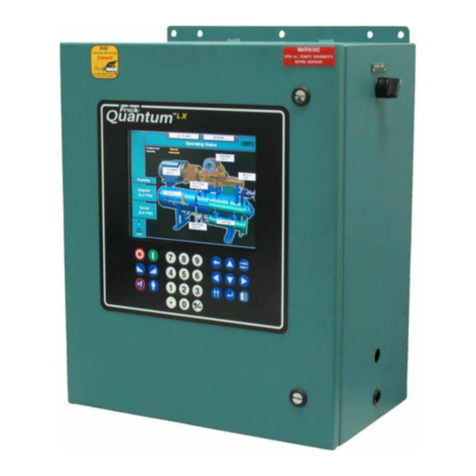
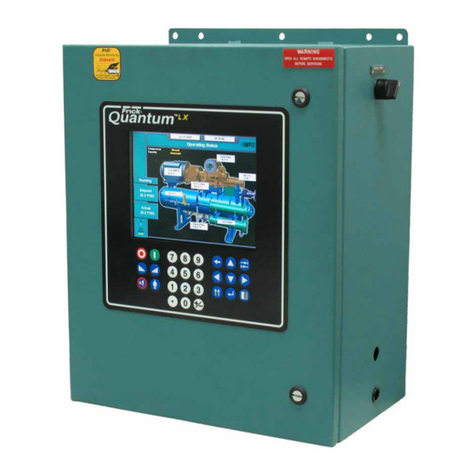
Although the primary means of operator interaction to each
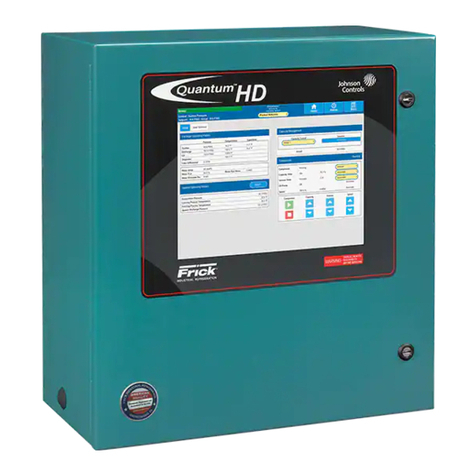
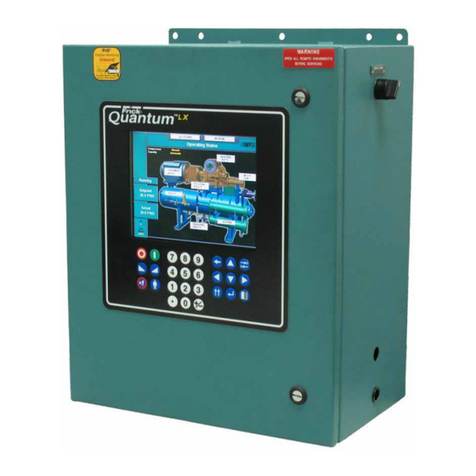
package is via the built-in Quantum™ LX/HD control panel, an
additional method has been created to allow multiple packages
to be accessed and controlled from a single access point. This
device is known as the System Interface Panel, or SIP.
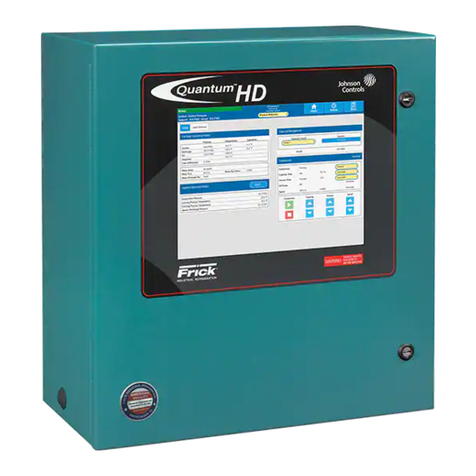
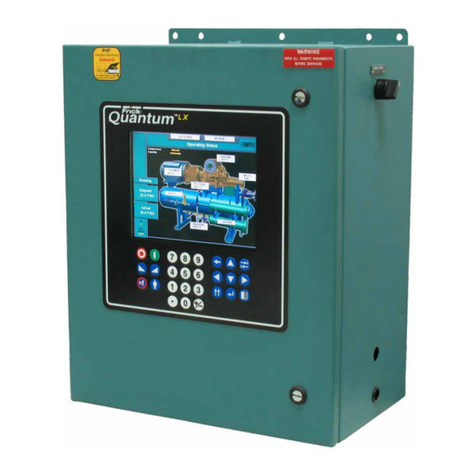
Two versions of the Quantum™ control panel are compatible
with the System Interface Panel; the Quantum™ LX and the
Quantum™ HD.
Typical Compressor Package
The following information is presented to help the user to con-
nect and interact with the SIP.
INTRODUCTION TO THE SYSTEM INTERFACE PANEL
General Description
The primary function of the System Interface Panel (SIP)
is to allow a common access point for networking multiple
Frick Quantum™ LX and/or HD panels together, for the
purpose of monitoring and control.
This System Interface Panel (SIP) has been designed to
allow an operator to efficiently access, control and moni-
tor the operation of all configured Quantum™ LX and HD
packages from a single access point, when all units are
connected through a common Ethernet network. The
touch screen control panel is used for intuitive navigation.
The screen display and function is based on web browser
technology, and will closely resemble the look of typical
internet web browser. NOTE: If using a web browser, it
is advisable to use Google Chrome, rather than Internet
Explorer.
The supplied hardware platform consists of a 15 inch (mea-
sured diagonally) color resistive touchscreen, and the Q5
microprocessor packaged in a Nema-4 steel enclosure. It is
recommended that a properly configured multi-port Ethernet
switch be utilized for the purpose of connecting all desired LX
and HD panels.
System Interface Panel (SIP)