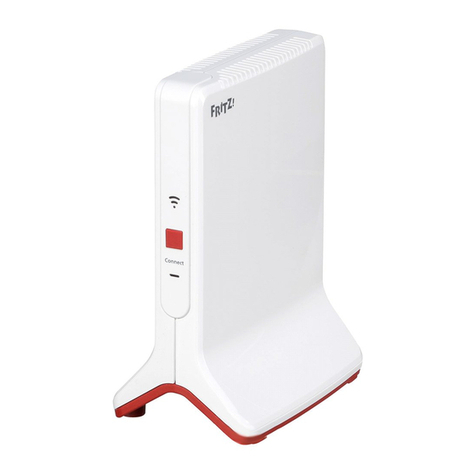
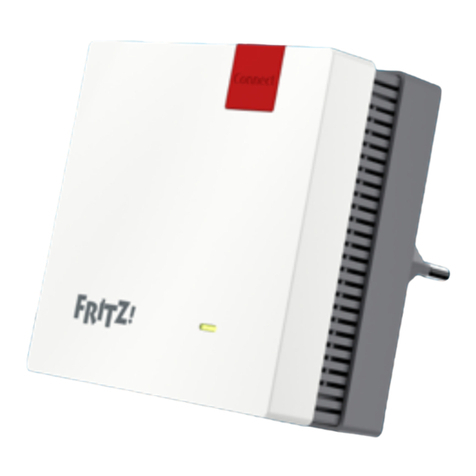
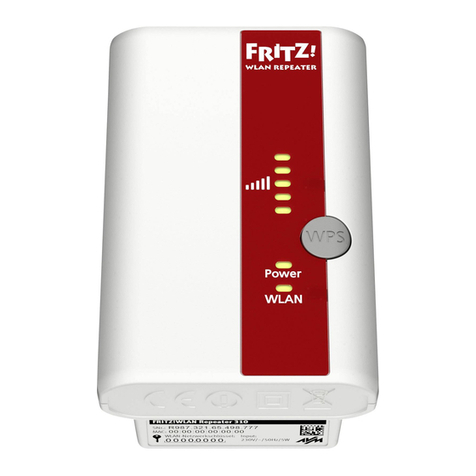
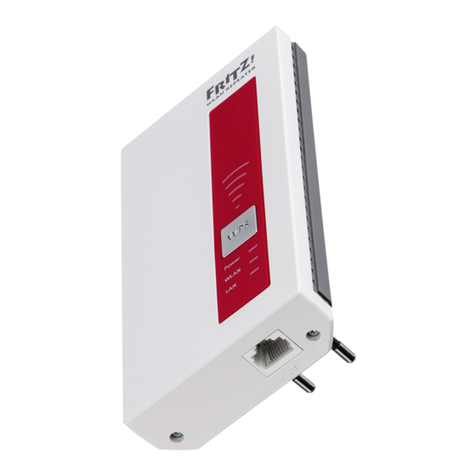
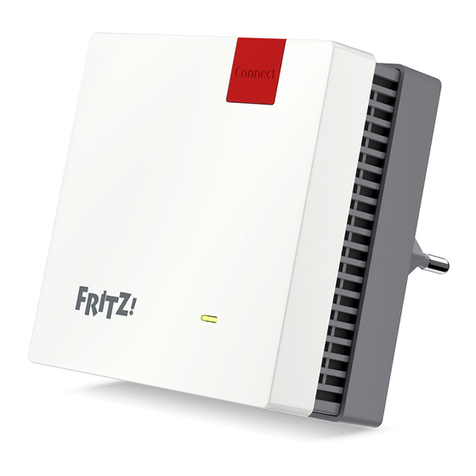
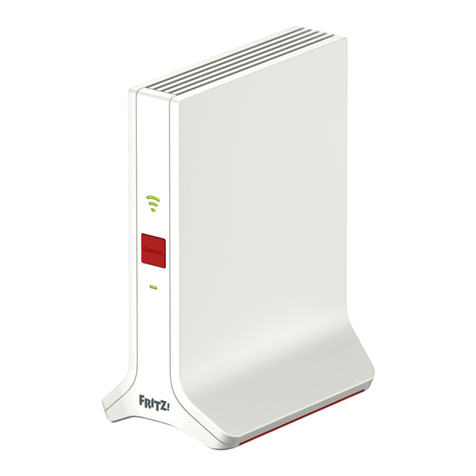
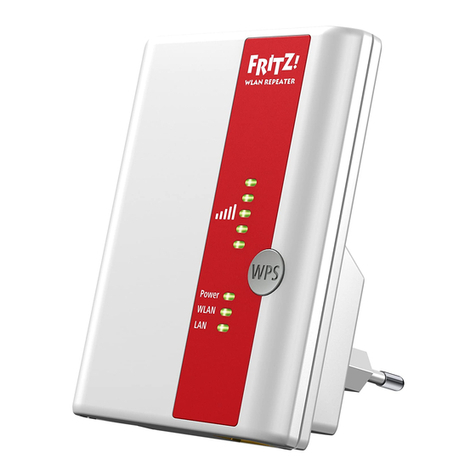
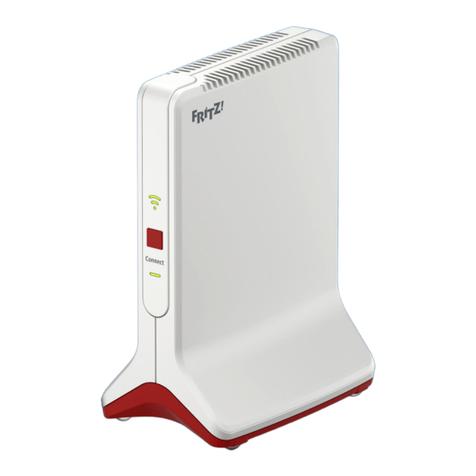
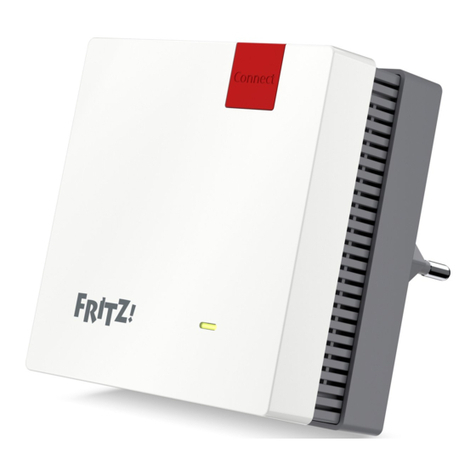
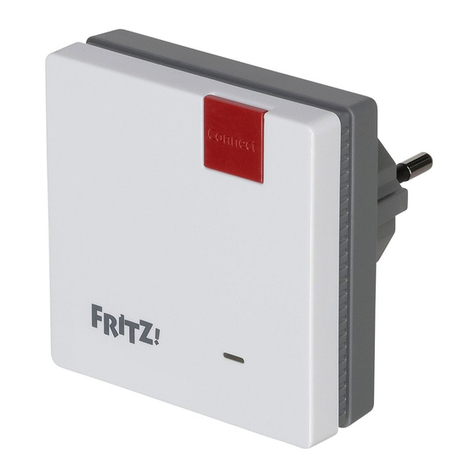
FRITZ!Repeater 1200 on a FRITZ!Box without Mesh or
a Wireless Router from Another Manufacturer
• During configuration the FRITZ!Repeater adopts the wireless network
name and password of the FRITZ!Box (wireless router).
• If the wireless network name and/or password is changed in the
FRITZ!Box (wireless router), the FRITZ!Repeater has to be reconnected.
• Settings and updates for the FRITZ!Repeater are configured and
performed via the FRITZ!Repeater user interface.
Opening the User Interface of the FRITZ!Repeater 1200
• With a FRITZ!Box:
Enter http://fritz.repeater in the web browser on a connected device
to open the user interface of the FRITZ!Repeater. Perform any update
available under “System / Update”.
• With another wireless router:
1. Open the user interface of the your wireless router to determine the
IP address assigned to the FRITZ!Repeater.
2. Enter the IP address in the web browswer to open the user interface of
the FRITZ!Repeater.
3. Secure your Repeater with a password the first time you open the user
interface.
4. Perform any update available under “System / Update”.
Diagnostics
The FRITZ!Repeater transfers diagnostics data to AVM, which support AVM in further
developing the product. This allows you to benefit directly from optimizations and
FRITZ!OS updates. For more detailed information, see the help on the user interface at
http://fritz.repeater.
Legal Notice
Legal information and licensing conditions are presented in the user interface under
“Help / Legal Notice”.
Disposal
In accordance with European directives, the FRITZ!Repeater1200 and its cable
may not be disposed with household waste. Bring these to your local collection
points for disposal.
Declaration of CE Conformity
AVM declares herewith that the device is compliant with the basic
requirements and the relevant rules in directives 2014/53/EU, 2009/125/EC
and 2011/65/EU.
The long version of the declaration of CE conformity is available at http://en.avm.de/ce.
Radio Frequencies and Transmitter Power
• Wireless LAN technology at 2.4 GHz range: 2.4 GHz – 2.483 GHz,
maximal 100 mW
• Wireless LAN technology at 5 GHz range: 5.15 GHz – 5.35 GHz, maximal 200 mW
plus 5.47 GHz – 5.725 GHz, maximal 1000 mW
• In the 5-GHz band for wireless LAN, the range from 5.15GHz to 5.35GHz is intended
only for indoor use. This restriction or requirement is effective in the EU member
states AT, BE, BG, CY, CZ, DE, DK, EE, EL, ES, FI, FR, HR, HU, IE, IT, LT, LU, LV, MT, NL, PL,
PT, RO, SE, SI, SK, UK.
1514