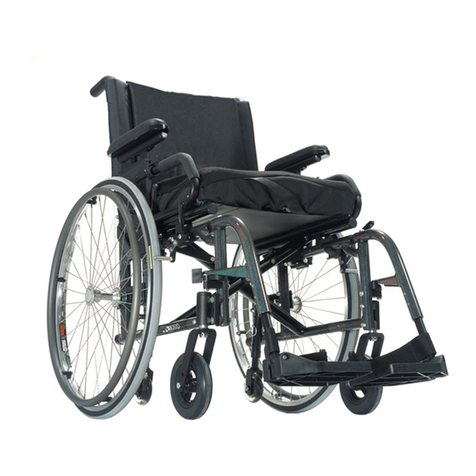
EASY HIGHBACK
GATERD.SE10
8. Troubleshooting when chair cannot be operated
NOTE: Chair cannot be operated over seat height 65cm if chair is tilted forward. Seat can also not be tilted
forward if seat height is higher than 65cm.
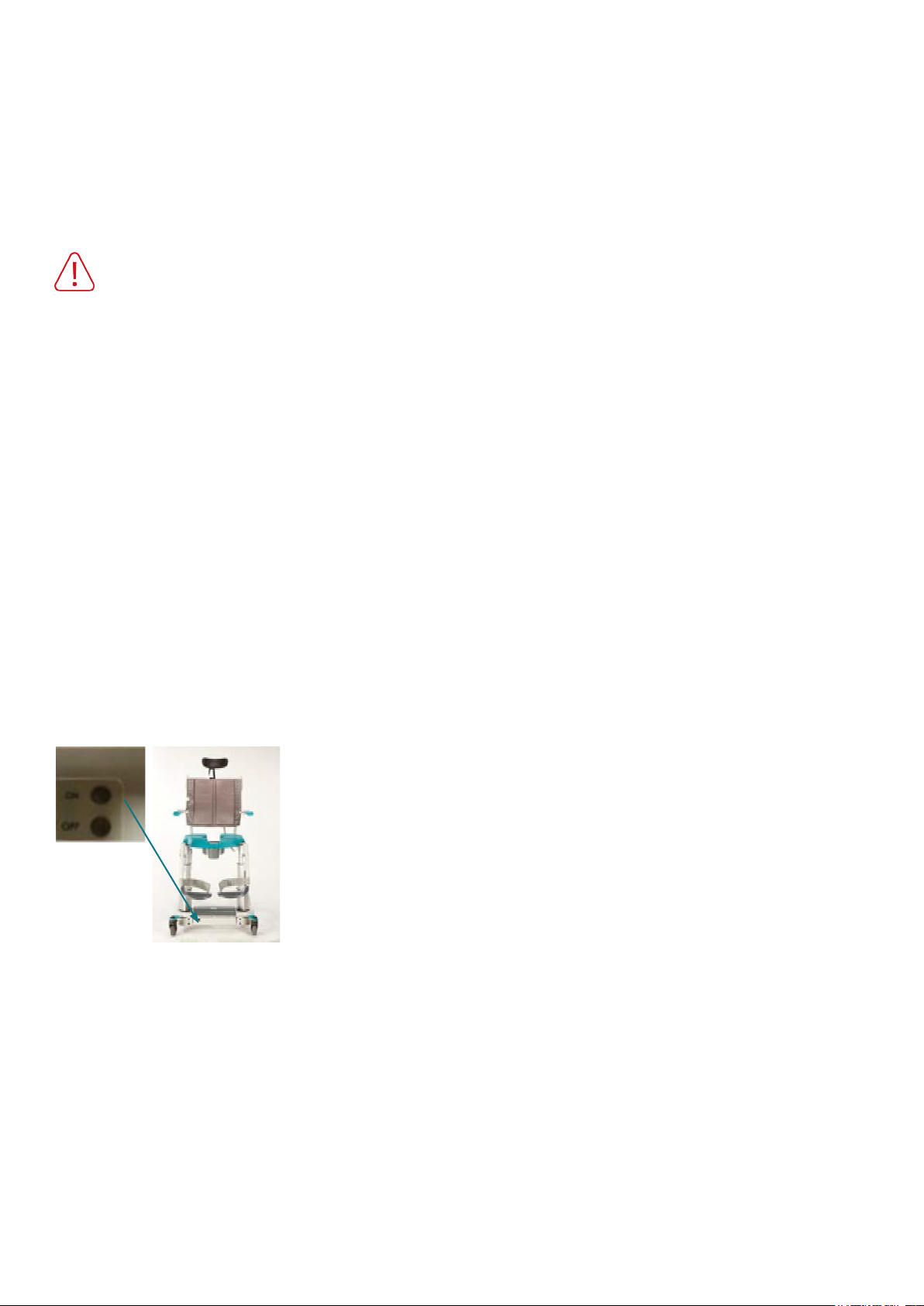
Before starting troubleshooting - always restart the battery (see below - hold the battery OFF)
button for about 5 seconds. Wait a minute. Activate the battery through its ON button).
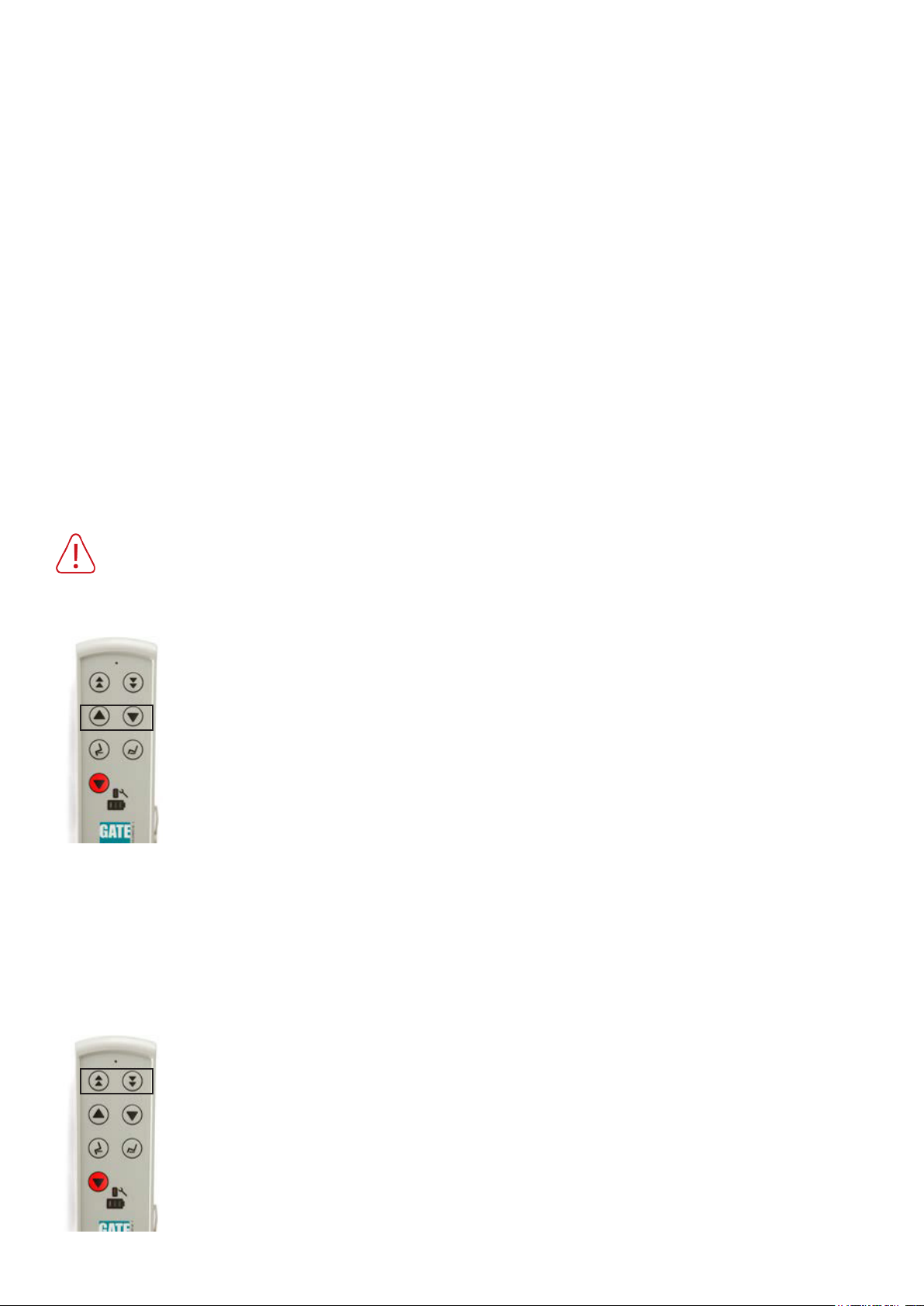
1. Check the battery charge via the re-
mote control’s battery indicator (acti-
vate the remote control if necessary by
pressing any button).
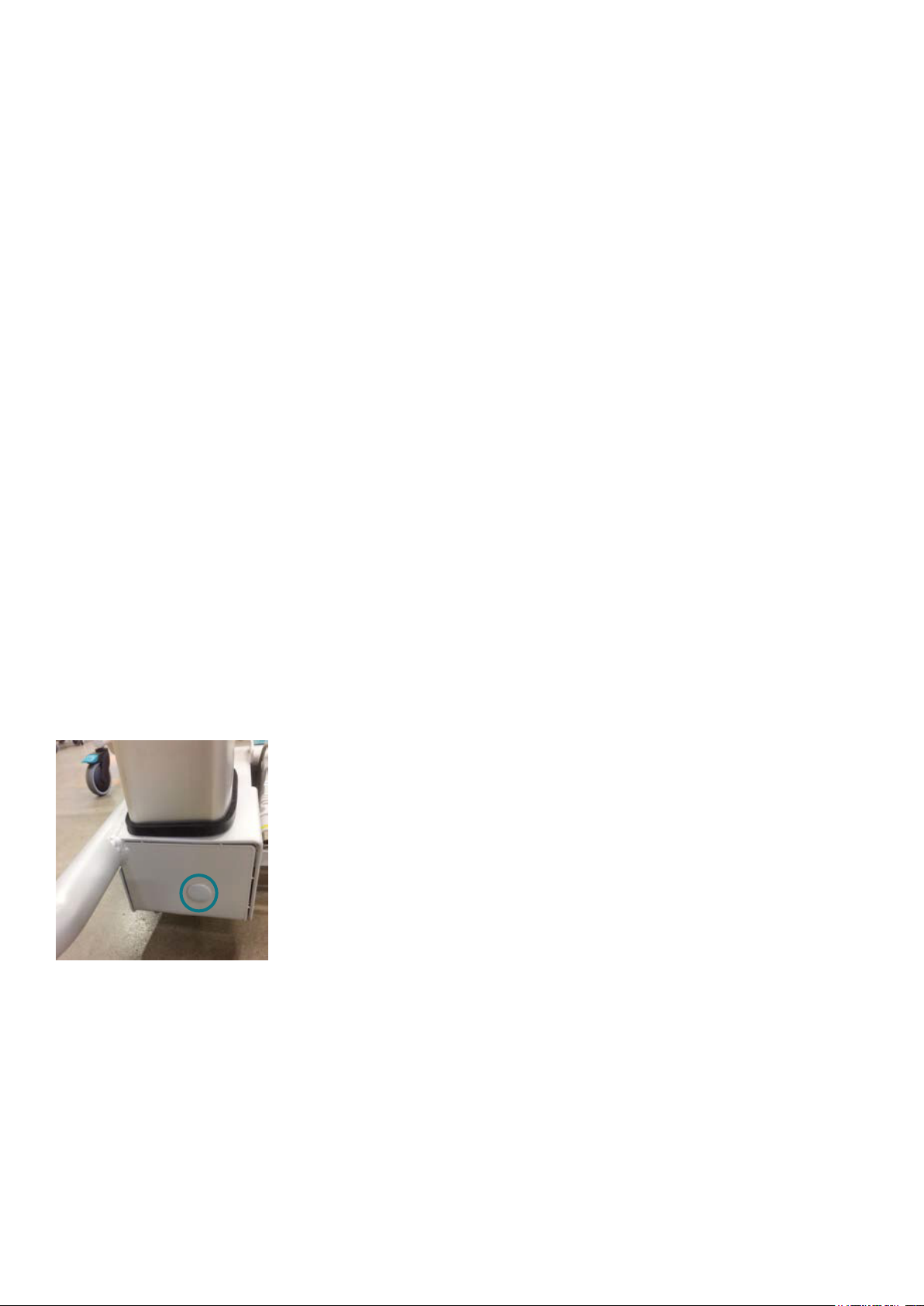
2 Switch off the battery manually using
the Battery Off button (see below).
Wait a minute. To activate the battery,
press its On button (see below).
Make sure the battery indicator light is
on or ashing.
1a. Indicator shows green ==> Calibrate
actuator (see page 7).
The indicator light is on / ashing ==>
Replace the remote control and charge
the battery as instructed.
1b. Indicator shows red ==> Charge the
battery.
The indicator light is not on / ashing
==> Change battery.
1c. Indicator is off ==> Connect the
charger to the remote control. If charg-
ing is indicated in the remote control,
charge the battery as instructed.
If charging is not indicated - continue
to 2.
If the above has been done and the chair cannot be operated - contact Customer Service / GATE.
9. Safety instructions
Shower chair should only be used:
• As a shower / hygiene tool
• Indoors, on at and hard surfaces